Sony INZONE M10S II First Look: is this the OLED monitor for serious players?
540Hz at 1440p, a 720Hz party trick and a £1,199 asking price. We weigh the specs and independent lab numbers to see whether Sony's Fnatic-built OLED earns its money.
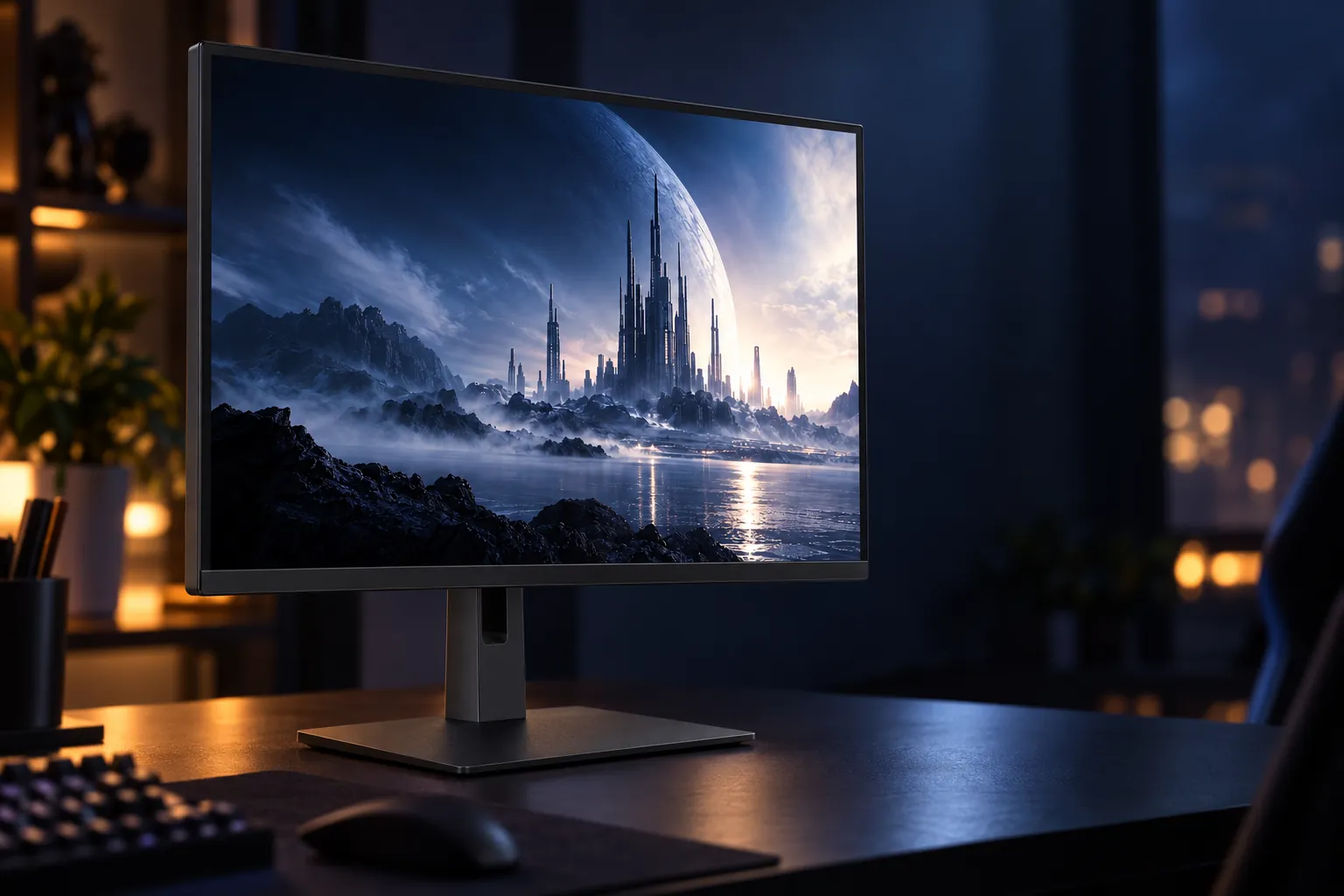


540Hz 1440p OLED motion, an effective matte anti-glare coating and tournament tools suit high-frame-rate players in bright rooms.
Check price on AmazonWe link to the exact model on Amazon UK. Prices change often, so check the live price before you buy. As an Amazon Associate we earn from qualifying purchases.
Third round, scores level, and an opponent swings round a doorway you were already watching. Your crosshair was there, your click was there, and the kill-cam still says you were a fraction late. That fraction is what a 540Hz OLED promises to claw back, and why Sony asks £1,199 for a screen that is "only" 1440p.
Nobody who has measured the INZONE M10S II doubts its speed. The question is whether its brightness, colour and versatility are good enough that you aren't paying flagship money for a one-trick panel.
The short answer
If you play Counter-Strike 2, Valorant or similar shooters on a PC that pushes several hundred frames per second, especially in a bright room, the Sony INZONE M10S II 27-inch is a coherent specialist buy: 540Hz OLED motion, an effective matte coating and tournament tools all serve the same player.
If you mainly play cinematic single-player games, use a console, want 4K sharpness or need single-cable USB-C for a laptop, look elsewhere: a cheaper 240Hz or 360Hz OLED, or a similarly priced 4K OLED, will suit you better.
At a glance
| Specification | Sony INZONE M10S II 27-inch |
|---|---|
| Model | SDM-27Q102 |
| Panel | 26.5-inch tandem WOLED (sold as 27-inch), matte Super Anti-Glare Film |
| Resolution | 2560 × 1440 (QHD), 16:9 |
| Refresh rate | 540Hz QHD via DisplayPort; 720Hz at 1280 × 720; up to 480Hz via HDMI |
| Rated response time | 0.02ms grey-to-grey |
| Brightness (rated) | 335cd/m² typical; 1,500cd/m² peak HDR (small window) |
| Colour | 10-bit (1.07 billion colours); 99.5% DCI-P3 claimed |
| HDR / VRR | HDR10, HLG; G-SYNC Compatible, HDMI 2.1 VRR |
| Inputs | 1 × DisplayPort 2.1 (UHBR13.5), 2 × HDMI 2.1 |
| Stand | 120mm height, –5° to +35° tilt, ±180° swivel, 100 × 100mm VESA |
| Weight | 6.2kg with stand, 4.2kg without |
| Warranty | Three years |
| UK RRP | £1,199 |
Sony INZONE M10S II 27-inch: what Sony actually changed
This is the second generation of Sony's Fnatic-developed esports monitor. The M10S II (SDM-27Q102) replaces the 2024 INZONE M10S (SDM-27Q10S). Sony announced it on 14 April 2026 and it went on sale in Europe in June, with Sony UK pre-orders listed to ship from 3 July, at an RRP of £1,199.
Check today's price: Sony INZONE M10S II 27-inch on Amazon UK
The basic recipe is unchanged: a 2560 × 1440 OLED with a 26.5-inch diagonal, marketed as 27-inch. The panel is a next-generation tandem WOLED; PC Gamer identifies it as LG's Tandem WOLED, which matters when we compare its saturation with QD-OLED rivals.
What changed is speed. Native refresh climbs from 480Hz to 540Hz, rated response drops from 0.03ms to 0.02ms, and a new Dual Mode runs the panel at 720Hz at 1280 × 720. Sony also quotes a 1,500cd/m² HDR peak and adds a brightness-compensating version of its Motion Blur Reduction.
Upgrading from the original M10S?
480Hz to 540Hz is roughly a 12% increase, and the 0.03ms to 0.02ms change is a manufacturer specification you won't feel directly. The meaningful additions are the 720Hz mode, the brighter tandem panel and the refined motion-blur feature. If your PC rarely exceeds 480fps in your main game, the original already does most of what this one can.
Inside the panel: the specs that matter for competitive play
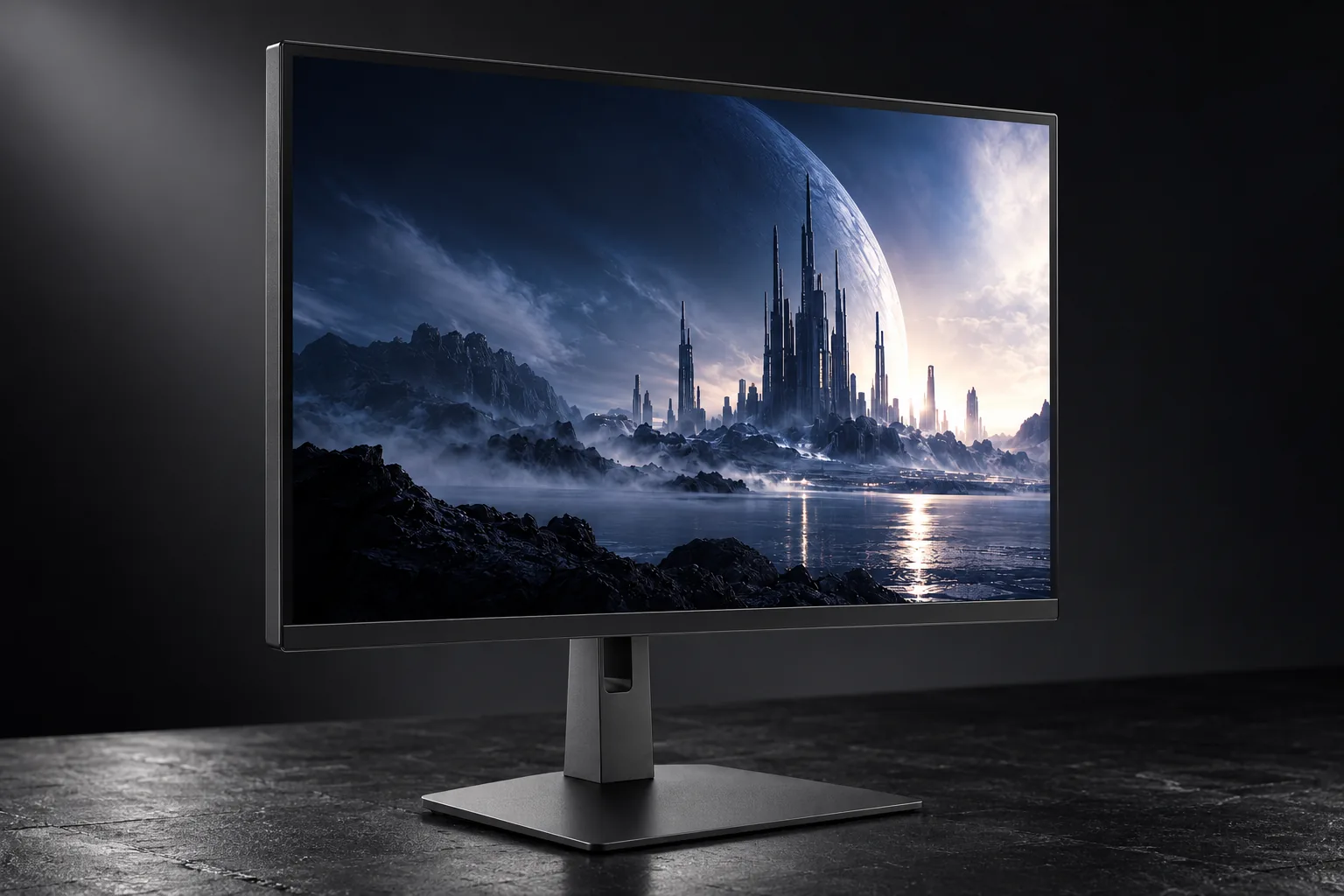
The headline numbers depend on connecting your graphics card correctly. Full 540Hz at 1440p needs the single DisplayPort 2.1 input, which runs at UHBR13.5 bandwidth. The two HDMI 2.1 ports top out at 480Hz, still far beyond what most consoles or secondary PCs need.
The response figure deserves some scepticism. Notebookcheck measured 0.13ms black-to-white and 0.13ms grey-to-grey: slower than Sony's 0.02ms rating, but still near-instant transitions that LCDs cannot approach. In practice, there is no smearing behind fast-moving targets.
Brightness needs the most context. The 335cd/m² typical figure describes everyday desktop and SDR gaming. The 1,500cd/m² figure is a peak on a small HDR highlight (Sony Japan specifies a 3% window) and should never be read as full-screen output. The next section tests both against independent measurements.
PlayStation 5 owners get Auto HDR Tone Mapping and an automatic content-based picture mode, and VRR is covered by G-SYNC Compatible certification plus HDMI 2.1 VRR. Still, this is a PC esports display first; the console extras are a courtesy rather than the reason to buy.
The brightness question: 1,500 nits on paper vs the lab results
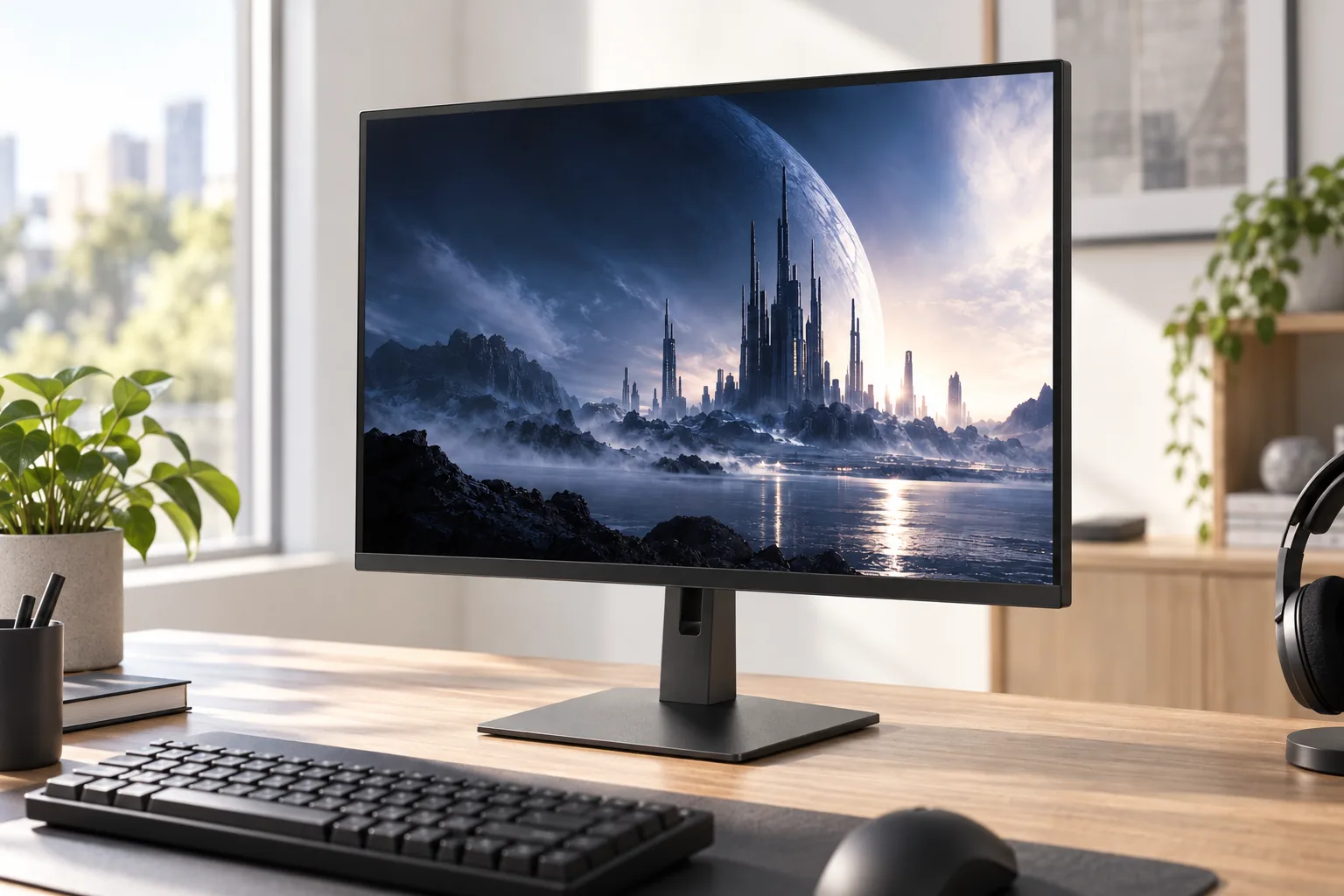
OLED panels limit how much power they push through the screen at once. A small muzzle flash can be driven very hard; a full-screen snowy map forces the panel to pull back. So brightness always depends on how much of the screen is lit, and the M10S II's independent results show that spread vividly.
Bars scaled against Sony's 1,500-nit claim. Results come from different test patterns and picture settings, so compare within a source rather than across them.
Sony's peak is nearly achievable, but only on a tiny patch of screen: Notebookcheck recorded 1,411 nits on a 1% window. At 9% that falls to around 648 nits, and Tom's Hardware measured 543 nits on a 25% HDR window. Full-screen white sits a little under 300 nits, in line with Sony's 335cd/m² typical rating.
The outlier is Tom's Guide, which measured 231 nits in SDR and 146 nits on a 10% HDR window, and judged the panel dimmer than several other OLEDs in its lab. That gap likely reflects picture mode and power settings rather than a faulty sample, but it's a warning: in the wrong mode, this monitor can look subdued.
In play, small HDR details such as tracer fire, explosions and sun glints genuinely pop, but large bright areas won't dazzle the way a high-end mini-LED LCD can. For competitive play that's a reasonable trade, helped by the matte coating in lit rooms. For HDR film nights it is a limitation.
Check this setting first: TechRadar found the monitor ships with power saving switched on, which makes it look dim. Turning that off and raising the brightness noticeably improves its impact. If it looks flat at first, that is the likely culprit, not the panel.
Colour accuracy: wide gamut, but factory calibration falls short
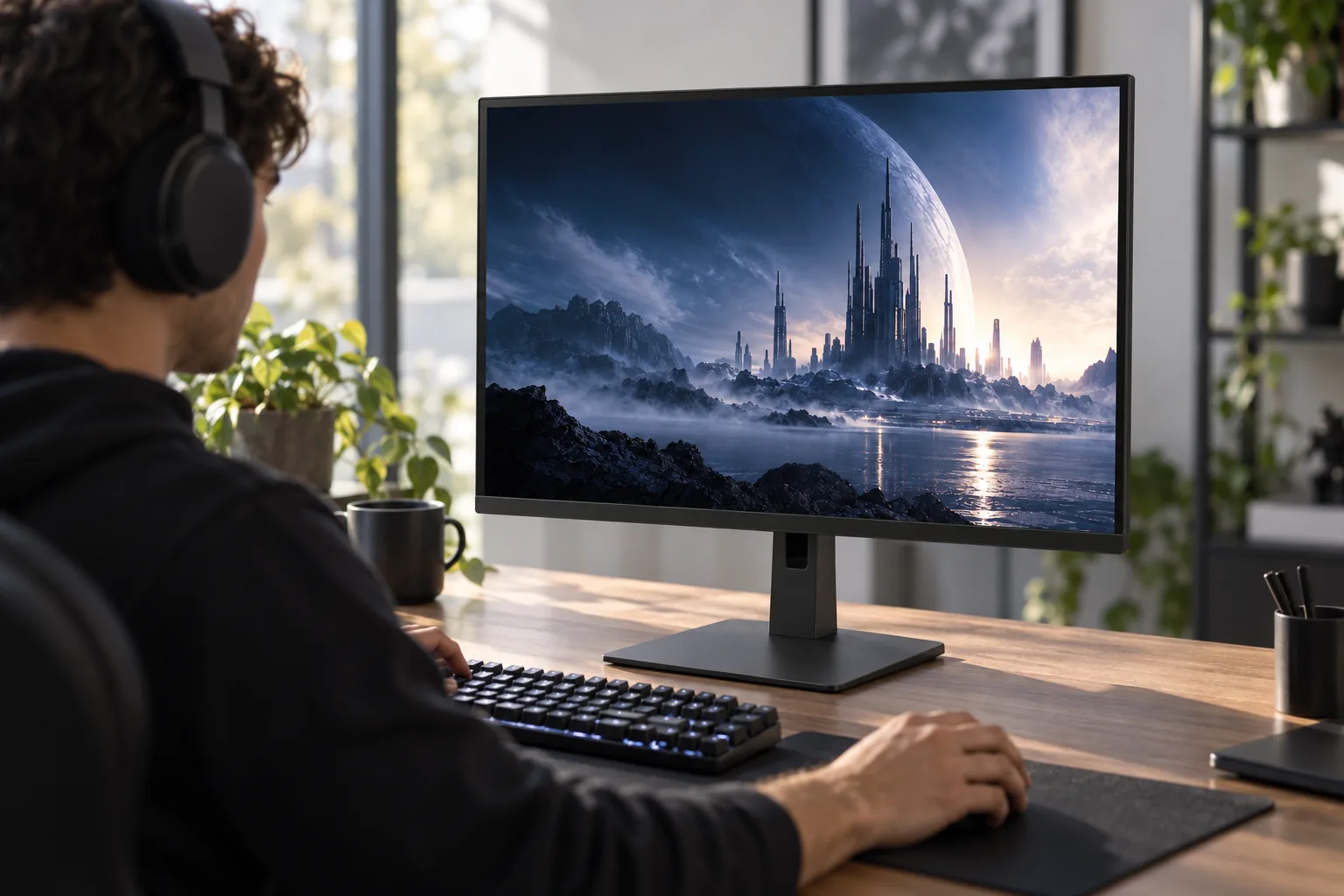
On range, the M10S II is generous. Tom's Hardware measured 109.5% of DCI-P3 by volume and 96.61% sRGB coverage; Notebookcheck recorded 99.9% sRGB, 94.6% Adobe RGB and 99.3% Display P3 coverage. Either way, this panel shows rich, saturated colour in games and HDR content.
Out-of-box accuracy is weaker. Tom's Hardware found the default picture mode visibly cool, with a factory greyscale error of 6.17dE; after calibration, greyscale fell to 1.51dE, gamma landed at 2.21 against a 2.2 target, and average colour error settled at 2.22dE (1.34dE for sRGB).
Notebookcheck was less forgiving: greyscale DeltaE of 4.7 from the factory and still 4.2 after calibration, leading it to judge the M10S II unsuitable for colour-critical professional work despite its wide gamut. Tom's Guide, using its own method, recorded a Delta-E of 0.26, respectable rather than class-leading. The labs disagree on how good it can be made, but none suggest relying on factory settings if accuracy matters.
A gamut this wide also stretches ordinary SDR content, such as web pages, YouTube and older games, beyond how it was mastered, so skin tones and greens can look too lively. Switching to the sRGB mode for SDR fixes that.
A sensible setup routine
Turn off power saving, use the sRGB mode for desktop and SDR games, and warm the colour temperature if whites look bluish. If you own a colorimeter, calibration is worthwhile. For print or client-facing photo work, the conflicting lab results make a dedicated professional monitor the safer bet.
540Hz and 720Hz in practice: how fast is fast enough?
A 540Hz monitor only shows 540 distinct frames a second if your PC can render them, so frame-rate evidence tells you whether the feature you are paying for is reachable on your hardware.
Bars scaled against the 720Hz Dual Mode ceiling. Frame rates reflect each reviewer's own test system and settings.
The 540Hz ceiling is genuinely reachable. An RTX 4090 pushed Doom Eternal between roughly 350fps and 540fps at maximum detail, and TechRadar's RTX 4080 Ti system held 540fps at 1440p. Camera pans were described as clean, with no smearing or trailing.
The sobering result is Counter-Strike 2 at 1440p on high settings: around 400fps. That's still superb on an OLED, but it shows how easily demanding settings or a busy scene drop you below the ceiling. Players already running low settings will find it easier.
The 720Hz mode is narrower. You must drop to 1280 × 720, and reviewers agree the loss of sharpness is obvious; Notebookcheck called it too pixelated for most users. Tom's Hardware found it did feel faster but described the input-lag gain over 540Hz as slight, and even at 720p CS2 reached about 600fps on one test system, short of what the mode can display. It's a tool for a small group chasing every frame on very powerful PCs, not a reason on its own to buy this monitor.
About Motion Blur Reduction: Sony's black-frame-insertion-style feature produced crisp motion without visible ghosting in independent testing, and its brightness compensation softens the usual dimming penalty. But it operates below 270Hz and requires Adaptive-Sync to be switched off, so it is an alternative route to clarity, mainly for games that cannot hit very high frame rates, rather than something to stack on top of 540Hz.
Esports tools built for tournament players, not just marketing copy
Plenty of gaming monitors pile on overlays nobody uses. The M10S II's toolkit is more focused, mirroring how competitive players already set up their desks and games.
24.5-inch tournament modes
Shrinks the active picture to 24.5 inches at 2368 × 1332 or 1920 × 1080, matching the size many competitive players know. The unused OLED area stays black rather than glowing as a border, and the image can sit centred or lower on the screen.
FPS Pro and FPS Pro+ picture modes
Tuned with Fnatic for competitive visibility, so you aren't hand-tweaking gamma before every session. A MOBA/RTS picture mode covers other genres.
Crosshairs, counters and timers
Static and dynamic crosshair overlays, a frame-rate counter, a maximum frame-rate display and a timer, all built into the monitor rather than third-party software.
Black Equalizer and Anti-VRR Flicker
Black Equalizer lifts detail in dark corners where opponents hide. Anti-VRR Flicker tackles the brightness flicker OLEDs can show when frame rates swing under variable refresh.
INZONE Hub profiles
Desktop software for changing settings without reaching behind the screen, with profile import and export to carry your exact setup between home and a venue.
OLED care
Pixel shift, a screen saver, pixel refresh and a full panel refresh intended to run only around once a year, plus a custom heatsink to keep brightness consistent over long sessions.
The stand belongs here too. Its small circular metal base leaves room for wide mouse sweeps and lets a keyboard overlap the foot, and reviewers found it steady despite the unusual shape. Tilt runs from –5° to an aggressive +35°, swivel covers ±180° and there is 120mm of height travel, though it won't rotate into portrait.
The anti-glare coating: Sony's quiet differentiator
Most premium gaming OLEDs, especially QD-OLED models, use glossy screens that look gorgeous in a dark room and reflect every window and lamp in a bright one. Sony chose a matte Super Anti-Glare (also described as Super Anti-Reflection) Film.
Its reflection handling draws the M10S II's most consistent praise. GamesRadar+ found it effective even opposite a bright south-facing window, other reviews saw very few distracting reflections from direct lamps and ring lights, and the coating was reported not to add visible grain, a past complaint about some matte finishes.
The trade-off is the first impression. PC Gamer found the matte finish less immediately punchy than glossy OLED, and noted that the WOLED panel's RGWB pixel structure, which adds a white sub-pixel, doesn't look as saturated as QD-OLED. In a dim room the glossy screen will probably catch your eye first; in a sunny room at 3pm the picture tends to flip.
Pros
- Keeps windows, lamps and ring lights from washing over the image
- Helps compensate for modest full-screen brightness in lit rooms
- No visible grain reported on the coating
- Suits shared spaces and tournament halls where you cannot control the lighting
Cons
- Less immediate punch than glossy OLED in a dark room
- RGWB WOLED structure looks less saturated than QD-OLED
- Picks up fingerprints and smudges
- Needs careful cleaning; the wrong method can degrade the anti-glare properties
That cleaning point is easy to overlook. If you tend to attack smears with whatever spray is in the kitchen cupboard, this coating needs a gentler routine: a dry microfibre cloth, a light touch and Sony's own guidance are the safe defaults.
Where the connectivity and design choices will frustrate some buyers
Round the back, the M10S II is built for one tower PC, perhaps with a console alongside: one DisplayPort 2.1 input, two HDMI 2.1 ports, a USB-B upstream port feeding two USB-A downstream ports, a separate USB-A port reserved for firmware updates, and a 3.5mm headphone output.
USB-C is missing, so there's no single-cable video, data and power connection for a laptop, which feels dated at this price. PC Gamer called it a clear omission, and Tom's Guide criticised the USB-A/USB-B arrangement. If a work laptop shares the desk, you'll be juggling a dock or extra cables.
There are no built-in speakers, so headphones or desk speakers are mandatory, though most competitive players wear a headset anyway. There is no automatic KVM switch, no rear lighting and no remote: changes happen via a rear joystick or INZONE Hub.
Power figures look contradictory but aren't. Sony's US specification lists 105W typical consumption and its Japanese table 120W, whilst Tom's Hardware measured 43.5W at 200 nits. The manufacturer figures reflect rating conditions; the independent figure better reflects an ordinary session at moderate brightness. An external power brick keeps the panel housing slim.
Running two PCs? Only the DisplayPort supports the full 540Hz at 1440p. A second gaming PC on HDMI tops out at 480Hz, still very fast, but without a KVM you will be swapping keyboard and mouse cables by hand or using an external switch.
What it costs to buy into 540Hz OLED
The M10S II launched at £1,199 in the UK, and Sony's UK store has since shown it reduced to £1,049.99. Prices move, so treat that as a snapshot, but you shouldn't need to pay full RRP. Either way, this is a premium price for a 1440p screen, paid almost entirely for speed rather than resolution or size.
Sony INZONE M10S II: UK RRP
Launch price
Sony UK store sale price
Shown on Sony's UK store in November 2026; subject to change
Context: Alienware AW2725DF
27-inch 1440p QD-OLED, 360Hz; Dell UK sale price when checked
The Alienware is the uncomfortable comparison. For well under half the money, you get a 27-inch 1440p OLED with the same deep blacks and near-instant pixel response, at 360Hz instead of 540Hz. If your PC realistically delivers 250 to 350fps in your main game, the Sony's extra headroom may go largely unused.
At the other end, the closest rival is ASUS's ROG Swift OLED PG27AQWP-W, which shares much of the Sony's core specification. Samsung's Odyssey OLED G6 is a 500Hz QD-OLED alternative that may look brighter and more saturated, without a 720Hz mode.
| Feature | Sony INZONE M10S II 27-inch | ASUS ROG Swift OLED PG27AQWP-W |
|---|---|---|
| Panel | Tandem WOLED | Tandem WOLED |
| Resolution | 2560 × 1440 | 2560 × 1440 |
| Native refresh | 540Hz | 540Hz |
| Dual mode | 720Hz at HD | 720Hz at HD |
| Rated response | 0.02ms | 0.02ms |
| Peak HDR claim | 1,500cd/m² | 1,500cd/m² |
| DCI-P3 claim | 99.5% | 99.5% |
| Screen surface | Matte Super Anti-Glare Film | Glossy (TrueBlack Glossy) |
| Height / tilt | 120mm; –5° to +35° | Up to 110mm; –5° to +20° |
| USB-A downstream | 2 | 3 |
| Built-in speakers | No | No |
On paper they're near-twins, so the real choice is the screen surface: Sony's matte coating for bright rooms, ASUS's gloss for a more conventional OLED look under controlled lighting. Sony adds the compact stand with steeper tilt and PS5 integration; ASUS counters with an extra USB port and its own panel-protection features.
The value test
TechRadar put it bluntly: for cinematic single-player games, general desktop use or 4K console gaming, the M10S II is poor value, and a cheaper 4K monitor suits those priorities better. The same review called it a "best-in-class esports display". Both verdicts are fair; which applies depends on what you play.
Who this monitor is really for
Competitive FPS players
You play CS2, Valorant, Rocket League, Fortnite or Overwatch on a PC that sustains several hundred frames per second, and motion clarity affects your results. The M10S II was built around you.
Bright-room gamers
Your desk faces a window or sits under strong lighting, and glossy OLED reflections have frustrated you. The matte coating is a practical reason to pick this over glossy rivals.
One-screen mixed players
You want one premium monitor for ranked matches and slower story games. OLED contrast, wide gamut and VRR handle both well, if you accept a slightly less saturated look than glossy QD-OLED.
Skip it: cinematic and console players
If you mostly play narrative games, watch films or game on a console, a 4K OLED at a similar price gives you a sharper, larger image.
Skip it: laptop and creative users
No USB-C, and lab results that put accurate out-of-box colour in doubt, make this a poor fit for laptop docking or colour-critical photo and video work.
Skip it: mid-range PC owners
If your GPU cannot drive frame rates well beyond 360fps, a cheaper 240Hz or 360Hz OLED delivers most of the experience for far less.
Common questions before you order
Verdict: a specialist's monitor that knows exactly who it serves
The Sony INZONE M10S II 27-inch justifies its price through speed, motion clarity, a matte coating that genuinely tames a bright room, and esports tools competitive players will actually use. It doesn't justify it through HDR brightness, where independent results fell well short of the 1,500-nit headline at realistic window sizes, or through resolution, connectivity or out-of-box colour.
So our recommendation is narrow but confident. If you are a serious competitive PC player with a GPU that can feed 400 to 540fps, especially if you play in daylight, this is a coherent, well-built tool, and paying below the £1,199 RRP makes it easier to swallow. Otherwise, a cheaper 360Hz OLED or a 4K OLED will give you more for your money.
Sources
- Sony UK press centre: INZONE M10S II announcement
- Sony UK: store listing and product page
- Sony US: SDM-27Q102 specifications
- Sony Japan: INZONE M10S II specifications
- Tom's Hardware: Sony INZONE M10S II review
- Tom's Guide: Sony INZONE M10S II review
- TechRadar: Sony INZONE M10S II review
- PC Gamer: Sony INZONE M10S II review
- GamesRadar+: Sony INZONE M10S II review
- Notebookcheck: Sony Inzone M10S II vs Alienware AW2726DM
- TFTCentral: M10S II launch news
- ASUS ROG: PG27AQWP-W specifications; Dell UK: Alienware AW2725DF
- Sony INZONE M10S II 27-inchBest for competitive FPSView on Amazon
Sources and evidence (18)
- sony.co.uk (other)
- sony.co.uk (other)
- sony.co.uk (other)
- sony.com (other)
- pcgamer.com (other)
- tomshardware.com (other)
- tomsguide.com (other)
- notebookcheck.net (other)
- tomshardware.com (other)
- techradar.com (other)
- gamesradar.com (other)
- tomshardware.com (other)
- tftcentral.co.uk (other)
- sony.jp (other)
- electronics.sony.com (other)
- rog.asus.com (other)
- techradar.com (other)
- dell.com (other)