
Samsung Galaxy Tab S12 Ultra First Look: Is this the new laptop replacement?
A 14.6-inch OLED, a faster Dimensity 9500 chip and Samsung DeX make the strongest case yet for an Android work tablet. Here is what the independent reviews say about whether it can retire your laptop.
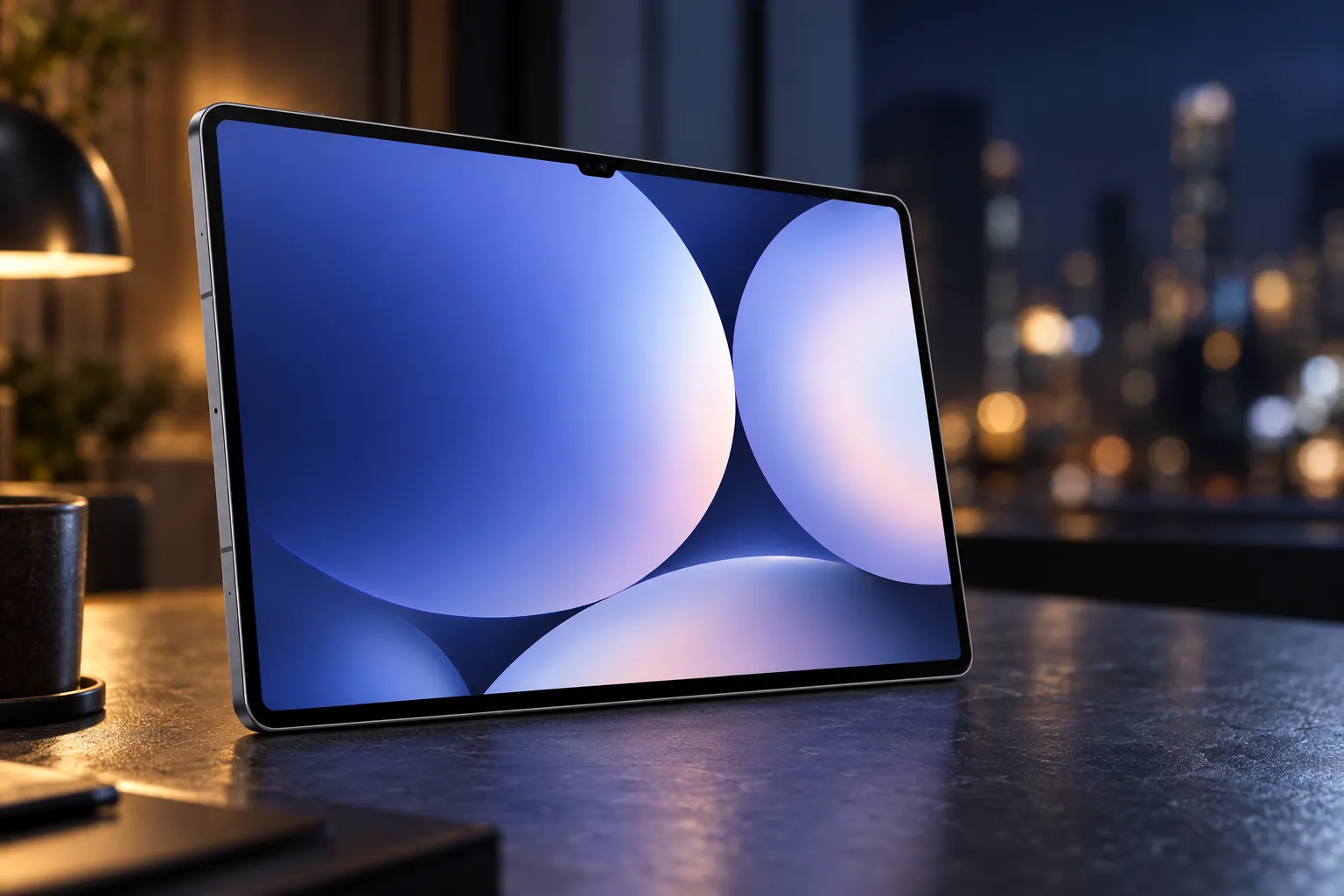


14.6-inch 120Hz OLED, in-box S Pen and DeX suit browser, document and creative work, though desktop software stays out of reach.
Check price on AmazonWe link to the exact model on Amazon UK. Prices change often, so check the live price before you buy. As an Amazon Associate we earn from qualifying purchases.
The old laptop's fan has started sounding like a hairdryer, the battery quits before lunch, and you are wondering whether the next machine needs to be a laptop at all. The Samsung Galaxy Tab S12 Ultra is built for exactly that moment: a 5.1mm slab with a 14.6-inch OLED screen, a stylus in the box and a desktop mode waiting behind a keyboard you buy separately. Choose well and you carry one lighter device; choose badly and you have spent laptop money on something that cannot open the software your job depends on.
The short answer
Buy the Samsung Galaxy Tab S12 Ultra if your work lives in a browser, documents, handwritten notes and Android creative apps such as Photoshop, and you want the biggest canvas Samsung makes. Do not treat it as a laptop replacement if you rely on Windows or macOS desktop software, need top-tier sustained performance, or want something comfortable to hold one-handed. Whichever camp you fall into, budget for the Pro Keyboard and a 45W charger before comparing it with laptop prices: neither comes in the box.
| At a glance | Samsung Galaxy Tab S12 Ultra |
|---|---|
| Display | 14.6-inch Dynamic AMOLED 2X, 2960 × 1848, up to 120Hz |
| Processor | MediaTek Dimensity 9500 (3nm) |
| Memory and storage (linked model) | 12GB RAM, 256GB, microSD up to 2TB |
| Battery and charging | 11,600mAh; 45W wired (charger sold separately) |
| Size and weight | 208.5 × 326.3 × 5.1mm; 692g (Wi-Fi) |
| In the box | Tablet, S Pen, USB-C cable |
| Launch RRP (UK) | From £1,399 |
What's Actually New: Dimensity 9500 and the Laptop-Replacement Pitch
Samsung announced the Galaxy Tab S12 series on 30 September 2026 and put it on sale in the UK on 7 October, and its launch messaging was unambiguous: this is a productivity range first. The Ultra replaces the 2025 Galaxy Tab S11 Ultra, and the headline change sits inside. MediaTek's Dimensity 9500, built on a 3nm process, takes over from the Dimensity 9400+, with Samsung listing peak CPU clocks of 4.21GHz, 3.5GHz and 2.7GHz across its eight cores.
Samsung's own claims for the jump are 19% faster CPU, 17% faster GPU and up to 61% faster NPU processing than the S11 Ultra. Those are manufacturer comparisons. Samsung has also redesigned the cooling around a 3D vapour chamber, which it says shifts heat more effectively than the previous flat design and should help the chip hold its pace under heavier loads.
The independent numbers paint a more measured picture. Tom's Guide recorded Geekbench 6 scores of 3,229 single-core and 9,763 multi-core. Expert Reviews put the generational gain at roughly 23% single-core and 21% multi-core, but only around 9% in GPU testing, noticeably shy of Samsung's 17% graphics claim. That is a real step forward, not a reinvention.
In graphics, the Ultra edges the OnePlus Pad 3 by a modest margin and trails Apple's iPad Pro M5 by a wide one. Reviewers at Tom's Guide and Expert Reviews agreed that the Dimensity 9500 handles Android apps, demanding games, Photoshop, video editing and heavy multitasking comfortably. This is not a slow tablet; it simply is not the quickest premium tablet you can buy for sustained professional work.
For Tab S11 Ultra owners: the screen size, 11,600mAh battery capacity, 45W charging and 5.1mm chassis are carried over largely unchanged. SamMobile concluded that S11 Ultra owners have little reason to upgrade; the gains are the faster chip, the new cooling, four-channel audio and newer software.
Samsung Galaxy Tab S12 Ultra: Specs, Pricing and UK Configurations
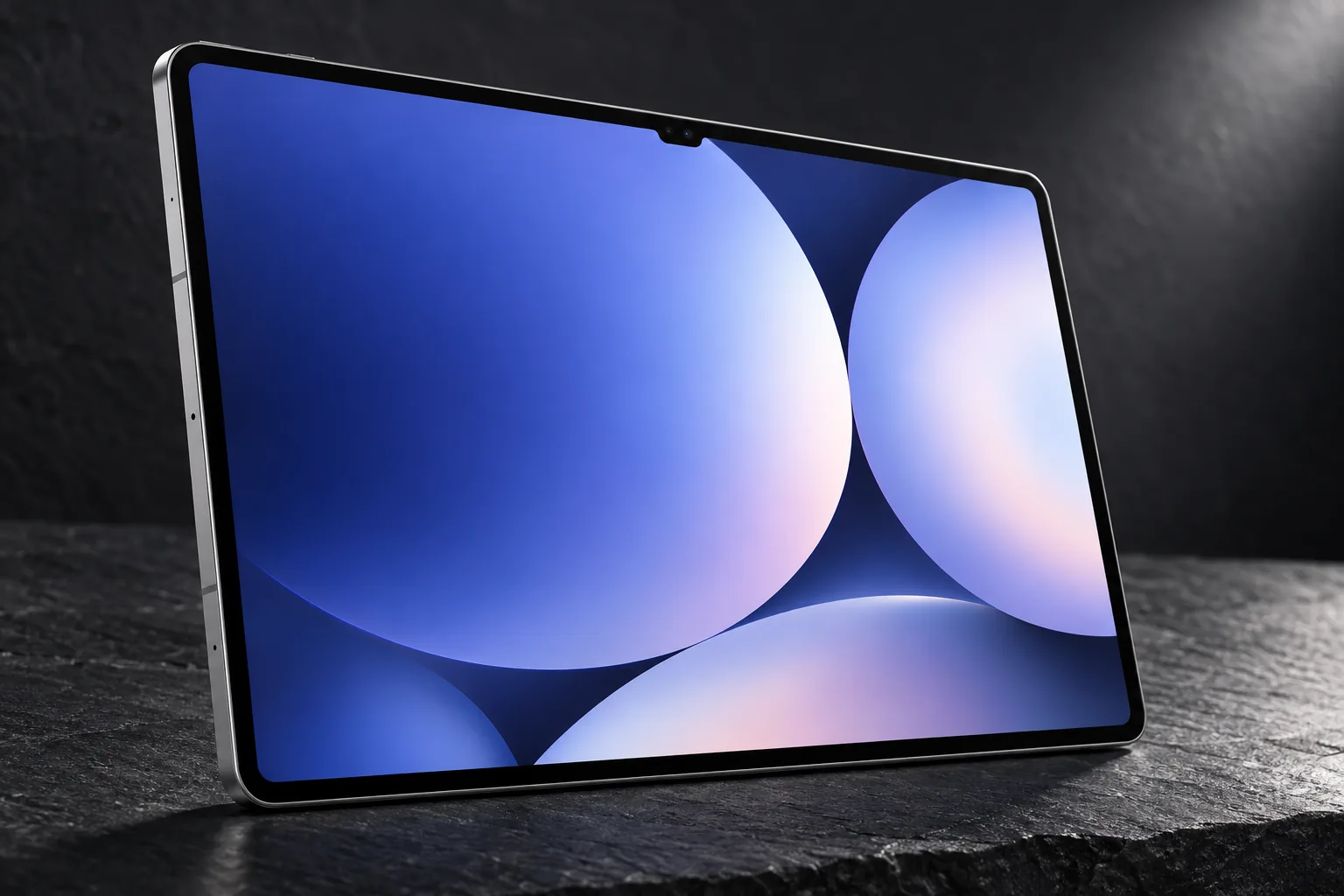
The model covered here is the Wi-Fi Galaxy Tab S12 Ultra with 12GB of RAM and 256GB of storage, model SM-X940. It comes in one size only: if 14.6 inches sounds like too much, the smaller Galaxy Tab S12+ uses a 12.6-inch display and is sold as a separate model. The Ultra is offered in Grey and Silver.
Check today's price: Samsung Galaxy Tab S12 Ultra on Amazon UK
A practical note before you order: Amazon UK listings for this tablet have shown some confusion between the two finishes. Check the model code on the product page rather than relying on the title. SM-X940NZSREUB is the 256GB Silver; SM-X940NZAREUB is the 256GB Grey. Both are identical in generation, size, memory and storage, so this only matters if you care which colour arrives.
Of the 256GB, Samsung lists around 226.9GB as available out of the box. The UK range also includes 512GB with 12GB of RAM, and a top 1TB model that is the only way to get 16GB of RAM. 5G versions add dual-SIM support via a physical SIM and eSIM, and weigh 695g rather than 692g.
12GB / 256GB Wi-Fi
Launch RRP; the configuration covered here
12GB / 512GB Wi-Fi
Launch RRP, as reported by SamMobile
12GB / 256GB 5G
Launch RRP, as reported by SamMobile
These are launch RRPs rather than live street prices, and retailers move quickly on premium tablets, so check the current figure before buying. For most people the entry 256GB model is the sensible rung: microSD support up to 2TB takes the pressure off large media libraries for far less than the £200 step to 512GB. The 1TB model makes sense mainly if you specifically want the extra RAM for heavy multitasking.
The Screen That Makes the Laptop Case: 14.6 Inches of Dynamic AMOLED 2X
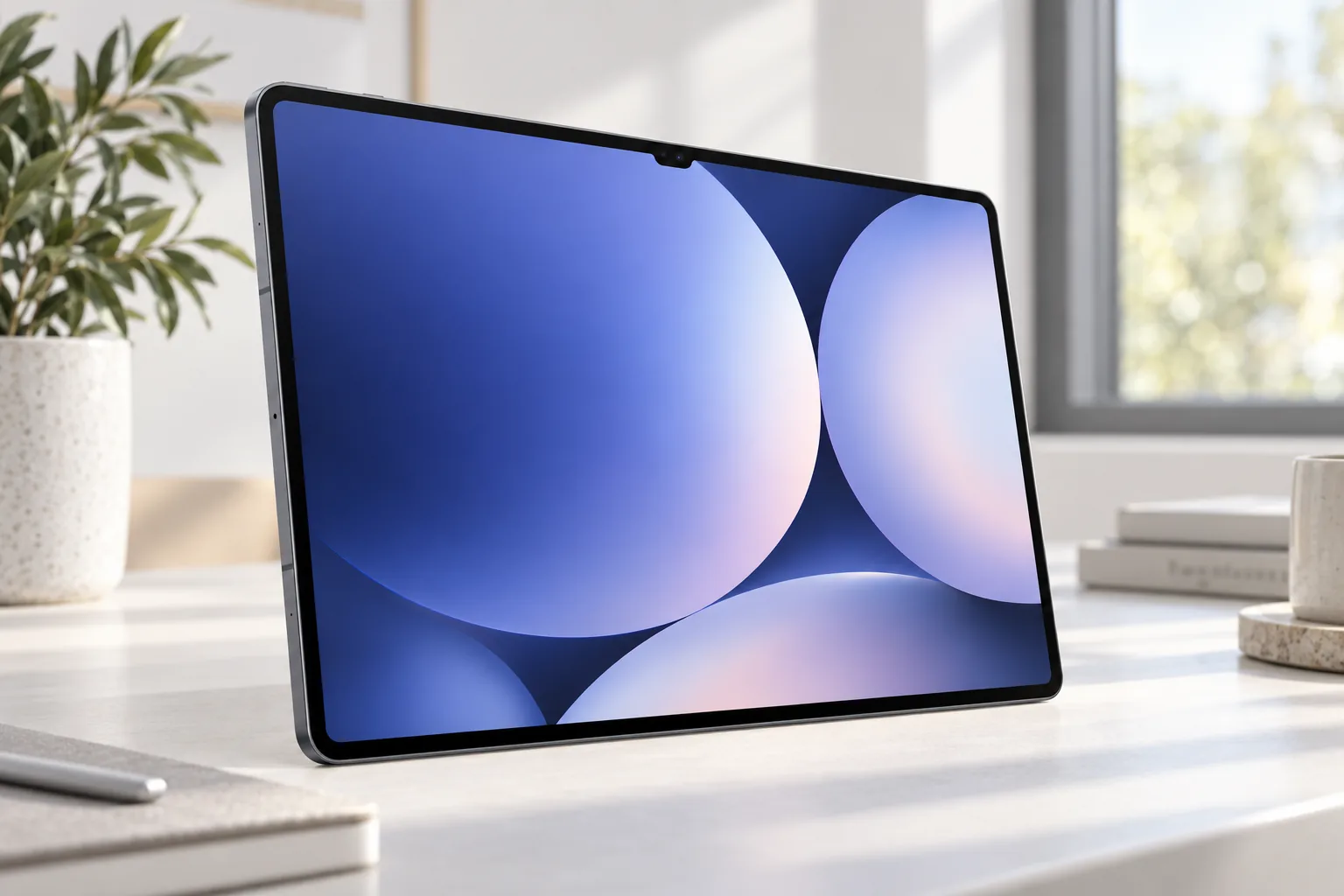
The display is the single biggest reason to choose this tablet over its rivals. At 14.6 inches measured across the full rectangle (14.5 inches allowing for the rounded corners) and 2960 × 1848 pixels, it gives DeX and split-screen apps genuinely laptop-sized room. Three apps side by side stop feeling cramped, and an A4 document can sit beside a browser without either being shrunk to postage-stamp size.
Independent labs measured it in different ways and reached somewhat different numbers, which is useful in itself: it tells you the results depend heavily on brightness mode and test pattern.
| Measurement | Source | Result |
|---|---|---|
| SDR brightness | Tom's Guide | 862 nits |
| HDR brightness | Tom's Guide | 916 nits |
| Colour gamut | Tom's Guide | 149.8% sRGB; 105.5% DCI-P3 |
| Colour error (Delta-E) | Tom's Guide | 0.22 |
| Manual brightness, standard / Extra Brightness | GSMArena | 437 nits / 708 nits |
| Automatic brightness | GSMArena | 1,031 nits |
| HDR, 10% white window | GSMArena | 1,514 nits |
| Minimum brightness | GSMArena | 1.6 nits |
| HDR peak, auto brightness in bright light | Expert Reviews | Around 1,700cd/m² |
| Colour coverage / accuracy | Expert Reviews | About 89% DCI-P3 (Vivid); Delta-E 1.87 (Natural) |
Read together, the figures say this: the panel gets very bright when the automatic mode and HDR content let it, but its everyday manual brightness is more modest. Tom's Guide's gamut figures point to vivid, often oversaturated colour rather than strictly natural tones, even with a very low Delta-E. Expert Reviews found less complete coverage and accuracy than the headline OLED look might suggest, though a 1.87 Delta-E in Natural mode is still a respectable result for photo editing that is not destined for print proofing.
GSMArena also confirmed HDR10+ support and adaptive refresh that drops to 1Hz for static content and rises to 120Hz when you scroll or draw. That low floor matters for battery life when you are reading a document for minutes at a time.
The catch for desk work
Expert Reviews and SamMobile both flagged the glossy screen as reflective in bright rooms and outdoors. If you plan to work by a window or on a train, Samsung sells an anti-reflecting screen protector as an optional accessory; it is worth considering before you discover the overhead lights staring back at you mid-spreadsheet.
Samsung DeX, Multi-Window and the Software Reality Check
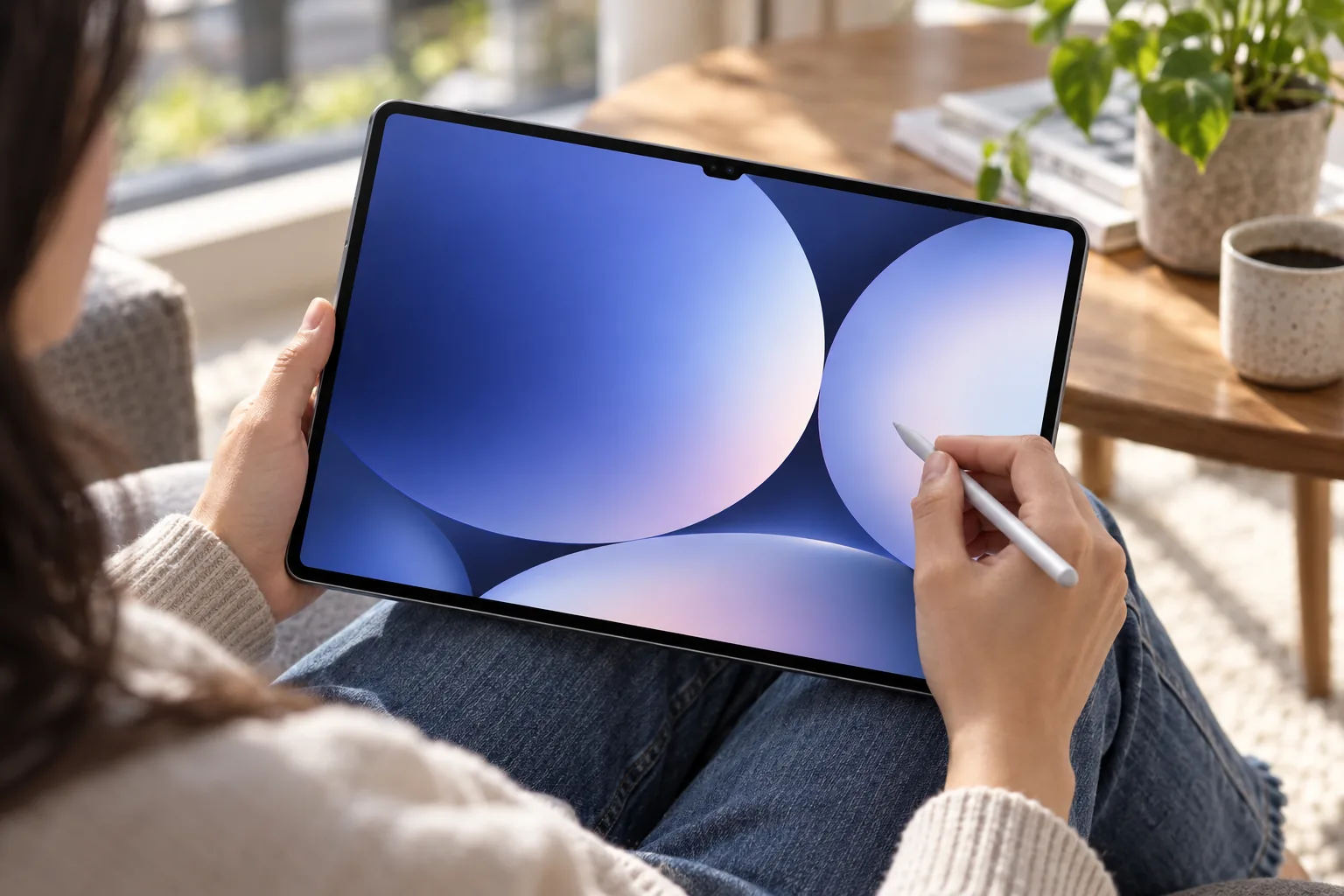
Hardware gets the tablet to the starting line; software decides whether it finishes the race as a laptop. Samsung DeX is the centre of that argument. It rearranges Android apps into resizable windows with a taskbar, either on the tablet itself or on an external monitor connected over USB-C, and it sits alongside One UI's three-app split-screen mode.
DeX and three-app multi-window
Desktop-style windows on the 14.6-inch panel, or on a compatible external display via the USB-C port.
Galaxy AI tools
Note Assist, Samsung Browser AI features including Ask Anything, Gemini Notebook integration, Now Brief, Now Nudge and Creative Studio.
Photoshop pre-loaded
A first for a Samsung Android tablet, with a four-month mobile-plan trial according to Samsung's UK launch material.
Bundled app offers
Notability, Goodnotes, LumaFusion, Clip Studio Paint and Notion offers, subject to region and offer terms.
The reviewer verdicts are consistent. Tom's Guide called DeX useful but said it does not reproduce a full Windows-style desktop workflow, and concluded explicitly that it would not replace its laptop with the Ultra. SamMobile was more enthusiastic, singling the tablet out for writing, research and multi-window work, and praising the browser AI features for wrangling research tabs and notes. It drew the same line, though: DeX changes how Android apps are arranged, but it does not turn them into their Windows or macOS equivalents.
Expert Reviews went further, describing Android's tablet-app ecosystem as still substantially behind iPadOS. Even Samsung acknowledges that a laptop may still be needed for certain specialised software. The single USB-C port also limits how many peripherals you can plug in at once without a hub.
Where DeX works
- Web research and browser-based tools
- Email, messaging and documents
- Samsung Notes and handwritten annotation
- Photoshop for Android and LumaFusion
- Remote desktop and cloud applications
Where it falls short
- Full desktop Adobe workflows
- Specialist engineering, development or business software
- Complex file management
- Multiple wired peripherals from one port
- Traditional desktop multitasking beyond Android's app limits
The honest test is simple: list the apps you open in a typical week. If every one has a capable Android version or runs in a browser, the Ultra can do the job. If even one is a Windows-only or macOS-only essential, no amount of screen size will fix that, unless you are happy to reach it through a remote desktop.
Keyboard, S Pen and the True Cost of 'Going Laptop'
Here is where the laptop comparison gets expensive. The Pro Keyboard is sold separately, and Expert Reviews recorded it adding £399 in the UK. Add Samsung's 45W charger, also absent from the box, and the bill climbs past what many people expect to pay for a tablet.
Tablet, 12GB / 256GB
Launch RRP
Pro Keyboard
UK price recorded by Expert Reviews
Laptop-style bundle
Tablet plus Pro Keyboard at launch RRP, before a charger
Weight shifts too. SamMobile put the Pro Keyboard at 636g, taking the combined setup to roughly 1.33kg. That is lightweight-laptop territory, so the "one thin device" pitch only really holds when you leave the keyboard at home. Lighter alternatives exist in Samsung's accessory range: the Book Cover Keyboard Slim, a plain Book Cover and an Ultra-only Frame Cover.
The S Pen is where the value tips back in Samsung's favour. It is included and pressure-sensitive, whereas Apple sells its Pencil separately for the iPad Pro. On a canvas this size, it turns the Ultra into a sketchbook, a marked-up PDF or a lecture notepad that a conventional laptop simply cannot match.
S Pen limitation: Samsung confirms the supplied S Pen does not support Bluetooth Low Energy functions. That means no remote Air Actions gestures, such as using the pen as a slide clicker. Writing and drawing are unaffected.
Battery Life: Why the Numbers Don't Agree With Each Other
Samsung quotes up to 23 hours of video playback from the 11,600mAh battery, measured under its own laboratory conditions. Real use rarely resembles a lab loop, and the independent results scatter widely depending on what each reviewer asked the tablet to do.
The cleanest like-for-like comparison comes from Tom's Guide, which ran the same continuous Wi-Fi web-browsing test at 150 nits across several tablets.
That 11 hours 31 minutes was more than 30 minutes shorter than the Tab S11 Ultra managed in the same test. Other labs were kinder. GSMArena's Active Use Score, a mixed-use methodology, came in at 13 hours 23 minutes, which it said matched the previous Ultra. Expert Reviews' local video playback test ran for 19 hours 44 minutes. PhoneArena recorded 10 hours 10 minutes browsing, 9 hours of video and 11 hours 7 minutes gaming, whilst Netzwelt reported 12.5 hours of continuous streaming at maximum brightness.
What that means for a workday
These tests use different brightness, volume, network and workload settings, so they are not contradictions. The practical takeaway is that a full working day of mixed browsing, documents and media looks realistic. PhoneArena's reviewer reported roughly 25-30% remaining after a day that included around eight hours of work, up to an hour of gaming, plus social media and video. If all-day endurance is your top priority, though, the OnePlus Pad 3 clearly went further in Tom's Guide's test.
Charging is adequate rather than quick. With Samsung's 45W adapter, GSMArena saw 21% after 15 minutes, 41% after 30 minutes and a full charge in 84 minutes. Expert Reviews estimated around 95 minutes, PhoneArena measured 1 hour 34 minutes and Netzwelt 110 minutes. Reviewers noted that some rivals charge faster. You will need a USB Power Delivery charger capable of 45W to see these speeds.
Stacked Against the Competition: iPad Pro M5 and OnePlus Pad 3
Tom's Guide placed the Ultra alongside Apple's iPad Pro M5 and the OnePlus Pad 3 in the same set of tests, which gives a fair three-way picture.
| Tom's Guide result | Samsung Galaxy Tab S12 Ultra | iPad Pro M5 | OnePlus Pad 3 |
|---|---|---|---|
| Geekbench 6 single-core | 3,229 | 4,155 | 2,980 |
| Geekbench 6 multi-core | 9,763 | 16,517 | 8,993 |
| 3DMark Wild Life Extreme Unlimited | 6,608 / 39.7fps | 9,934 / 59fps | 6,410 / 38.38fps |
| SDR brightness | 862 nits | 561 nits | 530 nits |
| Wi-Fi web-browsing battery | 11h 31m | 13h 16m | 16h 21m |
Against the iPad Pro M5 (Tom's Guide compared the 13-inch model), the gap in raw performance is large and consistent: around 69% more multi-core performance on Apple's side and roughly 50% more graphics throughput. The iPad also lasted longer in Tom's Guide's web test and in PhoneArena's browsing run (15 hours 19 minutes against 10 hours 10 minutes). PhoneArena did record the Samsung ahead in gaming endurance, at 11 hours 7 minutes versus 7 hours 59 minutes, and charging fully faster, at 1 hour 34 minutes versus 1 hour 55 minutes.
Samsung's counter-arguments are not about speed. It offers a larger 14.6-inch OLED canvas, a stylus in the box, microSD expansion, an IP68 rating and DeX. Against the OnePlus Pad 3, the Samsung is quicker by a modest margin and noticeably brighter in SDR, with the S Pen ecosystem and IP68 protection on its side, but the OnePlus battery result is hard to ignore and Tom's Guide suggested it may be better value.
Sound, Cameras and the Details That Round Out the Package
A new feature for the S12 generation is four-channel spatial audio across four speakers. GSMArena rated loudness "Excellent" and described the sound as loud, bassy and immersive, with weaker high-frequency reproduction. PhoneArena reported Dolby Atmos, a wide soundstage, good bass, clear separation and minimal distortion at high volume.
Not everyone agreed. Expert Reviews found the speakers loud but lacking richness and bass, and SamMobile, whilst praising the quality, pointed out that there is limited mobile content built to exploit the four-channel format fully. Expect a fine sound for films on a hotel desk; do not expect to bin your headphones. Speaking of which, there is no 3.5mm jack, so wired headphones need a USB-C adapter.
Video calls
The 12MP ultra-wide front camera is the one that matters for a work device, giving a wide field of view for calls.
Document scanning and quick shots
The autofocus rear camera handles whiteboards and paperwork; the extra ultra-wide is a bonus rather than a reason to buy.
IP68 protection
Samsung's laboratory rating covers up to 1.5 metres of fresh water for up to 30 minutes; it is not intended for pool or seawater use.
Who Should Actually Consider This a Laptop Replacement
Reviewers broadly agree on the type of person this tablet rewards: someone who will actually use the pen, the big screen and Samsung's software, rather than someone buying the biggest tablet simply because it is the biggest.
Samsung phone owners
Already in the Galaxy ecosystem and wanting a large second screen that fits existing habits and apps.
Students and researchers
Handwritten notes, PDF annotation and split-screen reading, with Note Assist and browser AI for wrangling sources.
Creatives
Photoshop, Clip Studio Paint or LumaFusion on a 14.6-inch canvas, with the S Pen already in the box.
Travellers and film fans
A thin, IP68 tablet with strong HDR brightness, loud speakers and 19h 44m of local video playback in Expert Reviews' test.
Skip: one-handed users
At 692g and 14.6 inches, Tom's Guide found it awkward to hold for long periods without a stand or cover.
Skip: desktop-software dependants
Specialist Windows or macOS software, or maximum CPU and GPU power, point elsewhere.
It is also poor value if your plans are mainly Netflix, browsing and the occasional email; much cheaper tablets handle those well. And if portability matters more than workspace, the Galaxy Tab S12+ uses the same Dimensity 9500 chip in a 553g, 12.6-inch body for a lower launch RRP of £1,199, though the smaller screen gives less room for laptop-style multitasking.
Pros
- 14.6-inch 120Hz OLED with 1,514-nit HDR peak (GSMArena)
- 5.1mm and 692g for a screen this size
- S Pen included
- Roughly 21-23% CPU gain over the S11 Ultra (Expert Reviews)
- IP68, microSD to 2TB and Wi-Fi 7
- Seven OS upgrades and seven years of security updates
Cons
- Pro Keyboard adds £399; charger sold separately
- DeX cannot run Windows or macOS apps
- Well behind the iPad Pro M5 in benchmarks
- Tom's Guide web battery result fell short of its predecessor
- Reflective screen; single USB-C port; no headphone jack
- Awkward to hold for long stretches
Common Questions About the Tab S12 Ultra as a Laptop Replacement
Verdict: who should buy which
- Buy the Samsung Galaxy Tab S12 Ultra if you want maximum screen space for DeX, documents, research, note-taking and Android creative apps, and you value the in-box S Pen and Samsung ecosystem.
- Look at the smaller Tab S12+ if you will mostly hold it in your hands; the same chip in a lighter body costs less at launch RRP.
- Stick with a laptop or consider an iPad Pro if you depend on specialist desktop software or need the most CPU and GPU headroom.
Is this the new laptop replacement? For a specific kind of worker, yes: someone whose day runs through a browser, Office-style documents and a pen. The Tab S12 Ultra has the screen and enough speed for that life, and the reviews back it up. For everyone else, the software wall that DeX cannot climb is still there, and at around £1,798 with a keyboard at launch RRP, the price leaves little room for compromise. Write out the apps you genuinely need first; that list will give you a clearer answer than any benchmark.
Sources
- Samsung UK Newsroom, Galaxy Tab S12 series announcement: news.samsung.com/uk
- Samsung UK product pages (SM-X940NZAREUB and SM-X940NZSREUB): samsung.com/uk
- Samsung US product page and newsroom: samsung.com/us
- Tom's Guide review: tomsguide.com
- GSMArena review: gsmarena.com
- Expert Reviews review: expertreviews.co.uk
- SamMobile review and UK pricing report: sammobile.com
- PhoneArena review: phonearena.com
- Engadget review (9/10): engadget.com
- Samsung Galaxy Tab S12 UltraBig-screen Android workstationView on Amazon
Sources and evidence (16)
- amazon.co.uk (retailer)
- news.samsung.com (other)
- samsung.com (other)
- tomsguide.com (other)
- fo.gsmarena.com (other)
- expertreviews.co.uk (other)
- engadget.com (other)
- sammobile.com (other)
- samsung.com (other)
- samsung.com (other)
- expertreviews.co.uk (other)
- news.samsung.com (other)
- samsung.com (other)
- sammobile.com (other)
- phonearena.com (other)
- 91mobiles.com (other)