
iPad Pro 13-inch (M5) First Look: is Apple's M5 tablet finally enough for a laptop?
Independent testing shows the M5 iPad Pro approaching compact-laptop benchmark territory, according to Tom's Guide and TechRadar figures. The harder question is whether iPadOS, a keyboard and one Thunderbolt port can fit your working day.
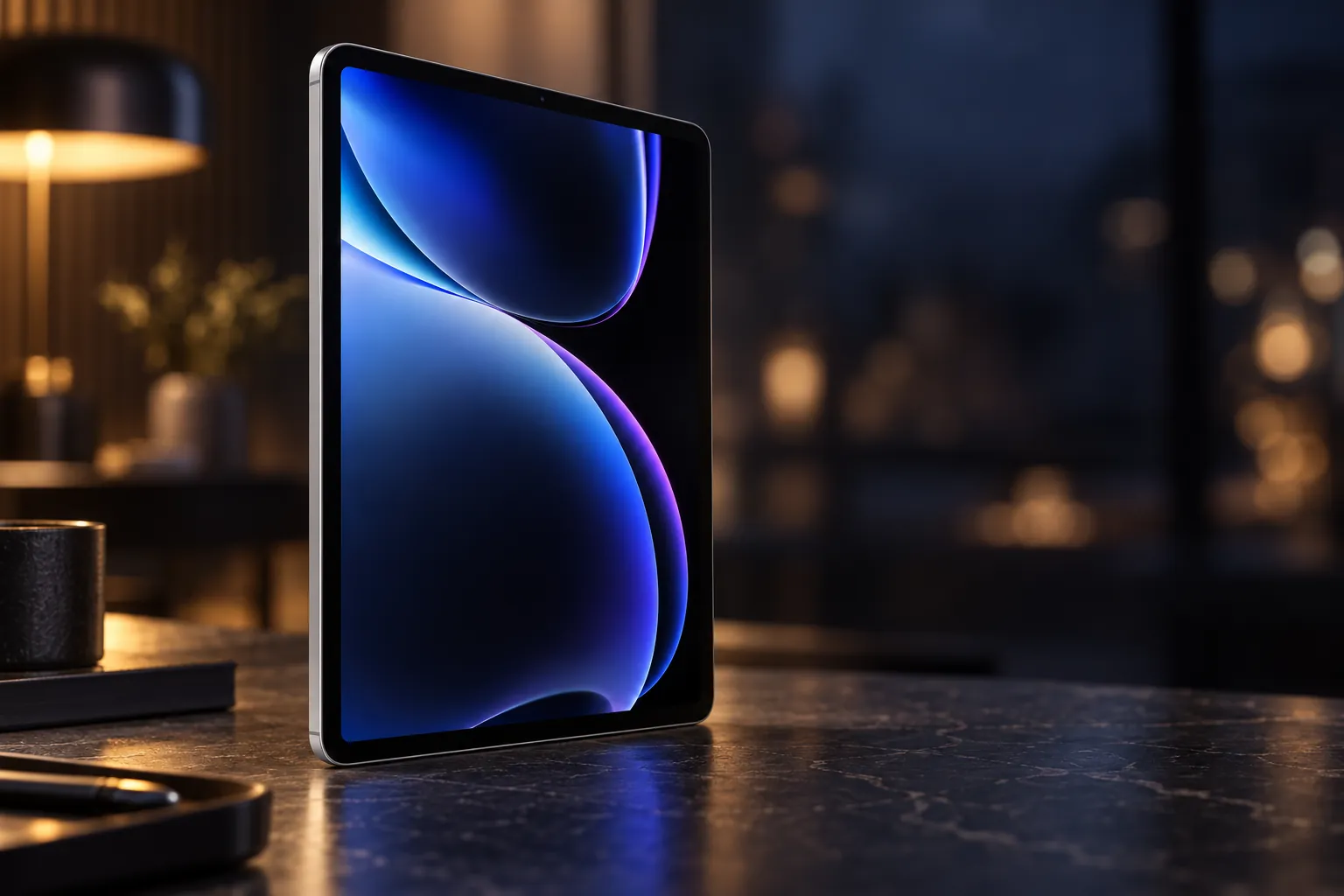


A powerful 13-inch OLED tablet for iPad-first creative work, multitasking and external-display use, with costly accessories and software limits.
Check price on AmazonWe link to the exact model on Amazon UK. Prices change often, so check the live price before you buy. As an Amazon Associate we earn from qualifying purchases.
Picture the decision: a 13-inch screen on the train, a sketchpad on the sofa, then a keyboard-first desk setup with a 6K monitor. The short answer: the iPad Pro 13-inch (M5) makes sense for creative professionals and Apple-focused multitaskers who genuinely want touch, Pencil input and an exceptional OLED screen alongside laptop-level speed. It is not the sensible laptop replacement for anyone dependent on macOS or Windows software, unrestricted file management or several wired peripherals.
| At a glance | iPad Pro 13-inch (M5) |
|---|---|
| Linked configuration | 512GB, Wi-Fi, Space Black, standard glass |
| Processor and memory | M5 with 9-core CPU, 10-core GPU and 12GB unified memory |
| Display | 13-inch tandem OLED, 2752 × 2064, 10–120Hz ProMotion |
| Weight | 579g |
| Wired connection | Thunderbolt / USB 4 up to 40Gb/s |
| External display | One display up to 6K at 60Hz or 4K at 120Hz |
| Apple UK price | £1,699 for this 512GB Wi-Fi configuration |
iPad Pro 13-inch (M5): what Apple actually changed
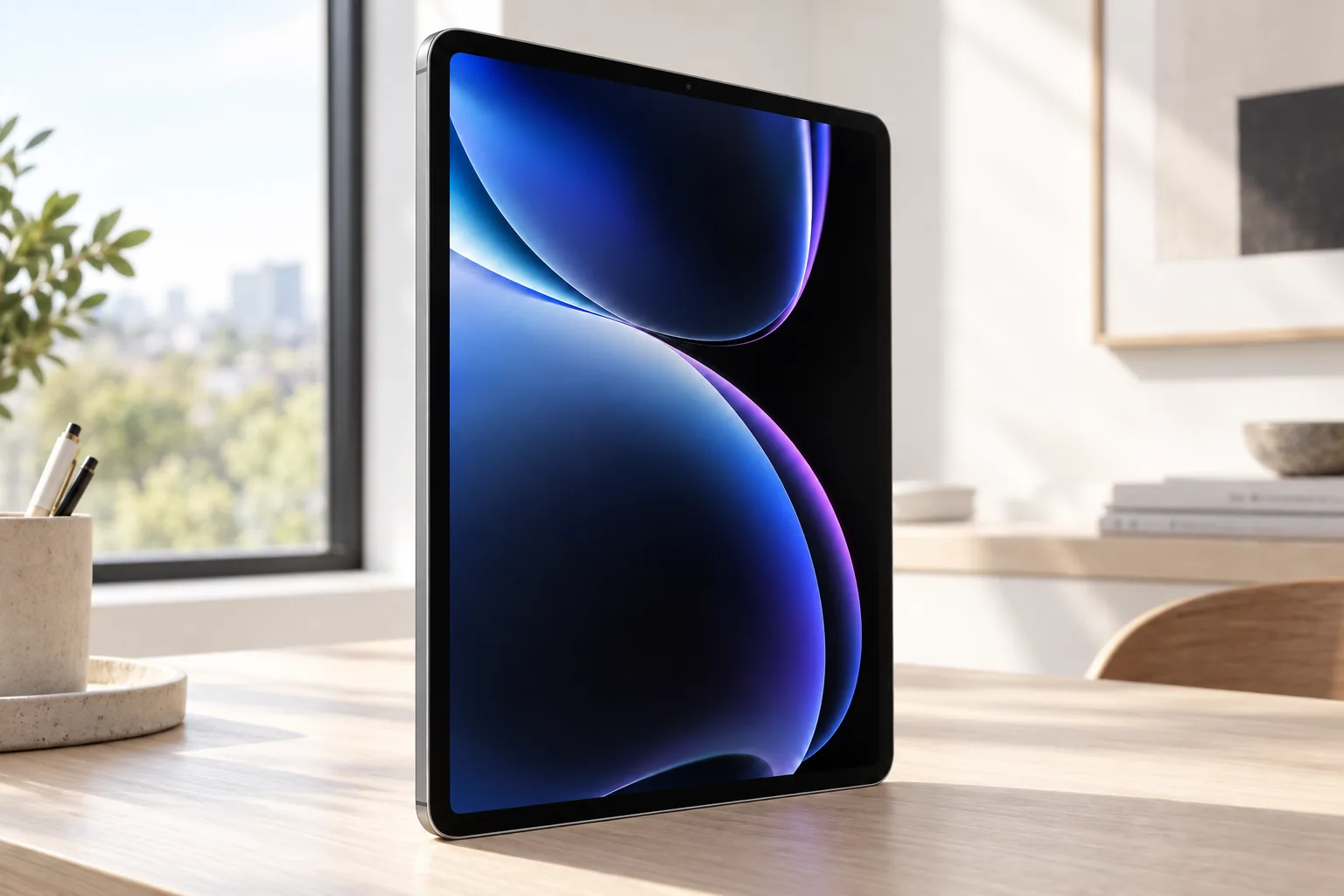
This is the 2025 M5-generation iPad Pro, rather than the 2024 M4 model it replaced. Apple announced it in the UK on 15 October 2025, and it reached retail on 22 October 2025. The distinction matters because the nearly identical-looking M4 and M5 models differ in wireless hardware, M5 processing features and configuration details.
The product covered here is especially specific: the 13-inch Wi-Fi model in Space Black with 512GB storage and standard glass. Apple identifies the Wi-Fi version as model A3360, while UK catalogues identify this particular finish and capacity as part number MDYL4B/A. It is a substantial 13-inch tablet at 281.6 × 215.5mm, but only 5.1mm thick and 579g. Tom's Guide recorded Geekbench 6 scores of 4,155 single-core and 16,517 multi-core on a comparably specified 13-inch M5 unit, ahead of the M4 iPad Pro figures it cited for comparison.
Configuration catch: this 512GB version has a 9-core CPU and 12GB of memory. The 1TB and 2TB iPad Pro configurations move to a 10-core CPU and 16GB, whilst retaining the same 10-core GPU. Buying more storage therefore also changes the processor specification.
That makes the linked model a deliberately balanced point in the UK range rather than the specification-maximising choice. It gives you twice the storage of the 256GB version without moving into the much higher 1TB price bracket, but it is still the lower-memory M5 design. For downloaded media, large games and sizeable creative projects, 512GB is easier to live with than 256GB because storage cannot be upgraded later. Conversely, buyers whose main reason for stepping up is sustained CPU-heavy work should recognise that the extra spend on 1TB buys more than capacity. It also buys the 10-core CPU and 16GB memory configuration. That distinction is important when comparing reviews, because several published benchmark figures come from 1TB models and should not be presented as direct measurements of this 512GB tablet.
The laptop-replacement question
Tom's Guide recorded Geekbench 6 results of 4,155 single-core and 16,517 multi-core on a 13-inch M5 iPad Pro with 1TB storage, 16GB memory and the 10-core CPU. That result outpaced the cited M4 iPad Pro figures of 3,700 and 14,523, and was far ahead of the Samsung Galaxy Tab S11 Ultra's 2,811 and 9,126.
It also put the iPad very close to Apple's compact laptop territory. TechRadar's cited MacBook Air M5 Geekbench figures were around 4,190 single-core and 17,073 multi-core. That does not make this tablet a MacBook in disguise, but it does remove the old argument that an iPad Pro simply lacks the processor performance for serious work.
Speed is no longer the limiting factor
The more useful question is software fit. A writer, illustrator, editor or musician who already works in strong iPad apps may get what they need. A developer, spreadsheet-heavy office user or professional relying on desktop plug-ins may encounter iPadOS limits long before M5 performance becomes a concern.
A useful buying test is to list the applications and accessories that must work on day one, rather than beginning with benchmark scores. If your day is built around note-taking, image review, drawing, music projects, browser-based services, video calls and iPad-native creative tools, the tablet can simplify rather than compromise your setup. If it includes desktop-only utilities, code environments, specialist plug-ins, several removable drives or persistent background jobs, a similarly priced laptop is the safer default. The M5 supplies enough performance for either ambition; it does not change the operating system's rules. The most satisfied buyers are likely to be those who see the Magic Keyboard as an occasional productivity accessory and the touchscreen, cameras and Pencil as core tools, rather than those expecting an inexpensive MacBook substitute.
Inside the M5: what the chip is for
In this configuration, the M5 pairs three performance CPU cores with six efficiency cores, a 10-core GPU, a 16-core Neural Engine and 153GB/s memory bandwidth. Apple also added Neural Accelerators in GPU cores and hardware-accelerated ray tracing, features intended to accelerate graphics and machine-learning workloads.
For video work, the relevant part is less glamorous but potentially more valuable: hardware acceleration for H.264, HEVC, ProRes and ProRes RAW, plus AV1 decoding. That gives iPad creative software a strong platform for editing and playback, particularly for users whose workflow already centres on Final Cut Pro, Logic Pro or Pixelmator Pro for iPad.
There is still a thermal reality behind the thin enclosure. Notebookcheck recorded 20–30% reductions in some sustained graphics stress sessions on its 11-inch M5 iPad Pro sample, with the lower surface of that unit reaching a maximum of 43.1°C. No equivalent independent thermal test of the 13-inch model has been confirmed, but both sizes share the same passively cooled design, so a laptop built for sustained processing remains the safer tool for long renders, compilation work and repeated exports.
The screen that makes the case
The display is the clearest reason to choose the Pro rather than treating it as a specification exercise. It is a 13-inch Ultra Retina XDR tandem OLED panel with a 2752 × 2064 resolution, 264ppi density, fully laminated construction, P3 wide colour, True Tone and ProMotion from 10Hz to 120Hz. Apple specifies a 2,000,000:1 contrast ratio, 1,000 nits maximum SDR brightness, 1,000 nits full-screen XDR brightness and 1,600 nits peak HDR brightness.
Independent figures broadly supported the brightness story, although results vary with methodology and screen area. Tom's Guide reported 561 nits in SDR and 965 nits in HDR, alongside 116% sRGB, 82.1% DCI-P3 and a 0.27 Delta-E colour result. PhoneArena recorded 977 nits across 100% of the panel and 1,578 nits at 20% screen area. Expert Reviews reported 1,629cd/m² in HDR, close to Apple's peak claim, but measured an average sRGB Delta-E of 3.08.
| Display measure | Reported figure | Source |
|---|---|---|
| Resolution and refresh rate | 2752 × 2064; adaptive 10–120Hz | Apple |
| Maximum SDR / full-screen XDR claim | 1,000 nits | Apple |
| Peak HDR claim | 1,600 nits | Apple |
| SDR / HDR brightness | 561 / 965 nits | Tom's Guide |
| 20% screen-area brightness | 1,578 nits | PhoneArena |
| HDR measurement | 1,629cd/m² | Expert Reviews |
For photo review, drawing, HDR film and general reading, the combination of true blacks, smooth scrolling and size is easier to appreciate than a processor chart. The caveat is practical: PhoneArena noted that the 13-inch body can feel unwieldy in portrait orientation, and 4:3 video content leaves substantial black bars on its widescreen panel.
The standard-glass screen on this linked configuration is also worth separating from Apple's nano-texture option. Nano-texture is restricted to 1TB and 2TB models, so it is not an upgrade available on this 512GB iPad. That makes this version the better fit for buyers who want the lower cost of the mid-range capacity and are comfortable managing reflections through positioning and brightness. Buyers who work regularly under difficult lighting may value the nano-texture option, but should account for the required storage upgrade as part of the cost rather than treating it as a simple finish choice. Expert Reviews praised the reflection-reducing finish, while also noting that bright light can reduce its apparent contrast.
Battery life: enough for a working day?
Apple fits a 38.99Wh battery and rates the Wi-Fi model at up to 10 hours of web browsing or video playback. Independent figures suggest that ordinary browsing can extend past that number. Tom's Guide recorded 13 hours 18 minutes of continuous Wi-Fi browsing with the display set to 150 nits, compared with 11 hours 27 minutes for the cited M4 iPad Pro and 12 hours 3 minutes for the cited Galaxy Tab S11 Ultra.
PhoneArena supplied a more varied picture: 15 hours 19 minutes of web browsing, 9 hours 18 minutes of video playback and 7 hours 59 minutes of gaming. Its blended composite estimate was 6 hours 24 minutes. This is the sensible way to read battery claims: web work can last deep into a day, but gaming, HDR brightness, rendering, cellular use and external displays will draw more power.
Apple specifies fast charging to roughly 50% in around 30 minutes with a 60W or higher USB-C adapter. A mains adapter is not listed in Apple's technical specification, so laptop-replacement budgeting should account for one if you do not already own a suitable charger.
In day-to-day terms, this is encouraging rather than a promise that every workflow will last a full day. A browser-heavy workday at moderate brightness is much kinder to the battery than 3D games, HDR video, a connected external display or repeated exports. It is also worth remembering that the linked version is Wi-Fi only: it avoids the cellular model's quoted nine-hour browsing rating, but needs a trusted Wi-Fi connection or phone tethering away from home. For commuters and hybrid workers, that may be entirely reasonable; for people who regularly work between client sites without dependable Wi-Fi, the cellular model is a separate convenience decision rather than a performance upgrade.
iPadOS 26 is the software Apple needed
The M5 iPad Pro launched alongside iPadOS 26, whose more flexible windowed multitasking gave the 13-inch model a stronger desk-work case than earlier iPads. It made it more realistic to keep several active windows in view and use the tablet in a keyboard-first layout, rather than repeatedly jumping through one full-screen app at a time.
Windowed multitasking
iPadOS 26 brings a more desktop-like way to arrange apps. The 13-inch panel gives this approach noticeably more room than the smaller model.
One high-resolution external display
The Thunderbolt / USB 4 port supports one external display up to 6K at 60Hz or 4K at 120Hz. AirPlay supports output up to 4K.
Fast wired expansion, within limits
The port supports DisplayPort, Thunderbolt 3 and USB 4 up to 40Gb/s, plus USB 3 up to 10Gb/s. There is still only one physical port, so desk setups may need a hub.
Notebookcheck and WIRED both made the same central point: iPadOS has become closer to desktop computing, but it is still not macOS. Application breadth, file handling, background workflows and specialist desktop utilities remain different. For some people, the tablet-first approach is refreshingly focused. For others, that restriction is exactly why a conventional laptop remains necessary.
Setup is therefore more consequential than it first appears. Used alone, the iPad is a 579g large-screen tablet with Face ID, a landscape camera and a single USB-C connection for charging or peripherals. At a desk, the same port can drive an external display, but connecting storage, charging and additional wired accessories at once may mean adding a hub. The Magic Keyboard changes the posture and makes typing and trackpad navigation feel more laptop-like, yet it is an extra purchase rather than part of the base product. Buyers should decide whether they want a flexible tablet that can become a desk machine, or a desk machine that occasionally becomes a tablet. The iPad Pro excels at the former; a traditional laptop remains simpler for the latter.
Pricing the laptop replacement
Apple listed this 13-inch, 512GB, Wi-Fi iPad Pro at £1,699 on 24 October 2026. The 256GB Wi-Fi 13-inch started at £1,499, while 1TB and 2TB standard-glass Wi-Fi models were listed at £2,099 and £2,599. The 512GB tier is a sensible capacity for projects, media and large apps, but it does not inherit the 16GB memory and 10-core CPU of the storage tiers above it.
13-inch 256GB Wi-Fi
Entry point for the 13-inch M5 iPad Pro.
13-inch 512GB Wi-Fi
The configuration covered here: 12GB memory and 9-core CPU.
13-inch 1TB Wi-Fi
Moves to 16GB memory and the 10-core CPU.
13-inch 2TB Wi-Fi
Highest standard-glass Wi-Fi storage tier.
The keyboard is where the laptop-replacement claim gets expensive. Apple's 13-inch Magic Keyboard costs £349, and Apple Pencil Pro costs £129; the Apple Pencil USB-C costs £79. Add the Magic Keyboard and Pencil Pro to this iPad and the total reaches £2,177 before a case, adapter or AppleCare.
That total does not make the combination poor value for the right person. It does mean the decision should be made against a complete laptop setup, not against a tablet with no keyboard attached. The Pencil remains optional for buyers who only want typing and multitasking, while the keyboard is difficult to avoid if a laptop-style workflow is the goal.
There is a clear UK-range alternative if the 13-inch screen is not essential: the 11-inch iPad Pro M5 begins at £1,199 for 256GB Wi-Fi and £1,399 for 512GB Wi-Fi. It uses the same core M5 platform and feature set, but is smaller, 444g in Wi-Fi form and has a 31.29Wh battery rather than 38.99Wh. The 13-inch is the more convincing keyboard-and-windowing machine, whereas the 11-inch is the easier tablet to carry and hold. Buyers focused on ordinary office work, web browsing, streaming and notes should also consider the cheaper iPad Air, as reviewers including WIRED argued that many people will not benefit enough from the Pro's extra processing power and display technology to justify the premium.
Camera, audio and the details that matter day to day
Apple moved the 12MP Ultra Wide TrueDepth front camera to the landscape edge. It has an ƒ/2.0 aperture and Center Stage framing, a useful change for calls when the iPad is docked in a keyboard or held horizontally. PhoneArena praised the general utility but found front-camera images less detailed than photographs from the rear camera.
The rear 12MP Wide camera has an ƒ/1.8 aperture, autofocus with Focus Pixels, Smart HDR 4, an adaptive True Tone flash and a LiDAR Scanner. It records 4K video at up to 60fps, while ProRes reaches up to 4K at 30fps subject to storage configuration. A tablet camera is still less discreet than a phone, but LiDAR and ProRes make it a more credible capture device than most laptops.
Four speakers and a studio-quality four-microphone array give the iPad another advantage over many thin laptops. PhoneArena described the sound as room-filling with a wide soundstage and decent bass, whilst noting that bass did not match some older, thicker iPad Pro models. The resulting package is unusually capable for video calls, casual editing and watching films without headphones.
These details matter most when the iPad is being used as a self-contained device rather than a display attached to a desk. Face ID is convenient for frequent unlocks, Center Stage makes the landscape orientation practical for meetings, and the speaker system means a quick presentation or streamed programme does not immediately require accessories. The rear camera and LiDAR are useful additions for users who need them, but should not be used to justify the purchase on their own. The stronger everyday case is that the iPad behaves naturally as a tablet before and after a keyboard-led work session, which is something even a very light laptop cannot replicate.
Where reviewers landed
Consistent praise
- Tom's Guide praised performance headroom, battery life, the OLED panel and the landscape front camera.
- PhoneArena highlighted the 5.1mm aluminium design, screen brightness, speakers and improved windowing.
- WIRED awarded the M5 iPad Pro 9/10, citing battery life and cellular connectivity.
- Notebookcheck praised raw performance, Wi-Fi 7, display quality, cameras and speakers.
- Expert Reviews praised the vivid tandem OLED display and nano-texture option.
Repeated reservations
- Tom's Guide and WIRED both argued that M5 is not a compelling M4 upgrade for most owners.
- The Magic Keyboard and Pencil make a laptop-style package markedly more expensive.
- Notebookcheck criticised the lack of a bundled charger, PWM flicker, one-year warranty and lack of always-on display.
- The 13-inch form is light for its size, but not especially comfortable for long portrait use.
- iPadOS remains less flexible than macOS for many desktop workflows.
The pattern is clear. Reviewers did not dispute the hardware quality or the scale of M5 performance. The argument was about who benefits. For an existing M4 owner whose workload is email, browsing, streaming and a handful of creative apps, the change is real but may not alter daily life. For someone moving from an M1 or older iPad Pro, the display, wireless upgrades, speed and software refinements form a more substantial step.
Who this configuration actually suits
Creatives in the iPad ecosystem
Illustrators, photographers, music makers and video editors who use Pencil-friendly apps and value the OLED panel, ProRes support and tablet form factor.
Desk-based multitaskers
People who will pair it with the Magic Keyboard, arrange windows on the 13-inch screen and regularly connect one external display.
M1 and older iPad Pro upgraders
Buyers looking for a meaningful jump in processor speed, display technology, Face ID convenience and Wi-Fi 7.
It is less persuasive for basic browsing, email, streaming, notes and ordinary document work. Those tasks do not require a 13-inch tandem OLED display, a 10-core GPU or £1,699 of tablet hardware. It is also a poor substitute for a laptop if your job requires desktop-only applications, advanced external-drive work, terminal tools, specialist plug-ins or more than one wired accessory without carrying a hub.
For a student or home user, the practical question is whether the display and Pencil experience will be used frequently enough to outweigh the cost. For a photographer reviewing work, an illustrator drawing every day or a musician using touch-led controls, the premium can be visible in daily use. For a buyer who mainly types documents and joins calls, the same money can buy a conventional laptop with a keyboard included, more laptop-oriented ports and desktop software. For someone replacing an old iPad, the 13-inch model should be chosen for its workspace rather than simply because it is the top model: its large panel is excellent for windows and split-screen work, but its physical scale is less relaxed for handheld reading and portrait use.
Common questions before you buy
Benchmark gains are meaningful: Tom's Guide cited 4,155 versus 3,700 in Geekbench 6 single-core and 16,517 versus 14,523 in multi-core. Tom's Guide and WIRED nevertheless concluded that most M4 owners would not see a transformative change in typical everyday workflows.
Apple's UK specification does not list a mains charger in the box. Apple specifies a 60W or higher adapter for charging to around 50% in approximately 30 minutes, and Notebookcheck listed the missing adapter as a drawback.
It can for people whose work lives in iPad apps and who value touch, Pencil input, cameras and a very light tablet. Its processor results sit close to the cited MacBook Air M5 figures, but iPadOS still does not provide macOS-level software breadth or file-management freedom.
No. This 512GB model has 12GB memory and a 9-core CPU. Apple's 1TB and 2TB M5 iPad Pros have 16GB memory and a 10-core CPU, although all use a 10-core GPU.
It is better for windowed multitasking, the Magic Keyboard and using one external display as part of a desk setup. The 11-inch uses the same M5 family and is much lighter at 444g for Wi-Fi, so it is the more practical choice if handheld portability matters more than workspace.
No. Apple offers nano-texture glass only on 1TB and 2TB iPad Pro configurations. The linked 512GB Wi-Fi model has standard glass.
Who should buy which
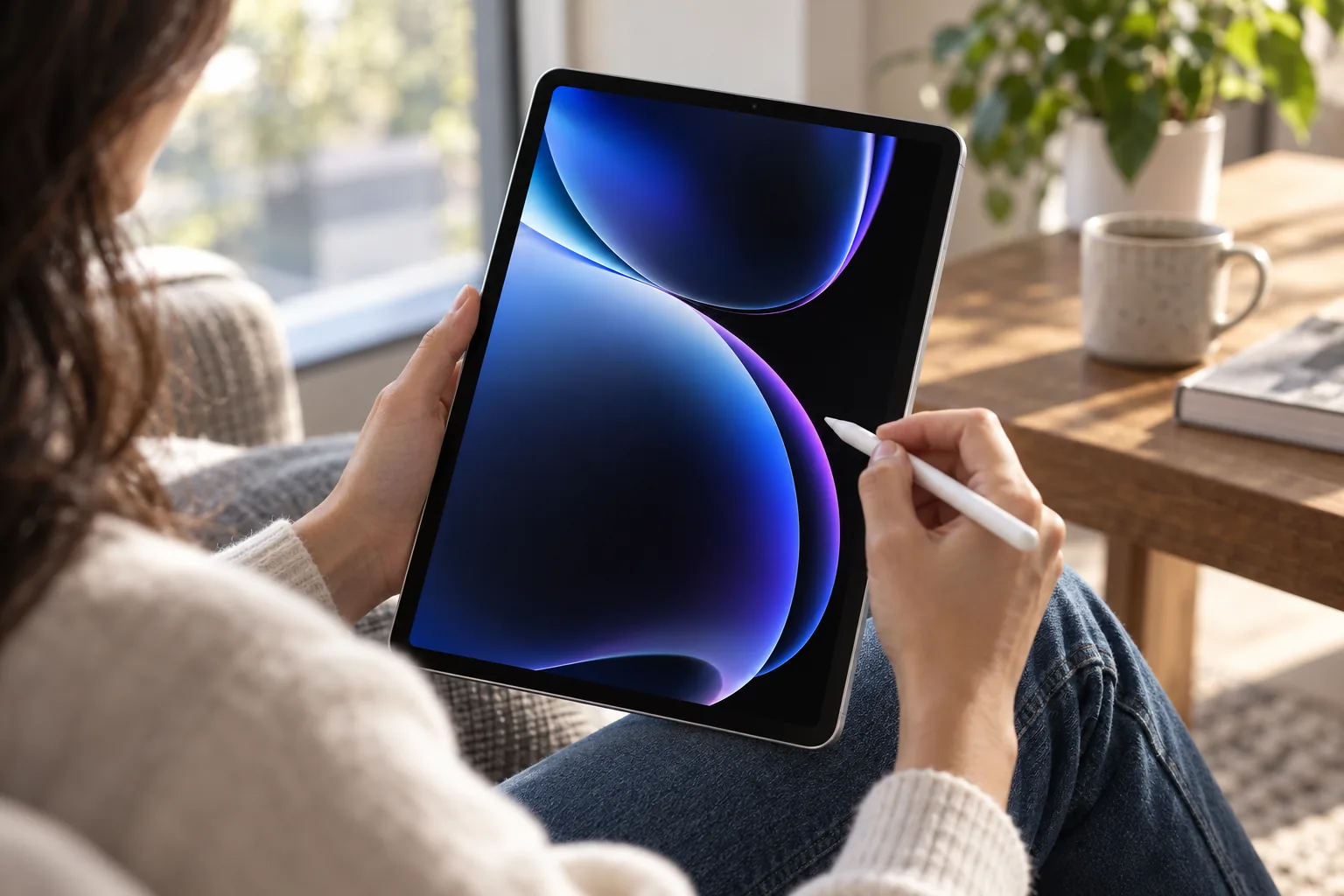
Buy the iPad Pro 13-inch (M5) if you want one premium device that can serve as a large-screen tablet, Pencil canvas, media machine and keyboard-led workspace, and your essential apps work well on iPadOS. The linked 512GB model offers practical storage, Wi-Fi 7, a superb tandem OLED screen and speed that rivals compact laptops in short and medium workloads.
Choose a conventional laptop instead if your working day depends on macOS or Windows applications, complex file workflows, sustained heavy exports or a wider selection of physical ports. Apple has made the performance case. For many buyers, software habits and accessory cost still decide the result.
Decisive verdict: This M5-generation iPad Pro is enough for a laptop only when its tablet advantages are central to your work. If touch, Pencil and OLED matter as much as raw computing power, the iPad Pro 13-inch (M5) is compelling. If they do not, its £2,177 keyboard-and-Pencil package asks you to pay laptop money while accepting tablet compromises.
Sources
- Apple UK — iPad Pro 13-inch (M5) technical specifications
- Apple UK — M5 iPad Pro announcement
- Apple UK — 13-inch 512GB Wi-Fi configuration
- Tom's Guide — iPad Pro M5 review
- PhoneArena — iPad Pro 13-inch M5 review
- Notebookcheck — iPad Pro M5 analysis
- Expert Reviews — iPad Pro M5 review
- WIRED — Apple iPad Pro M5 review
- iPad Pro 13-inch (M5)Creative laptop alternativeView on Amazon
Sources and evidence (15)
- support.apple.com (other)
- apple.com (other)
- apple.com (other)
- support.apple.com (other)
- tomsguide.com (other)
- phonearena.com (other)
- notebookcheck.net (other)
- wired.com (other)
- expertreviews.co.uk (other)
- digitalcameraworld.com (other)
- techradar.com (other)
- support.apple.com (other)
- apple.com (other)
- apple.com (other)
- macrumors.com (other)