
The Phone Call That Gave Strangers Full Control of Her Computer
A customer of mine handed over access to her entire machine because one phone call sounded completely convincing — here's exactly how the scam works.
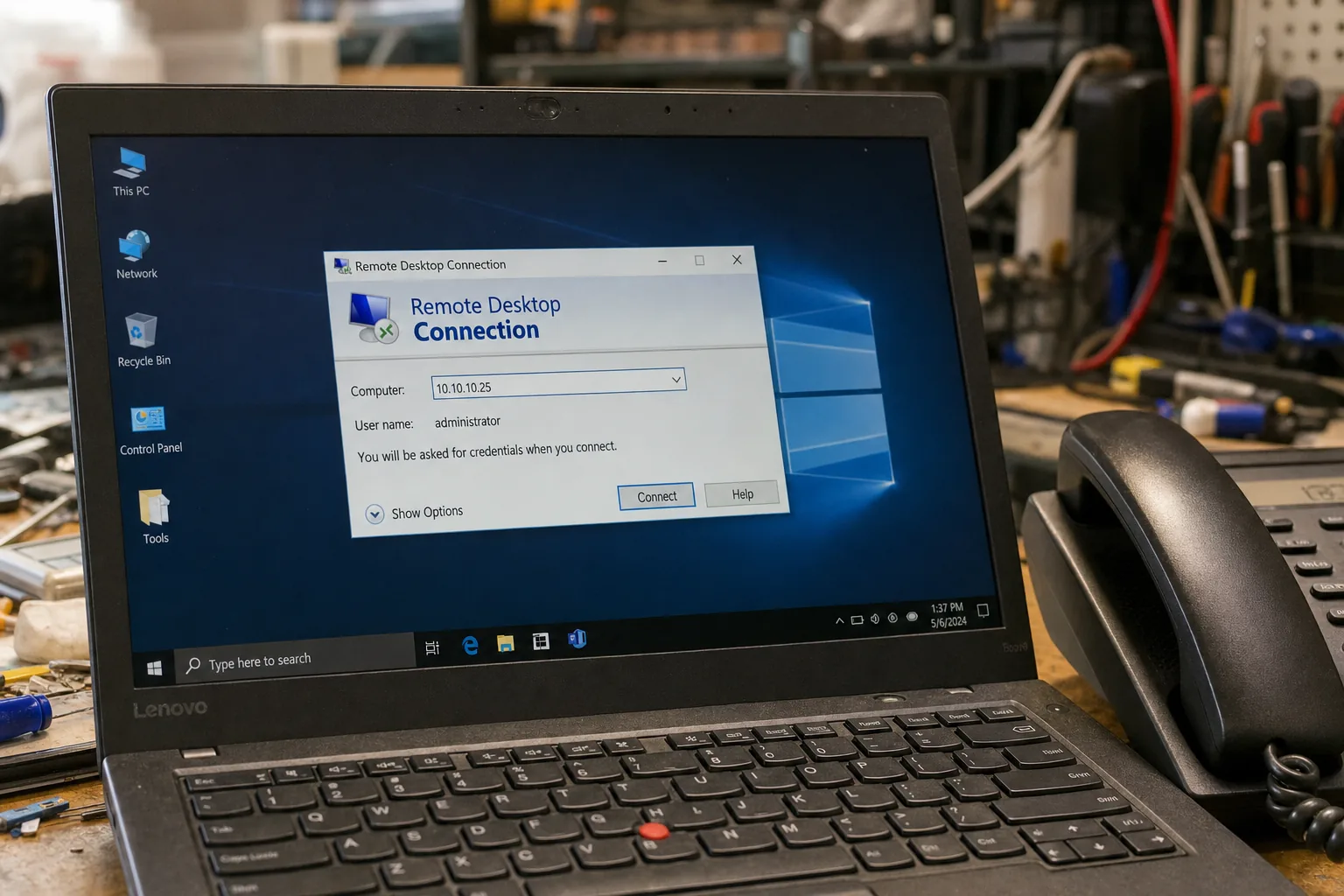

A retired teacher brought her laptop in last month, visibly shaken. She'd had a call from someone claiming to be from BT, warning her that her broadband had been flagged for suspicious activity. By the end of the conversation, a stranger had spent over an hour inside her machine — and had talked her into buying £300 worth of gift cards to "secure her account." She hadn't lost her savings, but it was a very close thing.
This is the remote access scam, and I see the aftermath of it several times a year. It's not a new trick, but it keeps working because the callers are patient, polite, and genuinely convincing. They sound like IT support. They know the right words. And the tools they ask you to install — things like AnyDesk or TeamViewer — are completely legitimate software that real engineers use every day. That's what makes it so effective.
How the call unfolds
The script almost always follows the same pattern. The caller claims to be from BT, Sky, Virgin, your bank, or occasionally "Microsoft." They tell you there's a serious problem — your router is broadcasting malware, your account has been accessed, your IP address has been reported. Then they guide you through a few steps that look alarming but are completely normal Windows screens:
- Event Viewer: They'll ask you to open this and point to the red warning icons. Every Windows machine has hundreds of these. They're routine log entries, not evidence of infection.
- Command Prompt output: They may ask you to run a command and read out numbers or codes, which they then claim "confirm" the breach.
- A download link: They'll ask you to visit a website and install remote access software so they can "fix" the problem for you.
Once they're in, they have full control. They can open your browser, access saved passwords, look through files, and — as happened with my customer — open your online banking while keeping you distracted on the phone.
What I found when she brought it in
The remote access software was still installed. There were browser history entries showing her bank's website had been visited during the session. Her saved passwords in the browser were exposed. I removed the software, cleared the stored credentials, and ran a full malware scan. Nothing had been left behind in terms of a virus — these scammers often don't bother, because they got what they wanted in real time.
The most important calls she made weren't to me — they were to her bank, which she rang immediately, and to Action Fraud (0300 123 2040), where she reported the incident. Her bank flagged the account and she caught it before any money moved.
The things worth remembering
- BT, Sky, and Microsoft do not call you out of the blue about problems on your specific line or computer. It doesn't happen.
- Hang up without guilt. Scammers are trained to make you feel rude for questioning them. You owe a cold caller nothing.
- If you've already let someone in, disconnect from the internet immediately, then ring your bank and report it to Action Fraud.
- Check your browser's saved passwords and change anything sensitive, especially email, banking, and shopping accounts.
- Uninstall any remote access software you don't recognise — AnyDesk, TeamViewer, AnySupport, UltraViewer are all ones I've found after these calls.
The Repair Bench verdict
If you get a call like this: hang up. No legitimate company will cold-call you about a fault on your line and ask to remote into your machine to fix it.
If you've already given access: disconnect the internet, call your bank straight away, then report it to Action Fraud on 0300 123 2040. Bring the machine in — I can check what was installed and clear it properly.
Watch out for: the Event Viewer trick especially — those red warnings are normal, and showing them to you is a classic way to manufacture panic from nothing.