
The One Computer Problem That's Been Annoying People Since the 1990s
Thirty years of better technology, and yet printers still manage to ruin your morning just as reliably as ever.
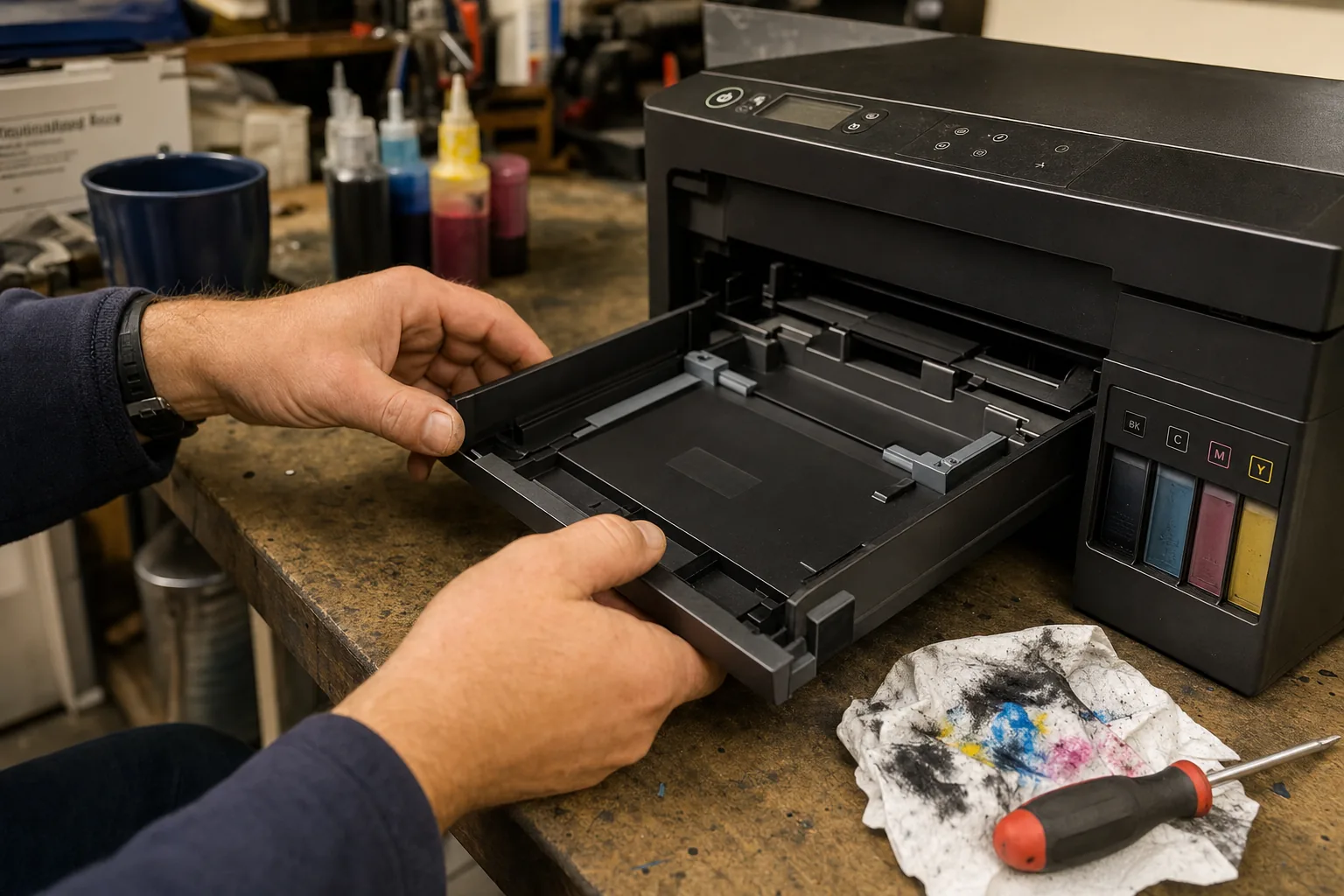

A customer came in last week, laptop under one arm and a face like thunder. She hadn't printed anything in three months — not because she didn't need to, but because every time she tried, the printer just sat there blinking at her. No error message she could understand, no useful help from the manufacturer's website, nothing. She'd already spent an evening on it. "I just want to print a form," she said. I've heard that sentence more times than I can count.
Printers are, genuinely, one of the most consistently maddening bits of kit I see in this job. And what makes it worse is that people feel embarrassed about struggling with them, as though it's a simple thing and they must be missing something obvious. They're not. Printers have always been awkward, and modern ones have found entirely new ways to let you down on top of the old ones.
Why printers fail more often than you'd expect
Most of the faults I see fall into a handful of categories. Once you know them, you can usually diagnose the problem yourself in under five minutes.
- The printer is offline (even though it isn't). Windows convinces itself the printer is unreachable and queues up jobs that never move. Fix: open Settings → Bluetooth & devices → Printers & scanners, remove the printer entirely, and add it fresh. Takes two minutes and clears the ghost queue.
- Ink or toner that won't print. Inkjet heads clog badly if the printer sits unused for weeks. Most printers have a head-clean cycle buried in the software utility — run it twice before assuming a cartridge is dead. I've revived many a "broken" printer this way.
- Cheap third-party ink triggering errors. Manufacturers actively block cartridges they don't recognise through firmware updates. This has been a running battle for years. If a printer suddenly refuses cartridges that worked fine before, check whether a firmware update landed recently.
- Wi-Fi connection dropping. Wireless printers lose their network assignment when your router reboots and assigns a new IP address. Giving the printer a fixed IP in your router's settings stops this from happening repeatedly.
- Driver conflicts after a Windows update. A Windows update occasionally breaks the driver relationship entirely. Uninstalling the printer, downloading the current driver direct from the manufacturer's site (not Windows Update), and reinstalling from scratch usually sorts it.
The thing manufacturers don't advertise
Here's something the box never tells you: inkjet printers are designed to be sold cheaply and make money on ink. That business model shapes everything about how they're built. They're not designed for occasional use — they're designed for regular use. A printer that sits idle for a month will clog. A printer used every couple of days probably won't.
If you only print occasionally, a laser printer is a far better fit. The toner doesn't dry out, the running costs are lower over time, and they connect more reliably in my experience. Brother make dependable, no-nonsense laser printers that I've recommended to customers for years without regret.
That said, if you need to print photos or colour documents regularly, a good inkjet still makes sense — just factor in the maintenance.
The Repair Bench verdict
Before you bin the printer: remove and re-add it in Windows settings, run the head-clean utility, and reinstall the driver from the manufacturer's site directly. Most faults clear with one of those three steps.
If you rarely print: switch to a monochrome laser printer — toner doesn't clog, and you'll stop dreading print day entirely.
Watch out for: firmware updates that block third-party ink — check the manufacturer's update history before you assume the cartridge is faulty.