
The Broadband Call-Out That Turned Out To Have Nothing To Do With Broadband
A customer had already had two engineer visits before the real culprit turned out to be sitting on my bench.

We link to the exact model on Amazon UK. Prices change often, so check the live price before you buy. As an Amazon Associate we earn from qualifying purchases.
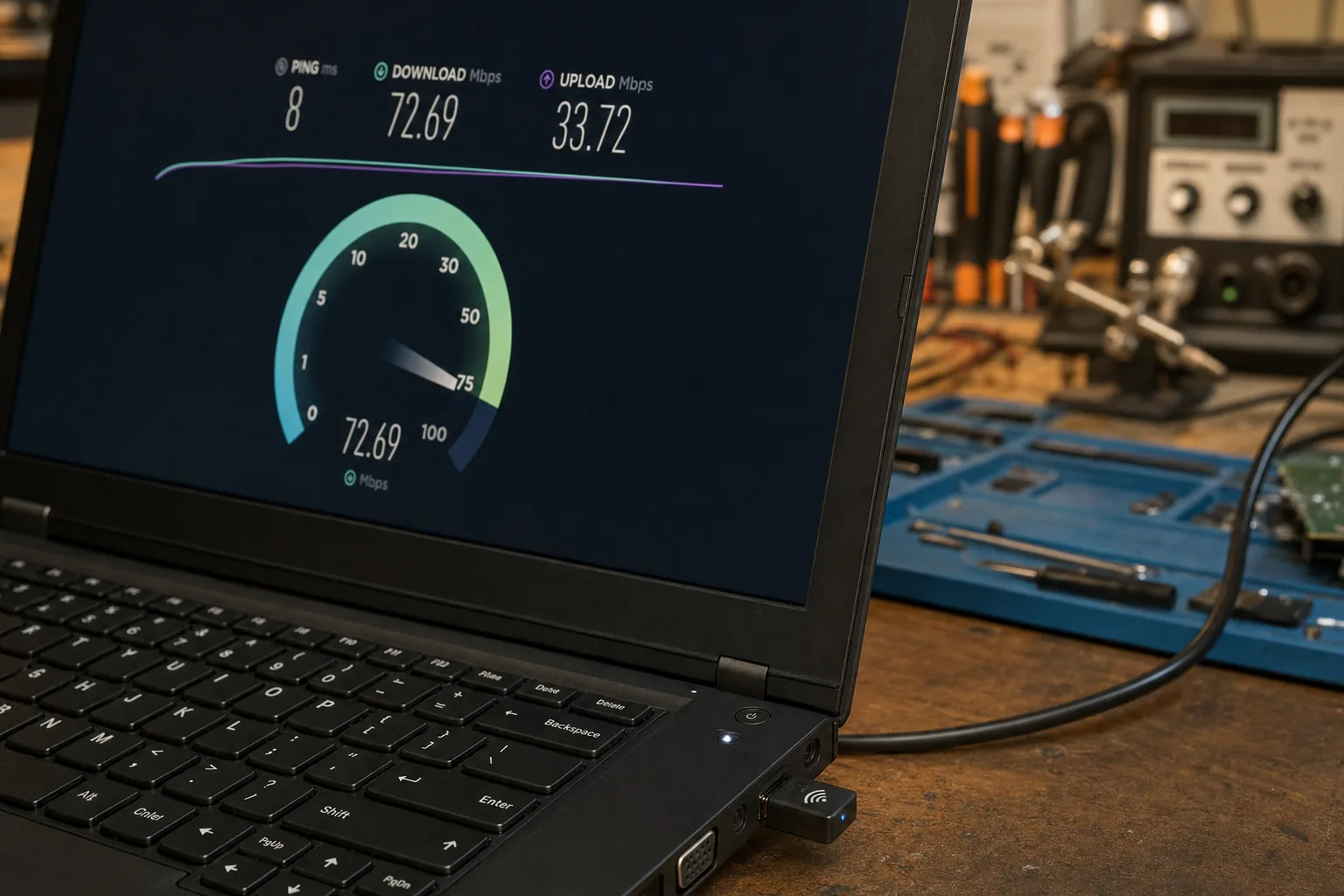
A customer brought a laptop in a few weeks ago, thoroughly fed up. Her broadband had felt sluggish for months, she'd had two separate engineer visits from her provider, and both times they'd tested the line, found it running exactly as it should, and left. She was paying for a fast package and getting nothing like it. When I plugged her laptop straight into the router with a cable, the speed test matched what she was paying for almost to the megabit. The broadband was fine. The laptop's Wi-Fi wasn't.
This happens more often than people expect. An ISP can only be responsible for the connection up to your router. Everything after that - the Wi-Fi signal, the adapter inside your PC, Windows itself - is on you, and it's very often the weak link.
How to check whether it's really your broadband
- Test with a cable. Plug an ethernet cable straight from the PC to the router and run a speed test at a site like Ookla's Speedtest. If the wired result is far higher than the wireless one, the fault sits with the Wi-Fi, not the connection.
- Test on a second device. Run the same speed test on your phone, on the same Wi-Fi, standing near the router. If the phone flies and the PC crawls, that confirms it.
- Look in Device Manager. Under "Network adapters," check what Wi-Fi standard your PC supports. Anything showing 802.11n on a laptop bought before about 2018 is now genuinely elderly and can't keep up with modern connection speeds, especially over any distance.
The usual culprits once you're on the bench
Once I've ruled the ISP out, there's a short list of things I check on the PC itself. An out-of-date Wi-Fi driver is common - I update it via Device Manager or the manufacturer's site rather than relying on Windows to have done it automatically. Background activity is another big one: Windows Update quietly downloading in the background, or OneDrive syncing a backlog of files, can eat most of the available bandwidth without any obvious sign on screen, so I always check the Network column in Task Manager before blaming the router. Older laptops with a built-in 802.11n or early 802.11ac card simply can't reach modern broadband speeds over Wi-Fi no matter what driver you put on them - the hardware is the ceiling.
For that last group, replacing the adapter is far cheaper than replacing the laptop. A small USB Wi-Fi dongle supporting a newer standard plugs straight in and, on that customer's laptop, took her from roughly a third of her paid-for speed to the full amount within minutes.
The Repair Bench verdict
Before you call your ISP again: plug the PC into the router directly with a cable and re-run the speed test - if that fixes it, the fault is on your end, not theirs.
Best for most: a USB Wi-Fi adapter like the TP-Link Archer T3U AC1300 for any laptop still running an old built-in Wi-Fi card.
Watch out for: update the Wi-Fi driver first and check Task Manager for background downloads - sometimes that alone solves it for free.
As an Amazon Associate we may earn from qualifying purchases, at no extra cost to you. We only recommend kit we would actually use.
 TP-Link Archer T3UView on Amazon