
The Email Account That Gets Hacked Because Of One Weak Password
I see the aftermath of this every month — and it's almost always the same avoidable mistake.

We link to the exact model on Amazon UK. Prices change often, so check the live price before you buy. As an Amazon Associate we earn from qualifying purchases.
A woman came in a few weeks ago in a proper panic. Her email had been sending spam to everyone in her contacts — her GP, her boss, her daughter — and she couldn't get back in. When I asked her what her password was, she told me the name of her cat and the year she was born. She'd been using it since 2009. The same password. On every account.
See the YubiKey 5 NFC on Amazon UK
Check today's price & availability on Amazon UK
I see this at least once a month. The email is the real target, because once someone's inside your inbox they can reset the password on everything else — your bank, your Amazon, your PayPal. It unravels fast. And the root cause is almost always a weak password, a reused password, or both.
How attackers actually get in
It's rarely someone specifically targeting you. What usually happens is this: a website you used years ago — a forum, a shopping site, an old loyalty scheme — gets breached. Your email address and password leak onto the internet. Attackers then run those credentials automatically against Gmail, Outlook, Yahoo, and the rest. If you've reused that password, they're in within seconds.
- Check if you've been caught up in a breach. Go to haveibeenpwned.com and enter your email address. If your details have appeared in a known data leak, it'll tell you plainly.
- Look for suspicious activity. Most email providers show your recent sign-in history. In Gmail, scroll to the bottom and click Details. Unexpected locations or devices are a red flag.
- Check your sent folder and forwarding rules. Attackers often set up a silent forwarding rule so they keep receiving your emails even after you change the password. Delete anything you didn't create.
What you need to do right now
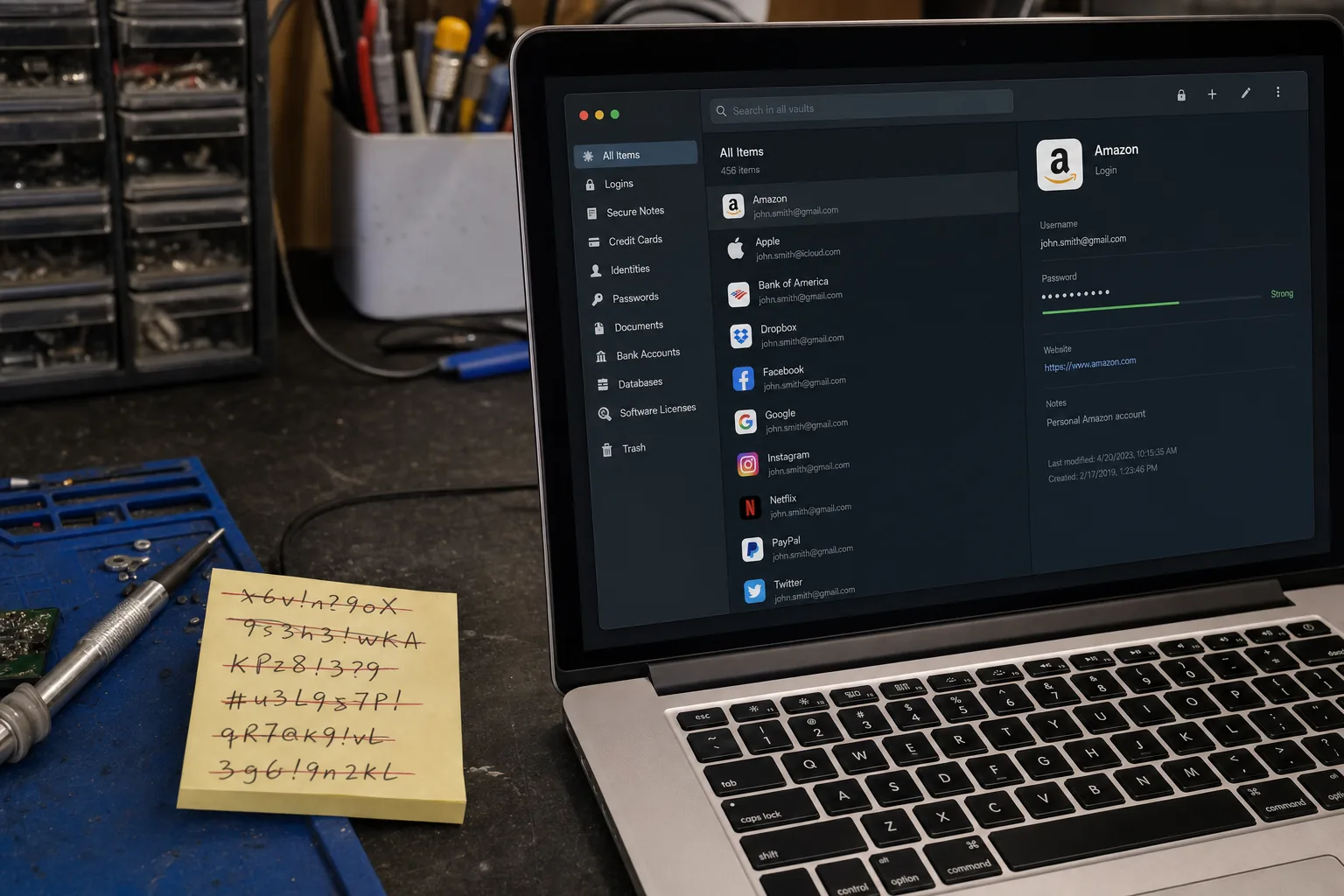
First, change the password on your email account to something long and unique — at least fourteen characters, not a word or a date. A password manager like Bitwarden (free) or 1Password generates and stores these for you, so you don't have to remember them. I've recommended Bitwarden to dozens of customers and not one has come back complaining.
Second, and I cannot stress this enough: turn on two-factor authentication. Once it's on, a stolen password alone isn't enough to get in. The attacker also needs a code from your phone. Most email providers support an authenticator app — Google Authenticator or Authy both work well — and the setup takes under five minutes.
- For Gmail: go to your Google Account, then Security, then 2-Step Verification.
- For Outlook: go to account.microsoft.com, then Security, then Advanced security options.
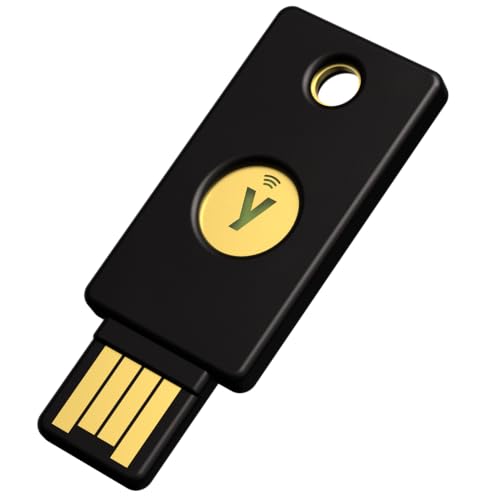
- If you want the strongest protection available: a physical security key like the YubiKey 5 NFC plugs in or taps your phone and replaces the code entirely. It's what I use personally.
The thing people always say
Almost everyone tells me they'll sort it out later, or that they've got nothing worth stealing. But your email account isn't really about what's in it — it's the master key to your entire digital life. Getting locked out, or having someone impersonate you to your contacts, is stressful and time-consuming to unpick. I've spent hours helping people recover accounts that took an attacker about thirty seconds to compromise.
A password manager and two-factor authentication cost you twenty minutes to set up, once. That's the whole fix.
The Repair Bench verdict
If your email has been hacked: change the password immediately, check your forwarding rules, and look at haveibeenpwned.com to see which breach exposed you.
To stop it happening again: use a password manager (Bitwarden is free and excellent) and enable two-factor authentication on your email account today — not later.
For the strongest protection: a YubiKey 5 NFC is a physical security key that makes your account almost impossible to access remotely, even with the correct password.
As an Amazon Associate we may earn from qualifying purchases, at no extra cost to you. We only recommend kit we would actually use.
- YubiKey 5 NFCView on Amazon