
The Forgotten Microsoft Account That Locks You Out of Your Own New PC
Setting up a new Windows 11 machine sounds simple — until an old email address you barely remember brings the whole thing to a grinding halt.
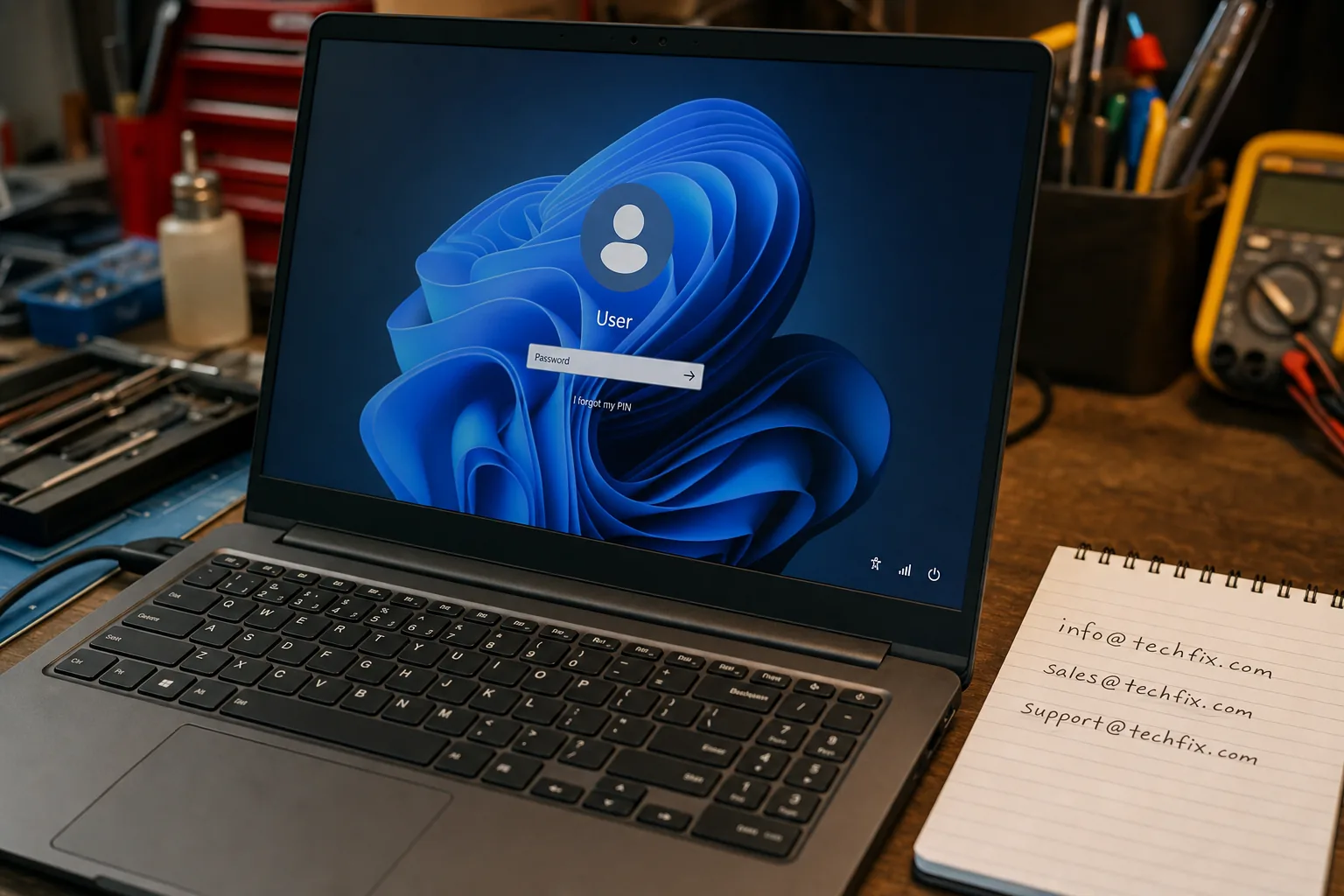

A customer came in last week with a brand-new laptop, still in the box. She'd got as far as the setup screen, typed in her email address, and hit a wall. Windows recognised the address — but the password she'd been using for years was wrong. She hadn't touched that Microsoft account in a decade. Now it was holding her shiny new machine hostage.
This is something I see regularly, and it catches people completely off guard. You'd expect a fresh PC to just let you in. The problem is that Windows 11 — during the out-of-box setup — tries to connect your machine to a Microsoft account. If you type in an old email address, Windows goes and finds that account on Microsoft's servers. It doesn't care that you forgot about it. It wants the correct password, and it won't move on until it gets it.
Why this happens more than you'd think
Most of us have collected email addresses over the years. An old Hotmail, a Live.com, an Outlook.com — Microsoft has absorbed them all over time, and any of them might be attached to a Microsoft account you created and promptly forgot. When you type one of those addresses into a new Windows 11 setup, the system recognises it and assumes that account is yours to log into. It's not wrong — the account is yours — but if you can't remember the password, you're stuck.
- Don't keep guessing the password. Too many wrong attempts can temporarily lock the account, which makes things worse.
- Use a different device to recover the account first. On a phone or another computer, go to account.microsoft.com and use the account recovery option. You'll need access to a backup email address or phone number you set up years ago.
- Check if Microsoft has a recovery code route. If you have no backup contact on the old account, Microsoft's recovery form asks identity questions. It's slow, but it works more often than people expect.
The quicker workaround during setup
If you don't want to spend an hour recovering the old account, there's a cleaner option: skip it entirely and use a different email address, or create a local account instead. During Windows 11 setup, if you choose the "Set up for work or school" option and then select "Sign-in options," you can often get through to a local account without needing Microsoft sign-in at all. It's a bit buried, but it's there.
- Try a different email address. If you have a current, working Microsoft account under a different address, use that one from the start.
- Go local if you prefer. A local account means no cloud sync, but for people who just want to use their machine simply, it's perfectly fine.
- Recover first, set up second. If the old account has files or settings you want to keep, it's worth taking the time to recover it on another device before continuing setup.
The worst thing you can do is abandon the setup halfway through and switch the machine off. I've had a couple of people bring in laptops that got stuck in a loop because of exactly that. Finish the flow one way or another — even if it means creating a temporary local account and sorting the Microsoft login later.
The Repair Bench verdict
The real problem: Windows 11 setup ties itself to Microsoft accounts by default, so an old forgotten email address stops you dead if you can't remember the password.
Quickest fix: recover the account at account.microsoft.com on another device before you continue setup, or choose a local account to bypass the issue entirely.
Watch out for: switching the machine off mid-setup after failed login attempts — finish the process one way or another, even if only to create a temporary account.