
The £150 "Bargain" PC That Left One Customer Nearly £300 Out Of Pocket
A cheap refurbished tower looked like a steal until I opened the case and started asking where it actually came from.
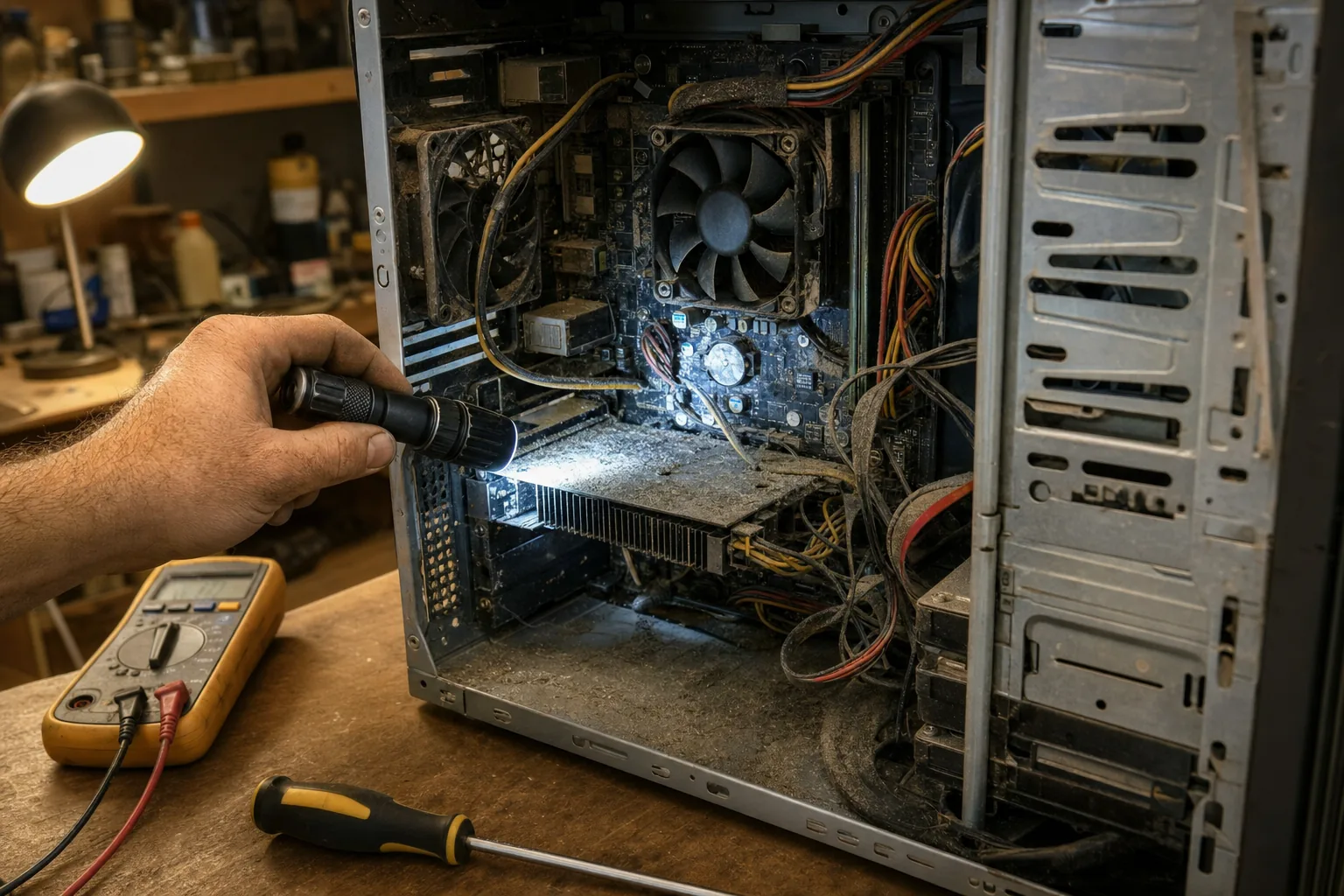

A chap brought in a desktop tower a fortnight ago that he'd bought from a bloke on Facebook Marketplace for £150. "Fully refurbished, like new," the listing said. It wouldn't boot past the Windows logo. By the time I'd finished looking through it, I had to tell him the £150 was the cheapest part of this mistake.
Refurbished computers aren't a problem in themselves - I sell them myself, and a properly refurbished machine from a trader who stands behind it is often the smartest buy going. The trouble starts when "refurbished" just means "someone wiped it and stuck it on Marketplace," with no idea what's actually inside, no paperwork, and no way to come back to them when it goes wrong.
What I actually found
Once I got into this one, three things stood out straight away.
- The Windows licence wasn't legitimate. It activated using a generic key that had clearly been used on hundreds of other machines. That's not a small technicality - Microsoft can and does invalidate these, and when it does, the PC drops back to an unlicensed, watermarked desktop with no warning.
- The hard drive had over 30,000 power-on hours. That's roughly three and a half years of the drive running continuously, not the "lightly used office PC" the seller claimed. It was already throwing read errors, which is exactly why it wouldn't boot properly.
- The seller had vanished. No shop, no returns address, no reply to messages. There was nobody to complain to and no consumer protection to fall back on, because private sales between individuals don't carry the same rights as buying from a registered business.
How to check before you hand over any money
None of this needed specialist kit to spot - it just needed someone to look. If you're buying refurbished, whether it's a laptop or a full tower, ask to see or check these things before you pay:
- Ask who actually refurbished it. A proper refurbisher is a registered business with a name, address and a returns policy you can read. "A mate who's good with computers" is not that.
- Check the drive's health. Tools like CrystalDiskInfo show the power-on hours and any warning flags on a hard drive or SSD in seconds - ask the seller to run it and send a screenshot before you buy.
- Confirm the Windows licence is genuine. Go to Settings > System > Activation. It should say "Windows is activated with a digital licence linked to your Microsoft account," not just a generic activated message.
- Get something in writing. Even a simple receipt with the seller's name and a stated warranty period gives you something to point to if it fails in week two.
Buying refurbished from a proper local repair shop or an established reseller costs a bit more than an anonymous online listing, but that difference usually buys you a tested drive, a genuine licence, and someone to call when something goes wrong. That's not a small thing - it's most of what you're actually paying for.
The Repair Bench verdict
Before you buy any refurbished PC: find out who actually refurbished it and whether there's a real business and warranty behind the sale.
Always ask for: a drive health check and confirmation the Windows licence is genuinely activated, not just showing as "activated" on the desktop.
Watch out for: private sellers with no returns policy and no way to contact them once your money has left your account.