
The Email That Looked Like An Invoice - And Locked Every File On The Network
One unpaid invoice reminder, one click, and a small Kent business lost access to five years of accounts overnight.
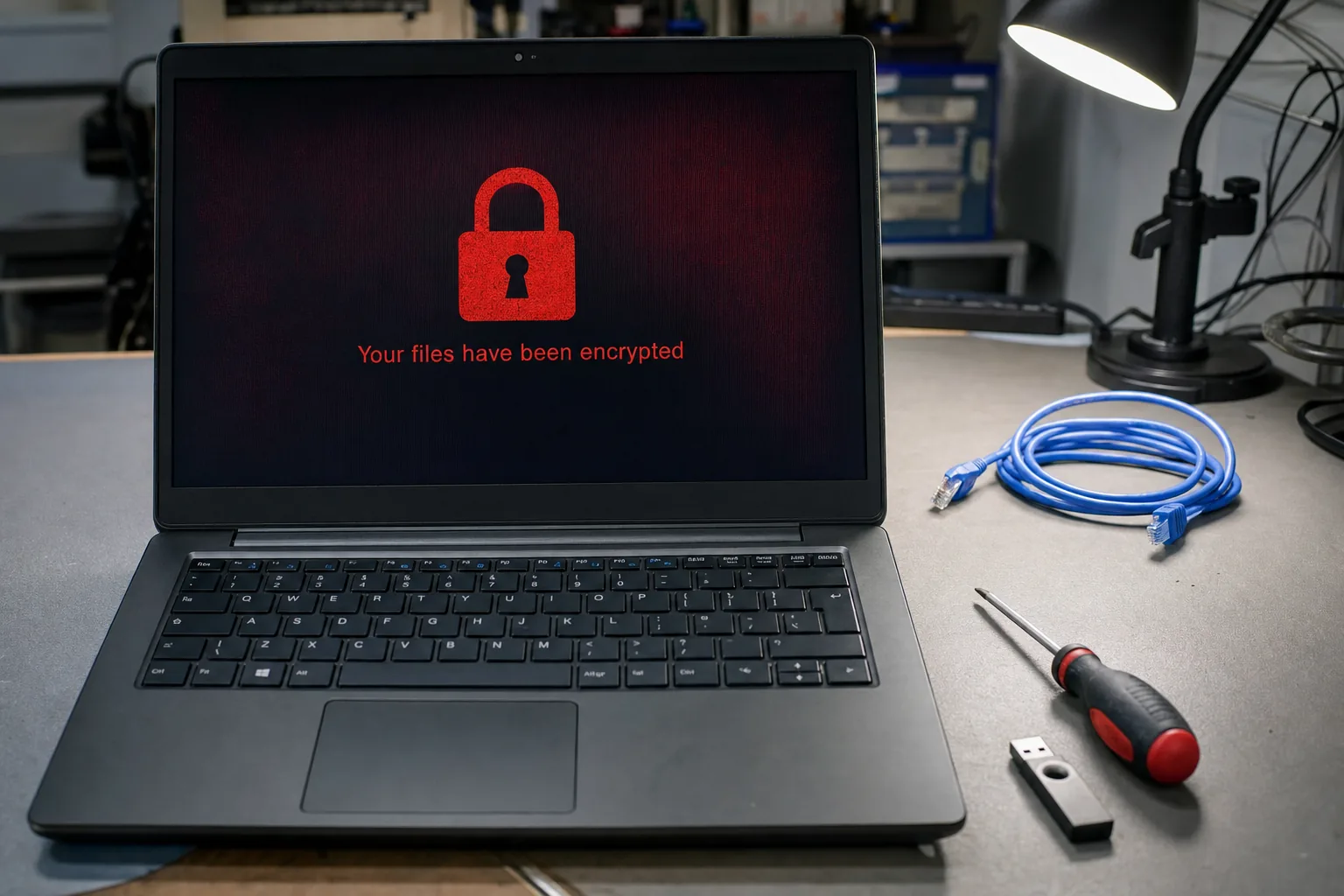

A call came in on a Monday morning from a joinery firm I've looked after for years. "Nothing's opening," the owner said. "Every file's got a weird name and there's a text file telling us to pay in Bitcoin." By the time I got there, every shared drawing, invoice and quote on their little office network was locked. It started, as it almost always does, with one email that looked completely ordinary.
What actually happened
The email had arrived a few days earlier, looking exactly like a supplier chasing an unpaid invoice. It had a real company name, a plausible amount, and a Word document attached. Someone opened it, the document asked them to "enable content" to view it properly, and that was that - a macro ran quietly in the background and started phoning home.
From there it didn't rush. Ransomware often sits and spreads for a day or two before it triggers, working its way across any shared folders and mapped drives it can reach. When it finally went off, every document on the shared drive was renamed with a strange extension, and a text file in each folder demanded payment for the decryption key.
- The giveaway signs were there earlier - a slightly unusual sender address, and pressure in the email to open the attachment quickly.
- By the time files started renaming themselves, the damage was already done - this is not something you can undo by running antivirus after the fact.
What I could - and couldn't - do
I'll be straight with you here: once files are properly encrypted by modern ransomware, I cannot decrypt them without the criminals' key. Anyone who tells you otherwise is either very lucky or not being honest with you. I disconnected every machine from the network immediately to stop it spreading further, then checked for Windows shadow copies and any local backups that might have survived.
In this case, the firm got lucky in one respect: their invoicing software's cloud backup was untouched, because it lived outside the shared network drive the ransomware had reached. Their design files on the shared drive were not so lucky, and around eighteen months of drawings were gone for good. They didn't pay - the National Cyber Security Centre and Action Fraud both advise against it, and there's no guarantee paying gets your files back anyway.
What would have stopped this
- A backup that isn't always connected. If your backup drive is permanently plugged in and mapped as a network drive, ransomware can encrypt that too. A drive you connect, back up to, then disconnect is far safer.
- Staff who know to pause on attachments. A five-minute chat about checking sender addresses and never enabling macros on unexpected documents stops most of these before they start.
The Repair Bench verdict
Before disaster strikes: keep at least one backup that's disconnected from your network when you're not actively backing up to it.
Best for most small businesses: a simple external drive like the Seagate Expansion 5TB, used weekly and then unplugged.
Watch out for: never enable macros or "editing" on an unexpected attachment, however genuine the invoice looks.