
Why Your Old Email Password Could Be The Weakest Link In Your Security
I see it every week on the bench — accounts hacked not because of anything clever, but because of a password set ten years ago and never changed.
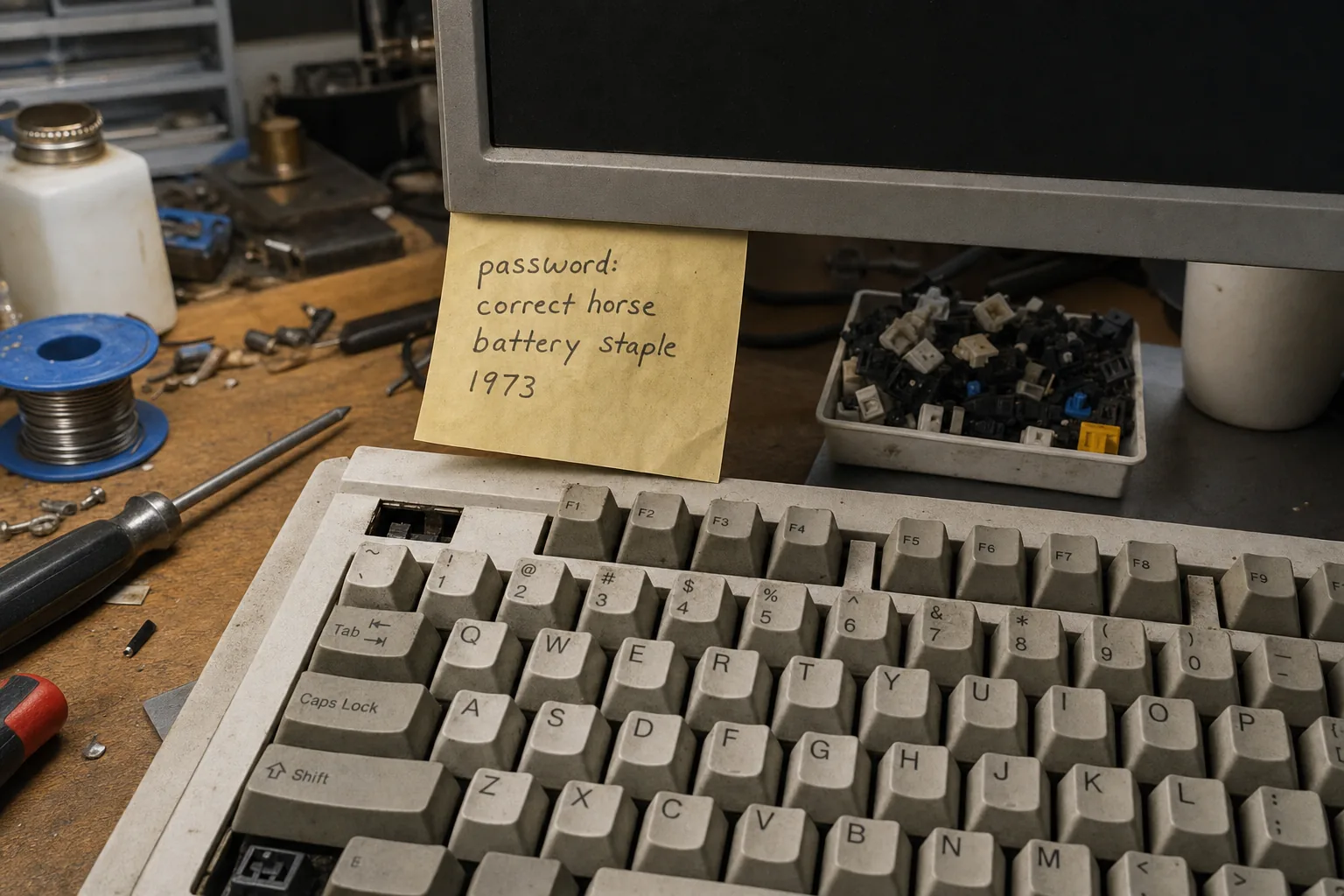

A customer came in last month convinced her laptop had a virus. Someone had been reading her emails — she was certain of it. She hadn't clicked anything suspicious, hadn't visited dodgy websites. When I sat down with her and asked when she'd last changed her email password, she had to think about it. "When I set the account up," she said. That was 2011.
That's not unusual. I'd say it's actually the norm. Email accounts get created, a password gets typed in once, and then it just sits there — unchanged — for years while everything else about your digital life gets built on top of it. The problem is that over those years, data breaches happen at companies you've signed up with, and the credentials from those breaches get sold and shared around. If your password was in one of those leaks, attackers will try it on your email sooner or later.
Why your email account is the master key
Your email address is the recovery option for almost everything else — your bank, your Amazon account, your PayPal, your Apple ID. If someone gets into your email, they don't need your other passwords at all. They just hit "Forgot password" on whatever they fancy and the reset link lands straight in their hands, not yours. I've seen people lose access to years of accounts this way. It's a horrible situation to unpick.
The age of the password matters because older passwords tend to be simpler — no symbols, shorter, often a pet's name or a memorable word. Security advice has moved on enormously since 2011, but the password hasn't.
How to find out if you've already been caught up in a breach
- Go to haveibeenpwned.com and type in your email address. It's a free, reputable service that checks your address against known data breaches. If it comes back with results, take it seriously.
- Look at your email's recent activity. Gmail, Outlook, and most providers show you recent sign-in locations. An unfamiliar city or country is a red flag worth acting on immediately.
- Check whether your browser has already flagged it. Chrome and Edge now warn you if a saved password has appeared in a known breach — look in your browser's password settings.
What to actually do about it
Change your email password first, today, before anything else. Make it long — three or four random words strung together works well and is easier to remember than a jumble of characters. Don't reuse it anywhere else.
Then turn on two-factor authentication on your email account. This means even if someone gets your password, they still can't get in without a code from your phone. It takes five minutes to set up and it's the single most effective thing you can do. Every major email provider supports it — look in your account's security settings.
After that, work through your other important accounts — banking, shopping, anything financial — and do the same. A free password manager like Bitwarden will remember them all for you so you only need to remember one strong master password.
The Repair Bench verdict
Check your exposure first: run your email address through haveibeenpwned.com — if you've been in a breach, change your password today.
Most important step: turn on two-factor authentication on your email account; it stops most attacks even if your password is already out there.
Watch out for: reusing the same password across multiple sites — one breach then puts every account at risk, not just one.