
GPD Win 5 Review: The Pocket PC That Thinks It Is a Gaming Laptop
Strix Halo power in a seven-inch Windows handheld sounds gloriously excessive. It is. The awkward bits matter just as much as the headline frame rates.
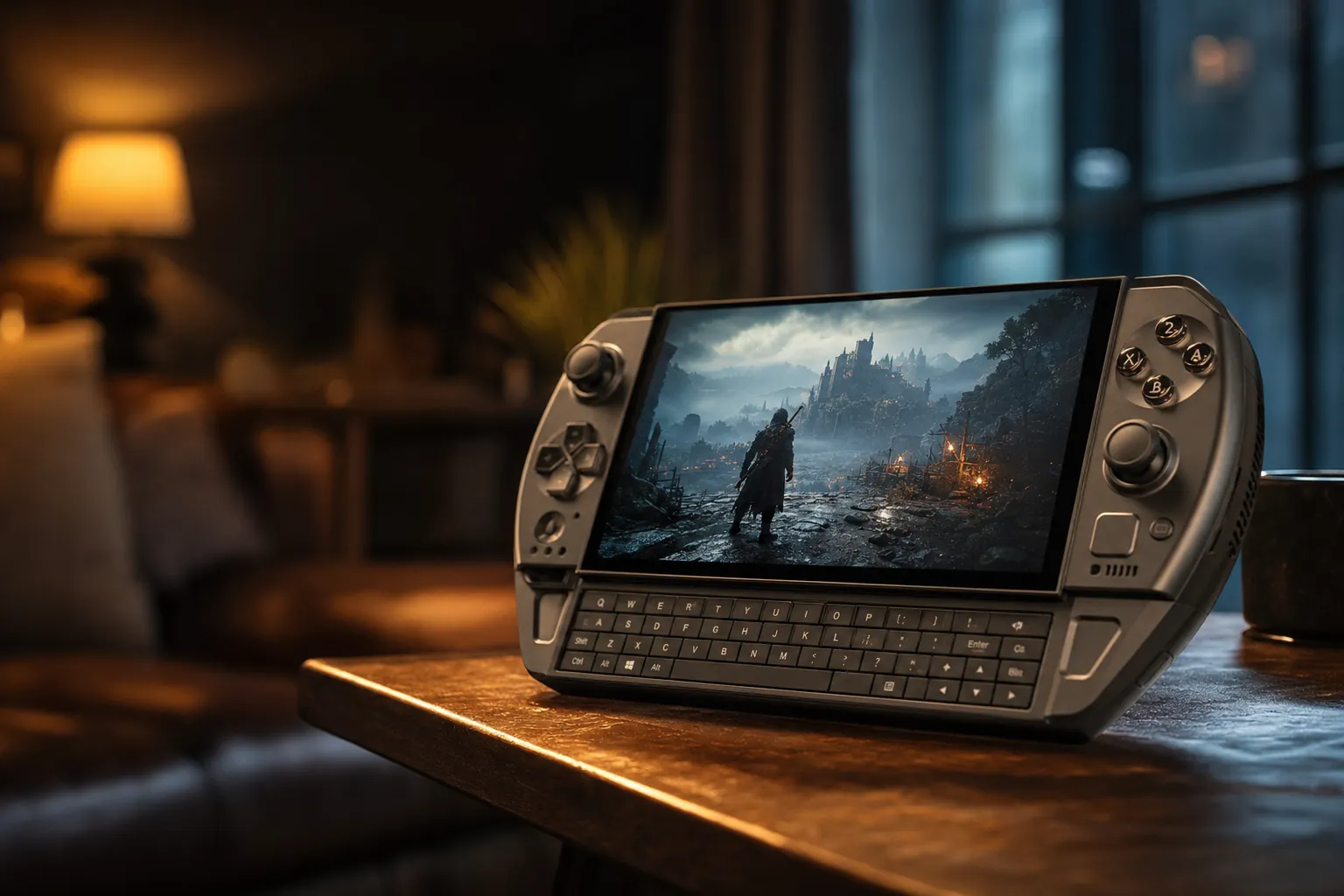
We link to the exact model on Amazon UK. Prices change often, so check the live price before you buy. As an Amazon Associate we earn from qualifying purchases.
The Win 5's central promise is unusual: laptop-grade AMD silicon compressed into a handheld that still expects you to use it on the sofa.
The GPD Win 5 is not trying to beat the Steam Deck at being a friendly little console. It is trying to cram a proper gaming laptop's attitude into a handheld shell, then asking you to accept the fan noise, battery bulk and Windows fiddling that come with it. That makes it fascinating. It also makes it one of the easiest handhelds to recommend badly.
The Handheld That Ditched Its Keyboard
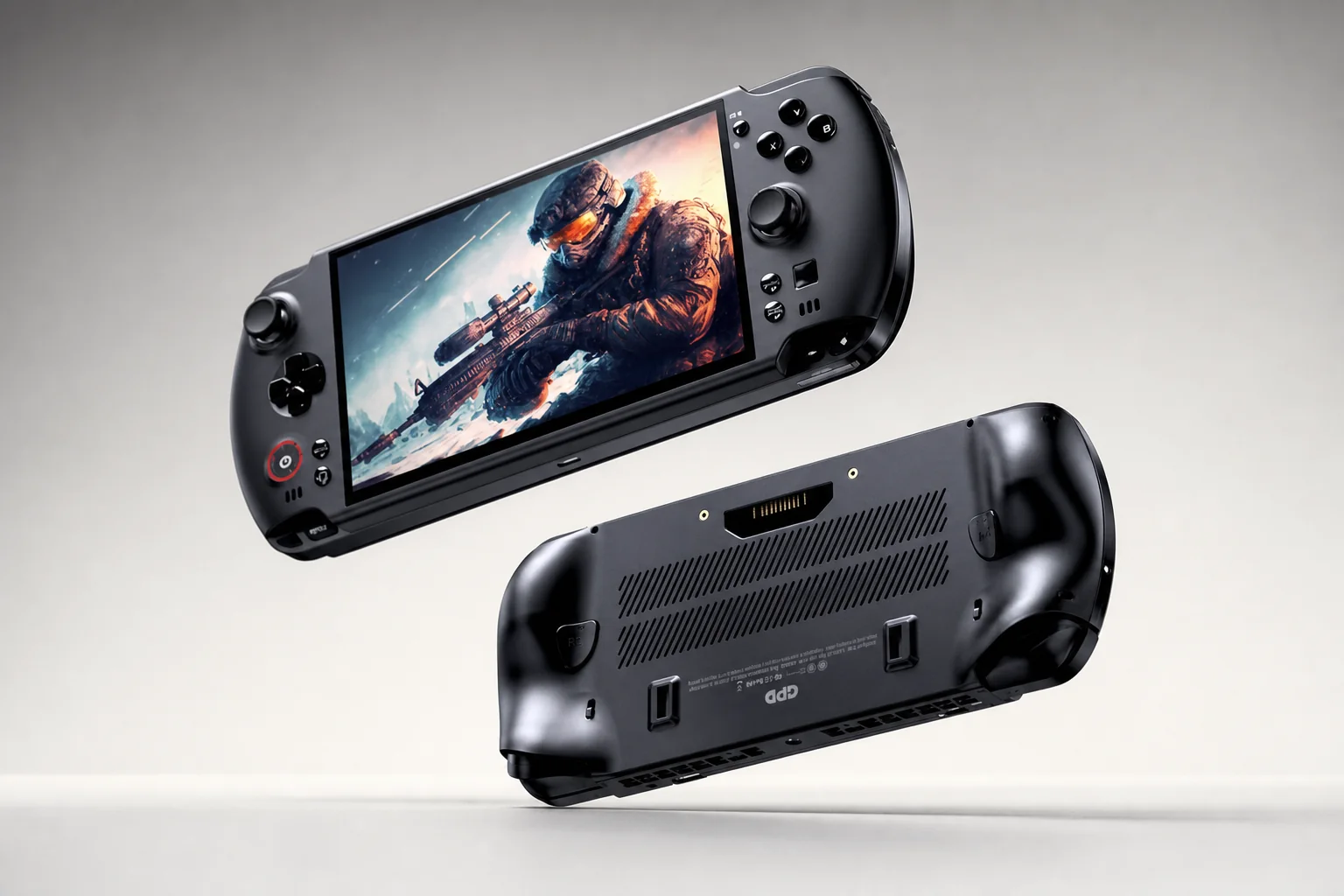
GPD publicly showed the Win 5 at ChinaJoy on 1 August 2025, launched its Indiegogo campaign on 25 September 2025 and reached global retail around 25 November 2025. By August 2026 it had settled into a very clear role: this was GPD's most aggressive performance handheld, rather than another tiny Windows laptop with game controls attached.
The big design change was also the most emotionally loaded one. Earlier GPD Win models had leaned hard on their built-in keyboards. They were slightly odd, occasionally fiddly little machines, but they could genuinely stand in for a tiny PC when you needed to type a password, amend a setting or rescue a game launcher that had decided controller navigation was beneath it. The Win 5 removed that keyboard entirely.
That sounds like a regression until you see where the space went. GPD used it for a larger seven-inch display, roomier controls and a much more serious dual-fan cooling assembly with copper heat pipes. In other words, the Win 5 stopped pretending to be a pocket laptop in physical form and became a performance-first gaming handheld. The problem is that it still runs Windows 11, so the miniature-laptop chores never entirely disappeared.
The key trade-off
The Win 5 is a much stronger gaming machine because it lost the keyboard. It is a less convenient Windows machine for exactly the same reason. There is no clever way around that; you simply need to decide which side of the bargain matters more to you.
Bigger Screen, Bolder Body: Inside the Redesign
The numbers explain why the Win 5 feels less pocketable than its name implies. The main handheld measures roughly 267mm wide, 111–111.6mm tall and 24.2mm deep. Without its battery attached it weighs around 565g. That is already dense enough to remind your wrists that this is not a Switch Lite. Clip on the external battery and you add roughly 350g, taking the working package to approximately 915–940g.
That figure needs saying plainly because it changes how you use the device. At close to a kilogram, the Win 5 is most comfortable while sitting down with your elbows supported, on a train table, in bed with a cushion beneath it, or propped up at a desk. It is not the thing I would choose for a lazy half-hour standing in the kitchen whilst dinner is on. Your forearms will file a formal complaint.
The panel itself is properly good for this category. It is a 1,920 × 1,080 LTPS touchscreen with 120Hz refresh, FreeSync support, 500-nit brightness, a 1,000:1 contrast ratio and a quoted 6ms response time. At 315 PPI, games and text look impressively sharp. Corning Gorilla Glass 6 is welcome too, especially on a device likely to spend time in bags next to chargers, cables and the occasional rogue cereal bar.
It is still an LCD, though, and that matters beside the Steam Deck OLED or Lenovo's OLED Legion Go Gen 2. The Win 5's display is fast, clear and sensible at 1080p. It does not have OLED's black levels or HDR impact. GPD has prioritised speed and pixel density, not cinematic drama.
The larger 7-inch 120Hz panel is one of the Win 5's clearest upgrades, although the extra power behind it comes with an equally substantial cooling system.
Cooling built for high TDPs
Dual fans and copper heat pipes give the Win 5 far more thermal capacity than a conventional 15–30W handheld needs.
Controls with enthusiast touches
Capacitive analogue sticks, Hall-effect triggers, rear paddles, trigger mode switches and an optical finger mouse make this a flexible control layout.
Quick sign-in
The power button includes a fingerprint sensor, which is a small but genuinely useful perk on a Windows handheld.
Under the Hood: Strix Halo Silicon by the Numbers
The Win 5 came in three confirmed launch configurations. The entry model used AMD's eight-core, 16-thread Ryzen AI Max 385, Radeon 8050S graphics with 32 compute units, 32GB of LPDDR5X-8000 memory and a 1TB PCIe 4.0 NVMe SSD. Above it sat a Ryzen AI Max+ 395 model with 16 cores and 32 threads, Radeon 8060S graphics with 40 compute units, 32GB of LPDDR5X-8000 and 2TB of storage. The flagship paired that same 395 processor with 64GB of memory and a 4TB SSD.
That is a serious amount of hardware for a seven-inch machine. The 395's CPU can reach up to 5.1GHz, whilst the Radeon 8060S runs at around 2.9GHz. The Radeon 8050S in the 385 tops out near 2.8GHz. More important than the clocks, though, is the class of silicon. Strix Halo was designed to bring unusually capable integrated graphics to compact PCs. GPD simply decided that "compact PC" could mean "thing with joysticks".
The three launch models shared the same display, controls, ports, external 80Wh battery system and cooling design. The meaningful differences were CPU, integrated GPU, memory, storage and price. Do not assume the expensive model gets a better screen or a fuller feature set: it does not.
The 385 model makes sense only if the saving is significant and your priority is getting into the Win 5 chassis rather than extracting every possible frame. The 395 is the point of the product. Its additional CPU cores and stronger 8060S graphics are what allow this handheld to stretch beyond the usual Z1 Extreme and Ryzen AI 9 HX 370 crowd.
The 64GB model is the sensible indulgence for buyers treating the Win 5 as a genuinely broad Windows PC as well as a games machine. Large game libraries, desktop workloads and the shared-memory nature of an integrated GPU all make extra memory useful. But it is not a magical performance button. It buys headroom and fewer compromises rather than transforming every game overnight.
Power on Tap: How Fast Is the Win 5, Really?
This is where the Win 5 stops being merely interesting and starts being faintly ridiculous. GPD's own testing of the Ryzen AI Max+ 395 version used 28W, 55W and 80W modes. That spread tells you almost everything about the machine's personality. At the bottom end it can behave like a very strong conventional handheld. At the top end it behaves like a small gaming laptop that happens to have thumbsticks.
At 28W, the 395 was described as delivering performance roughly comparable to a previous GPD Win 4 2025 paired with GPD's G1 external GPU. That alone is a striking result. An integrated GPU in the handheld was reaching the level of a previous-generation handheld plus a separate external graphics box. It is the kind of generational leap that looks slightly silly on a chart, then makes perfect sense once you remember how much power the Win 5 is allowed to use.
At 80W, the Radeon 8060S reportedly moved ahead of the Radeon 7600M XT inside that G1 eGPU comparison. Again: integrated graphics, in the handheld itself, overtaking a discrete mobile GPU in an external enclosure. This is not an argument that integrated graphics have somehow replaced every gaming laptop GPU. It is an argument that Strix Halo is operating in a different league to the graphics built into most handhelds.
Tom's Hardware placed the 395's graphics in the general territory of an RTX 4060-class mobile solution. Digital Foundry testing reported by TechSpot put the Win 5 at roughly 70–90% of base PlayStation 5 performance in selected comparisons. Neither line should be read as a universal promise that every game will look or run like it does on an RTX 4060 laptop or a PS5. Game engines, settings, memory allocation and power profiles all matter. But the direction of travel is unambiguous: this is much faster than a Steam Deck, ROG Ally X or mainstream Z1 Extreme handheld.
At sensible power limits the Win 5 behaves like an exceptional handheld; at 75–85W it starts acting like a mains-powered gaming laptop with grips.
Use the power range, not just the maximum
The clever Win 5 owner will not leave it at 80W all the time. Around 28–35W is where the device becomes much easier to live with. Save 75–85W for a desk, an external display, demanding games and situations where the charger and headphones are already part of the plan.
The Heat Is On: Fans, Throttling and the Sound of Speed
The Win 5's thermal design does its job. LTT Labs measured CPU peaks of approximately 81°C at 75W, with an average around 79°C. That is warm, obviously, but it is not a sign of the machine collapsing under its own ambition. At 35W, the CPU stayed just under 60°C in the cited testing, considerably cooler than the roughly 92°C recorded for the ROG Ally X in the same comparison.
So the cooling system works. The catch is that working hard sounds like working hard. At 75W, LTT Labs described the Win 5 as sounding like an MSI gaming laptop. GPDStore recorded maximum fan noise at approximately 67dB under heavy load. That is loud for a handheld. It is loud enough that open-backed headphones are preferable, and loud enough that playing beside someone watching television is not a recipe for household harmony.
There is also a sensitive fan curve that can produce ramp-ups during loading screens. That is not catastrophic, but it reinforces the feeling that this is laptop hardware wearing a handheld costume. Most handhelds make some noise. The Win 5 at full tilt makes a statement.
There are really three useful operating personalities: 28–35W for portable play and sensible acoustics; around 55W for a powerful middle ground; and 75–85W for maximum performance when noise, mains power and battery life are secondary concerns.
The 180W DC adapter is part of that equation. It is appropriate for the hardware, but it is not a compact phone charger you casually tuck into a pocket. Carrying the Win 5, its external battery and its full-power adapter makes for a distinctly non-minimal travel bundle. You can absolutely travel with it. Just do not confuse that with the grab-and-go convenience of a Steam Deck.
External Battery, Internal Compromises
GPD's FlexPower battery is both the Win 5's cleverest trick and its most obvious compromise. Rather than putting an 80Wh cell inside the handheld, GPD made the battery removable, hot-swappable and external. The pack is rated at 21,620mAh at 3.7V, and it weighs around 350g. Attach it to the rear and the Win 5 becomes a very heavy handheld. Remove it and the main unit drops back to around 565g.
There are real benefits here. The battery can be replaced rather than becoming an inaccessible ageing component. You can carry a spare if you have the budget and bag space. At a desk, you can run the Win 5 from mains without the battery attached, which makes the core device far less tiring to hold. GPD also supports using the battery via an extension cable, so the heaviest component need not always be hanging off the rear of the machine.
But battery capacity is not battery life, and this little monster can consume power with enthusiasm. A Cinebench loop at full brightness and roughly 80W TDP delivered about 42 minutes. That is not a typo. It is a remarkably short runtime, but it is also the honest price of asking a compact system to run at laptop-like wattages.
At 13W, LTT Labs recorded just over nine hours in its longevity test. At 55W, 50% brightness and desktop idle, GPDStore reported around 10 hours. Those figures are useful reminders that the Win 5 is not inherently inefficient; it simply has a wildly broad power envelope. In actual portable AAA gaming, expect something closer to around 1.5–3 hours depending on the game, brightness and power limit.
The removable 80Wh battery improves serviceability and desk use, but it is also the reason the complete Win 5 package feels more like a compact computer than a casual console.
Windows 11 at 7 Inches: The Awkward Truth
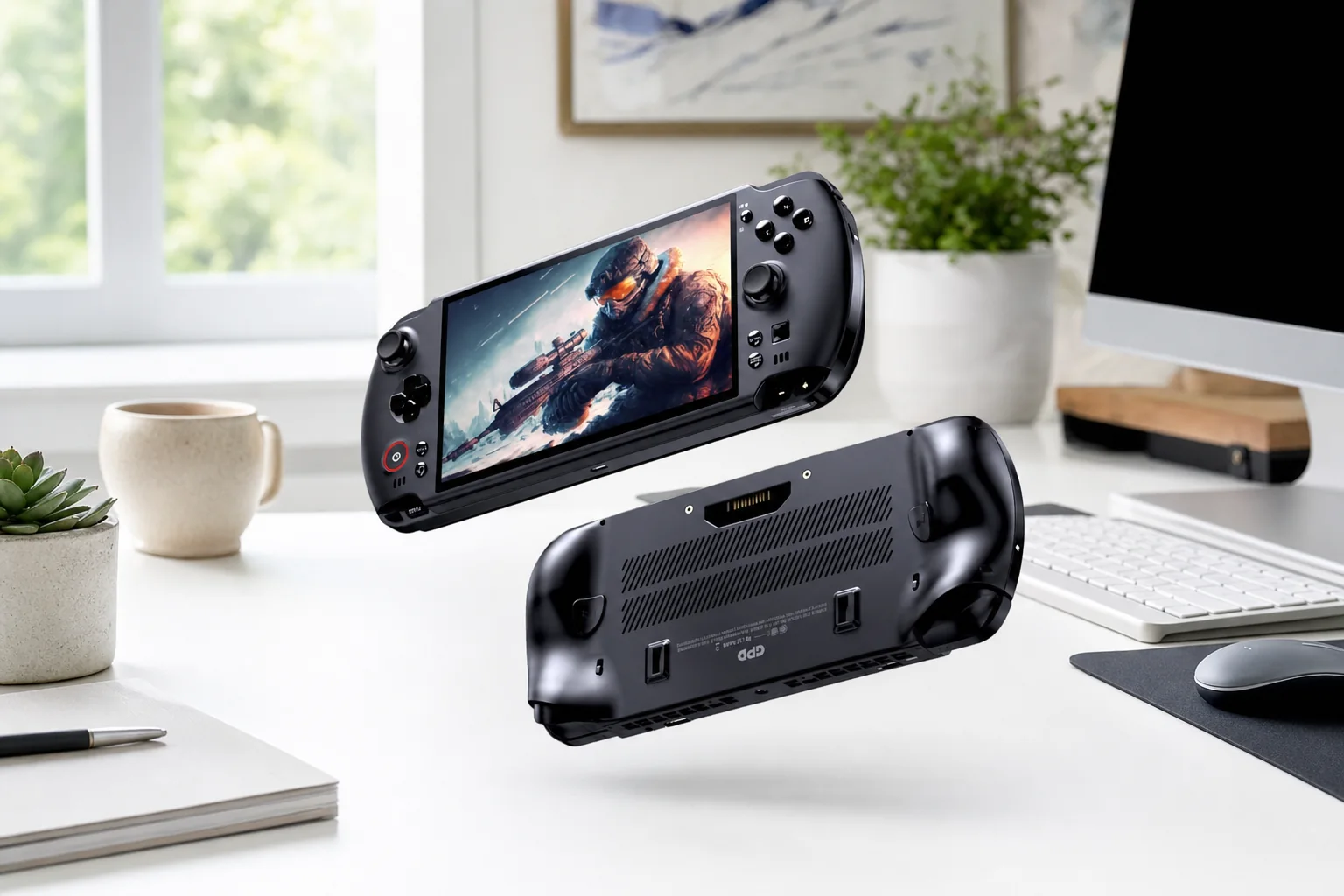
The Win 5 is a full Windows 11 Home PC. That means Steam, Epic Games Store, Xbox and Game Pass, GOG, launchers, emulators, desktop applications, file management and peripherals all work in the same broad way they do on a normal computer. Flexibility is the reason Windows handhelds exist. It is also the reason they occasionally make you want to throw a small mouse across the room.
On a 7-inch 1080p panel, Windows is sharp but physically tiny. You can scale it, of course, but small buttons, title bars, desktop menus, password fields and scroll bars remain awkward when operated by thumbs. The touchscreen works. The optical finger mouse helps. Neither is the same as having a keyboard and trackpad when a launcher asks you to enter a code, a driver needs attention or Windows decides an update is more important than your evening.
That is especially important because the Win 5 does not have the integrated physical keyboard that once made GPD machines unusually self-sufficient. An external USB or Bluetooth keyboard and mouse are not mandatory for everyday gaming, but they are extremely sensible accessories for setup, troubleshooting and desktop work. Think of them as the digital equivalent of a spare tyre: you might not use them daily, but you will be glad they exist when something goes wrong.
Gamepad navigation outside games is still inconsistent, too. Steam Big Picture helps, and launchers have improved, but Windows was fundamentally built for a pointer and keyboard. Valve's SteamOS remains much smoother for picking up a device, waking it, selecting a game and playing. The Win 5 wins on software breadth. It does not win on elegance.
No keyboard means no pretence
The Win 5 is best viewed as a gaming handheld that can do PC work when docked, not a miniature laptop you will happily write documents on in a café. That distinction keeps expectations in the right place.
Room to Grow: Storage, Ports and the Mini SSD Oddity
GPD has been generous with connectivity. You get one USB4 Type-C port, one USB 3.2 Gen 2 Type-C port, one USB 3.2 Gen 2 Type-A port, a 3.5mm headset and microphone jack, a MicroSD slot and the dedicated DC power input for the 180W adapter. USB-C DisplayPort Alt Mode handles external displays, which is exactly what you would want if the Win 5 is pulling double duty as a desktop PC.
There is no dedicated HDMI port and no Ethernet socket. For a device this size, neither omission is shocking, but both reinforce the value of a decent dock if you plan to use it beside a monitor. OCuLink is listed in retailer specifications, adding potential for external graphics, although anyone building an eGPU setup should check their chosen enclosure carefully before spending money.
Storage is unusually flexible. Alongside the MicroSD slot and full-size M.2 2280 PCIe 4.0 NVMe slot, GPD added a Mini SSD slot. This tiny storage format measures around 15 × 17 × 1.4mm and supports capacities up to 2TB. It is a neat idea for swapping game libraries or carrying extra storage without a protruding card. The drawback is obvious: M.2 and MicroSD are mature, easy-to-buy formats, whilst Mini SSD is much more niche.
USB4 plus two more USB ports
USB4 Type-C, USB 3.2 Gen 2 Type-C and USB 3.2 Gen 2 Type-A cover docks, storage and ordinary peripherals better than many handhelds.
Three storage routes
The M.2 2280 slot, MicroSD slot and Mini SSD slot make the Win 5 unusually expandable for a handheld.
Desktop-ready output
USB-C DisplayPort Alt Mode makes connecting a monitor practical, particularly when using the Win 5 on mains power.
What It Costs: Configurations and the Premium You Pay
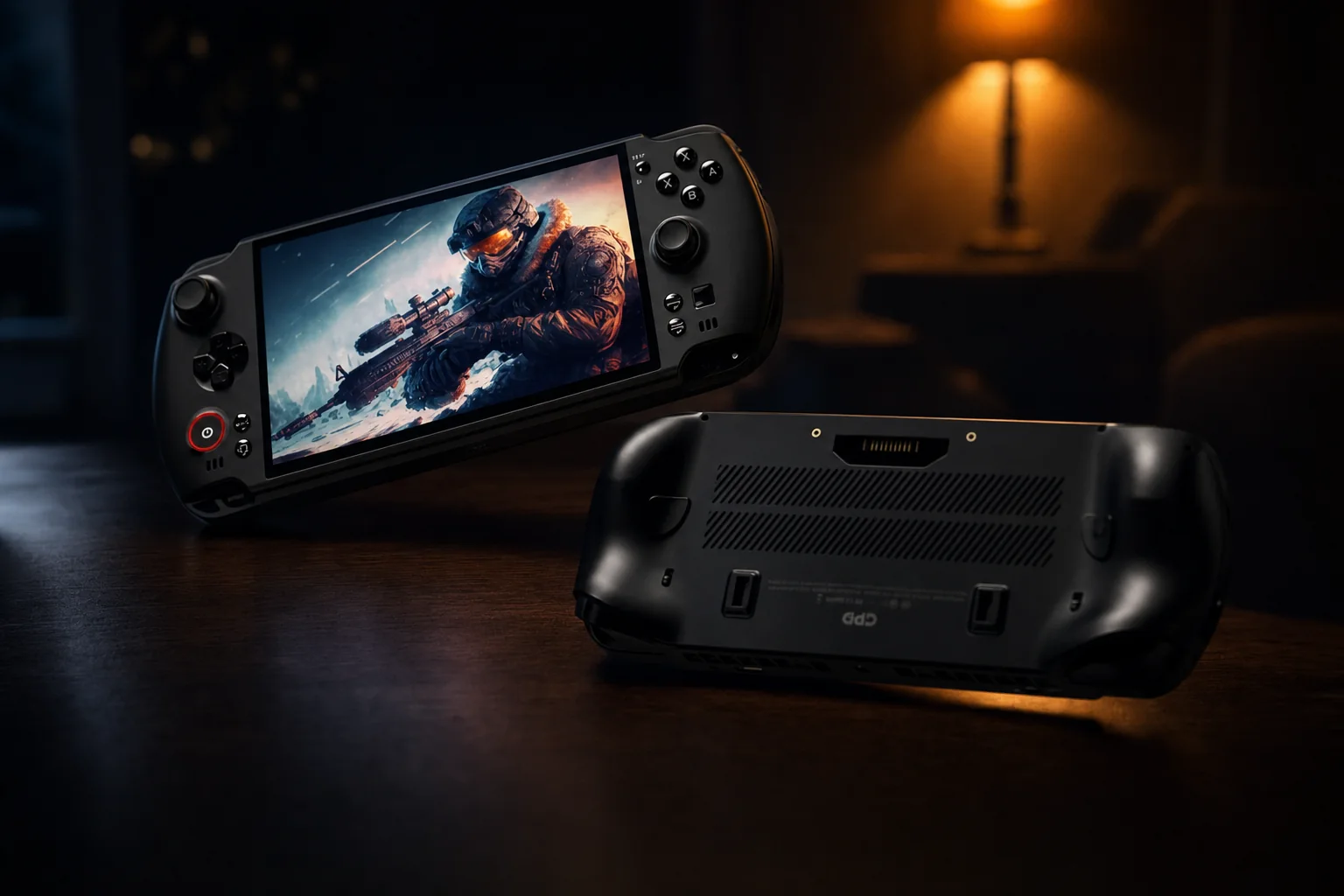
The Win 5 was expensive from day one and it remained expensive at retail. UK pricing varied by configuration and retailer page state, but the entry Ryzen AI Max 385 with 32GB and 1TB appeared at £2,172.28 including VAT. The Ryzen AI Max+ 395 with 32GB and 2TB sat around £2,172–£2,458 depending on the listing, whilst the 395 with 64GB and 4TB reached roughly £2,422–£2,708.
Those are not "premium handheld" prices in the usual £500–£850 sense. They are gaming-laptop prices. That is the awkward value conversation at the heart of this device. You are paying for remarkable small-format engineering, massive integrated graphics performance, a removable battery system and GPD's enthusiast feature set. You are not paying for the easiest, quietest or most polished way to play PC games.
Ryzen AI Max 385
32GB memory and 1TB storage. The lowest-cost route into the Win 5 chassis.
Ryzen AI Max+ 395
32GB memory and 2TB storage. The model that best captures the Win 5's performance proposition.
Ryzen AI Max+ 395 flagship
64GB memory and 4TB storage for buyers who want maximum capacity from launch.
For context, Indiegogo launch pricing in the US started at $1,599 for the 385/32GB/1TB model, roughly $1,850 for the 395/32GB/2TB configuration and $2,120–$2,268 for the 395/64GB/4TB version. Current US retail listings sat around $2,429–$2,432.95. The crowdfunding discount was substantial. Normal retail is a different proposition entirely.
The Win 5 commands gaming-laptop money, which makes its extraordinary performance easier to admire than to justify for ordinary handheld buyers.
| Feature | ROG Xbox Ally X | Steam Deck OLED 512GB |
|---|---|---|
| UK price | £849 | £649 |
| Processor | Ryzen AI Z2 Extreme | Custom AMD APU |
| Memory | 24GB LPDDR5X-8000 | 16GB LPDDR5 |
| Display | 7-inch 1080p, 120Hz | 7.4-inch 1,280 × 800 HDR OLED, 90Hz |
| Battery | 80Wh battery | 50Wh battery |
| Operating system | Windows 11 | SteamOS |
| Storage | 1TB SSD | 512GB NVMe SSD |
| Weight | Not listed here | Not listed here |
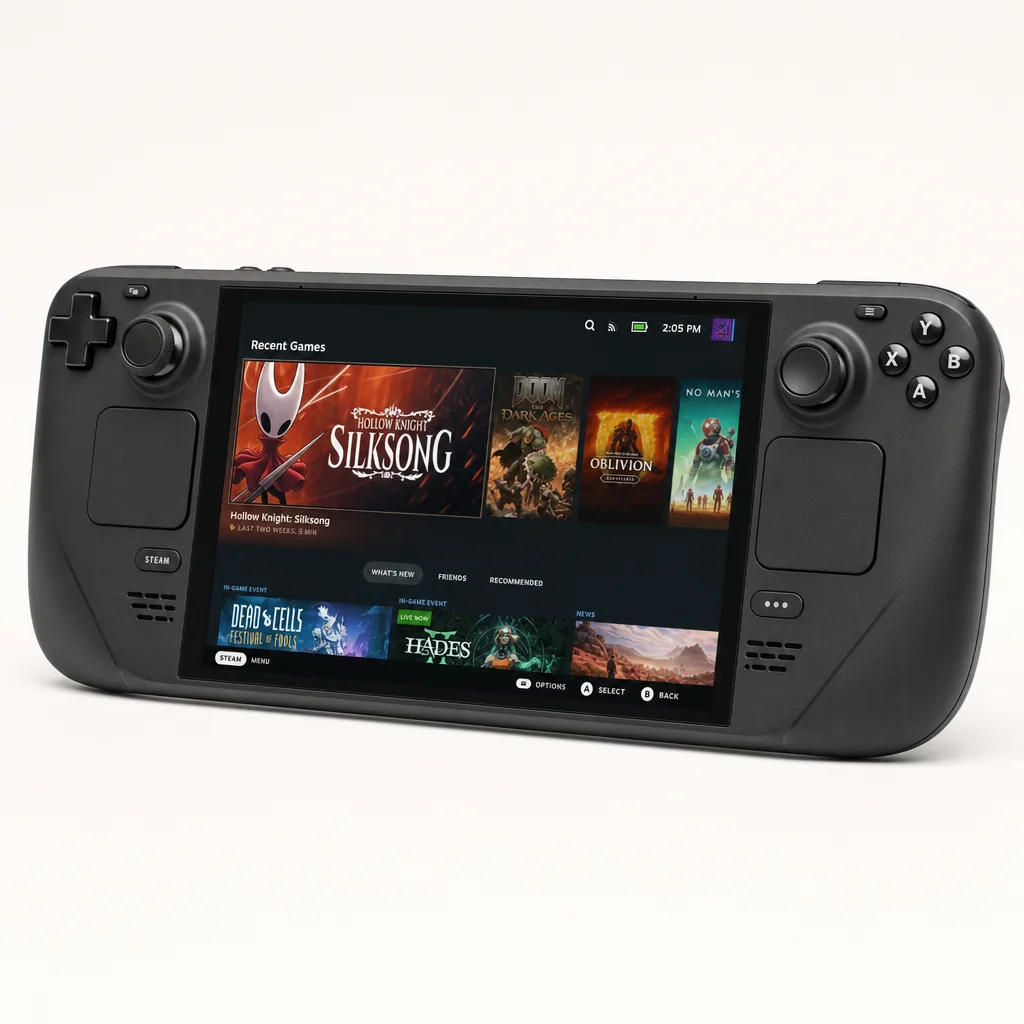
The ROG Xbox Ally X is the pragmatic alternative. It is dramatically cheaper, has an 80Wh battery and a more mainstream support ecosystem, although it cannot touch the Win 5's Strix Halo performance. The Steam Deck OLED is even less expensive and much more console-like, with better suspend-and-resume behaviour and an OLED panel, but it is in a completely different performance bracket.
Verdict: A Pocket Laptop, Not a Pocket Console
The Win 5 is one of those devices that gets easier to understand once you stop treating it like a normal handheld. It is not really competing with a Steam Deck OLED on convenience. It is not really competing with the ROG Xbox Ally X on value. It is not even fully competing with a gaming laptop on ergonomics, price or screen size.
It is a specialist machine for people who want the most power possible in something they can technically hold in their hands. That sounds like a niche, because it is a niche. But it is a genuine one. If you want to run demanding Windows games at 1080p, use proper PC launchers, carry a serious amount of storage and have a device that can become a desk PC with the right peripherals, the Win 5 does things few handhelds can approach.
The high point is the power flexibility. At 28–35W, this is an exceptionally capable handheld that is relatively cool and much easier to tolerate acoustically. Around 55W it moves into serious performance territory. At 75–85W it delivers the numbers that make headlines, but it also brings laptop-grade fan noise, extraordinary battery drain and a reliance on that sizeable 180W power brick.
That is why I would not buy it purely for "portable gaming". You can spend far less on a ROG Xbox Ally X or Steam Deck OLED and get a better day-to-day handheld experience. The Win 5 earns its price only when you specifically value the top-end Strix Halo platform, M.2 and Mini SSD expansion, removable battery design, wide TDP range and Windows flexibility more than weight, simplicity and quiet operation.
The Win 5 makes most sense as a high-powered portable PC for enthusiasts, not as a simple, quiet console replacement for everyone else.
Pros
- Exceptional Ryzen AI Max+ 395 and Radeon 8060S performance for a handheld.
- Excellent sharp 1080p, 120Hz display with FreeSync support.
- Wide TDP range makes it adaptable from light use to laptop-grade gaming.
- 80Wh battery is removable, replaceable and hot-swappable.
- Very flexible storage with M.2 2280, MicroSD and Mini SSD expansion.
- USB4, USB-C, USB-A, rear paddles, Hall-effect triggers and fingerprint login are proper enthusiast extras.
Cons
- At high TDP, the fans are loud enough to resemble a gaming laptop.
- Full-power battery runtime can fall below an hour.
- Nearly one kilogram with the external battery attached.
- No physical keyboard makes Windows maintenance less convenient than older GPD Win devices.
- No dedicated HDMI or Ethernet port.
- Pricing sits squarely in premium gaming-laptop territory.
GPD Win 5 AI Max+ 395
Choose it if raw performance, desktop-class flexibility and expandable storage outweigh price, fan noise and battery simplicity.
ROG Xbox Ally X
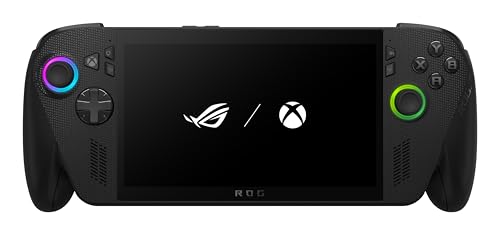
See ROG Xbox Ally X on Amazon UK
Check today's price & availability on Amazon UK
Choose it if you want a much less expensive Windows handheld with an internal 80Wh battery and a more ordinary ownership experience.
Steam Deck OLED 512GB
See Steam Deck OLED 512GB on Amazon UK
Choose it if SteamOS ease of use, OLED image quality and a lower price matter more than maximum Windows game compatibility and peak performance.
Bottom line
The GPD Win 5 is an extraordinary engineering exercise and a compromised everyday handheld. It delivers genuinely laptop-class performance from a device you can hold, but it asks you to live with gaming-laptop noise, an external battery, a hefty travel kit and Windows 11's tiny-screen awkwardness. Buy it because you want the most powerful handheld PC available in this form factor, not because you want the easiest way to play games on the move.
Your GPD Win 5 Questions Answered
- ROG Xbox Ally XView on Amazon