
The £40 Habit That's Quietly Killing Laptop Screens Across the UK
I've lost count of the "cracked for no reason" screens that started life as a phone charger sharing a bag with an unprotected laptop.
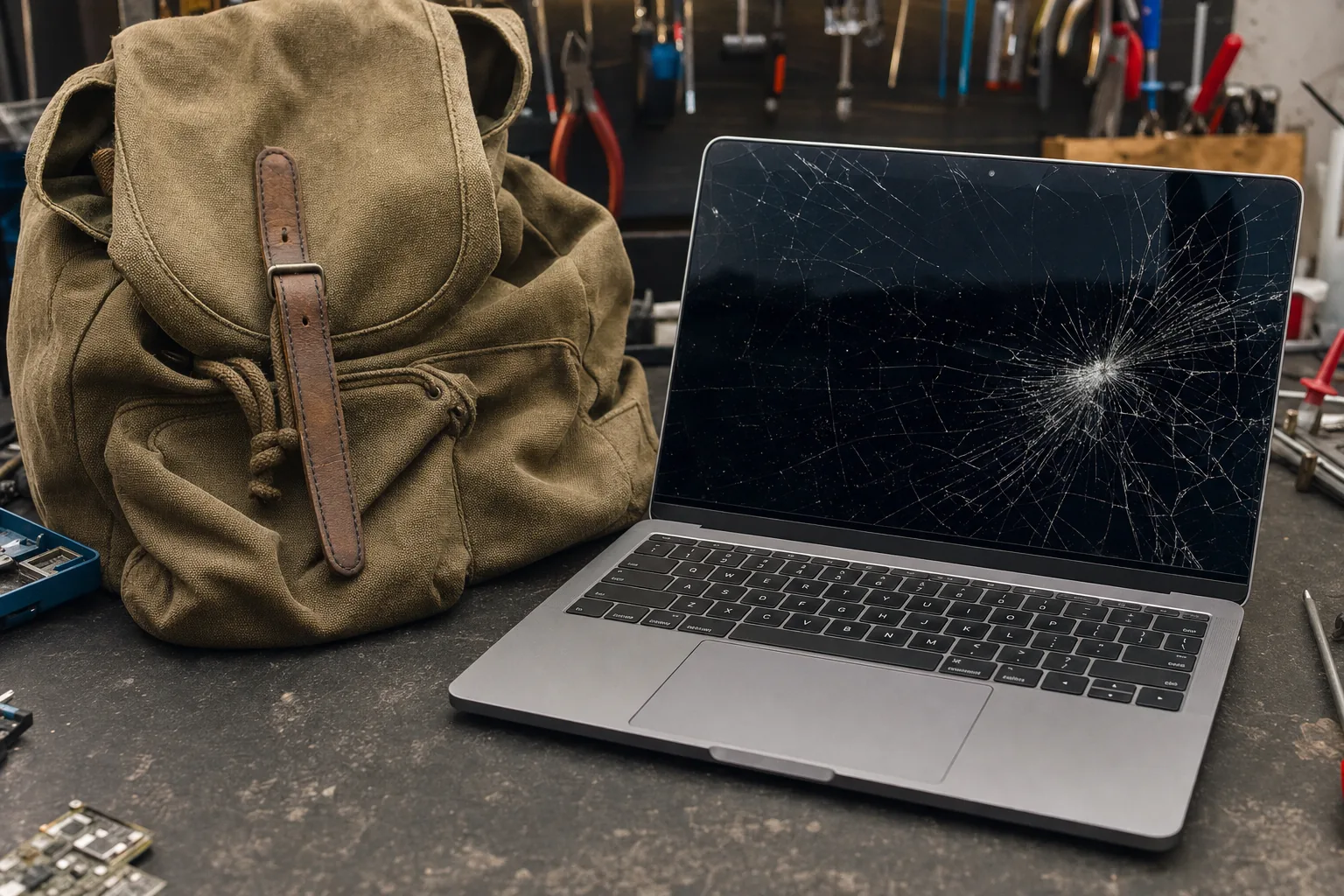

A customer came in last Tuesday with a laptop that had a perfect spider-web crack fanning out from the centre of the screen. "I don't know how it happened," she said. "It's never been dropped. I just carry it to work in my bag." That's exactly how it happened. No case, no sleeve - just the laptop loose in a bag with a charger, a water bottle and a pile of paperwork pressing down on the lid all day.
I see this at least once a fortnight, and it's almost always avoidable. A laptop lid isn't built to take direct pressure from above. Close it, and there's often barely a millimetre of clearance between the screen and the keyboard. Put a heavy book or a charger brick on top of that in a bag, and every step you take grinds that pressure into the glass.
What actually happens inside the bag
It's rarely one big impact. It's usually death by a thousand small ones. Keys shift, a charger cable coils itself into a hard knot right over the trackpad area, and every time the bag gets set down or bumped against a train door, that pressure transfers straight through the lid.
- Pressure marks on the screen - faint blotchy patches, often in the shape of whatever was pressing on it, sometimes only visible when the laptop's off.
- Spider cracks with no obvious drop - the classic sign of sustained pressure rather than a single impact.
- Bent hinges or a lid that doesn't sit flush - from the laptop being squashed sideways against other items.
- Keyboard keys imprinted into the screen - a genuinely common one; you can often see the faint outline of the keys on the display once it's cracked.
A cracked laptop screen isn't a cheap fix either. Depending on the model, a replacement panel and fitting can run anywhere from £100 to £250 - often more than the price of a decent case several times over.
What actually protects it
A proper laptop sleeve or padded case does two jobs: it keeps the lid rigid so pressure spreads across the whole surface instead of one point, and it stops other items in the bag making direct contact with the metal or plastic shell at all.
- Neoprene or padded sleeves are the minimum - cheap, light, and they go a long way.
- A dedicated laptop compartment in a rucksack helps, but only if nothing else in the bag can press against it - a loose charger in the same pocket defeats the point.
- Hard-shell sleeves are worth it if you're regularly cramming the bag full or travelling on public transport where knocks are frequent.
None of this needs to cost much. A well-padded sleeve is typically £15 to £25, which is nothing set against a £150 screen repair or a replacement laptop altogether.
The Repair Bench verdict
Before you carry a laptop loose in a bag again: think about everything else sharing that space, because chargers, bottles and books are the real culprits, not clumsiness.
Best for most: a padded sleeve like the Case Logic LAPS-116, which keeps the lid rigid and separates it from everything else in the bag.
Watch out for: sleeves that are too loose - a laptop that can shift around inside its own case isn't much better protected than one with no case at all.