
SwitchBot Hub 3 First Look: The Brain Your Smart Home Was Missing?
A more capable SwitchBot bridge, infrared remote and desktop control panel — but not the all-in-one Matter-over-Thread controller its name might suggest.

We link to the exact model on Amazon UK. Prices change often, so check the live price before you buy. As an Amazon Associate we earn from qualifying purchases.
The buying decision around SwitchBot Hub 3 is straightforward once the terminology is untangled. It can make a large SwitchBot installation much easier to bring into Apple Home, Google Home, Alexa or Home Assistant, whilst also replacing several infrared remotes and putting scenes on a physical dial-and-screen controller. It cannot, however, independently run a Matter-over-Thread household. For that, a separate Matter controller and Thread Border Router still matter.
That distinction is not a minor footnote. A buyer looking for one box to connect SwitchBot Bots, a legacy air conditioner, a Thread sensor and a Zigbee light bulb will find that Hub 3 covers only part of the job. A buyer already invested in SwitchBot Bluetooth products, with an Apple TV, Nest Hub, Echo or Home Assistant arrangement taking care of broader platform duties, may find it a considerably more convincing proposition.
SwitchBot released Hub 3 in Japan on 16 May 2025, followed by an international announcement on 22 May 2025. It remained on sale through SwitchBot's UK store on 17 September 2026. This is a researched first look based on SwitchBot documentation, regulatory material and externally attributed reviewer reporting rather than Gadget Scout ownership or first-hand evidence.
What SwitchBot Actually Shipped: Design, Build and the Case for a Bigger Hub

See SwitchBot Hub 3 on Amazon UK
Check today's price & availability on Amazon UK
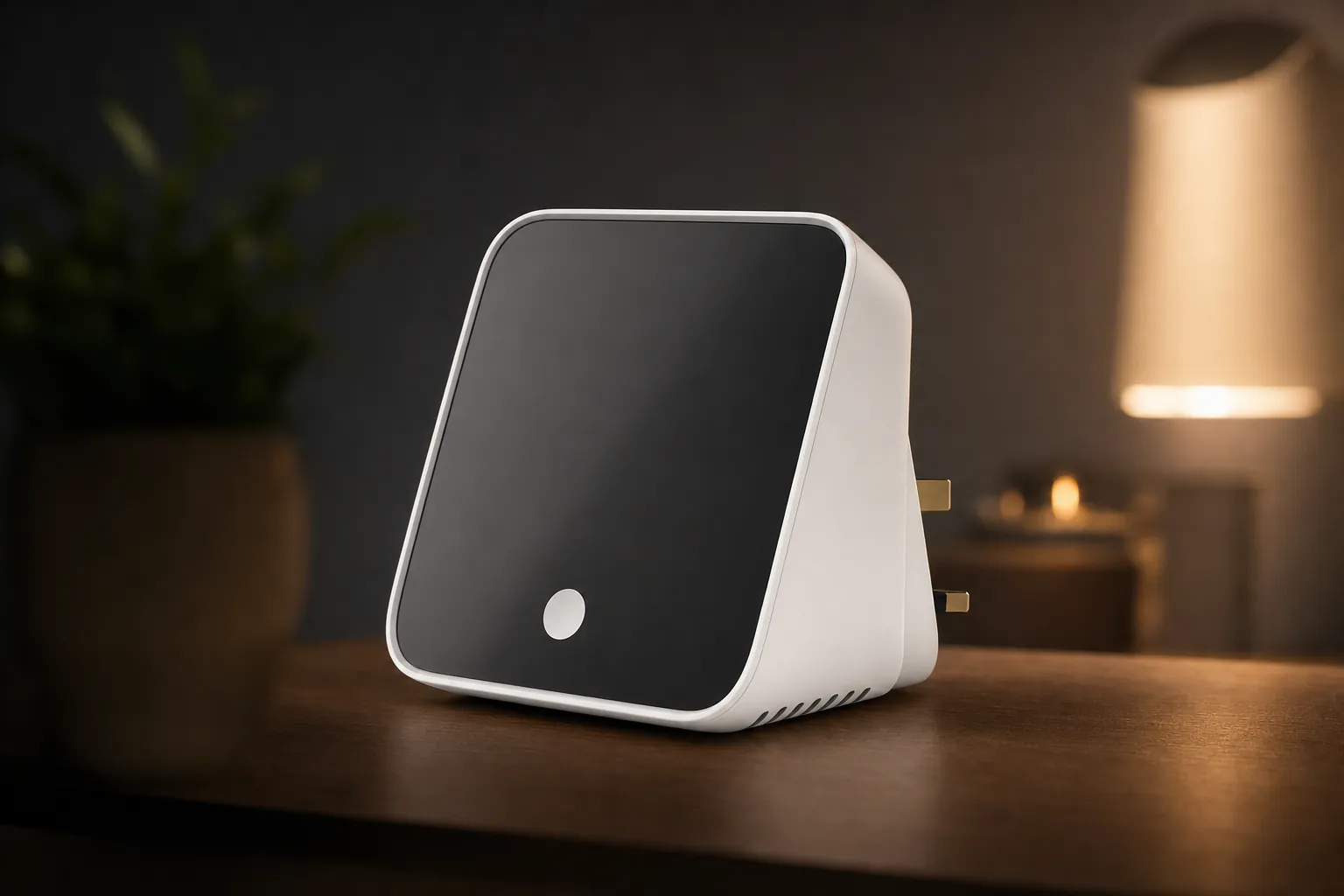
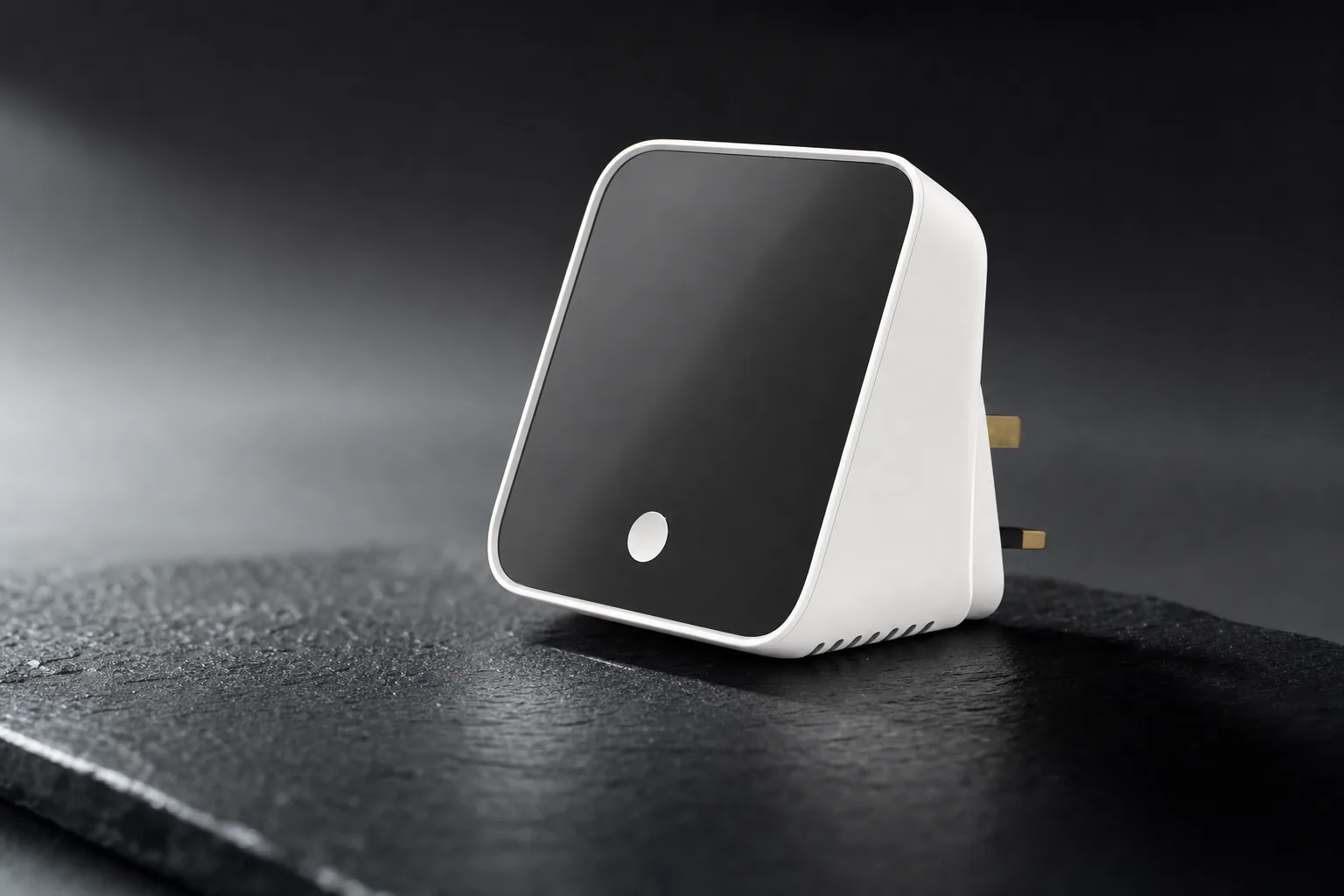
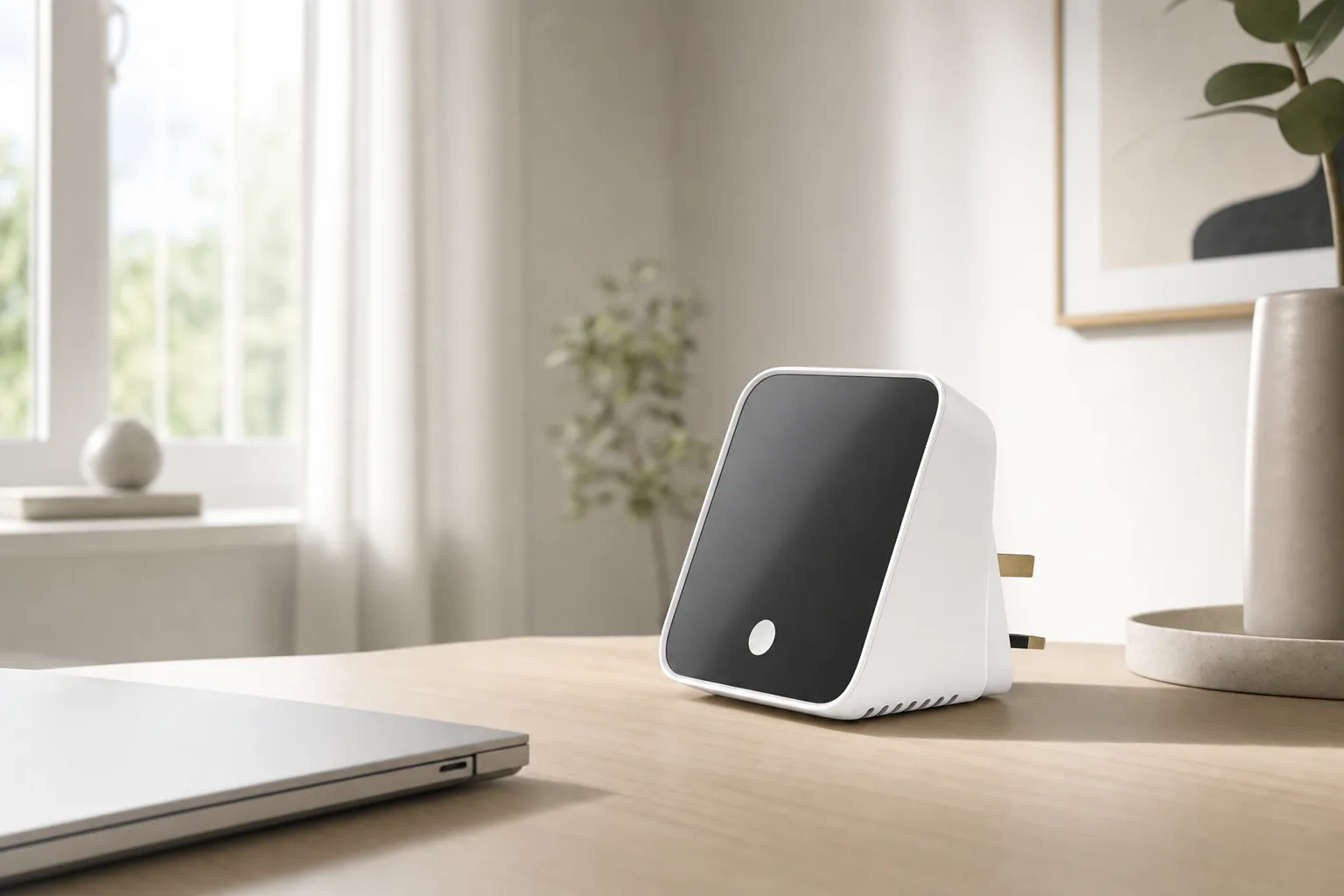
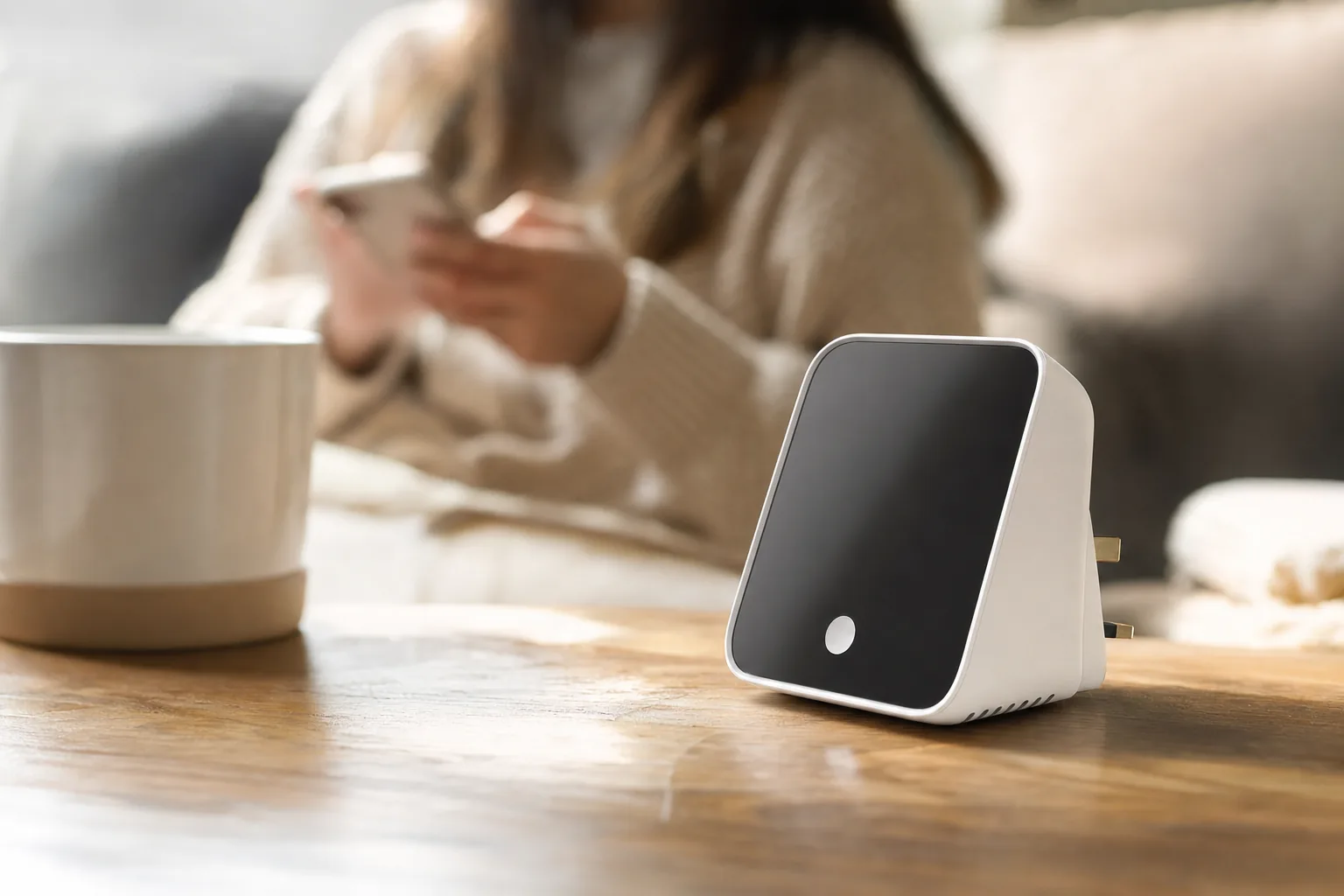
Hub 3 is visibly more ambitious than the anonymous little puck-shaped hubs often hidden beside a router. At 126 × 94 × 38mm and 190g, it occupies the sort of footprint that makes sense on a sideboard, TV unit or bedside table rather than behind one. Its PC, ABS and metal construction is built around a screen, physical controls and a desk-friendly form, so the product is intended to be seen and reached for.
The 2.4-inch display is the headline physical change from SwitchBot Hub 2. It can surface temperature and humidity, lock status for compatible SwitchBot locks, alerts, scene shortcuts and clock or alarm information. SwitchBot also lists motion-related information on the display. The available source material established the screen size but did not establish its resolution, so there is little value in guessing at sharpness from a product photo.
A rotary dial sits alongside buttons, including four customisable scene shortcuts. That changes the role of the hub: Hub 3 is not simply a radio bridge in a cupboard, but a small control point designed for daily routines. For a home where "turn on the television", "set the evening scene" and "cool the living room" are common actions, a visible button can be more useful than unlocking a phone and locating an app.
Placement is part of the purchase. Hub 3 is mains-powered and relies on infrared line of sight for appliance control. The sensible position is likely to be an open shelf or side table with a reasonably clear view of the TV, air conditioner or other IR kit it is intended to command, not a closed cabinet behind the television.
The trade-off for this more tactile approach is size. MatterAlpha described Hub 3 as roughly twice the size of Hub 2, while another review source noted reflections from the glossy display. Those are not deal-breakers for a countertop controller, but they are relevant if the original appeal of a SwitchBot hub was its ability to disappear. The dial has also drawn criticism for a plasticky feel relative to dedicated smart-home controllers such as Flic Twist.
Inside SwitchBot Hub 3: The Specification That Shapes the Setup
The important specification is not processor speed or storage. It is the radio list, because radios decide which devices a hub can talk to directly. Hub 3 supports IEEE 802.11b/g/n Wi-Fi on 2.4GHz and Bluetooth Low Energy. It is designed for continuous mains power through a 5V/2A adapter, rather than portable use.
Its stated 5V/500mA, 2.5W hub output is separate from the adapter's 5V/2A input rating. The supplied USB-C cable incorporates sensors, but that should not be confused with confirmation of a general-purpose USB data or expansion port. More broadly, SwitchBot's published connection specifications centre on Wi-Fi and Bluetooth; this is not positioned as a wired Ethernet hub.
Environmental information on the hub itself
Hub 3 includes temperature, humidity, ambient-light and motion sensing. That allows its display and automations to respond to conditions in the room where it sits, rather than relying solely on a separate sensor.
CO₂ remains an add-on measurement
CO₂ readings require a SwitchBot Meter Pro CO₂ device. Hub 3 does not replace that accessory for air-quality monitoring, so buyers should budget for it separately if carbon-dioxide data is part of the plan.
A substantial claimed Bluetooth range
SwitchBot claims up to 200 metres in open space, describing this as a 50% range increase. Open-space claims are useful only as a ceiling: walls, appliances, floor construction and radio interference will decide what is practical in an actual home.
Continuous power is appropriate for a hub expected to bridge devices and receive sensor updates at all hours. It also means Hub 3 should not be viewed as a portable universal remote. A conventional remote can follow you around the room; Hub 3 works from one selected location and relies on its display, buttons, Bluetooth reach and infrared placement being useful from there.
Why 2.4GHz Wi-Fi deserves attention
Hub 3 joins a 2.4GHz network only. Most home routers still offer that band, often alongside 5GHz, but setup becomes more awkward where a router combines bands under one name or where the phone is isolated on a guest network. The hub, app and household controller need to be configured with the wider network architecture in mind.
The Matter Question: SwitchBot Hub 3 Is a Bridge, Not the Whole Brain
Matter compatibility has become shorthand for "everything works together", but the standard is made up of distinct roles. Hub 3's role is a Matter bridge. It can expose selected SwitchBot Bluetooth devices, Hub 3's own sensors, infrared-controlled equipment and virtual controls to compatible ecosystems. SwitchBot names Apple Home, Google Home, Amazon Alexa and Home Assistant amongst the platforms it can feed through Matter.
That is useful interoperability. It means a SwitchBot Curtain, Bot, sensor or lock does not necessarily need to remain trapped in SwitchBot's app for everyday control. The same device can appear in a preferred household interface and participate in automations there, subject to the functions SwitchBot exposes through the bridge. It is especially relevant to owners who started with SwitchBot's retrofitting products and later built a broader smart home.
It is not the same as a general-purpose Matter controller. Hub 3 is not documented as the place where arbitrary third-party Matter devices are commissioned and managed. Nor does it provide the Thread Border Router function needed to connect Thread-based Matter accessories to the home network. MacSources explicitly reported that Hub 3 lacks Thread and Zigbee radios.
The three boxes in that chain may live in fewer physical products elsewhere in the home. An Apple TV 4K, Google Nest Hub, compatible Echo device or separate Home Assistant radio arrangement can provide controller and Thread-network duties depending on the model and configuration. Hub 3 then adds SwitchBot-specific Bluetooth bridging, infrared control and physical local controls to that foundation.
The key buying clarification
A Hub 3 can sit at the centre of a SwitchBot ecosystem within a Matter home. It cannot make a Thread-based smart home self-contained, because it has no confirmed Thread Border Router capability. Anyone starting from scratch should account for the separate controller and Thread infrastructure before treating the £129.99 purchase as a complete network solution.
Zigbee is also absent from the product's confirmed radio proposition. This matters in the UK because Zigbee bulbs, sensors, plugs and switches remain common, including products built around other vendor ecosystems. Hub 3 does not replace a Zigbee coordinator. It makes most sense beside existing infrastructure, rather than as a substitute for every hub already in a house.
Thirty Slots: What SwitchBot Hub 3's Matter Ceiling Means in Practice
The clearest numerical upgrade over Hub 2 is Matter capacity. SwitchBot's compatibility material gives Hub 3 a ceiling of up to 30 sub-devices, compared with eight endpoints in Hub 2's documented Matter setup. That is not cosmetic: it changes Hub 3 from a bridge suited to a modest collection into one that can accommodate a more serious SwitchBot deployment.
There is an important wrinkle behind the headline. MatterAlpha reported that, in its configuration, Hub 3's built-in temperature, humidity and motion endpoints consumed part of that total. The reviewer counted around 27 usable virtual-button slots after those three endpoints were accounted for. That is a useful practical observation, but it should not be treated as SwitchBot's fixed allocation rule: SwitchBot does not publish a universal breakdown for every combination of bridged products and exposed endpoints.
For a buyer, the practical question is therefore not simply "Do I own 30 things?" A SwitchBot Curtain setup can contain more than one device. A pair of locks, a collection of Bots, indoor meters, blinds and Matter-visible virtual buttons can use capacity faster than expected. The sensible approach is to count the devices and controls that genuinely need to appear in Apple Home, Google Home, Alexa or Home Assistant, rather than every item installed in the SwitchBot app.
Thirty is still a material improvement for homes where Hub 2's eight-device ceiling forced awkward choices. It allows the hub to serve as a more credible migration path for people who began with a few SwitchBot retrofit devices and gradually added smart curtains, locks, climate monitoring and appliance control. It does not turn Hub 3 into a universal device database for third-party Matter products; those remain the job of the separate Matter controller.
The Rotary Dial and Scene Buttons: Physical Control Under Scrutiny
Hub 3's dial promises something many smart-home systems have misplaced: a way to control common functions without a touchscreen, voice assistant or phone. SwitchBot says it can adjust television or streaming volume, air-conditioner temperature and lighting brightness, as well as navigating Hub 3's interface and scenes. In the right room, that makes intuitive sense. Volume and temperature are continuous actions that suit a rotating control.
There are four customisable scene shortcuts for one-touch routines. A scene could consolidate actions such as turning off a television, closing SwitchBot curtains and adjusting a connected air conditioner, provided the relevant devices and services have been configured. The appeal is speed and familiarity: housemates or visitors do not need access to the app to trigger a known routine.
What the physical controls add
- Four scene shortcuts put frequently used routines on the device itself.
- The dial is suited to volume, brightness and temperature adjustments.
- Screen-based status can show environmental information and compatible lock status.
- A fixed controller can be easier for shared households than an app-only system.
Where the controls are constrained
- MatterAlpha reported that Matter button use requires entering a shortcut screen, scrolling and then pressing.
- That workflow is not equivalent to direct analogue dimming or a colour-control wheel for arbitrary Matter lighting.
- Reviewer feedback described customisation depth as limited.
- The dial's material feel has attracted criticism beside dedicated smart-home dials.
That makes the dial a useful SwitchBot-centred control rather than a universal smart-home command knob. It is likely to make the most sense where it has a narrow, predictable purpose: controlling the TV in the lounge, changing an air conditioner setting, or firing a few household scenes. Buyers expecting it to replace a sophisticated lighting controller across a mixed Matter estate should set expectations lower.
There are also feature-exposure limits to consider. Mighty Gadget reported that some Keypad Vision events, including certain face and fingerprint events, did not pass through Matter. This is a reminder that seeing a product in a Matter ecosystem does not mean every event, control or piece of metadata arrives there. Matter reduces platform friction, but manufacturer choices still determine what the bridge presents.
Beyond Matter: Infrared Control and the SwitchBot Ecosystem Glue
Infrared is arguably Hub 3's more distinctive feature in homes full of equipment that was never smart to begin with. The hub can control compatible TVs, air conditioners, fans and other IR appliances, allowing older equipment to become part of SwitchBot scenes and selected third-party routines. SwitchBot also lists control support for Apple TV, Fire TV, Chromecast and Roku.
This is useful for a very specific UK living-room problem: smart-home standards tend to deal elegantly with newer bulbs, plugs and sensors, but a television, fan or wall-mounted air conditioner may still require a plastic remote. Hub 3 can consolidate parts of that clutter whilst letting an appliance participate in broader routines. An "away" scene, for example, can combine compatible SwitchBot products with IR commands in one place.
Television and streaming control
SwitchBot lists TV control alongside Apple TV, Fire TV, Chromecast and Roku support. That gives the dial and physical controls a clear use case on a media unit rather than treating them as decorative additions.
Air conditioner and fan automation
Compatible infrared climate equipment can be folded into scenes, with the dial available for temperature adjustment where SwitchBot's support applies. It is a practical route to controlling appliances that lack native Wi-Fi or Matter capability.
Line of sight remains non-negotiable
Infrared is not mesh networking and does not travel through furniture or walls. Hub 3 needs a clear enough path to the appliance's IR receiver, so cabinet placement and room layout are more important than with Wi-Fi or Bluetooth devices.
SwitchBot's ecosystem advantage is the ability to bring several otherwise separate categories together: Bluetooth retrofit products, room sensing, locks, curtains and legacy infrared equipment. That makes Hub 3 more than a display-equipped bridge. It can be a useful translator between devices that were never designed to share a routine. Its limitation is equally clear: it is strongest when those products are SwitchBot products or appliances it can reach by IR.
SwitchBot Hub 3 UK Price and What It Is Really Buying
SwitchBot's UK store listed Hub 3 at £129.99 on 17 September 2026. SwitchBot's US store listed it at $119.99. A PriceSpy UK listing showed a street price around £110.49 at the time it was crawled, though retailer pricing changes independently and should not be treated as SwitchBot's standard price.
SwitchBot UK direct price
Listed by SwitchBot UK on 17 September 2026
UK tracked retailer price
PriceSpy observation; retailer pricing varied
SwitchBot US direct price
Useful context for regional positioning
At the official UK price, the premium over a basic Bluetooth bridge pays for tangible additions: the increase from eight to 30 Matter sub-devices, the display, motion sensing, rotary dial, scene buttons and broader physical-control ambition. The question is not simply whether those items are nice to have. It is whether they remove separate purchases or recurring annoyances in a particular room.
For a household with only two or three SwitchBot devices and no infrared appliance to automate, Hub 3 may be more controller than necessary. Hub 2 remained SwitchBot's lower-cost option in the US at $69.99 and retains a documented eight-endpoint Matter arrangement. For a larger SwitchBot collection, however, Hub 3's capacity alone may be the deciding upgrade, particularly if an existing Hub 2 had become restrictive.
Value falls away if the buyer expects Hub 3 to eliminate a planned Thread or Zigbee hub purchase. It does not. In that scenario, the true system cost includes the device that will act as Matter controller and Thread Border Router, or an alternative hub with those radios built in. This is why a £129.99 price can represent good value for one house and an incomplete starting point for another.
SwitchBot Hub 3 Versus Aqara Hub M3 and Home Assistant Green
There are two useful alternatives, although neither is a like-for-like substitute. Aqara Hub M3 is closer to an all-in-one multiprotocol hub. Home Assistant Green is a dedicated local smart-home computer, intended for people willing to take a more involved route and add radios where needed. The comparison below focuses only on decision-relevant facts established for every product.
| Feature | SwitchBot Hub 3 | Aqara Hub M3 | Home Assistant Green |
|---|---|---|---|
| Official US price | $119.99 | $159.99 | $199 MSRP |
| Matter role | Matter bridge | Matter bridge and Matter controller | Home Assistant platform; radio and controller capability depends on attached hardware |
| Thread approach | No Thread support confirmed | Thread supported | Requires a Thread-capable accessory or another Border Router |
| Zigbee approach | No Zigbee support confirmed | Zigbee 3.0 supported | Requires separate hardware |
| Infrared control | Supported for compatible appliances | 360-degree IR with status feedback | Not built in |
| Network connection | 2.4GHz Wi-Fi | 2.4GHz and 5GHz Wi-Fi, plus Ethernet and PoE | Gigabit Ethernet |
| Local automation focus | Some local functions; scope varies by function and ecosystem | Local automations emphasised by Aqara | Strong local-control focus |
| Buy | Check price | Check price |
Aqara Hub M3 costs $40 more than Hub 3 at official US pricing, but its Thread, Zigbee, dual-band Wi-Fi, Ethernet and PoE support make it technically more complete for a new multi-brand Matter installation. It is the more natural option for someone specifically trying to assemble a Thread and Zigbee network from scratch, whilst retaining infrared control.
Home Assistant Green is different again. Its $199 MSRP buys a dedicated computer with a quad-core 1.8GHz processor, 4GB of RAM, 32GB eMMC storage, Gigabit Ethernet and two USB 2.0 ports. It has no built-in Zigbee or Thread radio according to the material reviewed here, so it requires added hardware such as a compatible radio adapter or another Border Router. In return, it is aimed at far deeper local automation and integration flexibility than a consumer bridge normally provides.
Hub 3's advantage in this group is its SwitchBot-specific convenience. Its screen, onboard sensors, Bluetooth gateway and purpose-built IR control make it friendlier for a home already buying into SwitchBot. It should not be selected on the assumption that it has the network breadth of Aqara M3 or the automation scope of a configured Home Assistant installation.
Where This Leaves the UK Smart-Home Shopper
The headline question deserves a qualified answer. Hub 3 can be the brain your SwitchBot smart home was missing: it gathers Bluetooth accessories, legacy infrared appliances, environmental information and visible scene controls into one more capable hub. It is not the brain of a complete Matter/Thread network by itself, because it lacks the Thread Border Router and general Matter-controller role that such a network requires.
A strong fit: expanding SwitchBot owners
The 30-sub-device Matter ceiling, physical controls and IR features are meaningful for a household with SwitchBot curtains, locks, Bots, meters or sensors already in use.
A strong fit: the media-room problem
It suits rooms where a TV, streaming device, air conditioner or fan still depends on infrared, and where a countertop dial or scene button will genuinely be used.
Look elsewhere: new Thread or Zigbee builds
Buyers seeking one product to commission Thread accessories, coordinate Zigbee devices and manage arbitrary Matter products should consider a hub designed for those specific roles.
There is also a sensible middle ground. A home might use an Apple, Google, Amazon or Home Assistant controller as its Matter and Thread foundation, add Hub 3 to pull SwitchBot devices into that system, and retain a separate Zigbee bridge where required. It is more infrastructure than the "one hub" marketing dream, but it is also more accurate and avoids buying a product for a radio it does not contain.
Buyers should think through the home in layers before ordering. First, identify the preferred control ecosystem. Next, identify who provides Thread connectivity, if Thread products are planned. Then count the SwitchBot devices and endpoints that need Matter exposure. Finally, choose Hub 3's physical location around both Bluetooth reach and infrared line of sight. That sequence makes the hub's role clear before it becomes another box connected to the router.
First-look verdict
SwitchBot Hub 3 is a well-specified ecosystem hub for people who want SwitchBot Bluetooth accessories and infrared appliances to live more comfortably inside a Matter household. Its 30-device bridge limit, display, motion sensing and physical controls are substantive upgrades over Hub 2. The limitation is architectural rather than cosmetic: this is a Matter bridge, not a universal Matter controller, Thread Border Router or Zigbee hub. Buy it as the visible, practical centre of a SwitchBot setup; do not buy it expecting it to replace the wider infrastructure of a Matter-over-Thread home.
Sources
- SwitchBot UK — Hub 3 product page for UK price, dimensions, materials, power, range claim, display functions and warranty information.
- SwitchBot US — Hub 3 product page for US price, Matter capacity, infrared functions and streaming-device support.
- SwitchBot Matter compatibility page for Hub 3 and Hub 2 Matter bridge capacity.
- SwitchBot support — Matter over Bridge guidance for Hub 3's Matter bridge role.
- MacSources — SwitchBot Hub 3 review for externally attributed reporting on the absence of Thread and Zigbee radios.
- MatterAlpha — SwitchBot Hub 3 review for externally attributed observations on endpoint allocation, controls, setup and physical design.
- Mighty Gadget — SwitchBot Hub 3 review for externally attributed Matter and Home Assistant feature-exposure observations.
- Aqara US — Hub M3 product page and Home Assistant Green product page for competitor specifications and official US pricing.
- SwitchBot Hub 3View on Amazon
 Aqara Hub M3View on Amazon
Sources and evidence (15)
- us.switch-bot.com (other)
- fccid.io (other)
- uk.switch-bot.com (other)
- switch-bot.com (other)
- macsources.com (other)
- matteralpha.com (other)
- pricespy.co.uk (other)
- prtimes.jp (other)
- switch-bot.com (other)
- support.switch-bot.com (other)
- livingtech.or.jp (other)
- mightygadget.com (other)
- us.aqara.com (other)
- home-assistant.io (other)
- blog.switch-bot.com (other)