
Why "It Was Working Yesterday" Is Usually The Start Of A Bigger Fault
That phrase is the most common thing I hear before diagnosing a fault that's been quietly brewing for months.
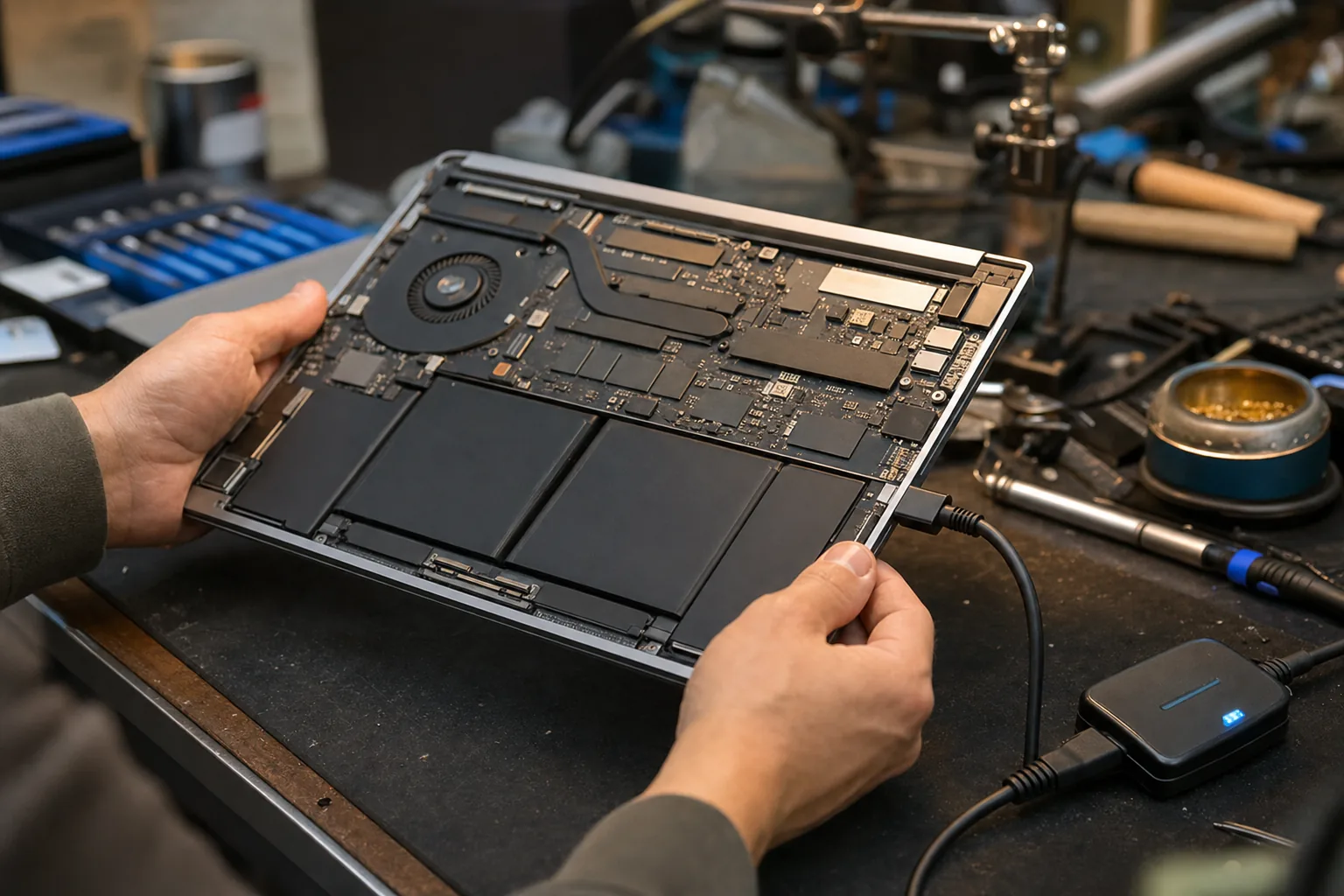

A customer came in last week with a desktop that had shut itself off mid-afternoon and refused to start again. "It was working perfectly yesterday," she told me, a little baffled. I hear some version of that sentence almost every day. And every time, my first thought is the same: no, it wasn't — it just hadn't failed yet.
That distinction matters, because it changes how I approach the repair. A sudden, out-of-nowhere failure is one thing. But most faults that present as sudden aren't sudden at all. They're the end point of a gradual decline that the machine has been quietly warning about for weeks, sometimes months. The owner just had no reason to go looking.
Why faults feel sudden even when they aren't
Most components don't fail in a straight line — they degrade unevenly. A hard drive can have a handful of bad sectors for months without causing obvious trouble, then one day Windows tries to read a critical system file sitting on one of those sectors and the whole thing grinds to a halt. A failing capacitor on a motherboard can hold its charge well enough for light use, then buckle the moment the machine runs something demanding. Thermal paste dries out slowly over years; the CPU runs hotter and hotter until one warm afternoon it finally hits a temperature limit and the machine powers off to protect itself.
In every one of those cases, the fault was present and building. Yesterday's "perfect" session was actually a session where the machine scraped through. Today it didn't.
What I check when I hear those words
The phrase "it was working yesterday" tells me to look for signs of gradual wear rather than a single clean break. Here's where I start:
- Check the SMART data on the drive. Free tools like CrystalDiskInfo read the drive's own internal health log. Reallocated sectors, pending sectors, or a caution/bad rating are all signs the drive has been struggling for a while.
- Look at the Windows Event Viewer. Go to Control Panel, then Administrative Tools, then Event Viewer. Filter for critical errors and warnings from the past few weeks. If the machine has been logging disk errors or unexpected shutdowns, they'll be there — often dating back further than the owner realises.
- Check the thermals. Physically open the machine and look at the fan and heatsink. If there's a solid mat of dust blocking the airflow, that's not a coincidence — it's the cause. A can of compressed air and fresh thermal paste can sort it.
- Run the memory. Faulty RAM can cause crashes that seem completely random. Windows has a built-in memory diagnostic — search for it in the Start menu — or I use MemTest86 for a more thorough pass overnight.
Why this matters for how you respond to it
If you treat a gradual fault as a one-off blip, you'll switch the machine back on, find it working, and carry on — until it fails again, usually at a worse moment and with more data at risk. The smarter move is to treat "it was working yesterday" as a prompt to investigate, not to dismiss.
In my customer's case, the SMART data told the whole story: the drive had been accumulating errors for the best part of two months. The machine hadn't suddenly broken. It had finally finished breaking. We cloned what we could onto a new drive and she was back up and running the same day — but it was a closer call than it needed to be.
When a machine starts acting strangely, even briefly, that's the moment to dig. Not after the next failure.
The Repair Bench verdict
"It was working yesterday" usually means: the fault has been developing quietly for weeks — treat it as a warning, not a one-off.
Start here: run CrystalDiskInfo on the drive, check Event Viewer for past errors, and look at the cooling system for dust.
Don't wait: if the drive is showing SMART warnings, back up immediately — a second failure may not give you another chance to recover your files.