
The Habit That Could Wipe Out Years of Your Work in an Afternoon
Keeping your important files on the desktop feels tidy, but there's a reason I see grown adults go pale when they realise what's happened.
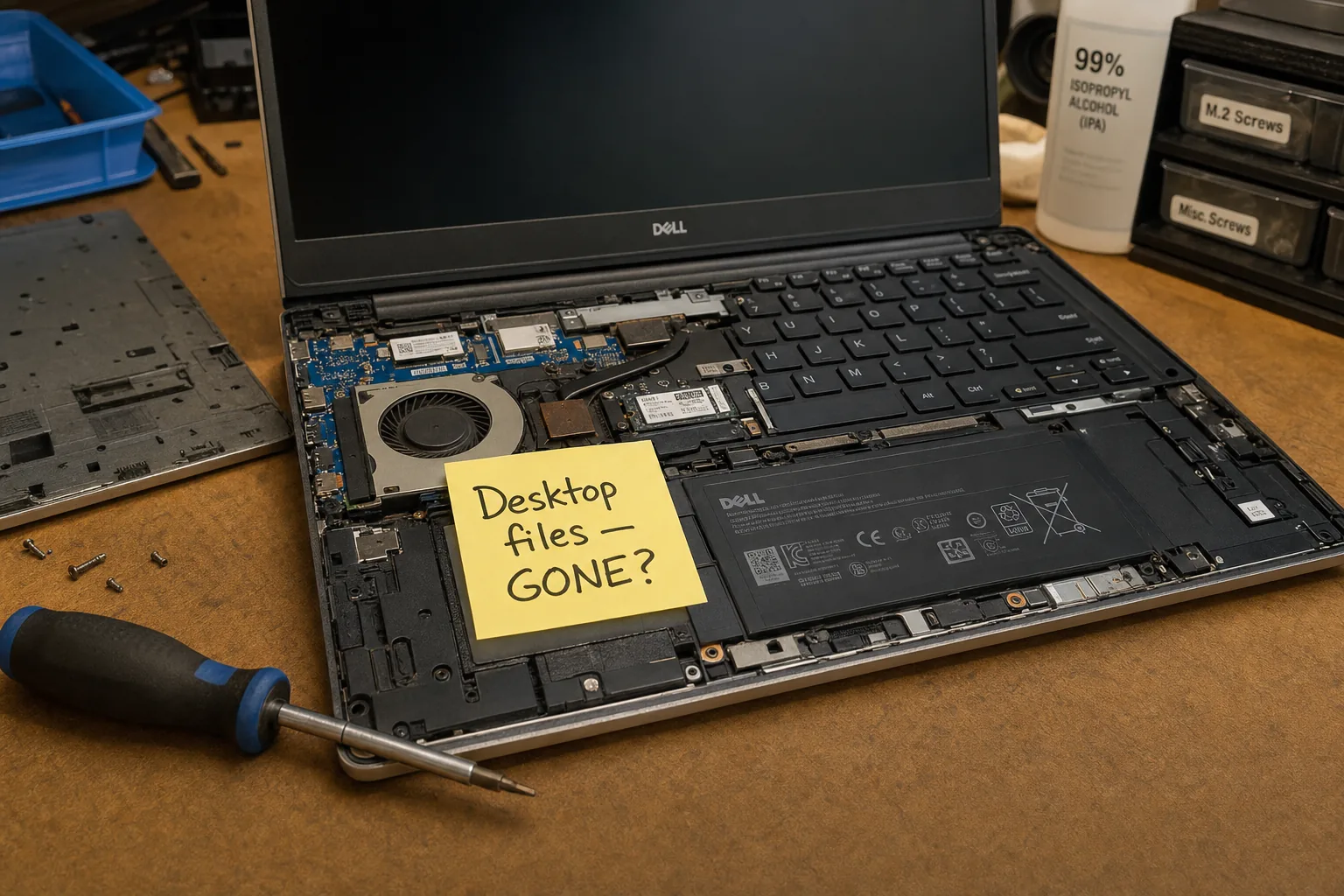

A woman came in last spring with a dead laptop and a look on her face I've seen too many times. The machine wouldn't boot at all — completely gone. Her first question wasn't about the cost of repair. It was: "My desktop. All my files are on my desktop. Please tell me they're still there." We got lucky that day. Not everyone does.
It's one of the most common habits I see, and honestly one of the most dangerous for your data. People treat the desktop like a filing cabinet — invoices, family photos, that half-finished novel, the spreadsheet running their small business. It feels organised because you can see everything the moment Windows loads. The problem is where Windows actually stores those files, and what happens to them when things go wrong.
Where your desktop files actually live
On a Windows PC, your desktop isn't some special safe place separate from the rest of the system. It's a folder sitting inside your user profile — typically at C:\Users\YourName\Desktop. That means it lives on the same drive as Windows itself, and it is tied directly to your user account.
- If the drive fails, your desktop files go with it. There's no separation between "the operating system" and "your stuff" here.
- If Windows needs reinstalling — which I do regularly when a machine is badly infected or corrupted — there is a real risk that wiping and reinstalling will take the desktop with it, especially if whoever does the job doesn't think to ask first.
- If your user profile corrupts, which does happen, Windows can create a temporary profile and your desktop appears completely empty. The files aren't necessarily deleted, but most people don't know how to get them back.
The drive that failed on that woman's laptop was a mechanical hard drive with a clicking noise she'd been ignoring for weeks. We recovered most of her data, but it was a long afternoon and it cost her more than the repair itself.
What I suggest people do instead
I'm not going to tell you to never use the desktop — that's not realistic. But there are a few simple changes that make an enormous difference.
- Use your Documents folder for anything that matters. It's not significantly safer on its own, but it builds the right habit and plays nicely with backup tools.
- Turn on OneDrive folder backup. Windows will prompt you to back up Desktop, Documents and Pictures automatically to the cloud. Take it up on that offer. If your machine dies tomorrow, you log into a new one and everything reappears.
- Keep the desktop for shortcuts only, not the actual files. Right-click, send to desktop as a shortcut — the real file lives somewhere sensible, and the desktop just points to it.
- Before any repair involving Windows, tell the engineer what's on your desktop. Any reputable shop will ask, but it doesn't hurt to say it first.
None of this is complicated. It's just not obvious until the day it matters, and by then it can be too late.
The Repair Bench verdict
The core problem: your desktop is just a folder on your main drive — if the drive fails or Windows gets wiped, those files are at serious risk.
Fix it today: enable OneDrive backup for your Desktop, Documents and Pictures folders — it takes about two minutes in OneDrive settings and runs silently in the background.
Good habit going forward: use the desktop for shortcuts only; keep your actual files in Documents or another backed-up folder.