
The Laptop Screen That Cost More To Fix Than It Should Have
Cheap replacement screens look identical in the listing — but what arrives can leave you worse off than when you started.
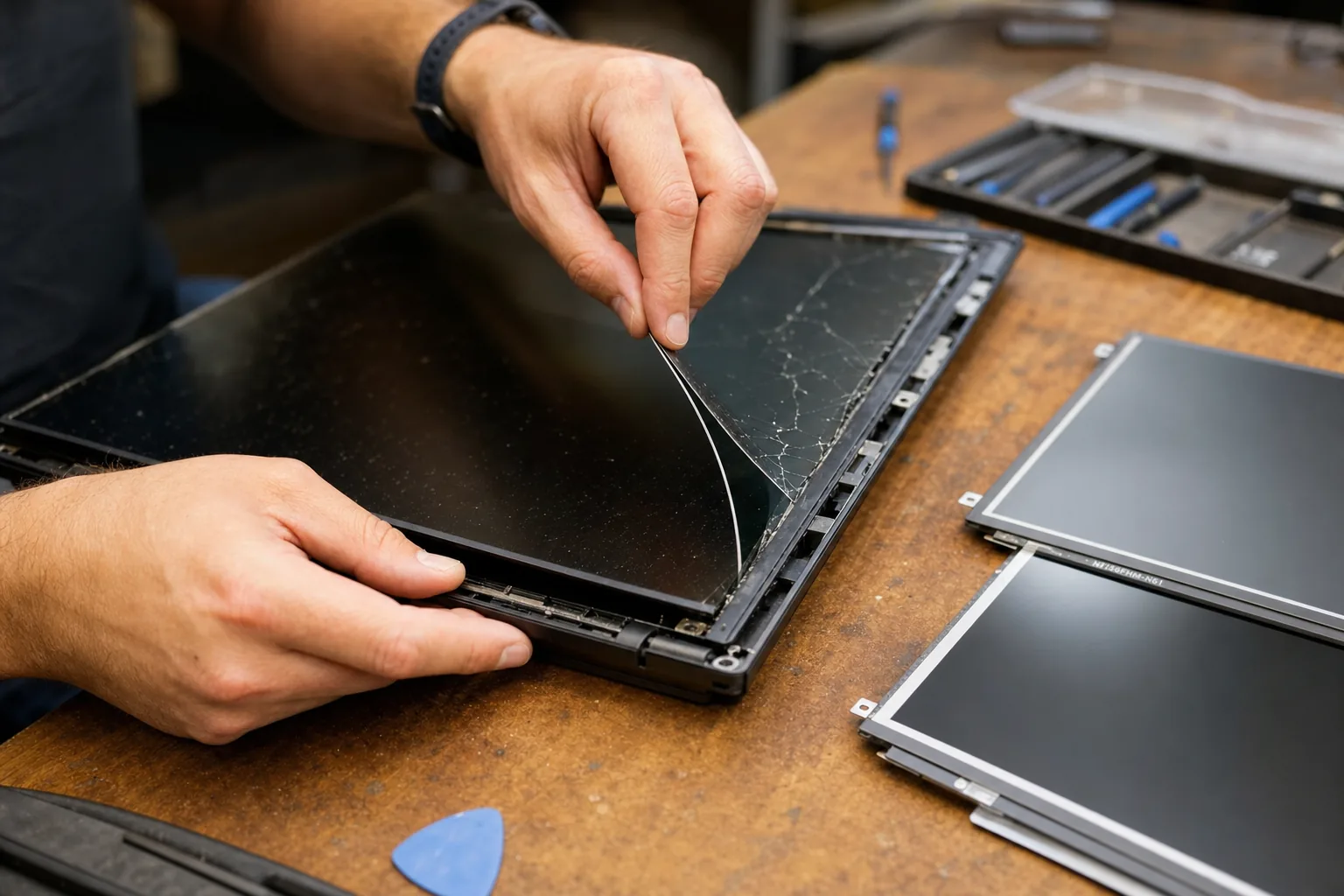

A customer brought in a laptop last month with a freshly fitted screen that looked worse than the cracked one she'd replaced. The image was dim, colours had a greenish cast, and direct sunlight made it almost unreadable. She'd bought a replacement panel for £18 from a well-known marketplace seller, fitted it herself — or had a friend do it — and was now wondering why everything looked so wrong. The honest answer: she'd bought the cheapest panel available, and it showed.
I see this fairly regularly. Someone gets a quote for a screen replacement, winces at the price, and goes looking on their own. There are genuine bargains to be found, but there's also a lot of very poor stock floating around — and because laptop screens all look the same in a product photo, it's hard to know what you're actually buying until it's in your hands.
What actually varies between a cheap screen and a decent one
Not all laptop panels are equal, even when the part number looks right. Here's where corners typically get cut on the very cheapest stock:
- Brightness. A quality screen for a mid-range laptop typically measures around 250–300 nits. Cheap panels often come in well below that — sometimes half as bright — which is tiring to use indoors and almost useless in daylight.
- Colour accuracy. Budget panels frequently have a narrow colour gamut and poor calibration out of the box. If you do anything with photos, video, or even just want whites to look white, this matters.
- Viewing angles. Low-grade TN panels have a habit of appearing on listings for laptops that originally shipped with much better IPS displays. The resolution can be identical, the part number close enough, and yet the experience is noticeably worse.
- Connector compatibility. Some sellers supply panels where the cable connector is subtly different — same pin count, slightly different position. It fits with a bit of force, and then either the image flickers or the connector fails within weeks.
The other cost nobody mentions: your time
Fitting a laptop screen properly takes time and care. You're removing the bezel, disconnecting a delicate ribbon cable, and reassembling without cracking the new panel or leaving pressure marks. Do it twice — once for the cheap screen that doesn't work right, once for a replacement — and you've doubled the labour. If you're paying someone like me to do it, that's two call-out visits or two bench fees. The "saving" evaporates quickly.
I've also had customers bring in laptops where a poorly made panel developed backlight bleed within three months, or where the digitiser — the touch layer, on touchscreen models — simply stopped responding. Warranty returns on cheap marketplace screens are a lottery at best.
What to look for when sourcing a replacement
- Match the exact panel specification, not just the laptop model. The same laptop model often shipped with two or three different panels depending on the configuration. Check your original panel's part number — it's printed on a sticker on the back of the screen itself.
- Buy from a specialist supplier rather than a generic marketplace listing. UK-based laptop parts suppliers grade their stock and can tell you the brightness rating and panel type before you buy.
- Expect to pay £40–£80 for a quality replacement on most mainstream laptops. Below that, ask questions. Above that for a budget machine, question whether the repair makes financial sense at all.
- Check the returns policy before ordering. A seller confident in their stock will accept a return on an untested panel. Many of the cheapest listings won't.
The Repair Bench verdict
The real cost of a cheap screen: it's rarely just the purchase price — factor in the possibility of a dim, colour-shifted image, a second replacement, and doubled labour if it needs fitting twice.
Best approach: find your original panel's part number from the sticker on the back of the screen, then source from a UK specialist who can confirm the brightness and panel type.
Watch out for: listings that only quote the laptop model, not the actual panel specification — that's a sign the seller doesn't know exactly what they're shipping.