
Beelink GTi15 Ultra First Look: A Mini PC That Takes a Desktop Graphics Card
The GTi15 Ultra is compelling only if its unusual PCIe 5.0 graphics dock is part of the plan. On its own, it is a well-connected but costly productivity mini PC; paired with the EX Pro Dock, it can become a seriously capable compact workstation and gaming setup.
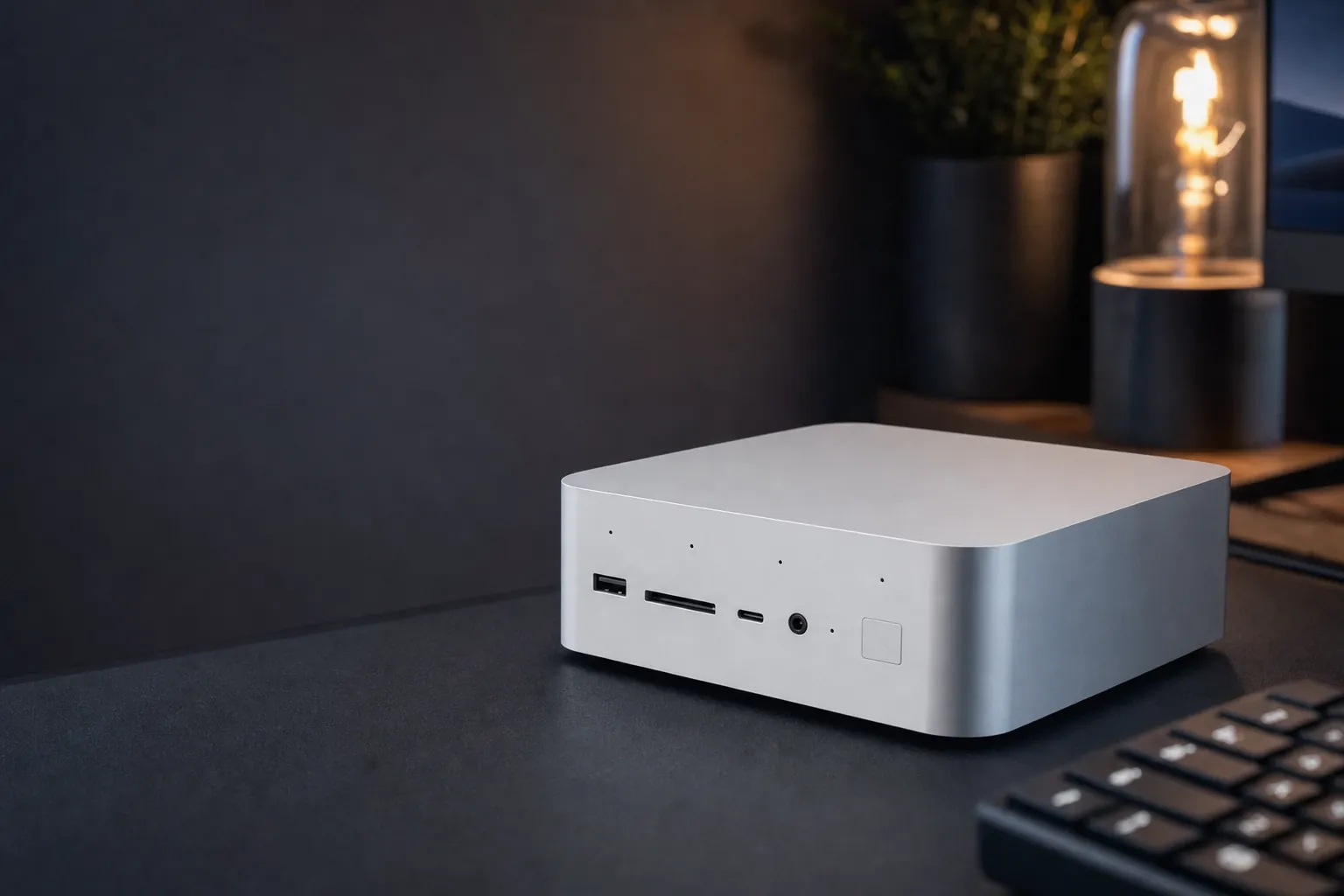

The decision with the Beelink GTi15 Ultra is not simply "mini PC or desktop?" It is whether a small computer plus an open external graphics dock makes more sense than buying one conventional tower. Independent testing suggested the answer could be yes for someone who values dual 10GbE, compact desk space, high memory capacity and the ability to attach a desktop GPU later. The catch is that the full setup is expensive, less tidy than an all-in-one gaming PC, and not completely free of driver or compatibility caveats.
This is a researched first look based on Beelink's published specifications and testing by Notebookcheck, ComputerBase, Liliputing, Tweakers and ServeTheHome. It is not a hands-on review. The aim is to establish what the GTi15 Ultra and EX Pro Dock combination had demonstrated externally by 27 August 2026, where the numbers looked promising, and where prospective buyers should be cautious.
The short version: buy the system for the dock, not the Arc graphics
See Beelink GTi15 Ultra on Amazon UK
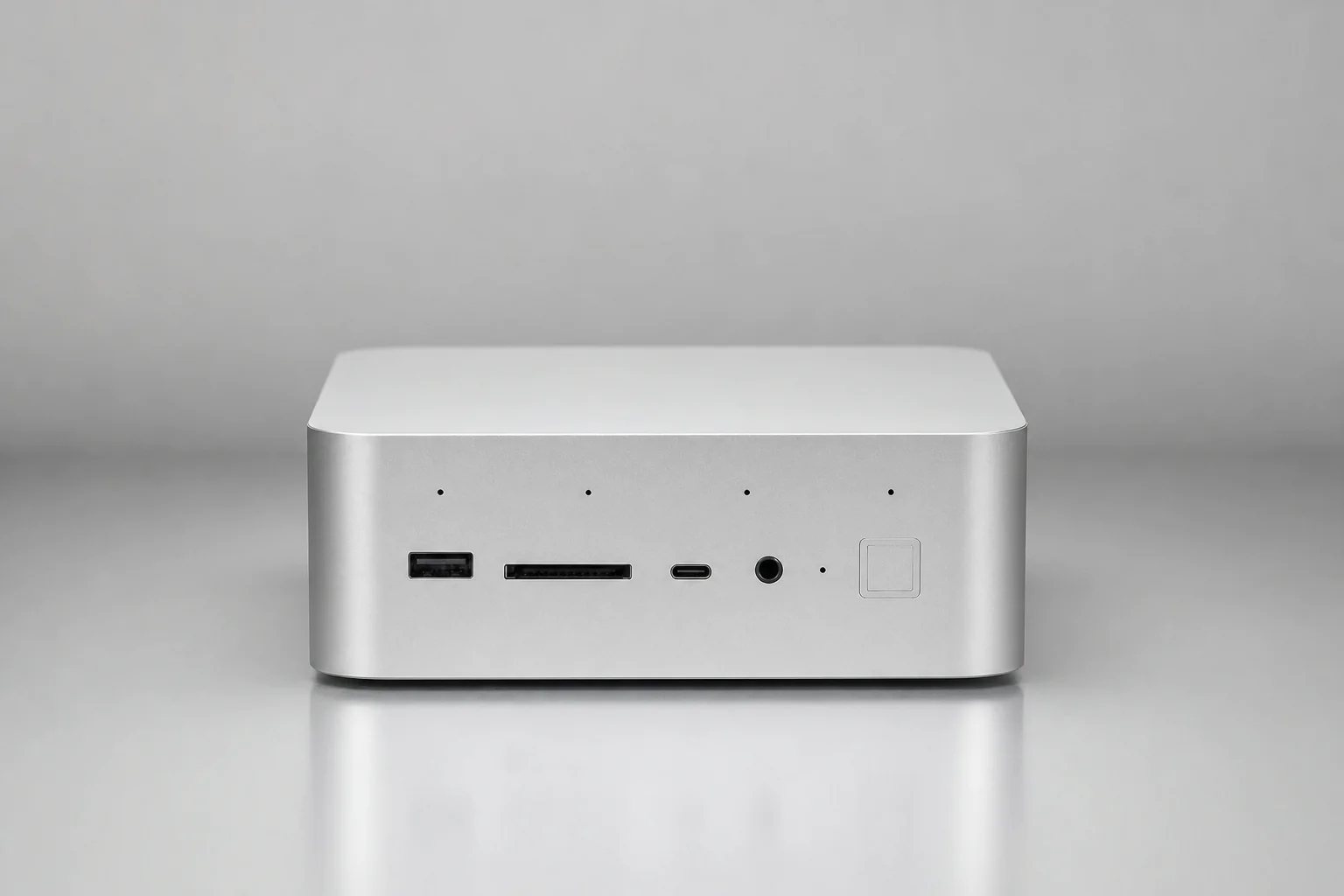
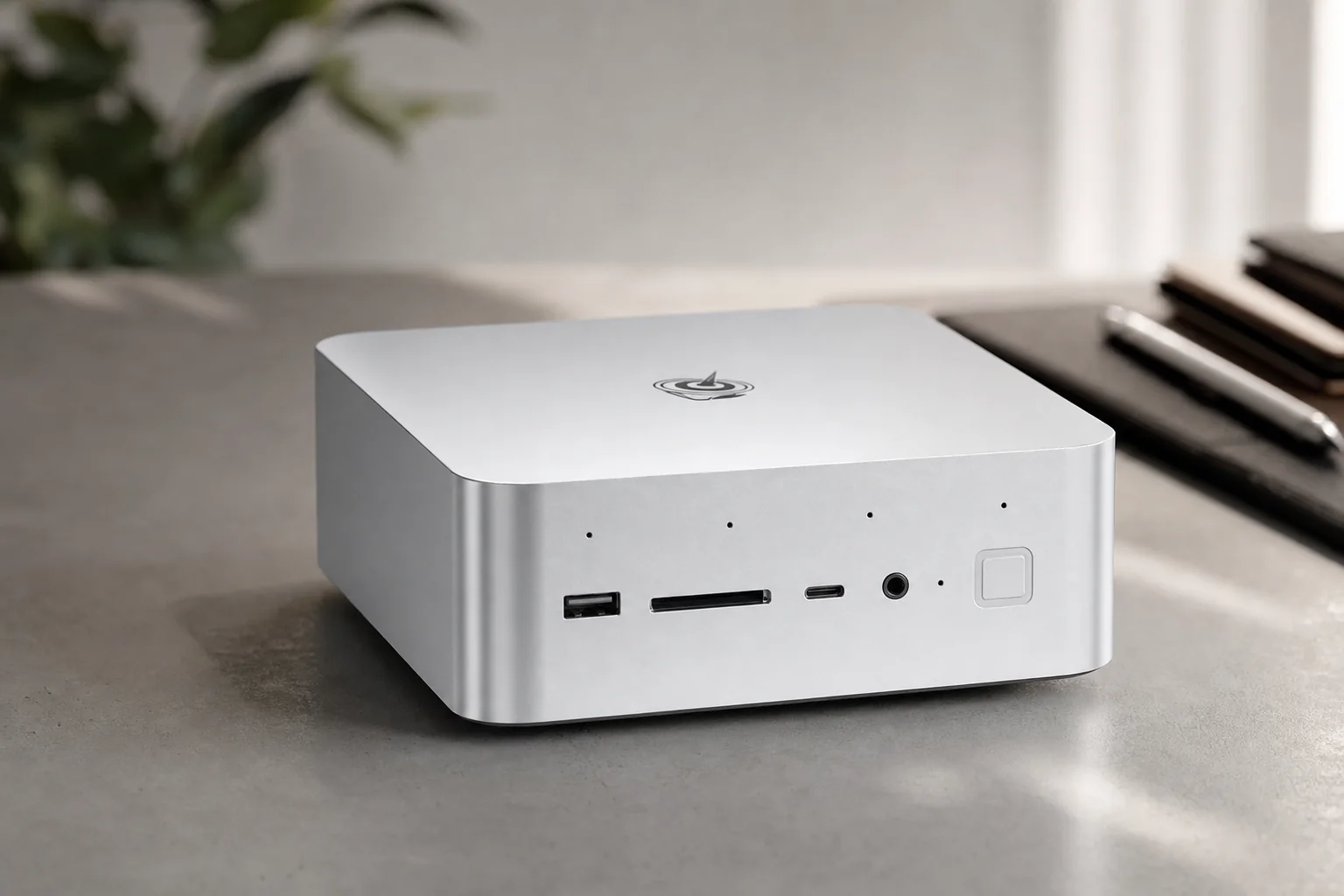
The GTi15 Ultra is a high-end mini PC based on Intel's Core Ultra 9 285H, a 16-core Arrow Lake-H processor with Intel Arc 140T integrated graphics. It has a dense but unusually desktop-like specification: two SO-DIMM slots, two PCIe 4.0 x4 M.2 slots, Wi-Fi 7, Bluetooth 5.4, an internal 145W power supply, a fingerprint-reader power button, built-in speakers, microphone array and two 10GbE Ethernet ports.
Those features make it more ambitious than the average mini PC. Its central differentiator, however, is underneath the chassis: a proprietary PCIe 5.0 x8 connector intended for Beelink's EX Pro Dock. The dock has a physical x16 slot wired for eight PCIe lanes, a 600W PSU and space for a full-size AMD or NVIDIA graphics card within its physical and power limits.
That connection is a materially different proposition from attaching an eGPU through USB4. USB4 can be convenient, but it does not offer the same direct PCIe bandwidth. Tweakers' RTX 5090 results and ComputerBase's Radeon RX 9060 XT testing both indicated that the EX Pro link could preserve much of a desktop GPU's performance, especially at GPU-bound 1440p and 4K settings.
The GTi15 Ultra was available in 64GB/1TB and 96GB/2TB standard Windows 11 Pro configurations. Beelink also listed OpenClaw pre-installed versions in 64GB/1TB, 64GB/2TB and 96GB/2TB configurations, with Ubuntu or Ubuntu-plus-Windows choices. These are configuration differences rather than separate processor or chassis models.
What Beelink GTi15 Ultra offers as a mini PC
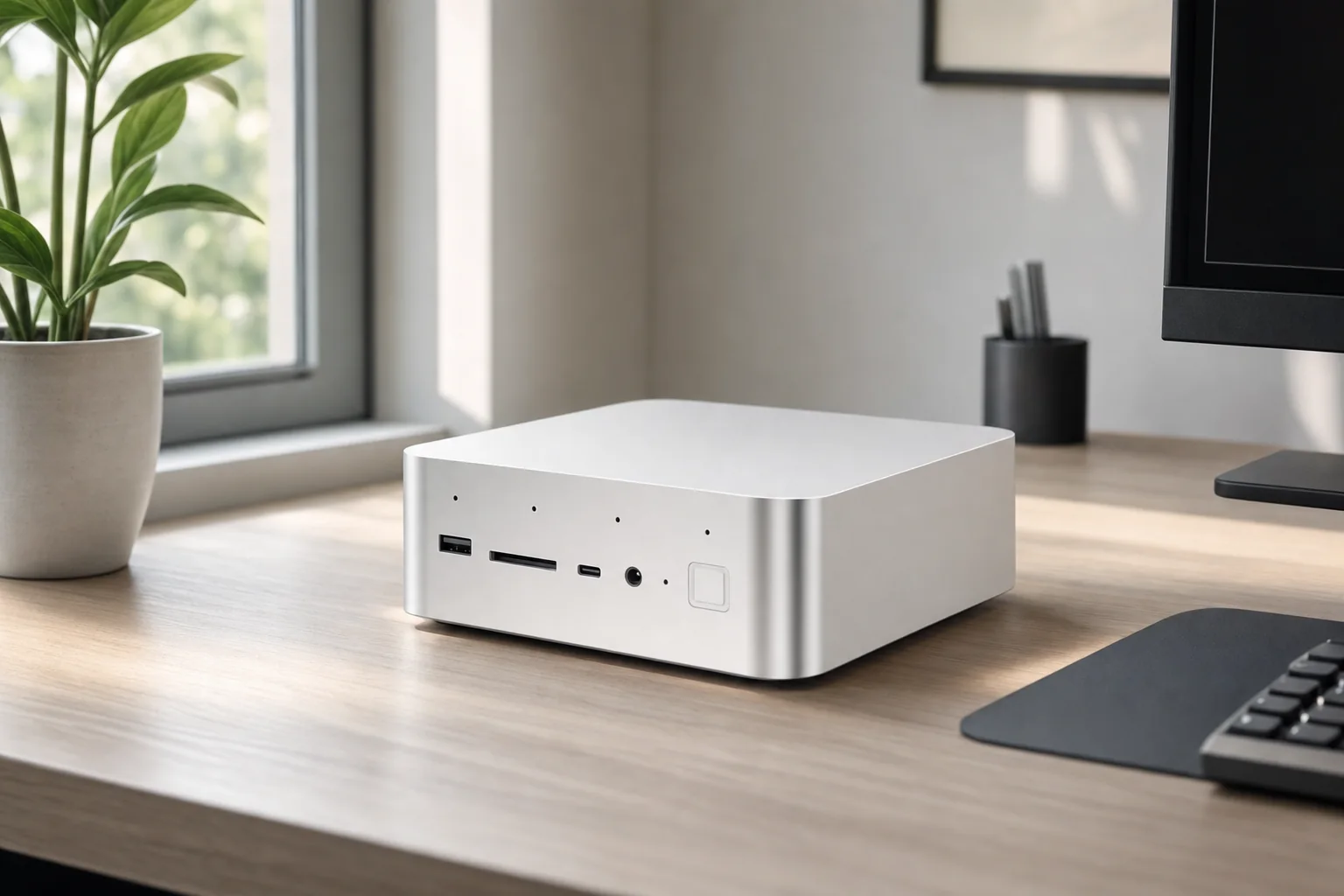
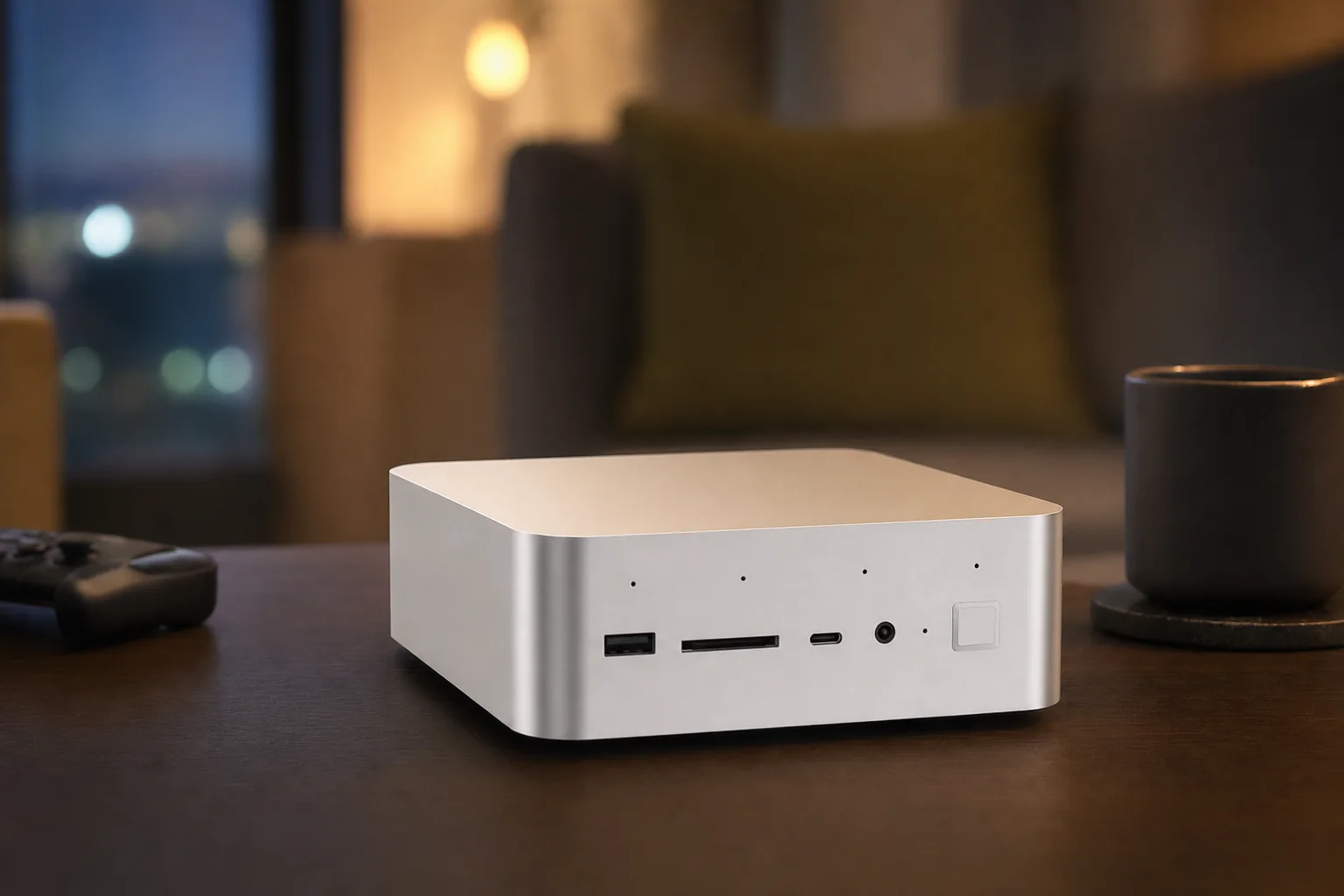
At 158 × 158 × 55.8mm, the GTi15 Ultra is not one of the smallest mini PCs, and its 1.32kg weight reflects that. In return, it carries hardware which is often external or absent on smaller rivals. The integrated PSU is particularly useful: instead of a laptop-style power brick, the GTi15 Ultra connects directly to mains power with an AC cable.
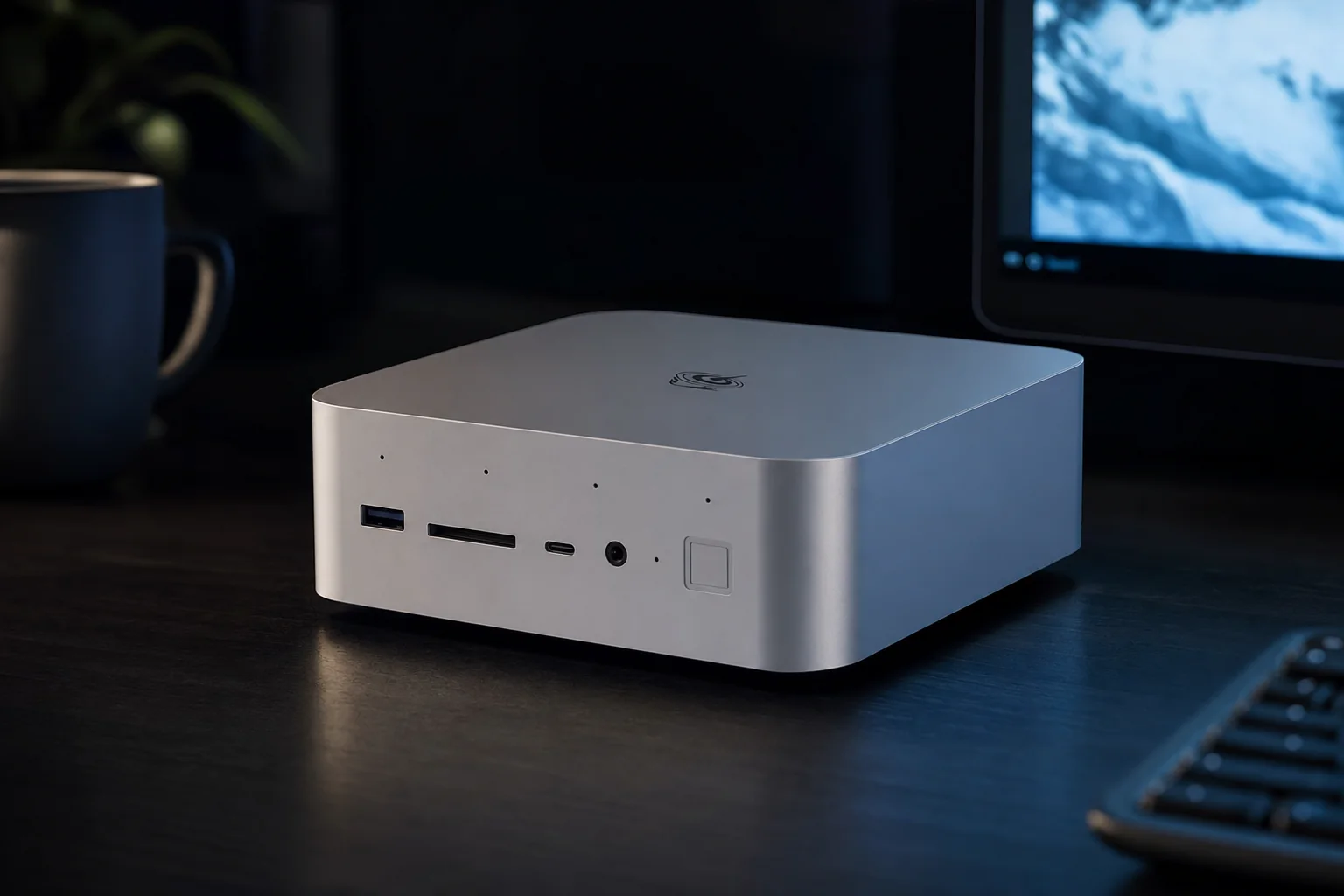
The front includes 10Gbps USB-A and USB-C ports, an SD-card reader, 3.5mm audio, microphone array and the fingerprint-enabled power button. Around the rear are one USB4 40Gbps port, HDMI 2.0b, DisplayPort 1.4, another 3.5mm audio jack, dual 10GbE Ethernet and AC input. Beelink describes triple-display operation through HDMI, DisplayPort and USB-C DisplayPort Alt Mode.
It is a strong port selection for work involving fast network storage, media ingest or several monitors. Dual 10GbE is especially uncommon in a consumer-focused mini PC and may matter more than the graphics dock to users moving large files to a NAS, running virtual machines, or using the system as a small office server and desktop in one.
Two 10GbE ports are a practical workstation feature
A single 10GbE port is already unusual at this size. Two ports allow direct high-speed links, network separation or more flexible storage and lab setups without an additional adapter.
Storage is expandable, but servicing is not especially simple
There are two M.2 2280 PCIe 4.0 x4 slots, with Beelink stating up to 8TB of factory-supported storage. Reviewers found memory, storage and Wi-Fi modules accessible only after removing several internal layers and cables.
Desktop conveniences are built in
The fingerprint sensor, speakers and microphone array are not reasons to choose the machine alone, but they make it more self-contained for desk work and conferencing than many barebones-style mini PCs.
Cooling results were generally positive
ComputerBase recorded 69–79°C during sustained Cinebench workloads at reported CPU power levels of 54W and 65W, with approximately 32–33dB(A) noise measured from around 40cm away.
Standalone performance: a fast CPU paired with modest gaming graphics
The Core Ultra 9 285H produced good compact-desktop CPU results in external testing. Liliputing recorded 18,686 points in Cinebench R23 multi-core, 2,133 in single-core, 15,581 in Geekbench 6 multi-core and 2,963 in Geekbench 6 single-core. That makes the GTi15 Ultra a credible productivity machine for office work, software development, photo work, multitasking and CPU-led creative tasks.
The Arc 140T integrated GPU changes the picture for gaming. It is suitable for lighter games and sensible-quality 1080p play in well-optimised titles, but it should not be mistaken for a high-end graphics solution. Notebookcheck measured Cyberpunk 2077 at 21.6fps at 1080p Ultra with FSR off, Baldur's Gate 3 at 25.3fps at 1080p Ultra and GTA V at 40.9fps at 1080p High.
F1 24 was more favourable, reaching 53.8fps at 1080p High, 72.8fps at Medium and 78.9fps at Low. Dota 2 Reborn reached 77.9fps at 1080p Ultra. The sensible interpretation is straightforward: the standalone GTi15 Ultra can cover esports, older games and lower-detail gaming, but demanding current games need settings cuts, upscaling, or the EX Pro Dock.
There is another standalone caveat. Liliputing found that AMD Ryzen AI 9 HX 370 systems with Radeon 890M graphics generally led the GTi15 Ultra in integrated-graphics performance. Its comparison placed the GTi15 Ultra at 7,201 in PassMark 3D Graphics, against results of roughly 9,075 to 9,380 for the compared Radeon 890M systems. If no discrete GPU is planned, an AMD-based mini PC with Radeon 890M is likely to provide better gaming value.
Beelink EX Pro Dock: the part that changes the proposition
The EX Pro is a separate open-frame dock, rather than a conventional enclosed eGPU box. It connects through the GTi15 Ultra's proprietary underside interface and gives the system a PCIe 5.0 x8 link to a graphics card. Beelink says it supports AMD RX 9000-series and NVIDIA RTX 50-series desktop GPUs, while the integrated PSU is rated at 600W and provides two 8-pin PCIe power outputs.
It also adds an M.2 2280 PCIe 4.0 x1 storage slot and support for a Wi-Fi module with external antennas. These are interesting additions, although the main reason to buy it is clearly graphics expansion. ComputerBase measured a maximum GPU thickness of 72mm. Physical fit therefore needs checking card by card, rather than assuming every triple-slot or oversized cooler will fit cleanly.
Power is another part of the buying calculation. The dock does not include a 16-pin 12VHPWR cable according to reviewer testing. Some RTX 50-series cards may therefore need an appropriate adapter. Buyers should also account for the dock's two 8-pin outputs and 600W PSU rather than treating "RTX 50-series support" as a blanket promise for every board partner model and power profile.
The compact claim needs context
The GTi15 Ultra itself is compact. A GTi15 Ultra, EX Pro Dock, full-size graphics card, extra mains lead and display cable are not as compact as one small box. This approach suits a desk where the GPU can sit openly beside or behind a monitor, rather than a setup that needs to disappear into a living-room cabinet.
Radeon RX 9060 XT evidence: credible 1440p-class results
ComputerBase tested the dock with a Radeon RX 9060 XT 16GB. It reported 107.7fps in Baldur's Gate 3, 102.5fps in F1 24 and 69.2fps in Cyberpunk 2077: Phantom Liberty at the publication's test settings. Anno 1800 reached 64.1fps, while the more demanding Star Wars Outlaws reached 37.8fps.
This was not merely a theoretical upgrade over integrated graphics. ComputerBase compared the combination with Beelink's considerably more expensive GTR9 Pro using Radeon 8060S integrated graphics. The GTi15 Ultra plus RX 9060 XT was ahead in every listed game, including 107.7fps versus 88.8fps in Baldur's Gate 3 and 69.2fps versus 50.6fps in Cyberpunk 2077.
Liliputing used an 8GB RX 9060 XT and recorded 166fps average in Shadow of the Tomb Raider using the High preset, plus 336.8fps and 8,485 points in Heaven. That reviewer estimated the PCIe x8 connection caused a modest 1–4% reduction against a full-bandwidth GPU connection in its scenario.
RTX 5090 evidence: high-end GPU performance, with CPU limits at lower resolutions
Tweakers went further, connecting an RTX 5090. The results showed why PCIe 5.0 x8 matters. In F1 24 at 4K Ultra, the GTi15 Ultra plus RTX 5090 averaged 112.3fps, compared with 120.6fps for that reviewer's desktop RTX 5090 system. At this GPU-heavy resolution, the docked mini PC was about 7% behind.
At lower resolutions, the Core Ultra 9 285H became more visible as a limit. F1 24 at 1080p Ultra averaged 197.2fps on the GTi15 setup compared with 224.8fps on the desktop comparison system; at 1440p Ultra, the results were 125.9fps and 182.8fps respectively. This is normal platform behaviour rather than a reason to dismiss the dock, but it matters to competitive gamers chasing very high-refresh 1080p results.
Tweakers also found strong AI performance from the attached GPU: 232.0 tokens per second in MLPerf Client against 245.9 tokens per second for its desktop RTX 5090 system. Stable Diffusion 1.5 FP16 scored 8,506 versus 8,771, while Stable Diffusion XL FP16 scored 7,320 versus 7,622. For local AI work where GPU compute matters more than compactness alone, that is encouraging evidence.
Docked performance caveats: it is not exactly plug-and-play
The data is promising, but the external reviews also supplied reasons not to oversimplify the system as a desktop replacement. ComputerBase reported that some games did not always select the discrete GPU immediately. It also observed a crash after manually switching F1 24 to the external GPU, although the game subsequently worked.
Liliputing reported a different concern: CPU benchmark performance dropped after the dock was connected. Cinebench R23 multi-core fell from 18,686 standalone to 14,564 with the dock attached, while Geekbench 6 multi-core fell from 15,581 to 12,695. That does not cancel the gaming uplift, but it suggests buyers using the machine for both CPU rendering and GPU acceleration should check their own core applications before committing to this architecture.
There is also a basic software-management consideration. A desktop tower has an internal GPU installed once; the GTi15 arrangement has an integrated Intel GPU, an external desktop GPU and a platform connection that games and applications must identify correctly. Users comfortable with Windows graphics settings, GPU drivers and occasional troubleshooting should find that manageable. Buyers wanting an appliance-like gaming machine may prefer an integrated gaming mini PC or a standard desktop.
Noise, heat and power: generally quiet, but measure idle draw carefully
Independent noise tests were broadly favourable, though their readings cannot be directly compared because measurement distance and ambient noise differed. Notebookcheck measured 27.9dB(A) minimum and average idle noise, 31.3dB(A) under general load and 32.5dB(A) maximum under load from 15cm away. It added that the BIOS Performance mode could push fan noise nearer 40dB(A).
ComputerBase recorded around 30dB(A) at idle and 32–33dB(A) during Cinebench workloads from approximately 40cm away. Liliputing measured 37.0dBA next to the system under load and described it as almost inaudible at idle, then only just audible during heavy use. The common theme is that the GTi15 Ultra did not behave like a tiny, high-pitched fan box during typical CPU loads.
Idle power was less clear-cut. Notebookcheck measured typical idle consumption around 18.8–20.1W, with a reported maximum test range up to 40.1W, and judged the idle draw unusually high. ComputerBase's CPU telemetry showed around 8.1–8.4W at idle, but that is not equivalent to a wall-socket measurement. Firmware, BIOS profile, connected displays and measurement method can all change the result.
For a buyer leaving the machine running as a networked workstation or home-lab node, this is worth treating as a real pre-purchase question. With the EX Pro Dock and a desktop GPU attached, graphics-card power and dock efficiency will dominate total system consumption under gaming or AI load.
Strengths and limitations at a glance
Reasons to consider it
- Direct PCIe 5.0 x8 graphics expansion is much more capable than a typical USB4 eGPU path.
- Dual 10GbE, Wi-Fi 7 and three-display support make it unusually capable for desk and network work.
- The Core Ultra 9 285H delivered strong CPU performance for a compact computer.
- Independent testing found quiet operation at sustained CPU power levels.
- Two M.2 PCIe 4.0 x4 slots and factory configurations up to 96GB RAM offer useful headroom.
- RTX 5090 testing showed near-desktop GPU performance at GPU-limited 4K settings.
Reasons to pause
- The Arc 140T is not a strong choice for demanding games without an external GPU.
- The dock, graphics card, extra cabling and possible power adapter substantially raise the total cost.
- Only one USB4 port is provided, and it is USB4 rather than Thunderbolt.
- Storage and memory upgrades require more disassembly than on many mini PCs.
- Game GPU selection and occasional stability issues were reported in external testing.
- Notebookcheck's idle-power measurements were higher than expected.
UK pricing and value: a premium modular route
Beelink's UK storefront listed the GTi15 Ultra at £1,369 at the time of research, with UK warehouse fulfilment, a UK power adapter and no import fees advertised. The exact configuration attached to the displayed price should be checked before purchase, as configurations and promotions can differ.
The EX Pro Dock was listed by Beelink at $179 on its global store with a UK power-adapter selection, but a confirmed sterling price was not clearly published through the official UK listing at the time of research. The graphics card is an additional purchase, and a suitable 16-pin power adapter may add another cost for some Nvidia cards.
That makes this a premium route rather than an obvious budget build. A buyer choosing the GTi15 Ultra for office work alone is paying for an expansion path they may never use. A buyer who already owns a compatible desktop GPU, or intends to move between moderate and high-end graphics cards over time, has a much stronger value case.
It is also worth comparing the whole package, not only the mini PC price. A conventional desktop may cost less for equivalent gaming performance and offer easier expansion. The Beelink solution earns its place through its small main unit, advanced networking, low-noise CPU operation and potentially reusable GPU dock, not through being the cheapest frames-per-pound option.
Alternatives that clarify the buying decision
| Decision point | Beelink GTi15 Ultra | AMD Radeon 890M mini PCs | Beelink GTR9 Pro with Radeon 8060S |
|---|---|---|---|
| Suited to | Workstation mini PC with a planned desktop-GPU dock | Compact machine intended to game on integrated graphics | Integrated high-performance graphics without a separate dock |
| Integrated graphics evidence | PassMark 3D Graphics: 7,201 in Liliputing's comparison | Compared systems recorded roughly 9,075–9,380 | ComputerBase compared it against the GTi15 plus RX 9060 XT |
| Baldur's Gate 3 comparison | GTi15 plus RX 9060 XT: 107.7fps | Not part of the cited comparison | Radeon 8060S: 88.8fps |
| Cyberpunk 2077 comparison | GTi15 plus RX 9060 XT: 69.2fps | Not part of the cited comparison | Radeon 8060S: 50.6fps |
| External desktop GPU path | Dedicated proprietary PCIe 5.0 x8 EX Pro interface | Not the reason to choose this class in the cited evidence | Not part of the cited comparison |
An AMD Radeon 890M mini PC is the more rational choice for someone who wants integrated gaming performance without adding another box. The test figures cited by Liliputing placed that class well ahead of the Arc 140T. The GTi15 Ultra's answer is not to beat Radeon 890M on its own; it is to offer an external GPU route that can go far beyond any integrated solution.
Beelink's own GTR9 Pro with Radeon 8060S illustrates the trade-off with Strix Halo-style integrated graphics. ComputerBase's game comparisons showed that the GTi15 Ultra plus a Radeon RX 9060 XT was faster in every listed title, but that conclusion excludes the practical costs of the dock, discrete GPU, power draw and physical space. The GTR9 Pro route is simpler; the GTi15 route is more modular and potentially much faster.
Who the Beelink GTi15 Ultra suits
Networked workstation users
Dual 10GbE, plentiful memory configurations, two internal SSD slots and quiet CPU operation make the GTi15 Ultra suitable for users working from fast NAS storage or running demanding multi-tasking workloads.
Gamers with a GPU plan
The external dock makes sense for someone who accepts an open GPU dock and wants much better 1440p or 4K capability than integrated graphics can provide.
Local AI experimenters
Tweakers' RTX 5090 results indicated that the dock can retain a large share of desktop GPU AI performance, which is attractive for GPU-accelerated local workloads.
It is less suitable for buyers who need the smallest possible gaming machine, do not want exposed graphics hardware on a desk, or simply want the best integrated graphics for the money. It is also a questionable purchase if the dock will remain hypothetical: the GTi15 Ultra is a highly equipped productivity mini PC, but its price is easier to justify when the PCIe expansion capability is actually used.
Beelink GTi15 Ultra FAQ
First-look verdict
The Beelink GTi15 Ultra is not the obvious choice for integrated gaming, and it is not the simplest route to a high-performance PC. Its Arc 140T graphics lag behind Radeon 890M mini PCs in standalone gaming, while a standard desktop remains cheaper and easier to upgrade for many users.
But the GTi15 Ultra plus EX Pro Dock is a distinctive and evidence-backed combination. It offers fast mobile-class CPU performance, dual 10GbE, quiet cooling, internal power and a PCIe 5.0 x8 graphics connection that external testing showed could drive a Radeon RX 9060 XT effectively and retain much of an RTX 5090's desktop performance at 4K. For the right buyer, it is a compact work machine that can turn into a serious GPU workstation when required. For everyone else, its modularity is likely to be costly complexity rather than a benefit.
Sources
- Beelink official GTi15 Ultra product specifications and configuration listings.
- Beelink official EX Pro Dock specifications and compatibility information.
- Notebookcheck, Beelink GTI15 Ultra review: One of the most fully featured mini PCs for the size, published 30 November 2025.
- ComputerBase, GTi15 Ultra and EX Pro Dock testing with Radeon RX 9060 XT, published 5 December 2025.
- Liliputing, Beelink GTi15 Ultra and EX Pro Docking Station review.
- Tweakers, GTi15 Ultra and EX Pro Dock testing with GeForce RTX 5090.
- ServeTheHome, Beelink GTi15 Ultra Review: A Dual 10GbE Mini PC with a PCIe GPU Dock Option, published 22 December 2025.
Sources and evidence (10)
- bee-link.com (other)
- bee-link.com (other)
- notebookcheck.net (other)
- bee-link.com (other)
- liliputing.com (other)
- computerbase.de (other)
- tweakers.net (other)
- beelink-uk.myshopify.com (other)
- youtube.com (other)
- servethehome.com (other)