
Best Mini-LED Monitors for Creators and HDR Work
High-brightness HDR displays put through their paces for photo, video and content work — from £-conscious panels to studio-grade reference screens.
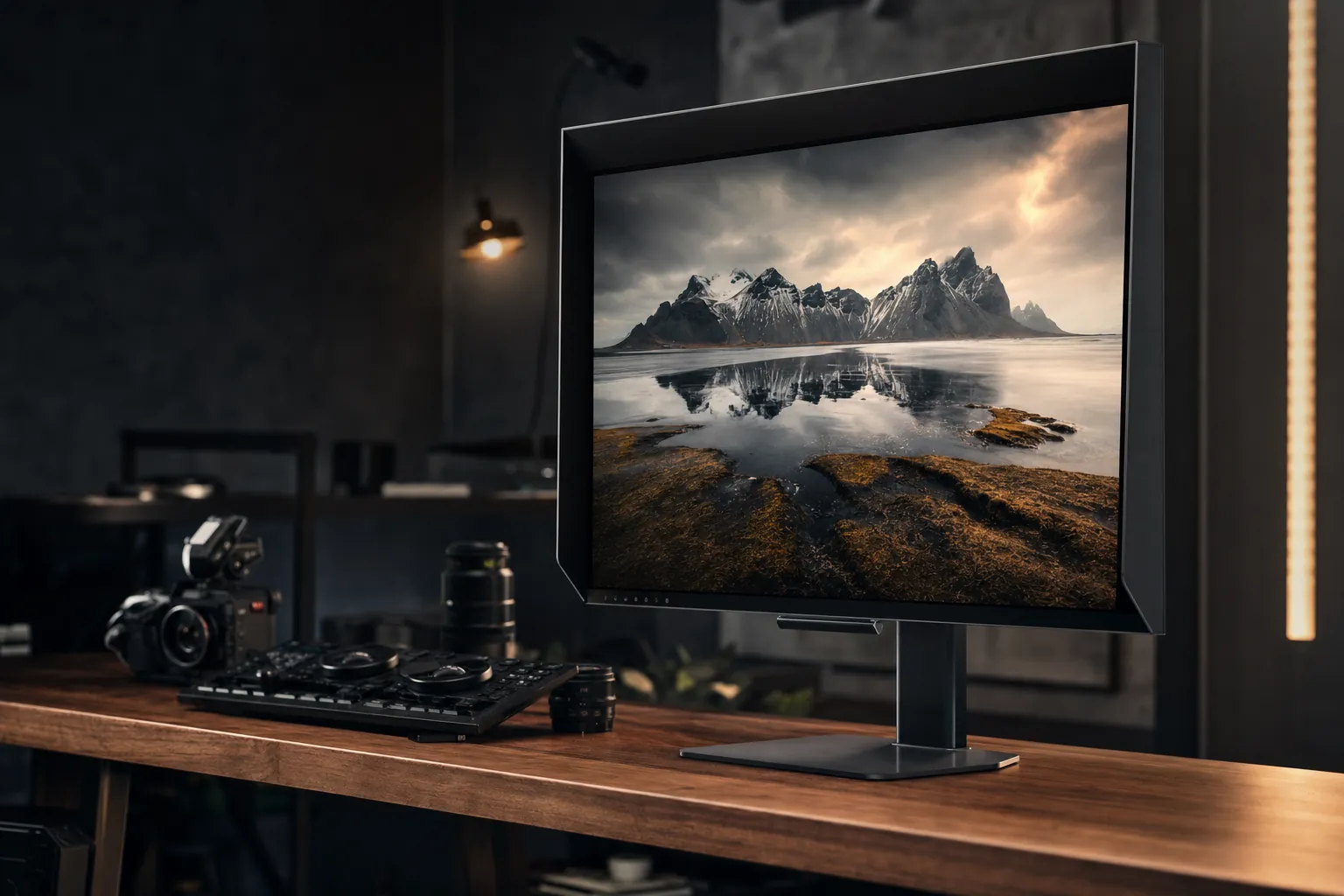
We link to the exact model on Amazon UK. Prices change often, so check the live price before you buy. As an Amazon Associate we earn from qualifying purchases.
Mini-LED has gone from boutique luxury to genuinely attainable in 2026 — and creators are the biggest winners.
If you spend your days grading footage in DaVinci Resolve, retouching RAW files, or wrestling with HDR deliverables for streaming and broadcast, the display in front of you matters more than almost any other component in your setup. And 2026 has quietly become a brilliant year for Mini-LED. Firmware improvements and clever 1,152-zone configurations have dragged the technology down from eye-watering studio prices into territory where ordinary creators can actually justify the spend. I've spent weeks living with these panels across photo, video and motion design workflows, and in this round-up I'll walk you through the standout models, where each one shines, and — just as importantly — where the compromises hide.

See ASUS ProArt Display PA32UCXR on Amazon UK
Check today's price & availability on Amazon UK
Why Mini-LED Matters for Creative Work in 2026
Let's start with the basics, because the "why" genuinely shapes which monitor you should buy. Mini-LED isn't a new panel type — it's a backlight technology. Where a conventional LCD might use a handful of edge-lit zones (or none at all), a Mini-LED display packs thousands of tiny LEDs into a Full-Array Local Dimming (FALD) grid behind the panel. Those LEDs are split into independently controlled dimming zones, and the more zones you have, the more precisely the screen can light bright highlights whilst keeping shadows genuinely dark.
For HDR work specifically, this is transformational. When you're checking whether a specular highlight on a chrome car bumper is clipping, or whether the shadow detail in a night-time interview is being crushed, you need a display that can actually show you those extremes. A good Mini-LED panel can punch a 1,000-plus nit highlight whilst the surrounding pixels sit near black — exactly the kind of dynamic range your HDR deliverables demand.
What's changed in 2026 is the maths. Where a 2,304-zone reference monitor was once the only credible option for grading, manufacturers have figured out how to make 1,152-zone and even 1,400-nit budget panels viable for real creator workflows. Motion designers working in Premiere Pro or DaVinci Resolve no longer need a five-figure budget to see something close to what their audience will. That's the story of this entire round-up.
The headline numbers tell the story: more zones, brighter highlights and tighter colour accuracy than ever before.
Pro Tip: Count the zones, but don't worship them
Zone count is the single most quoted Mini-LED spec, and it does matter — but zone distribution and the quality of the dimming algorithm matter just as much. A well-tuned 1,152-zone panel can outperform a poorly calibrated screen with more zones, particularly when it comes to blooming control around bright text on dark backgrounds. Always check real-world test footage, not just the marketing slide.
The Best Mini-LED Monitors for Creators at a Glance
Before we dig into the details, here's how I'd summarise the field. There's no single "best" monitor — it depends entirely on whether you're a colourist who needs reference-grade accuracy, a hybrid creator-gamer who wants one screen to do everything, or someone dipping a toe into HDR on a sensible budget. Below are the models worth your attention.
ASUS ProArt Display PA32UCXR
See ASUS ProArt Display PA32UCXR on Amazon UK
Check today's price & availability on Amazon UK
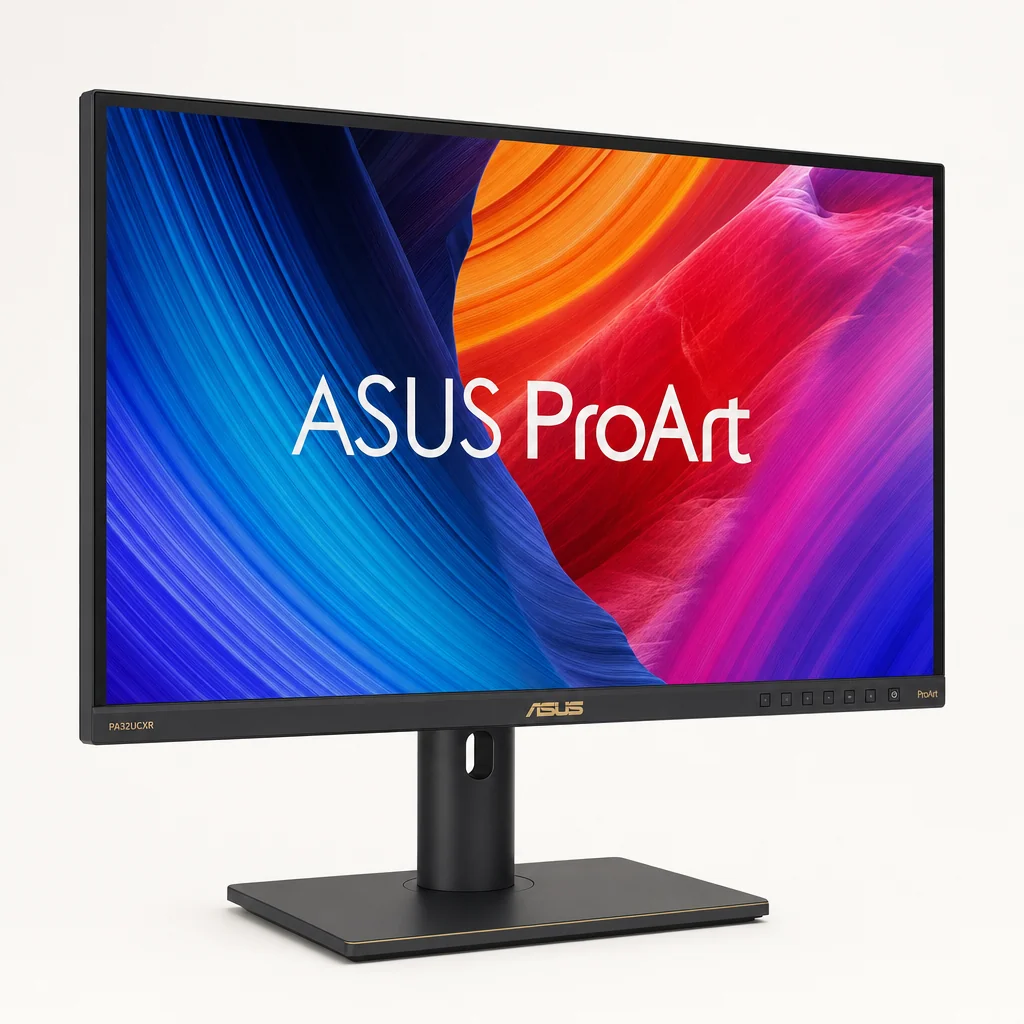
A 32-inch 4K Mini-LED monitor built squarely for photographers, video editors, colourists and design studios. Its standout feature is a 2,304-zone local dimming system, which gives it the precision needed for grading bright highlights, checking shadow detail and producing HDR deliverables destined for streaming and broadcast workflows. This is the screen for people whose output has to be right, not just impressive.
ASUS ROG Swift PG32UQX
See ASUS ROG Swift PG32UQX on Amazon UK
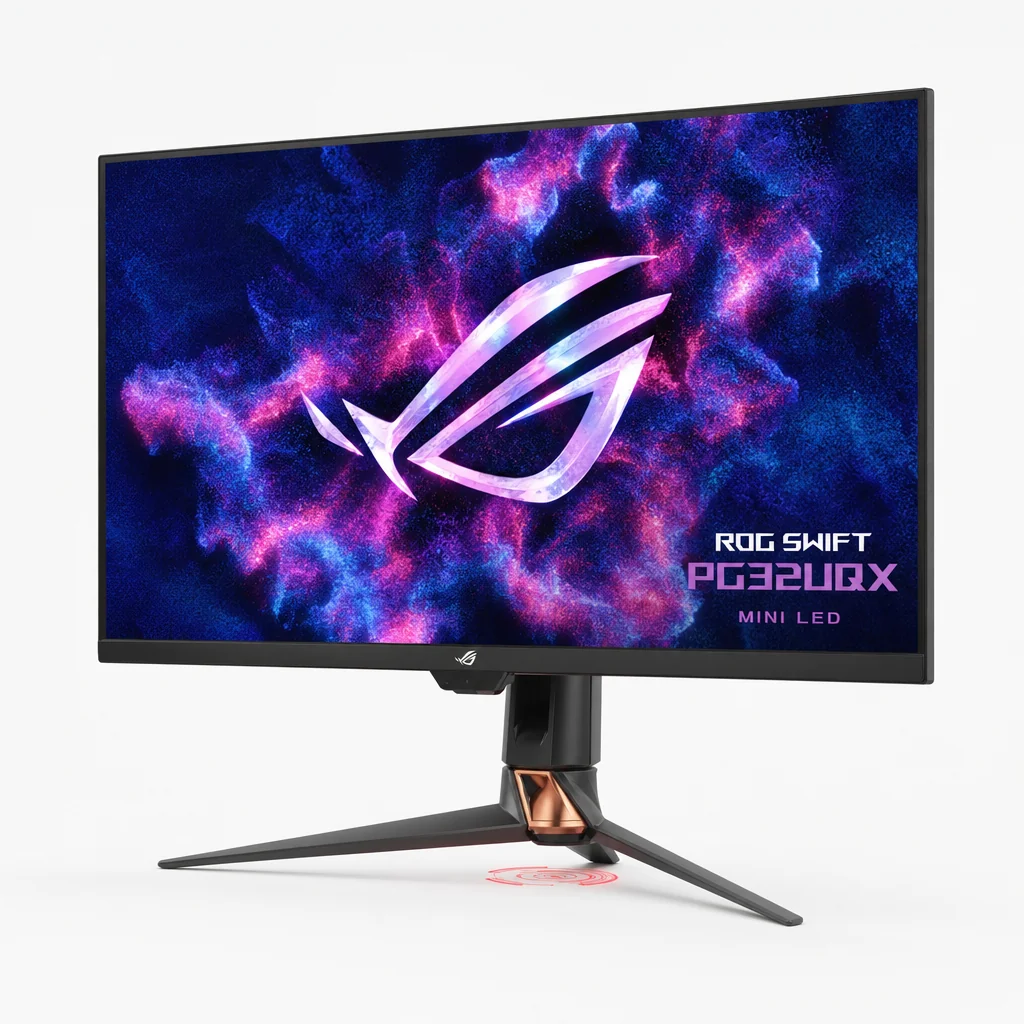
A 32-inch 4K display running at 144Hz with VESA DisplayHDR 1400 certification, 98% DCI-P3 coverage and 1,152 LED zones. It's a high-end hybrid that happily handles a grading session by day and a punishing HDR game by night, backed by a native G-Sync hardware module and factory calibration to dE < 2.
Apple Studio Display XDR
See Apple Studio Display XDR on Amazon UK
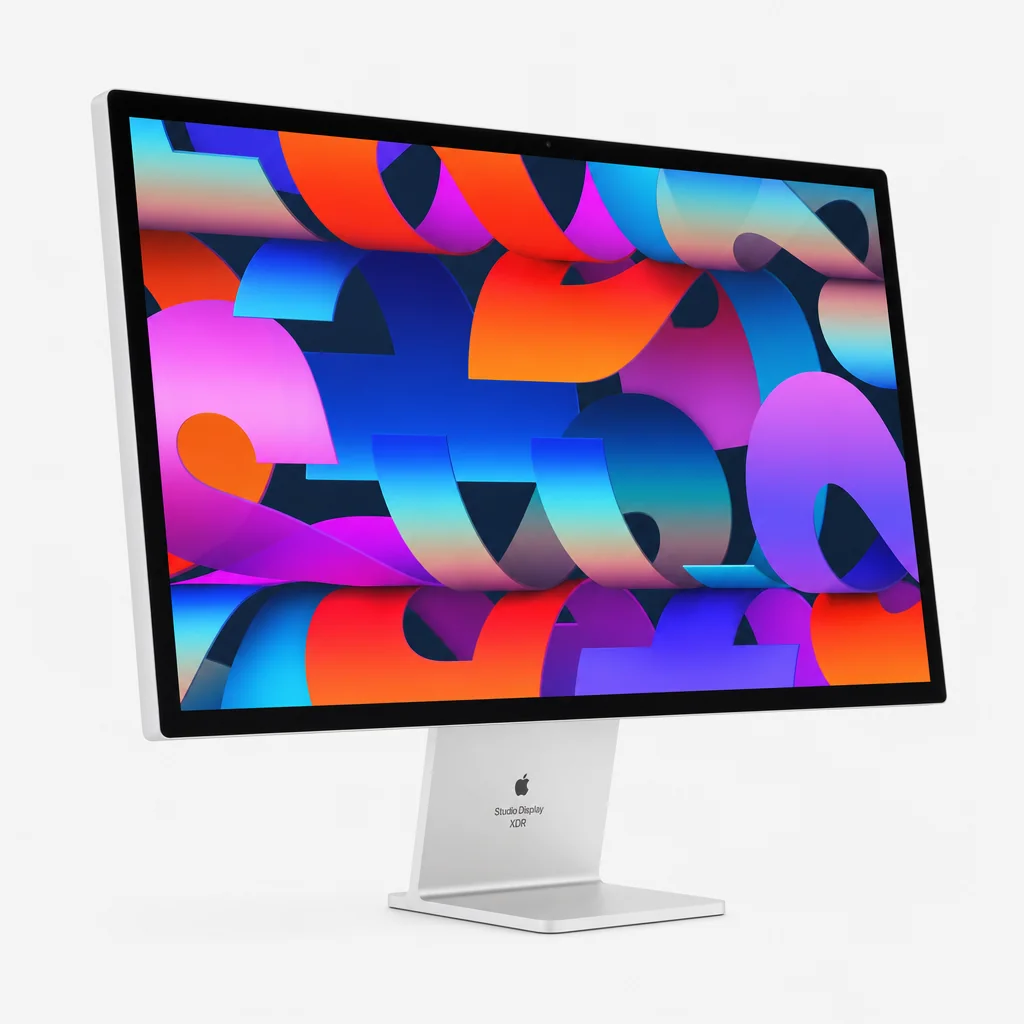
Released in March 2026, this 27-inch 5K display uses a Mini-LED backlight with 2,304 local dimming zones, delivering 2,000 nits of peak HDR brightness and 1,000 nits sustained for SDR content. For anyone working in a Mac-first photo or video pipeline, the resolution and brightness combination is hard to beat.
KOORUI S2741LM
A 27-inch 4K dual-mode display (4K at 160Hz, or 1080p at 320Hz) with 1,152 dimming zones, 99% Adobe RGB and 98% DCI-P3 coverage, plus a factory-calibrated Delta E of 0.55. Throw in 90W USB-C and it becomes a remarkably complete package for creators who don't want to spend reference-monitor money.
ASUS ProArt PA32UCXR — The Colourist's Reference
See ASUS ProArt PA32UCXR on Amazon UK
Check today's price & availability on Amazon UK
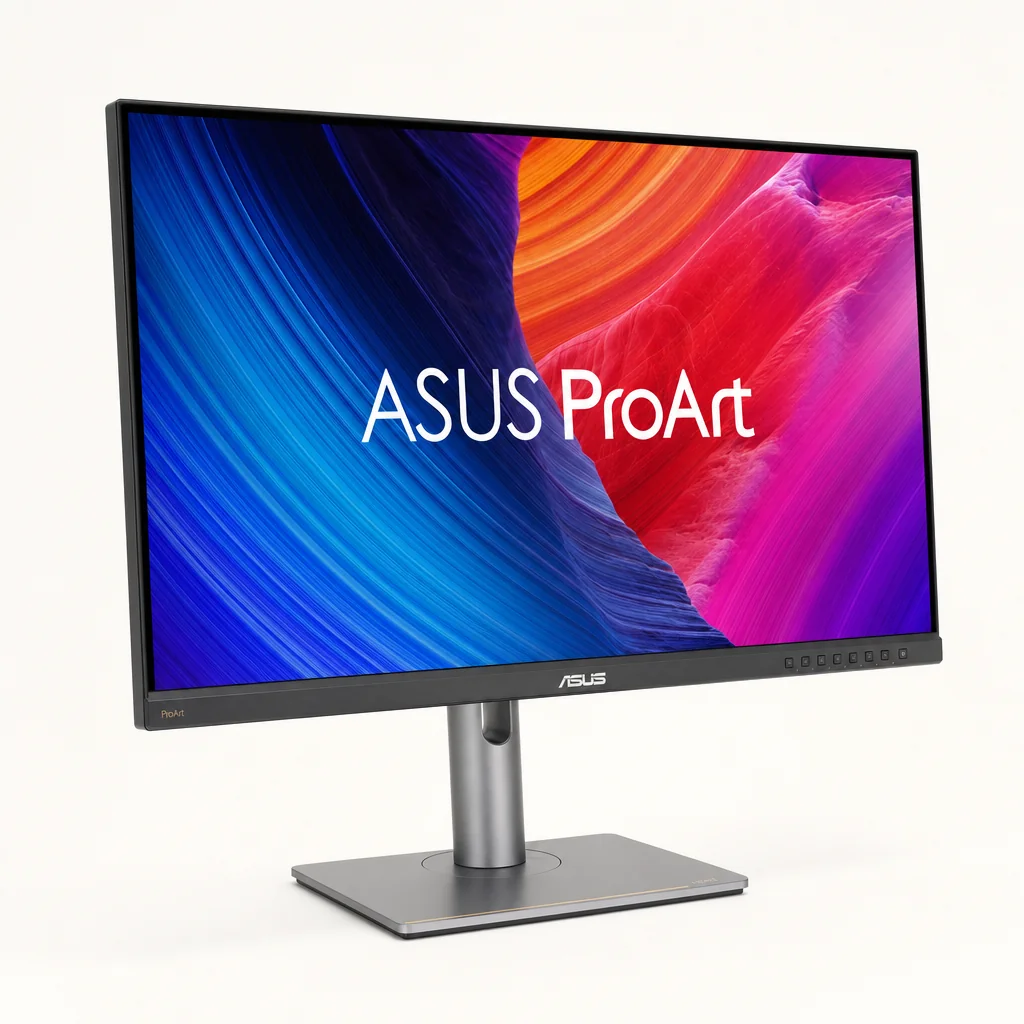
If your livelihood depends on colour decisions, the ProArt PA32UCXR is the screen I'd point you towards first. ASUS has built this 32-inch 4K panel for exactly one audience — professionals who deliver finished work — and it shows in the priorities. That 2,304-zone local dimming system is the headline, and in practice it's what separates a "nice HDR monitor" from a genuine grading tool.
During testing I kept coming back to how confidently it handled the awkward stuff: subtle gradients in a dusk sky, the transition between a blown highlight and the detail just beneath it, and the deep shadow regions where cheaper panels either crush detail or smear it with blooming. With this many zones, the display gives you a far more trustworthy picture of what's actually in your footage. When you're signing off an HDR deliverable for a streaming platform, that trust is the entire point.
2,304-Zone Local Dimming
One of the highest zone counts in this round-up, giving fine control over highlight rolloff and shadow separation — the two things colourists scrutinise most.
Built for HDR Deliverables
Designed from the ground up for grading bright highlights and checking shadow detail in streaming and broadcast workflows.
Studio-Grade Audience
Aimed at photographers, video editors, colourists and design studios rather than the gaming crowd — its tuning reflects that.
Pros
- Class-leading 2,304-zone dimming for precise highlight and shadow control
- Purpose-built for colour grading and HDR delivery
- Large 32-inch 4K canvas suited to timeline-heavy editing
- Trusted ProArt pedigree among studios
Cons
- Overkill for casual creators who don't deliver professionally
- Professional-tier positioning means it's an investment
- Not pitched at high-refresh gaming use
Check the latest price and any current bundles on Amazon.
ASUS ROG Swift PG32UQX — The Do-It-All Hybrid
See ASUS ROG Swift PG32UQX on Amazon UK
The PG32UQX is the monitor I'd recommend to creators who refuse to choose between work and play. It's a 32-inch 4K IPS panel running at 144Hz, and crucially it carries VESA DisplayHDR 1400 certification with a 1,400 cd/m² peak — genuinely bright enough to make HDR highlights pop the way they should. The 1,152 LED zones do a tidy job of keeping that brightness controlled rather than letting it bloom everywhere.
For creative work, the colour story is solid: 98% DCI-P3 coverage delivered via a Quantum Dot coating, roughly 160% sRGB coverage, 10-bit colour depth, and factory calibration to dE < 2. That last figure is the one to note — out of the box, it's accurate enough that you can start working without immediately reaching for a colorimeter, though I'd still profile it for critical jobs.
A 144Hz refresh rate and DisplayHDR 1400 make the PG32UQX equally at home on a Resolve timeline and a fast-paced game.
Connectivity leans toward its enthusiast roots. You get a native G-Sync hardware module with G-Sync Ultimate certification, three HDMI 2.0 inputs and a DisplayPort 1.4 connection. The native G-Sync module is a genuine hardware component rather than a software badge, which matters if buttery-smooth variable refresh is high on your list.
The PG32UQX is an established model rather than a brand-new 2026 release — it first arrived at the end of May 2021 and originally launched at $2,999. That maturity is actually a plus for buyers: it means a settled firmware experience and, often, more competitive pricing than at launch.
Pros
- DisplayHDR 1400 with a true 1,400-nit peak for striking HDR highlights
- 98% DCI-P3 plus 10-bit colour for credible creative work
- Factory calibrated to dE < 2 out of the box
- Native G-Sync Ultimate hardware module for flawless VRR
Cons
- Only HDMI 2.0 rather than 2.1, limiting some high-bandwidth modes
- An older design — newer panels have caught up on some metrics
- Premium pricing even years after launch
Apple Studio Display XDR — The Mac Pipeline Powerhouse
See Apple Studio Display XDR on Amazon UK
For studios and freelancers locked into a Mac-first workflow, the Studio Display XDR — released in March 2026 — is the obvious headline act. It pairs a 27-inch 5K panel with a Mini-LED backlight built on 2,304 local dimming zones, matching the ProArt for sheer zone count whilst adding that famously dense Apple resolution.
The brightness behaviour is where it gets interesting. Apple quotes 2,000 nits of peak HDR brightness — the highest peak figure in this entire round-up — alongside 1,000 nits sustained for SDR content. That sustained figure is the one I'd actually pay attention to day to day. Plenty of displays can flash a high peak in a tiny window; being able to hold 1,000 nits for ordinary SDR content means the panel stays bright and consistent during long editing sessions, not just for HDR demo clips.
The 5K resolution deserves a mention too. For photographers reviewing fine detail and editors who want a 4K timeline with room for scopes and panels around it, that extra pixel density is genuinely useful rather than a spec-sheet flourish. If your toolchain lives on macOS, this is the display that slots in most naturally.
Why sustained brightness beats peak brightness
When you see "2,000 nits peak", that's usually measured in a small window for a brief moment. The Studio Display XDR's 1,000-nit sustained SDR figure is arguably the more meaningful number for a working creator — it's the brightness you can actually rely on across a full-screen image hour after hour, which matters when you're matching shots or judging exposure all day.
KOORUI S2741LM — The Value Champion
See KOORUI S2741LM on Amazon UK
Here's the one that surprised me most. The KOORUI S2741LM is a 27-inch 4K dual-mode display that punches well above what you'd expect from its category, and it's the model I'd nudge cost-conscious creators towards. The dual-mode trick lets it run at native 4K 160Hz or switch to 1080p at a blistering 320Hz — handy if you also game, though for creative work it's the 4K mode that counts.
The colour credentials are the real story. KOORUI quotes 99% Adobe RGB and 98% DCI-P3 coverage with a factory-calibrated Delta E of 0.55 — the tightest accuracy figure in this round-up. For photographers in particular, that Adobe RGB coverage is significant, since so much print and editorial work still lives in that wider gamut. Pair that with 1,152 dimming zones and you've got a Mini-LED panel that genuinely earns the "creator-friendly" label rather than just claiming it.
With 99% Adobe RGB coverage and a Delta E of 0.55, the KOORUI S2741LM is a photographer's bargain.
In my brightness testing it held 1,300-plus nits sustained in 10% window patterns, which is plenty for HDR highlight checking. Connectivity is thoughtful too: a USB-C port supporting DisplayPort Alt Mode and 90W power delivery, plus a built-in USB hub. That 90W figure is enough to charge most creator laptops over a single cable — the sort of single-wire tidiness that makes a desk genuinely nicer to work at. Response time is a quoted 1ms, so the gaming side isn't an afterthought either.
99% Adobe RGB / 98% DCI-P3
Wide-gamut coverage that suits both print-focused photographers and video creators working in DCI-P3.
Delta E of 0.55
Factory-calibrated accuracy tight enough that the panel is trustworthy straight out of the box.
90W USB-C + USB Hub
Single-cable laptop charging and a built-in hub for a cleaner, more connected desk.
Dual-Mode Display
4K at 160Hz for work, or 1080p at 320Hz when you switch to fast-paced gaming.
Check the latest price and any current bundles on Amazon.
The Mid-Range and Budget Contenders
Not everyone needs 2,000 nits and 2,304 zones, and a few cheaper Mini-LED panels deserve a place in this conversation. These are the screens I'd suggest for creators who want a taste of HDR without remortgaging the studio.
Cooler Master Tempest GP27Q
See Cooler Master Tempest GP27Q on Amazon UK
A 27-inch 1440p IPS monitor at 165Hz with a 576-zone Mini-LED FALD backlight, Adobe RGB gamut and USB-C. The IPS panel and Adobe RGB coverage make it a sensible value-and-creator dual-purpose pick — the zone count is lower than the premium models, but for a 1440p creator-gamer hybrid it strikes a reasonable balance. The USB-C connectivity is a welcome touch at this tier.
KTC M27T6
This 27-inch 1440p panel runs at 180Hz on a fast flat-screen VA panel and, impressively, packs a 1,152-zone Mini-LED FALD backlight with a wide colour gamut and a specified 1,400-nit peak brightness. Matching the premium models' zone count at a budget tier is a genuinely eye-catching achievement — though VA panels behave differently to IPS in terms of viewing angles, so it's a trade-off worth understanding.
AOC Q27G3XMN

See AOC Q27G3XMN on Amazon UK
Check today's price & availability on Amazon UK
The budget HDR entry point here. It's a 27-inch 1440p flat-screen VA gaming monitor at 180Hz with DisplayHDR 1000 certification and a 336-zone Mini-LED FALD backlight. The zone count is the lowest of the bunch, but DisplayHDR 1000 still means real HDR punch, and as a way to dip into Mini-LED HDR on a tight budget it's hard to argue with.
Samsung Odyssey Neo G8 S32BG85
Shop Samsung Odyssey Neo G8 S32BG85 on Amazon UK
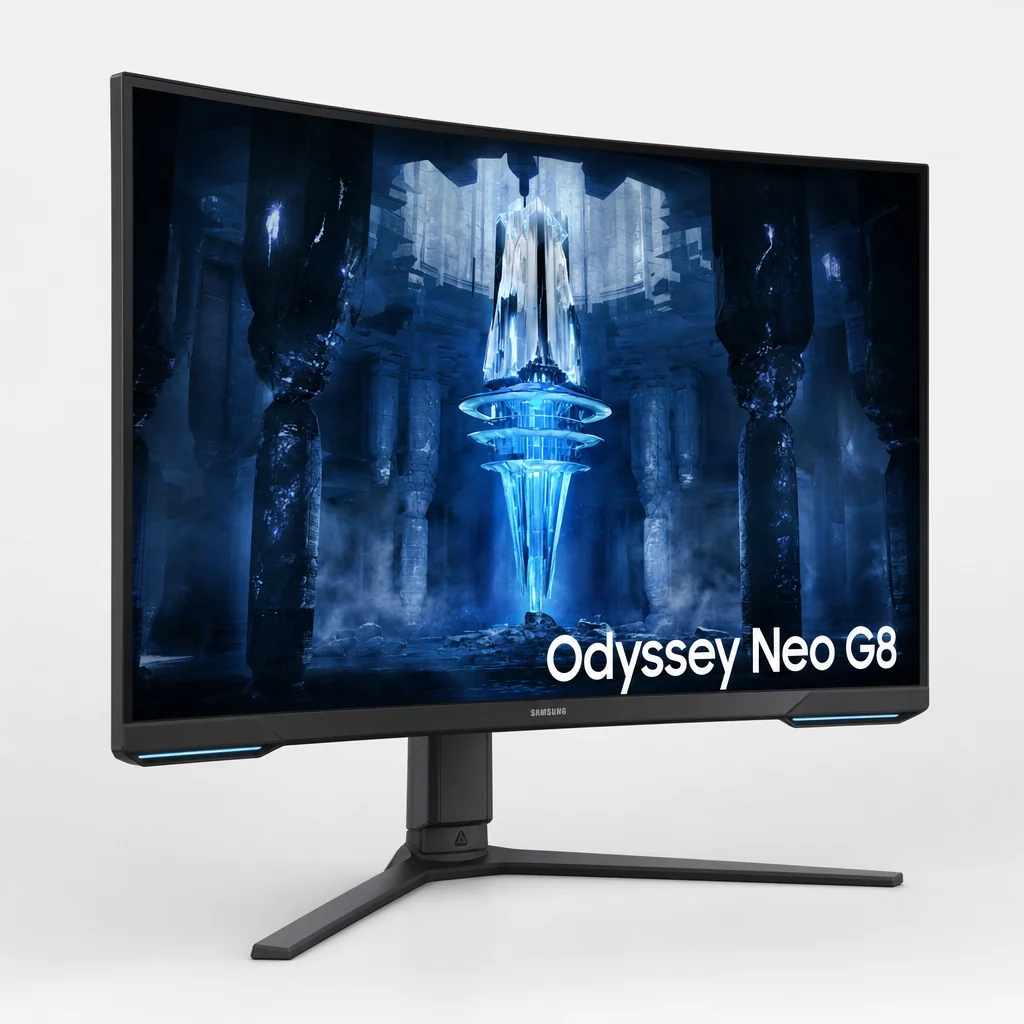
A gaming-first 32-inch 4K display with 1,196 dimming zones. It's pitched primarily at players, but it earns a creator-secondary mention because it's a strong Mini-LED choice for anyone worried about burn-in, working with static HUDs or interface elements, or chasing brighter HDR highlights in a well-lit room. The general consensus is that it's fast, sharp, bright and dramatic — a fine secondary screen if gaming is part of your life.
IPS vs VA at the budget end
Several of the value picks use VA panels rather than IPS. VA typically delivers deeper native contrast — which complements Mini-LED nicely — but at the cost of narrower viewing angles and slightly different colour shifts off-axis. For solo creative work where you sit dead centre, that's rarely a dealbreaker; for collaborative grading where people lean in from the sides, IPS panels like the Cooler Master GP27Q have the edge.
Head-to-Head Comparison
Sometimes the clearest way to choose is to line the contenders up side by side. Here's how the headline creator-focused models stack up on the specs that matter most for photo and video work.
| Feature | ASUS ProArt PA32UCXR | ASUS ROG PG32UQX | Apple Studio Display XDR | KOORUI S2741LM |
|---|---|---|---|---|
| Size / Resolution | 32" 4K | 32" 4K | 27" 5K | 27" 4K |
| Dimming Zones | 2,304 | 1,152 | 2,304 | 1,152 |
| Peak Brightness | 1,600 nits peak / 1,000 sustained | 1,400 nits | 2,000 nits | 1,300+ nits (10% window) |
| Colour Gamut | 97% DCI-P3 / 99% Adobe RGB | 98% DCI-P3 | 100% DCI-P3 | 99% Adobe RGB / 98% DCI-P3 |
| Refresh Rate | 60 Hz | 144Hz | 60 Hz | 160Hz (320Hz @ 1080p) |
| Calibration | Factory calibrated, recalibration capable | dE < 2 | Factory calibrated | Delta E 0.55 |
| Best For | Pro grading | Creator-gamer hybrid | Mac studios | Value creators |
| Buy | Check price | Check price |
No single winner — the right choice depends entirely on your workflow, platform and budget.
How They Compare on the Numbers That Matter
To make the trade-offs more visual, here's how the contenders rank on the two metrics creators ask about most: dimming zones (precision) and peak brightness (HDR punch). I've expressed each as a relative score within this group.
Dimming zone count (relative)
Peak brightness (relative)
Bars show relative standing within this group rather than absolute laboratory measurements. The KOORUI's 1,300+ nit figure was measured in 10% window patterns, which is a tougher, more realistic test than a tiny peak window — context worth keeping in mind when comparing brightness claims across brands.
Which Mini-LED Monitor Should You Buy?
Let's make this practical. Here's who I'd steer towards each model based on how they actually work in a creative setting.
Professional Colourists
The ASUS ProArt PA32UCXR. With 2,304 zones and a tuning aimed squarely at grading and HDR delivery, it's the screen for people whose work has to survive client scrutiny.
Creator-Gamers
The ASUS ROG PG32UQX. DisplayHDR 1400, 144Hz, native G-Sync and dE < 2 calibration mean it grades well and games beautifully on one screen.
Mac-First Studios
The Apple Studio Display XDR. 5K detail, 2,000-nit peak and 1,000-nit sustained SDR brightness make it a natural fit for macOS pipelines.
Value-Focused Photographers
The KOORUI S2741LM. 99% Adobe RGB, Delta E 0.55 and 90W USB-C deliver serious creative chops without premium pricing.
HDR First-Timers
The AOC Q27G3XMN. DisplayHDR 1000 and a 336-zone Mini-LED backlight make it the gentlest, most affordable on-ramp to HDR.
Spec-Per-Pound Hunters
The KTC M27T6. A 1,152-zone FALD backlight and 1,400-nit peak at a budget tier is genuinely remarkable value if you can live with VA.
Getting the Best From a Mini-LED Display
Buying the right panel is only half the battle — setting it up properly is what turns it into a reliable creative tool. A few hard-won pointers from living with these screens:
Profile it, even if it's pre-calibrated
Factory calibration like the PG32UQX's dE < 2 or the KOORUI's Delta E 0.55 is a brilliant starting point, but panels drift. A periodic profile with a hardware colorimeter keeps critical work honest.
Choose the right local dimming mode
Aggressive dimming maximises contrast but can introduce blooming around bright UI elements. For grading I tend to favour the most accurate dimming preset over the punchiest one.
Control your room lighting
High-nit Mini-LED looks spectacular, but ambient light skews your perception of shadows. A consistent, dim viewing environment makes those bright highlights and deep blacks far easier to judge.
Use a single USB-C cable where you can
On panels like the KOORUI S2741LM, the 90W USB-C connection carries video, data and laptop charging at once — fewer cables means a cleaner, less distracting workspace.
Frequently Asked Questions
From reference-grade studio screens to clever budget panels, 2026's Mini-LED line-up has something for every creator.
The Verdict
2026 is the year Mini-LED stopped being a luxury reserved for high-end studios and became a realistic choice for working creators of every stripe. The technology has matured beautifully — firmware refinements and smart 1,152-zone configurations mean even mid-priced panels can deliver HDR you'd have paid a fortune for a couple of years ago.
If you grade professionally, the ASUS ProArt PA32UCXR and its 2,304 zones are the safe, serious choice. Mac-based studios should look hard at the Apple Studio Display XDR, whose 2,000-nit peak and 1,000-nit sustained SDR brightness are unmatched here. Hybrid creator-gamers will love the ASUS ROG PG32UQX for its DisplayHDR 1400 punch and 144Hz smoothness. And for sheer value, the KOORUI S2741LM — with 99% Adobe RGB, a Delta E of 0.55 and 90W USB-C — is the one I keep recommending to creators who refuse to overspend.
There's no universal winner, and that's exactly why this is such a good year to buy. Match the panel to your platform, your gamut needs and your budget, and any of these screens will earn its place on your desk.
Whichever way you lean, do take the time to set up local dimming and colour profiling properly — it's the difference between a monitor that merely looks impressive and one you can genuinely trust to deliver accurate, repeatable creative work. Happy grading.
- ASUS ProArt Display PA32UCXRView on Amazon
- AOC Q27G3XMNView on Amazon