
Samsung 9100 Pro vs WD Black SN8100: The Fastest PCIe 5.0 SSD for Gamers?
Two 14GB/s-class M.2 drives, two very different ownership stories. Here is where Samsung's capacity and software advantage meets WD's outright speed and efficiency lead.
We link to the exact model on Amazon UK. Prices change often, so check the live price before you buy. As an Amazon Associate we earn from qualifying purchases.
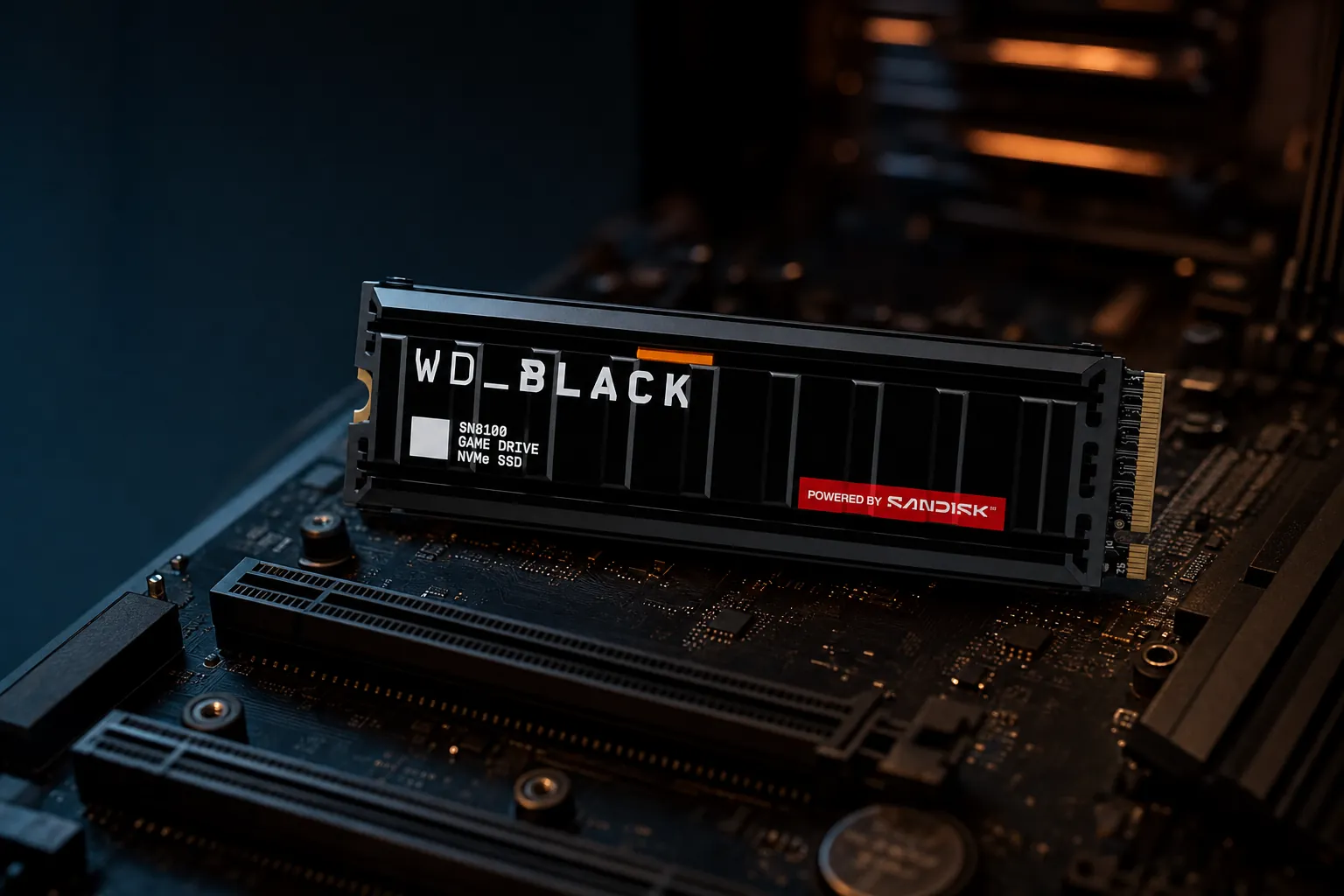
Samsung 9100 Pro and WD Black SN8100 are both M.2 2280 PCIe 5.0 x4 SSDs, but cooling, capacity and the exact model you choose make a meaningful difference.
Two Gen5 Heavyweights Enter the Ring

The WD Black SN8100 has the bigger headline number: up to 14,900MB/s reads and, on its 2TB and 4TB versions, 14,000MB/s writes. Samsung's 9100 Pro is just behind at up to 14,800MB/s read and 13,400MB/s write. That sounds like a knockout. In practice, it is more of a very fast, very expensive points decision.
Both are flagship internal SSDs built around the same basic recipe: PCIe 5.0 x4, NVMe 2.0, TLC NAND, DRAM and the familiar M.2 2280 stick shape. Either can be a cracking system drive in a modern desktop, a high-end creator drive or a home for an ever-expanding game library. Samsung also listed PlayStation 5 compatibility for the 9100 Pro, subject to physical clearance and system requirements.
The central question is not really whether either drive is fast enough. They are absurdly fast. It is whether WD's tiny sequential edge, stronger 2TB and 4TB write rating and lower quoted power draw justify choosing it over Samsung's more clearly documented platform, polished Magician software and established 8TB line-up.
For gaming, keep one thing in mind before the graphs start waving their arms about: game loading does not scale neatly with the maximum sequential number printed on the box. A drive capable of 14.9GB/s is not automatically twice as quick to load a game as a good PCIe 4.0 model. Modern games also care about random access, CPU decompression, game-engine behaviour and the rest of your PC. Storage remains important, but it does not get to take all the credit.
The short version
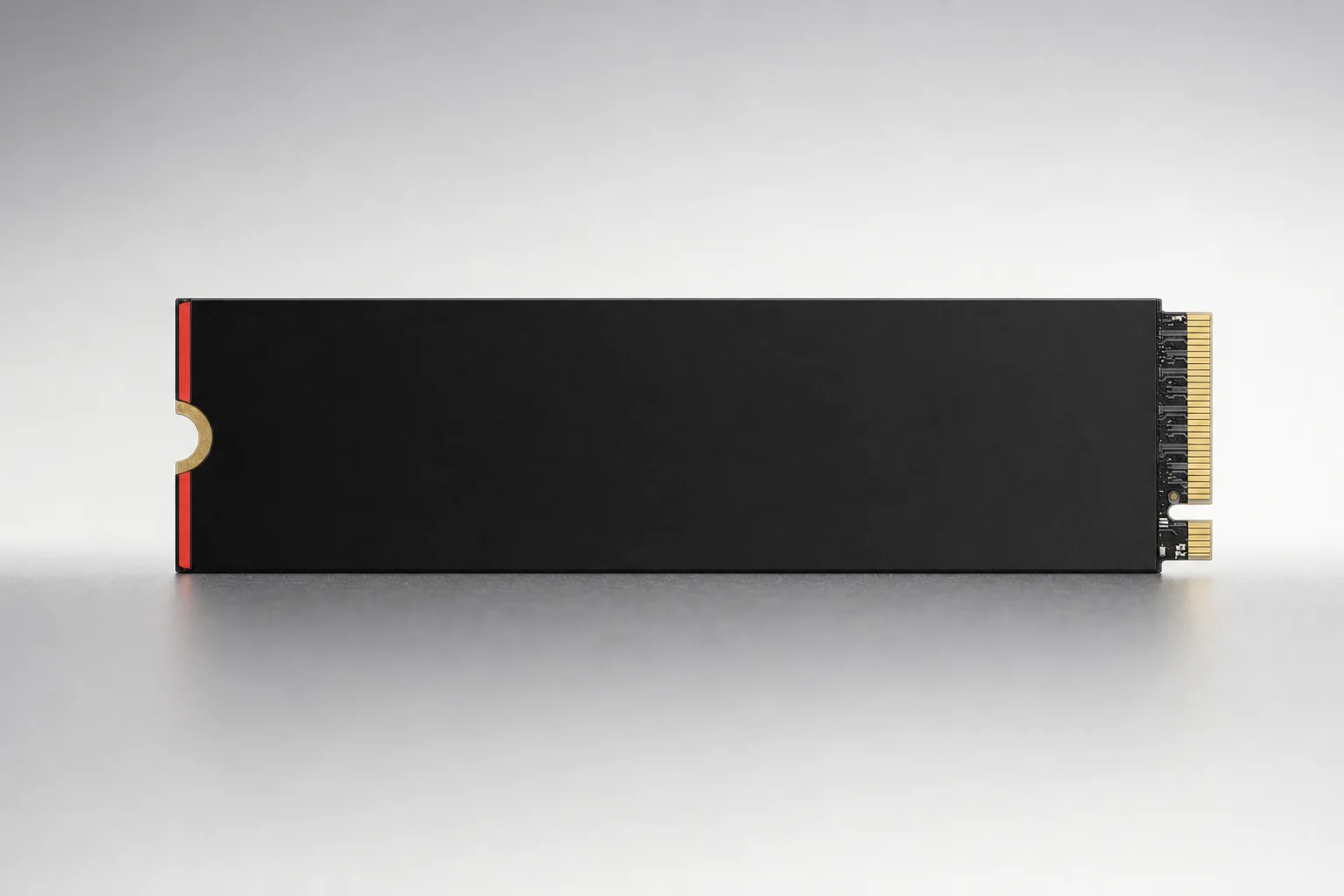
The SN8100 is the technical performance pick, especially at 2TB and 4TB. The 9100 Pro is the more rounded choice if you value Samsung Magician, fully documented security features, a straightforward 8TB path and excellent real-world game-load results. Both need proper cooling. That is not optional garnish on a Gen5 build.
The Line-Up: Capacities, Heatsinks and Compatibility Traps
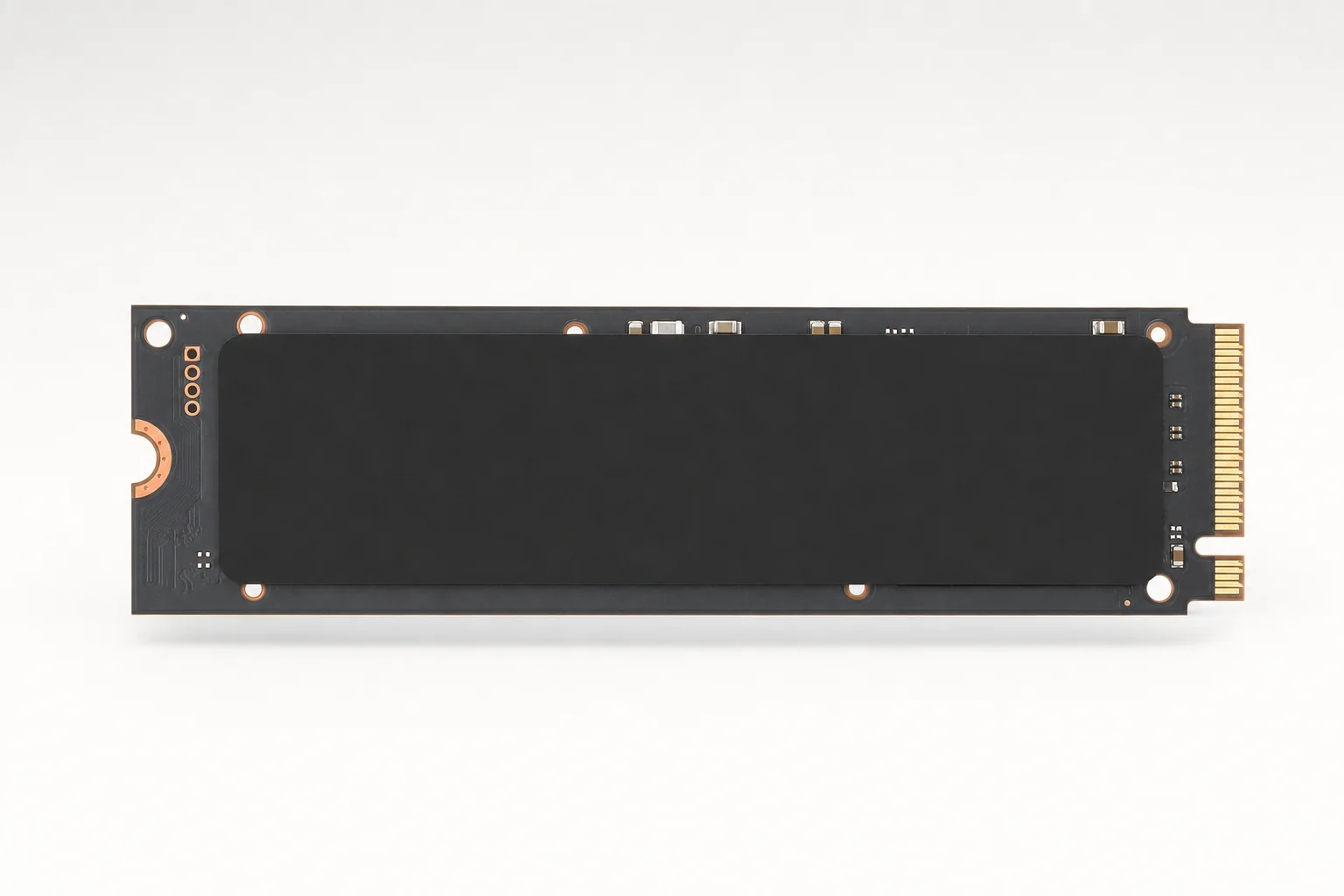
Samsung launched the 1TB, 2TB and 4TB 9100 Pro models on 18 March 2025, then expanded the family with 8TB options during the second half of 2025. SanDisk announced the WD Black SN8100 on 13 May 2025 with 1TB, 2TB and 4TB capacities; 8TB subsequently joined the range. Today, both families span 1TB to 8TB, but Samsung remains the simpler proposition if you want every capacity's core specification laid out clearly.
Capacity matters more here than it did with many older SSD generations. Samsung's 1TB 9100 Pro reaches up to 14,700MB/s read and 13,300MB/s write; its 2TB rises fractionally to 14,700/13,400MB/s; its 4TB and 8TB versions top out at 14,800/13,400MB/s. WD's SN8100 holds 14,900MB/s reads across 1TB, 2TB and 4TB, but the 1TB write rating is just 11,000MB/s. Its 2TB and 4TB models reach 14,000MB/s writes.
That makes the 1TB SN8100 a slightly awkward choice if you are shopping for the most balanced specification rather than merely the highest read figure. Samsung's 1TB is slower on reads by a hair, but notably quicker on rated writes. The 2TB models are where this contest really gets interesting, because that capacity is large enough for Windows, a serious game library and a useful chunk of video footage without instantly turning your bank account into an archaeological site.
| Capacity | Samsung 9100 Pro | WD Black SN8100 |
|---|---|---|
| 1TB rated read/write | 14,700 / 13,300MB/s | 14,900 / 11,000MB/s |
| 2TB rated read/write | 14,700 / 13,400MB/s | 14,900 / 14,000MB/s |
| 4TB rated read/write | 14,800 / 13,400MB/s | 14,900 / 14,000MB/s |
| 8TB rated read/write | 14,800 / 13,400MB/s | 14,900 / 14,000MB/s |
| Heatsink option | Passive integrated heatsink | Passive heatsink with customisable RGB |
| Warranty | 5 years | 5 years |
| Buy | Check price | Check price |
Both come as bare drives or heatsink versions. The Samsung 1TB, 2TB and 4TB heatsink models measure up to 80.15 × 25 × 8.88mm. The Samsung 8TB heatsink rises to 11.25mm. WD's heatsink version is approximately 80 × 25 × 11.25mm and adds RGB lighting, which is either a nice bit of build theatre or another thing to turn off at 1am. Both reactions are valid.
Before buying any heatsink SSD, check your motherboard's M.2 layout. Many boards already include an M.2 cover and heatsink; stacking another one on top is generally not the clever thermal sandwich people hope it will be. In laptops and PlayStation 5 upgrades, physical clearance is the whole game.
The heatsink choice is a practical decision, not merely a cosmetic one: sustained PCIe 5.0 transfers can push these controllers hard enough to trigger throttling without suitable cooling.
Spec Sheet Shootout: Where the Numbers Actually Separate
At the 2TB level, the two drives share the stuff that gets them through the door: PCIe 5.0 x4, NVMe 2.0, M.2 2280, TLC NAND, DRAM and a five-year warranty. Their differences are in execution. Samsung uses V-NAND TLC V8, an in-house controller and 2GB of LPDDR4X DRAM on its 2TB model. WD uses BiCS8 TLC 3D CBA NAND and a SanDisk/Silicon Motion platform with DRAM.
Samsung's documentation is the more exhaustive of the two. Beyond its stated controller, NAND and DRAM allocation, Samsung gives a clear TurboWrite cache figure: 226GB for the 2TB drive. The 1TB model carries 1GB LPDDR4X, the 4TB model has 4GB and the 8TB has 8GB. It is the sort of detail enthusiasts appreciate because it makes informed comparisons less dependent on squinting at teardown photos and hoping for the best.
WD's appeal is that it achieves a slightly higher sequential ceiling whilst drawing less active power on the quoted figures. For buyers building a hot-running high-end desktop, that is not academic. Less power does not guarantee a lower measured temperature in every motherboard, case or benchmark loop, but it gives the SN8100 a useful efficiency head start.
| 2TB specification | Samsung 9100 Pro 2TB | WD Black SN8100 2TB |
|---|---|---|
| Interface | PCIe 5.0 x4, NVMe 2.0 | PCIe 5.0 x4, NVMe 2.0 |
| Form factor | M.2 2280 | M.2 2280 |
| NAND | Samsung V-NAND TLC V8 | SanDisk BiCS8 TLC 3D CBA NAND |
| Sequential read | 14,700MB/s | 14,900MB/s |
| Sequential write | 13,400MB/s | 14,000MB/s |
| Random read/write | 1.85M / 2.6M IOPS | 2.3M / 2.4M IOPS |
| Endurance | 1,200TBW | 1,200TBW |
| Active read/write power | 8.1W / 7.9W | 6.5W / 7W |
Samsung's documented cache strategy
Samsung's Intelligent TurboWrite 2.0 cache is specified at 114GB on 1TB, 226GB on 2TB and 442GB on 4TB. It helps explain why short, heavy writes can feel extremely brisk before longer sustained transfers become the real test.
WD's performance-per-watt pitch
The SN8100's 2TB and 4TB ratings of around 6.5W during reads and 7W during writes are lower than Samsung's equivalent figures. It is a meaningful advantage for compact systems and anyone who spends a lot of time shifting huge files.
Samsung's more extensive security list
Samsung explicitly lists AES-256 full-disk encryption, TCG Opal 2.0 and Microsoft eDrive/IEEE1667 support, alongside TRIM, garbage collection and S.M.A.R.T. monitoring.
Sequential Speed: A Narrow WD Lead, Especially on Writes
Sequential performance is the easy number to sell because it is big, clean and reassuringly precise. It is also genuinely useful. Copying a large video project, moving a Steam library, importing high-resolution assets, unzipping a giant archive or shuffling datasets between fast drives can all benefit from 13GB/s to 15GB/s-class sequential throughput.
WD wins the headline read contest. Its advertised 14,900MB/s maximum is 100MB/s above Samsung's 4TB and 8TB maximum, and 200MB/s ahead of Samsung's 1TB and 2TB rating. That difference is less than one per cent at this speed. You will not feel it in Windows. You will not see a game magically gain a new loading screen. It is still technically a win, though, and WD gets to keep the trophy on its shelf.
Writes are more useful as a differentiator. The SN8100 2TB and 4TB are rated for 14,000MB/s, versus 13,400MB/s for Samsung's 2TB, 4TB and 8TB. Again, the margin is small, but this time it appears in the capacities most buyers should be considering. On the other hand, Samsung's 1TB is rated for 13,300MB/s writes, well ahead of the SN8100 1TB's 11,000MB/s. Do not let a family name hide a capacity-specific compromise.
Independent testing broadly supported Samsung's published numbers. ServeTheHome's 2TB 9100 Pro sample essentially reached its rated 14,700MB/s read and 13,400MB/s write performance in CrystalDiskMark. PCWorld's SN8100 retest delivered approximately 13.5GB/s writes consistently using a PCIe 5.0 adapter card.
There is an important caveat on that WD result. PCWorld also saw intermittent test runs where SN8100 write speed fell dramatically to roughly 300MB/s before the retest restored the expected performance. One result does not invalidate the drive, but it does remind us that high-end SSD testing is sensitive to platform configuration, thermals, firmware behaviour and the sometimes peculiar mood of a PC on a Tuesday afternoon.
Buy capacity, not just a badge
If you want the SN8100 specifically for its best write rating, aim for 2TB or 4TB. If 1TB is all your budget or motherboard can accommodate, Samsung's 9100 Pro 1TB offers the stronger rated write speed.
Sequential bandwidth matters most when moving large files, installing large games or working with video projects; ordinary desktop use rarely keeps either SSD at its peak for long.
Random Access and Gaming Reality: Do Either Drive's FPS Claims Matter?
Random performance is the less glamorous half of SSD shopping. It is also often closer to what your system experiences when it boots Windows, opens applications, hunts through a game's tiny asset files or multitasks across browser tabs, launchers and background updates. Measured in IOPS, it describes how many small input/output operations a drive can handle each second.
Samsung rates the 9100 Pro 1TB and 2TB at up to 1.85 million random-read IOPS and 2.6 million random-write IOPS. Its 4TB and 8TB models increase random reads to 2.2 million IOPS while retaining 2.6 million random writes. WD rates the SN8100 1TB at 1.6 million random reads and 2.4 million random writes, while the 2TB and 4TB versions rise to 2.3 million random reads and remain at 2.4 million random writes.
| Random performance rating | Samsung 9100 Pro | WD Black SN8100 |
|---|---|---|
| 1TB random read/write | 1.85M / 2.6M IOPS | 1.6M / 2.4M IOPS |
| 2TB random read/write | 1.85M / 2.6M IOPS | 2.3M / 2.4M IOPS |
| 4TB random read/write | 2.2M / 2.6M IOPS | 2.3M / 2.4M IOPS |
| 8TB random read/write | 2.2M / 2.6M IOPS | — |
That leaves no clean "random performance winner" across every capacity. Samsung leads rated random writes; WD's 2TB and 4TB lead rated random reads by a small margin. The bigger point is that both live well beyond the level where a gaming PC feels storage-bound during ordinary use.
Actual game-loading evidence is more helpful. PCGamesN measured Samsung's 9100 Pro at 1,526MB/s in its Battlefield V loading test. That placed it ahead of the Crucial T705 at 1,404MB/s and the Corsair MP700 Pro at 1,216MB/s in the same test. It is a very good result and a useful reminder that Samsung's marginally lower sequential ceiling does not make it second-rate in games. Far from it.
Samsung 9100 Pro gaming strengths
- Excellent Battlefield V loading result of 1,526MB/s in PCGamesN testing.
- Higher rated random-write figure across the listed capacities.
- Explicitly listed for PlayStation 5 use where clearance and requirements are met.
Gaming reality checks
- Good PCIe 4.0 drives still deliver modestly different real-world game loading in many titles.
- Neither drive can overcome CPU decompression or game-engine bottlenecks.
- On a PCIe 4.0 platform, both are bandwidth-limited by the host interface.
My practical read is simple: if you are building a no-compromise PCIe 5.0 gaming desktop, these are both excellent choices. If you already own a quality PCIe 4.0 SSD, do not expect your favourite games to become a different species of game. Gen5 shines most when gaming overlaps with large installs, content creation and moving huge files around.
Thermals Under Pressure: Cooling Is Part of the Purchase
PCIe 5.0 SSDs move enough data to make their controller and NAND packages work properly hard. During long sequential writes, benchmark loops and heavy drive-to-drive transfers, heat rises quickly. That is why the cooling decision is not a footnote here. It is part of the specification you are actually buying.
Samsung's 9100 Pro can be perfectly sensible thermally with appropriate cooling, but the bare 4TB model reached 84°C and throttled in PCGamesN's sustained CrystalDiskMark testing. Sequential write performance fell to approximately 9,250MB/s once the drive got hot. ComputerBase also recorded up to 82°C during sustained full-drive writing without a heatsink, and another review saw 82°C with Samsung's integrated heatsink under its own conditions.
That does not mean every 9100 Pro will sit at 84°C. It means an M.2 SSD's behaviour is deeply tied to the board's heatsink, airflow, room temperature, workload and how long you sustain it. But it absolutely means the bare model should not be treated as a carefree fit-and-forget option if you often write hundreds of gigabytes at a time.
The SN8100 tells a similar but slightly more encouraging story. PCWorld's retest never exceeded 50°C. PCGamesN saw a 73°C peak under repeated CrystalDiskMark sequential runs even beneath a motherboard PCIe 5.0 heatsink, but the drive did not enter warning status or throttle in that test. Those results cannot be merged into one universal temperature figure. They do, however, show the usual Gen5 truth: system cooling determines a lot.
Published thermal results varied substantially with test method, motherboard cooling and airflow, so treat single temperature figures as system-specific evidence rather than universal rankings.
| Observed thermal result | Samsung 9100 Pro | WD Black SN8100 |
|---|---|---|
| Highest cited sustained-test peak | 84°C, bare 4TB | 73°C in PCGamesN stress testing |
| Throttling observed | Yes, at approximately 9,250MB/s writes in one test | No throttling in PCGamesN's stress test |
| Cooler cited result | — | Below 50°C in PCWorld's retest |
| Cooling recommendation | Heatsink strongly advised for sustained transfers | Heatsink strongly advised for sustained transfers |
For a desktop, use a decent motherboard M.2 heatsink or choose the factory-heatsink version if the slot has room. For a laptop, do not assume a taller heatsink will fit simply because the drive itself is M.2 2280. A few millimetres can turn a sensible upgrade into a case-closing argument.
Efficiency, Endurance and the Laptop Question
WD has the clearer efficiency advantage. The SN8100 1TB is rated at 6.2W for both active reads and writes. The 2TB and 4TB are listed at about 6.5W reads and 7W writes. Later 8TB coverage reported approximately 7.3W writes. Samsung's power use scales more noticeably with capacity: 7.6W/7.2W on the 1TB, 8.1W/7.9W on the 2TB, 9W/8.2W on the 4TB and 10.5W/8.8W on the 8TB for read/write activity.
That makes the SN8100 especially attractive in compact enthusiast systems. Lower active power can mean less heat to remove, less pressure on a laptop's limited thermal design and less energy spent during sustained workloads. It does not automatically make WD the ideal laptop drive, though. Physical space, thermal pads, motherboard compatibility and the laptop's own PCIe generation matter just as much.
Endurance is essentially a draw at matching capacities. Both offer 600TBW at 1TB, 1,200TBW at 2TB and 2,400TBW at 4TB. Samsung's 8TB is rated at 4,800TBW, and the WD 8TB is also reported at 4,800TBW. Those are generous figures for gaming, mainstream content creation and general enthusiast use. Most gamers will replace a drive for capacity or platform reasons long before reaching those write limits.
| Capacity and power | Samsung 9100 Pro active power (read/write) | WD Black SN8100 active power (read/write) |
|---|---|---|
| 1TB | 7.6W / 7.2W | 6.2W / 6.2W |
| 2TB | 8.1W / 7.9W | 6.5W / 7W |
| 4TB | 9W / 8.2W | 6.5W / 7W |
| 8TB | 10.5W / 8.8W | 7.3W write |
Laptop advice, without the nonsense
A Gen5 SSD can work in a laptop with the right interface and clearance, but "works" and "is the best choice" are different things. If your notebook only supports PCIe 4.0, either drive will operate below its Gen5 potential. If it has limited cooling, the SN8100's lower quoted power is appealing, but you still need to check fit and thermal design.
WD's lower quoted active power gives it a strong efficiency case, particularly for sustained work in compact high-performance systems.
Software, Setup and Everyday Ownership
This is the section where Samsung quietly earns a lot of goodwill. Samsung Magician is a mature ownership tool that covers firmware updates, drive monitoring, optimisation, secure erase and migration. It is not glamorous. Neither is updating firmware before loading 600GB of games and a precious project folder onto a new drive. Yet one of those things is likely to matter more after six months.
Samsung also explicitly supports TRIM, garbage collection and S.M.A.R.T. monitoring, plus AES-256 full-disk encryption, TCG Opal 2.0 and Microsoft eDrive/IEEE1667. For a buyer who uses an SSD as a working drive rather than merely a game dump, that clarity has value. You know what is there, how to monitor it and where to look when something needs attention.
WD provides a SanDisk management and firmware-support ecosystem, along with TCG Opal 2.02 hardware security. The SN8100 is not a difficult drive to own, and its RGB heatsink version gives builders a more visual option than Samsung's plain passive cooler. Samsung simply has the more clearly defined software story.
Samsung Magician
Useful for health checks, monitoring, firmware updates, optimisation, secure erase and migration. If you are moving from an old system drive, this is one of Samsung's most practical advantages.
Security support
Samsung explicitly lists AES-256 encryption, TCG Opal 2.0 and Microsoft eDrive/IEEE1667. WD explicitly lists TCG Opal 2.02.
WD Black SN8100 RGB heatsink
WD's integrated heatsink version adds customisable RGB lighting. Samsung's heatsink version keeps the focus on passive cooling rather than illumination.
Ownership wins
- Samsung has the more mature and clearly documented management suite.
- WD's heatsink version offers RGB for showcase builds.
- Both have five-year warranties and TLC-plus-DRAM architectures.
Setup cautions
- Both require a motherboard with PCIe 5.0 support to reach their headline speeds.
- Both can require careful heatsink and clearance planning.
- Firmware updates are worth checking before a major installation or migration.
UK Value: Price per Terabyte Beats Sticker Price
SSD pricing in August 2026 was unusually volatile, so treat these as dated UK listing snapshots rather than permanent price promises. Retailer stock, bare-versus-heatsink confusion and sudden supply shifts can move the maths very quickly. Still, price per terabyte is more useful than the sticker price alone because it shows where each range starts to make sense.
At the lower observed UK prices, WD is very strong at 2TB and especially 4TB. The SN8100 4TB was listed at approximately £605, or £151.25 per TB. Samsung's observed 2TB figure was £352.16, equating to £176.08 per TB. WD's 2TB had a much wider observed range, from £318.43 to £484.55, which is precisely why you should not buy one of these on autopilot.
Samsung 9100 Pro 1TB
Approx. £222.88 per TB
Samsung 9100 Pro 2TB
Approx. £176.08 per TB
WD Black SN8100 4TB
Approx. £151.25 per TB
Samsung 9100 Pro 8TB
Approx. £200 per TB
| Observed UK bare-drive price | Samsung 9100 Pro | WD Black SN8100 |
|---|---|---|
| 1TB | £222.88 / £222.88 per TB | £215.09 / £215.09 per TB |
| 2TB | £352.16 / £176.08 per TB | £318.43–£484.55 / £159.22–£242.28 per TB |
| 4TB | — | £605 / £151.25 per TB |
| 8TB | £1,599.99 / £200 per TB | £1,700 / £212.50 per TB |
The sensible buying rule is therefore uncomplicated: compare like for like, check whether you are looking at a bare drive or an integrated-heatsink version, and do the division. A cheaper bare drive is not necessarily better value if your board lacks a usable heatsink and you must add one. Equally, do not pay a large premium for a factory heatsink if your motherboard already has a substantial cover ready to do the job.
At the lower observed UK prices, WD Black SN8100 4TB delivered particularly strong price-per-terabyte value among these flagship PCIe 5.0 drives.
How They Compare With Other PCIe 5.0 Rivals
Samsung and WD are the leading pair here, but they are not alone. Crucial's T705, Crucial's T710, Corsair's MP700 PRO XT and Seagate's FireCuda 540 are all names UK buyers may encounter while trying to work out whether 14GB/s-class storage is worth the money.
| PCIe 5.0 SSD | Maximum sequential read | Maximum sequential write | Capacity range | Warranty |
|---|---|---|---|---|
| Samsung 9100 Pro | 14,800MB/s | 13,400MB/s | 8TB | 5 years |
| WD Black SN8100 | 14,900MB/s | 14,000MB/s | 8TB | 5 years |
| Crucial T705 | 14,500MB/s | 12,700MB/s | 4TB | 5 years |
| Crucial T710 | Up to approx. 14,900MB/s (reported) | Up to approx. 13,700MB/s (reported) | 4TB | 5 years |
| Corsair MP700 PRO XT | 14,900MB/s | 14,500MB/s | 4TB | 5 years |
| Seagate FireCuda 540 | 10,000MB/s | 10,000MB/s class | 2TB | 5-year limited |
The Crucial T705 remains a credible alternative, particularly where its pricing is keen, but it is another hot-running Gen5 model. The newer Crucial T710 is reported at up to approximately 14,900MB/s reads and 13,700MB/s writes for its top model, though the brief notes these capacity-specific figures should be checked against the final product sheet; even so, PCGamesN considered it relatively poor value when 9100 Pro and SN8100 pricing had softened.
Corsair's MP700 PRO XT is the interesting pure-spec interloper: up to 14,900MB/s reads and 14,500MB/s writes. It requires separate cooling, however, and its price positioning has not made it an automatic bargain against these two. Seagate's FireCuda 540 still has strong endurance and DirectStorage support, but its up-to-10,000MB/s class throughput now looks a tier below the newest flagships.
The Verdict by Buyer, Not by Hype
There is no single winner that fits every build. WD Black SN8100 is the cleaner technical performance choice. It has the highest rated sequential read speed, the best 2TB and 4TB write specification, lower quoted active power and a convincing efficiency advantage. If prices are close and you have the cooling sorted, it is the one I would put in a fresh PCIe 5.0 gaming desktop.
Samsung 9100 Pro is the capacity and ownership pick. Its performance is still elite, its Battlefield V load result was excellent, Samsung Magician is genuinely useful and its security, cache and hardware details are spelled out more comprehensively. The 8TB version is also particularly attractive for anyone who wants one enormous drive for games, media and active project work rather than a small collection of separate SSDs.
WD Black SN8100 2TB or 4TB
Choose it for the 14,900MB/s read ceiling, 14,000MB/s 2TB/4TB write rating and lower quoted active power.
Samsung 9100 Pro 8TB
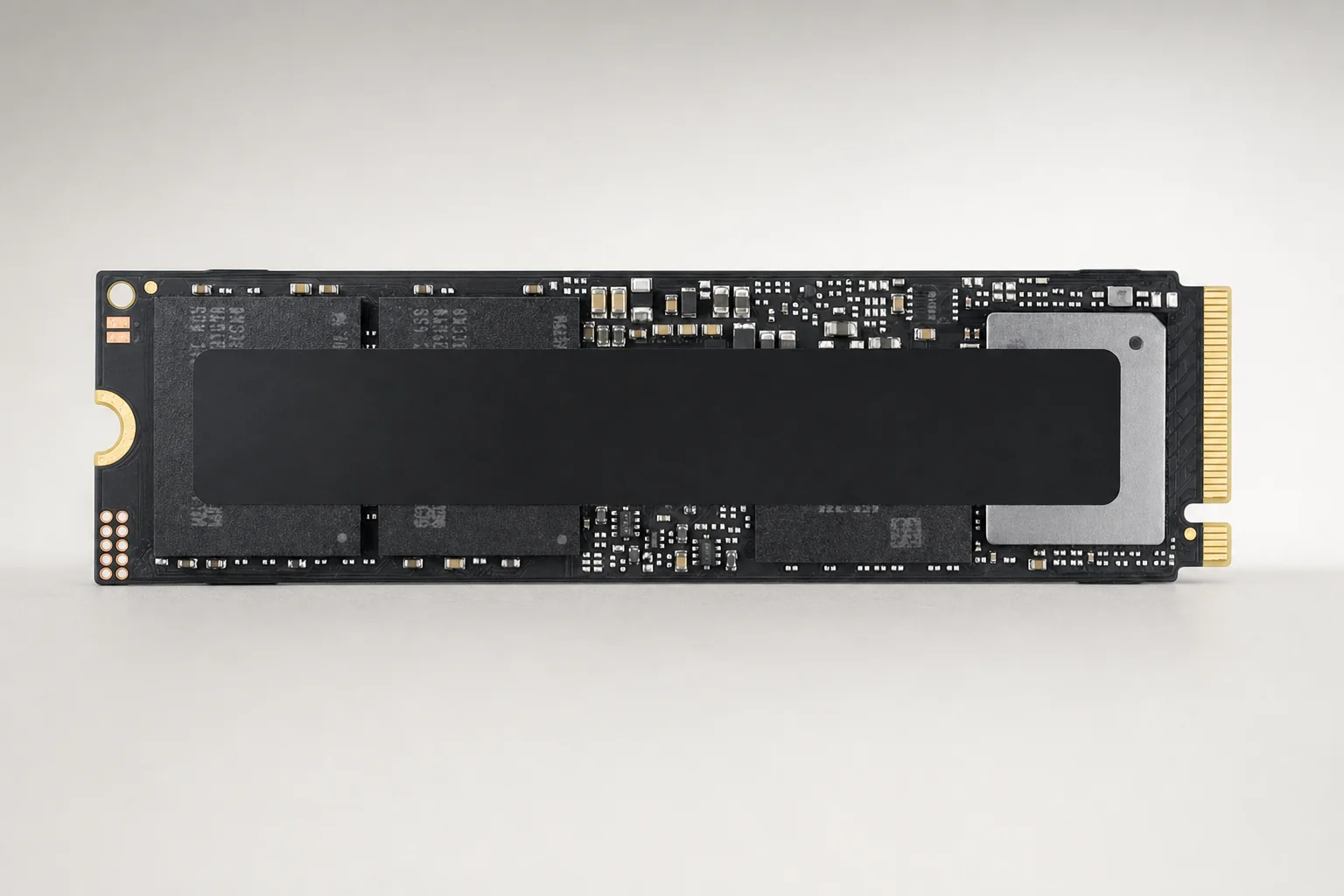
The stronger pick for buyers who want an established 8TB option with 4,800TBW endurance and Samsung's software ecosystem.
Samsung 9100 Pro 1TB
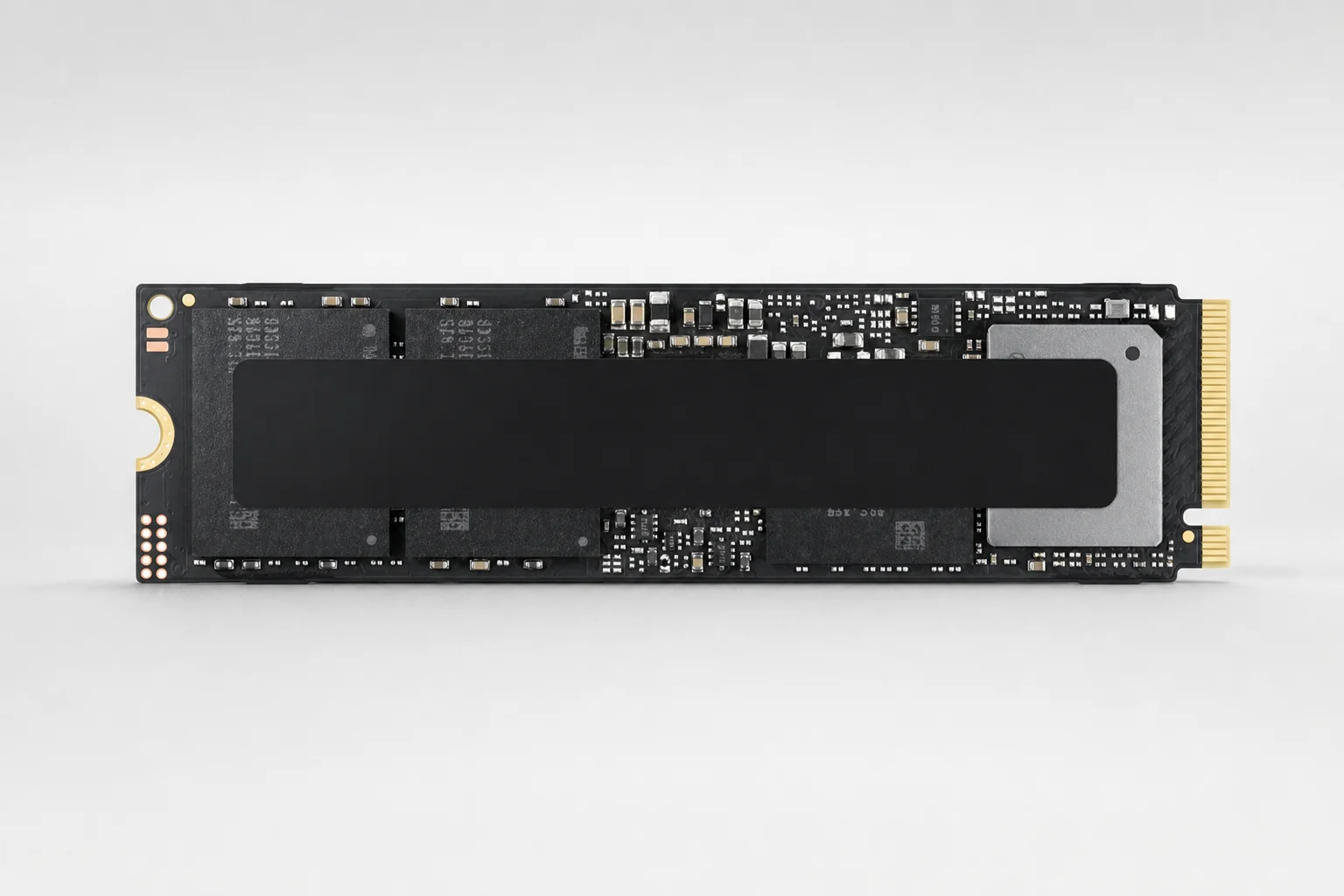
See Samsung 9100 Pro 1TB on Amazon UK
Check today's price & availability on Amazon UK
Samsung's 13,300MB/s rated write speed is substantially higher than the SN8100 1TB's 11,000MB/s rating.
WD Black SN8100 with Heatsink

See WD Black SN8100 with Heatsink on Amazon UK
Check today's price & availability on Amazon UK
The integrated passive cooler and customisable RGB make more visual sense in a glass-sided desktop with adequate clearance.
For a modern PCIe 5.0 gaming PC, the 2TB and 4TB models are the sweet spot: enough capacity to be useful, and the fullest performance specifications in each family.
Bottom line: WD wins the speed-and-efficiency contest; Samsung wins the ownership-and-capacity argument.
Buy the WD Black SN8100 2TB or 4TB if you want the fastest rated Gen5 performance and its price is close to Samsung's. Buy the Samsung 9100 Pro if you value Samsung Magician, documented security features, excellent gaming results and the option to step up to 8TB without changing families. Whichever you choose, budget for cooling with the same seriousness as you budget for the SSD itself.
Questions Before You Install a Gen5 SSD
 Samsung 9100 Pro 1TBView on Amazon
- WD Black SN8100 with HeatsinkView on Amazon