
Why That 'Your Windows Licence Has Expired' Pop-Up Is A Scam
I see this every few weeks — a customer convinced their PC is about to be locked, about to lose all their files, or about to be reported to Microsoft.
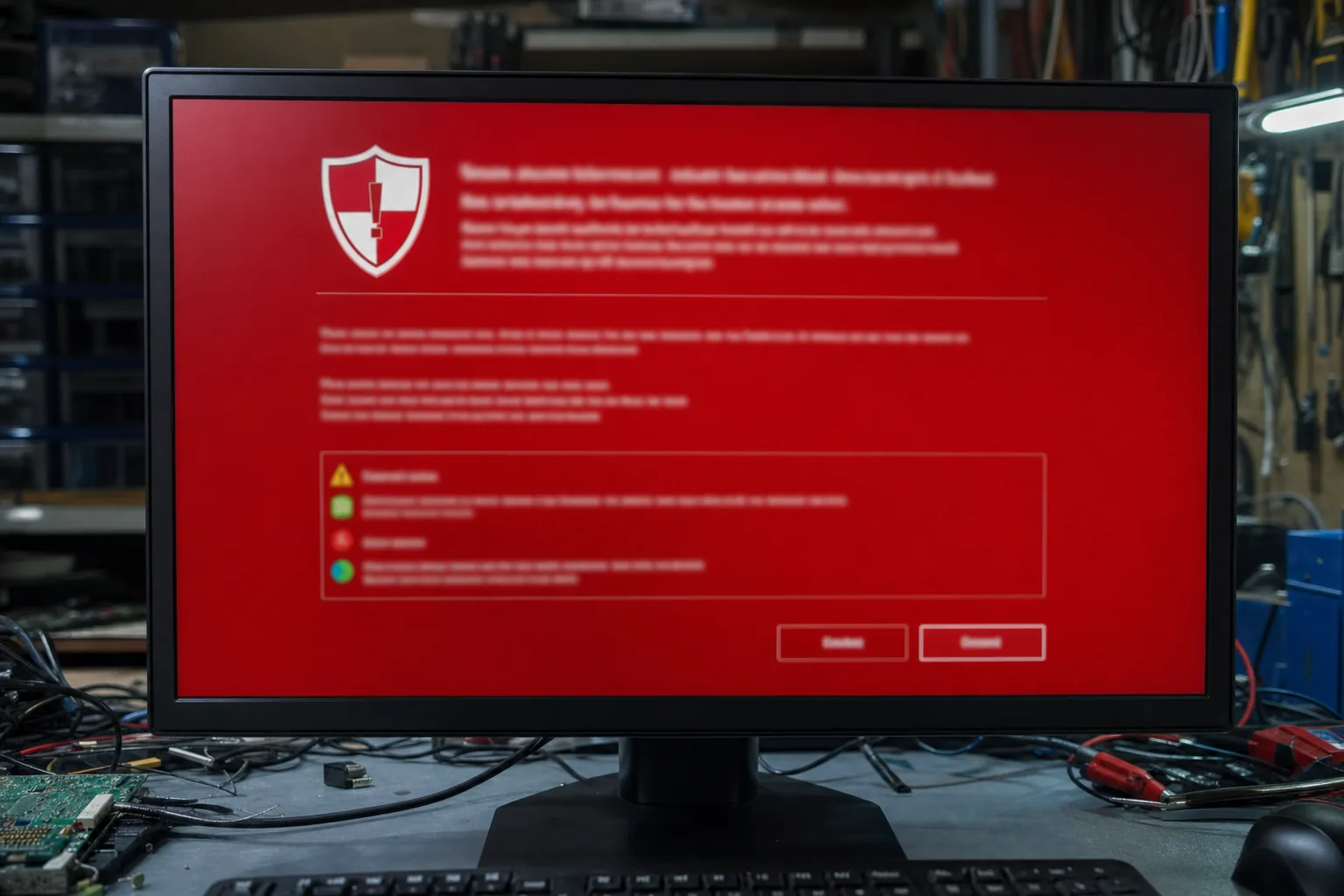

A woman came in last month in a proper panic. Her screen had gone full-size red, a loud voice was telling her to call a number immediately, and the whole keyboard had apparently stopped working. She'd been sitting there for twenty minutes too frightened to touch anything. She was absolutely convinced she was about to lose everything on her computer. She wasn't. She'd been hit by a fake alert scam, and the moment I pressed Alt+F4 it vanished entirely.
These things land on my bench regularly. The details vary — sometimes it's "Your Windows Licence Has Expired," sometimes "Microsoft Security Alert," sometimes a robotic voice reading out an 0800 number — but the mechanics are identical every time. It's a rogue webpage, not a system message. Windows itself is perfectly fine.
How it gets on your screen in the first place
Usually a dodgy advert on an otherwise ordinary website triggers a redirect, and suddenly your browser is displaying a page designed to look exactly like a Windows error. The page uses a few browser tricks to go full-screen and disable the most obvious escape routes, which is what makes it feel so convincing. Some versions play audio to add urgency. None of it is coming from Windows, from Microsoft, or from anywhere inside your machine. It's just a webpage doing its best to frighten you into ringing a number.
- The phone number leads to a scammer who will ask for remote access to "fix" the problem. Give them that access and they'll either install genuine malware, steal saved passwords, or demand payment for a fake repair — often all three.
- Microsoft does not display phone numbers in error messages. It never has. If you see a number, that's the clearest sign it's a fraud.
- Your actual Windows licence status lives in Settings → System → Activation, not in a pop-up from your browser.
What to do when it appears
Don't ring the number. Don't click anything inside the page. Here's what I'd tell anyone sitting in front of one:
- Try Alt+F4 first. On most machines this closes the browser window outright.
- If the keyboard seems locked, press and hold the physical power button for five seconds to force the machine off. It's not elegant, but it's safe and it works.
- When you restart, if the browser offers to restore your previous session, decline it — that will just bring the same page back.
- Run a malware scan with Malwarebytes (the free version is fine) to confirm nothing was installed before the pop-up appeared.
When I do actually find something to fix
Occasionally the customer has clicked around inside the alert before bringing the machine to me, or worse, has rung the number and allowed remote access. In those cases there genuinely is work to do: removing remote-access software the scammer installed, changing passwords, and checking whether any payment details were entered anywhere. That's a proper clean-up job rather than a two-second Alt+F4. If you've given anyone remote access off the back of one of these warnings, treat it as a real incident rather than a near miss.
The good news is that the vast majority of people who see this alert and do nothing — just close the browser — are completely unharmed. The scam relies entirely on you panicking and making the call.
The Repair Bench verdict
What it actually is: a rogue webpage designed to look like a Windows error — your machine is almost certainly fine, and Alt+F4 or a hard power-off clears it immediately.
The one thing not to do: ring the number on screen. That's the whole point of the scam, and handing over remote access turns a harmless fright into a real problem.
If you did ring and allow access: bring the machine in — or run Malwarebytes, remove any remote-desktop software you don't recognise, and change your passwords as a priority.