
The Scam That Got Through Even Though She Had Antivirus Running
Free antivirus catches a lot, but the most expensive scams happening right now don't look like viruses at all.

We link to the exact model on Amazon UK. Prices change often, so check the live price before you buy. As an Amazon Associate we earn from qualifying purchases.
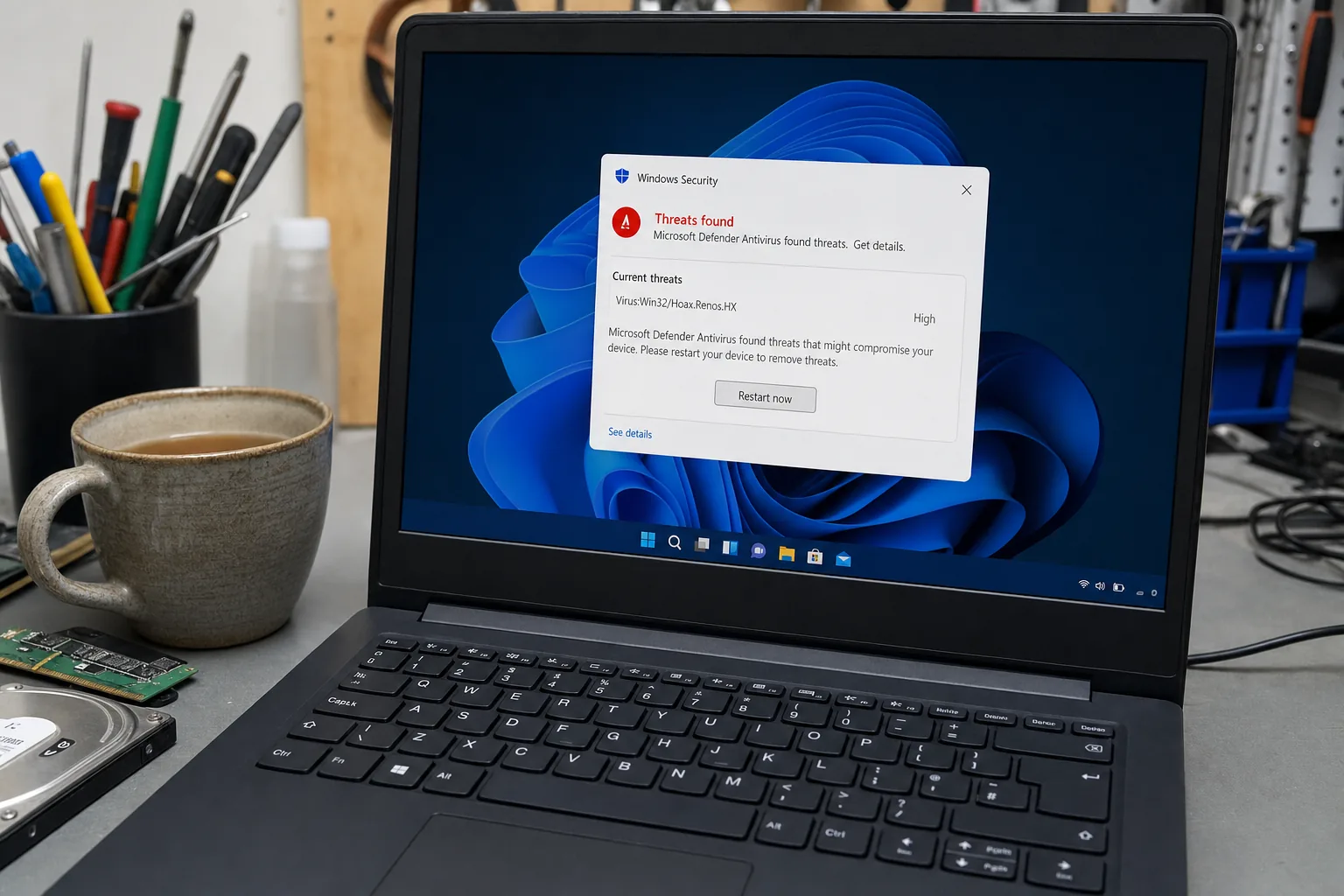
A woman came in last month nearly in tears. She'd had a phone call from someone claiming to be from Microsoft, let them remotely into her laptop to "fix a virus," and by the end of the session her bank account was several hundred pounds lighter. When I asked what security software she had, she said, "Oh, I've got the free one — Windows Defender." It was fully up to date. It hadn't flagged a thing.

See Malwarebytes Premium on Amazon UK
Check today's price & availability on Amazon UK
This is the conversation I have more than any other now. People assume that because they have antivirus running, they're covered. And for old-fashioned threats — dodgy downloads, infected USB sticks, known malware — they mostly are. But the scams costing real money in 2024 are a completely different beast, and free antivirus simply wasn't designed to stop them.
What free antivirus actually protects you from
Windows Defender and the free tiers of products like Avast or AVG are genuinely good at catching known malware. They scan files, block recognised malicious software, and keep a database of threats updated. That matters. I'm not saying ditch them.
What they don't do well:
- Browser-based scam pages. A fake "Your computer is infected — call this number" page isn't a virus file. It's just a webpage with an aggressive popup. Defender won't touch it.
- Remote access scams. If you install the remote access tool because someone convinced you to, that's not malware from the software's point of view. You authorised it.
- Phishing links in emails. Free antivirus rarely monitors your email client or webmail for convincing fake login pages designed to steal passwords.
- Adware and browser hijackers. These sit in a grey area that many free tools ignore because they're not technically viruses.
What I actually recommend to customers
The first thing I tell people is that no software replaces a moment's pause before you act. If someone rings you claiming to be from Microsoft, BT, or your bank — hang up. Microsoft does not cold-call you. That's not a technical fix, but it stops more disasters than any antivirus ever will.
For software, I do recommend stepping up from the free tier if you're not confident online, use internet banking regularly, or have elderly relatives using a machine you look after. Paid security suites add layers that free versions skip:
- Real-time web protection that blocks known scam and phishing domains before the page even loads.
- Ransomware protection that watches for anything trying to encrypt your files en masse.
- Anti-exploit tools that catch attacks using vulnerabilities in your browser or PDF reader.
Malwarebytes Premium is the one I point people towards most often. It sits quietly alongside Windows Defender rather than replacing it, it's not bloated, and the web protection layer genuinely catches the sort of scam pages I see described on my bench every week. It's not expensive — roughly the cost of one takeaway per month.
I always run a Malwarebytes scan on machines that come in after a suspected scam. More often than not it finds adware or a browser hijacker that Defender had walked straight past.
The Repair Bench verdict
Free antivirus is a foundation, not a full defence: Windows Defender handles known malware well, but today's most damaging scams — fake support calls, phishing pages, remote access fraud — don't look like viruses to it.
Best upgrade for most people: Malwarebytes Premium runs alongside Defender, adds real-time web and anti-exploit protection, and is the first thing I reach for when a scam-hit machine comes through the door.
Watch out for: bloated "internet security suites" that slow your machine down and upsell you features you'll never use — more software isn't always more protection.
As an Amazon Associate we may earn from qualifying purchases, at no extra cost to you. We only recommend kit we would actually use.
- Malwarebytes PremiumView on Amazon