
Why A Cracked Screen Can Get Worse Even If It Still Works
That hairline crack might look harmless today, but I've seen it turn into a write-off by next week — here's what's actually happening inside the panel.
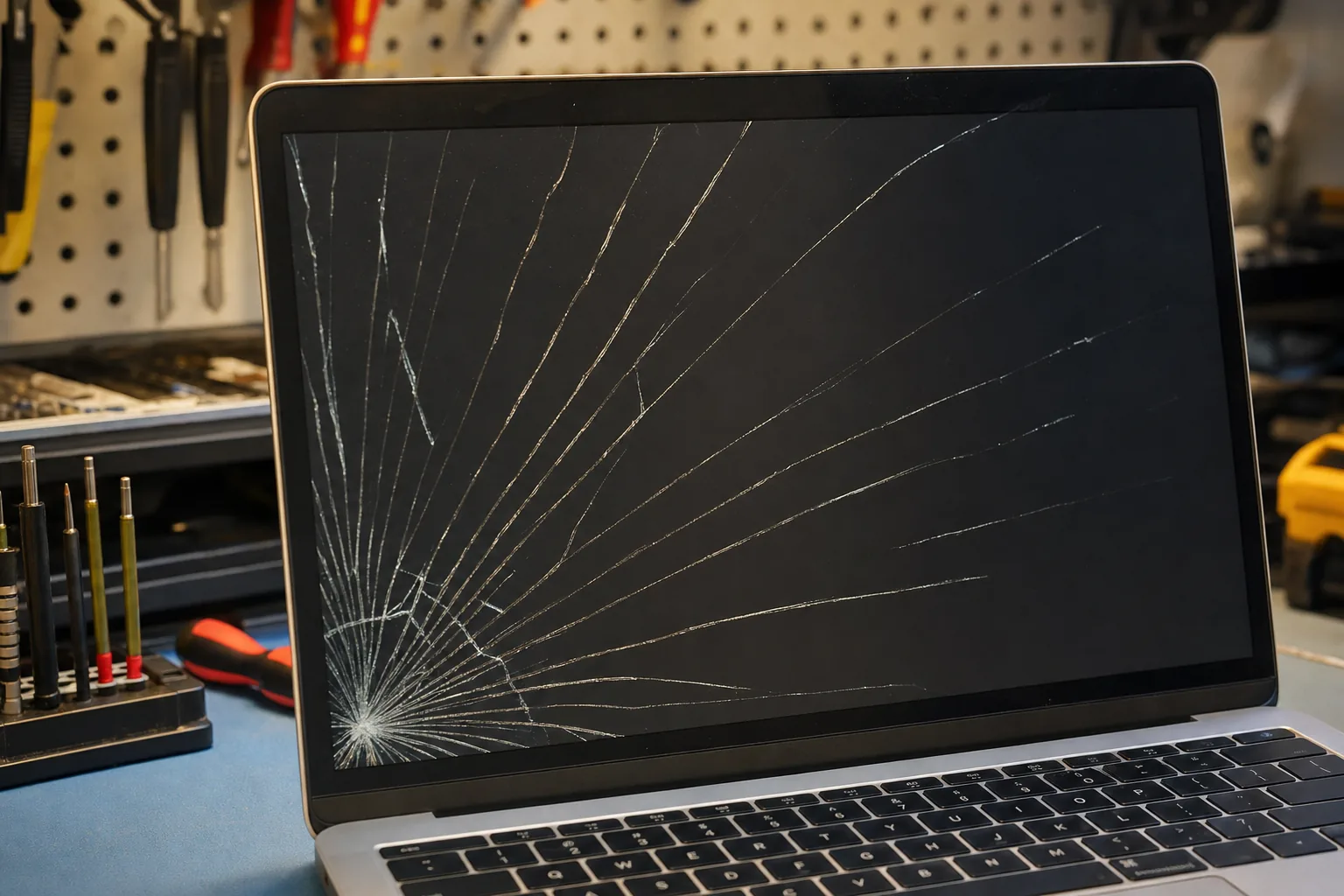

A customer brought a laptop in last month with a crack running from the bottom-left corner of the screen — maybe four inches long, and the display still worked perfectly around it. She'd been living with it for a fortnight. "It's fine," she said. "I just wanted to know if I should bother." By the time I'd had a proper look, I could already see why the answer was yes, and fairly urgently.
A laptop screen isn't just a pane of glass. It's a stack of layers bonded tightly together — the outer glass or plastic, the LCD panel underneath, and a backlight behind that. When one layer cracks, the others are under new stress they weren't designed to handle. The crack you can see is rarely the whole story.
Why cracks don't stay the same size
Every time you open and close the lid, the screen flexes slightly. On an undamaged panel that flex is spread evenly. On a cracked one, the stress concentrates at the broken edge. Over days or weeks — sometimes overnight — that crack propagates further. I've had customers ring me to say the screen went black between leaving the house and arriving at work.
There's also the liquid crystal layer to think about. LCD panels contain a very thin layer of liquid crystal fluid. Once the panel cracks, that fluid can leak. You'll often see it as a spreading dark blotch or an oily, rainbow-coloured patch bleeding outward from the crack. Once that starts, the panel is finished — no amount of careful handling reverses it.
- Watch for a dark blotch growing from the crack. That's liquid crystal bleeding out and it means the panel is already failing.
- Watch for pressure sensitivity. If pressing lightly near the crack makes the image distort or go dark, the layers are separating.
- Watch the crack length itself. Take a photo of it today and compare it in a few days. If it's grown, it will keep growing.
What makes it spread faster
Cold weather is one of the worst culprits. Glass and plastic contract at different rates when the temperature drops, and that puts extra strain across the crack. Carrying a cracked laptop in a bag without a sleeve is another — even modest pressure on the lid from other items can finish a damaged panel off in one journey.
Moisture is the other risk people don't think about. Once the outer layer is breached, condensation or a small spill can get into the panel layers and cause short circuits in the display electronics. At that point the repair cost rises considerably, if it's repairable at all.
- Keep it warm if you're carrying it in winter — cold accelerates crack spread.
- Use a padded sleeve immediately, even if you're only going room to room.
- Don't press on the screen to close it. Use the bezel edge only.
When to get it repaired
The honest answer is: sooner than feels necessary. A screen replacement while the crack is cosmetic and the underlying electronics are intact is a straightforward job. The same repair after the liquid crystal has bled, or after a second crack has intersected the first, can become more involved — and occasionally the display connector or backlight driver gets damaged too, which bumps the cost up.
The customer I mentioned at the start? She booked it in the same day. The panel was cracked but the LCD layer was still intact, which meant a clean swap. She'd caught it in time. Not everyone does.
The Repair Bench verdict
Don't ignore a cracked screen: even if it still displays an image, the crack will almost certainly spread with normal use — and a bleeding LCD or snapped panel connector turns a simple repair into a more expensive one.
Act now if you see: a dark or oily blotch growing from the crack, distortion when you touch the screen, or if the crack has visibly lengthened since it happened.
Buy a padded sleeve in the meantime: it won't fix the crack, but it buys you time and protects the panel until you can get it looked at.