
Why a Nearly-Full Hard Drive Can Make Windows Almost Unusable
People expect a full drive to mean “can’t save files.” What surprises them is that it can bring the whole machine to its knees.
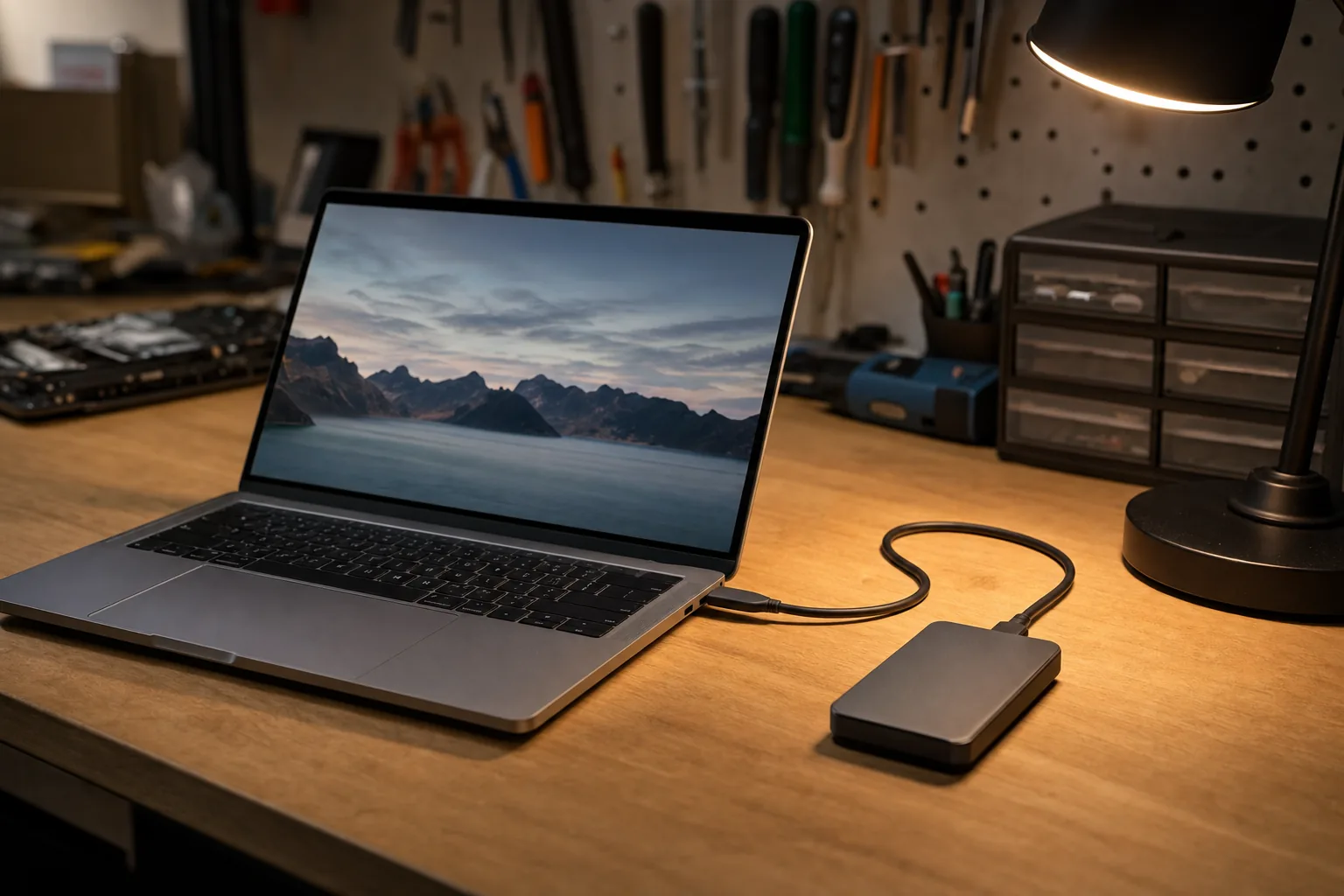

We link to the exact model on Amazon UK. Prices change often, so check the live price before you buy. As an Amazon Associate we earn from qualifying purchases.
“It’s slowed right down” is sometimes nothing more exotic than a drive that’s almost full. Folk expect that to mean “I can’t save photos.” What catches them out is that a stuffed drive can make the whole machine sluggish, sticky and prone to freezing.
Why a full drive slows everything
Windows constantly uses free space as working room — temporary files, and especially the “virtual memory” it leans on when the RAM is busy. When the drive is nearly full, that breathing space disappears, so the system is forever shuffling things around in a cramped space. On older spinning drives it’s dramatic; even an SSD squeezed to the last few percent gets unhappy. A good rule: keep at least 10-15% free.
What’s safe to clear
- Run Disk Cleanup / Storage Sense (built into Windows) to clear temporary files, the recycle bin and old update leftovers — safe, and often frees a surprising amount.
- Uninstall what you genuinely don’t use from Settings > Apps — big games and old trial software are the usual culprits.
- Empty the Downloads folder of installers and one-off files you’ve finished with.
What I’d not do is start deleting things inside Windows or Program Files folders to claw back space — that’s how a slow machine becomes a broken one.
The proper fix for “always full”
If it’s full because of years of photos and videos, the lasting answer is to move them off the laptop onto an external SSD (keeping a second copy — see my backup piece). That frees the machine and protects the memories at once. If you’re full simply because the drive is small (a 128GB or 256GB laptop), a larger drive is the real cure.
The Repair Bench verdict
The surprise: a nearly-full drive doesn’t just block saving — it makes Windows itself crawl. Aim for 10-15% free.
Clear safely: Disk Cleanup / Storage Sense, unused apps, the Downloads folder. Don’t hand-delete system files.
Lasting fix: move photos and videos onto an external SSD like the Crucial X9 (with a backup copy), or fit a bigger drive.
As an Amazon Associate we may earn from qualifying purchases, at no extra cost to you. We only recommend kit we would actually use.
 Crucial X9 1TB Portable SSDView on Amazon