
The Second-Hand Laptop That Still Had The Previous Owner's Files On It
Buying a used laptop is great value — until you switch it on and find someone else's life staring back at you.
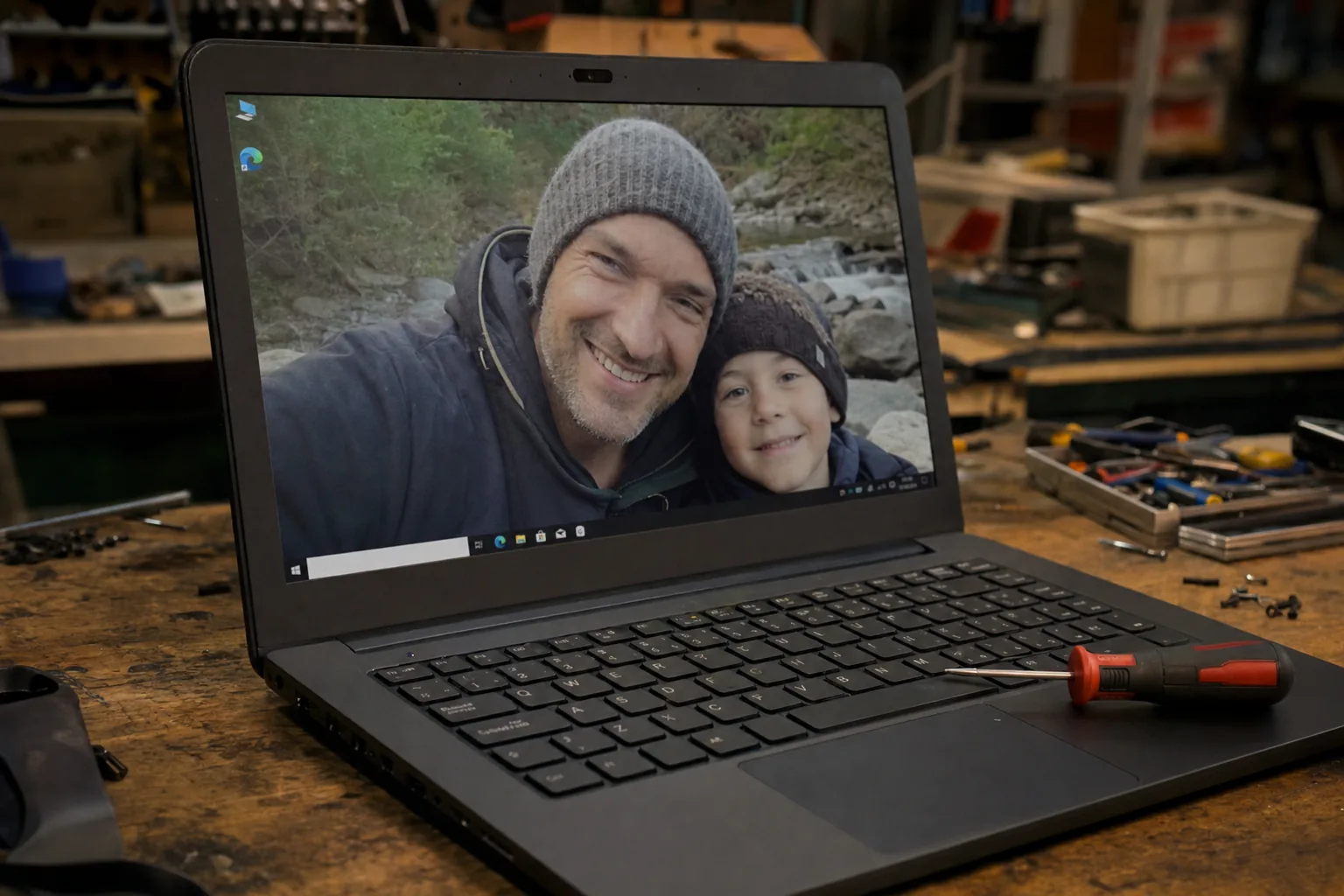

A customer brought a laptop in a few months ago, pleased with himself. He'd picked it up at a car boot sale for forty quid — a decent mid-range machine, barely three years old. When we powered it on together, it booted straight into someone else's Windows account. Family photos on the desktop. A browser full of saved passwords. Documents, tax returns, the lot. The previous owner had simply handed it over without wiping a single thing.
It's more common than people think. I see it a handful of times a year — laptops sold through Facebook Marketplace, eBay, charity shops, or car boots that have never been properly reset. Sometimes the seller just didn't know how. Sometimes they couldn't be bothered. Either way, the buyer ends up sitting on a stranger's personal data, which is an uncomfortable position to be in.
If you've just bought a second-hand laptop, do this first
Before you transfer a single file of your own onto it, take stock of what's already there:
- Check the user accounts. Go to Settings → Accounts → Other users. If you see names you don't recognise, the machine was never reset properly.
- Look at the browser. Open Chrome, Edge or Firefox and check whether saved passwords or a profile photo appear. If they do, someone else's credentials are sitting in there.
- Check Documents, Downloads and the Desktop for files. You're not being nosy — you need to know what you're dealing with before you wipe it.
Don't use the machine for anything personal until you've cleaned it. Saved passwords in particular are a risk — it's easy to accidentally sync them to your own account if you're not careful.
The right way to wipe it and start fresh
A proper factory reset is the only answer here. Windows makes this straightforward:
- Go to Settings → System → Recovery and choose Reset this PC.
- Pick "Remove everything" — not "Keep my files". You want everything gone.
- Choose "Local reinstall" if you don't have a great internet connection, or "Cloud download" if you want the freshest copy of Windows.
- On the final screen, click "Change settings" and make sure the Data erasure option is set to On. This overwrites the drive properly rather than just deleting pointers to the files.
The whole process takes between thirty minutes and a couple of hours depending on the machine. When it finishes, you'll be at the Windows setup screen as if the laptop just came out of the box.
What about the previous owner?
This is the part people feel awkward about, but I always say the same thing: it's not your responsibility to track them down, but if you can and it's easy — a name is visible, say — a quick message to let them know is the decent thing to do. They may have no idea their data is floating around out there. I've seen people genuinely relieved to hear it.
For your own protection, don't copy or share anything you find, and once you've done the reset you've done the right thing.
The Repair Bench verdict
If your second-hand laptop still has someone else's files on it: don't use it for anything personal until you've wiped it properly with a full factory reset using the "Remove everything" and data erasure options in Windows Recovery.
The bit most people miss: turn on the data erasure toggle in Reset settings — without it, the files are deleted but not truly overwritten.
Watch out for: browsers with saved passwords already signed in — they can sync to your account before you've even noticed they're there.