
MacBook Air M5 Review: Still the Laptop to Beat — or Finally Too Expensive?
Faster silicon, quicker storage and a familiar featherweight shell. The question for UK buyers is whether the M5 Air is genuinely better value than an M4 Air or a well-priced M2.
We link to the exact model on Amazon UK. Prices change often, so check the live price before you buy. As an Amazon Associate we earn from qualifying purchases.
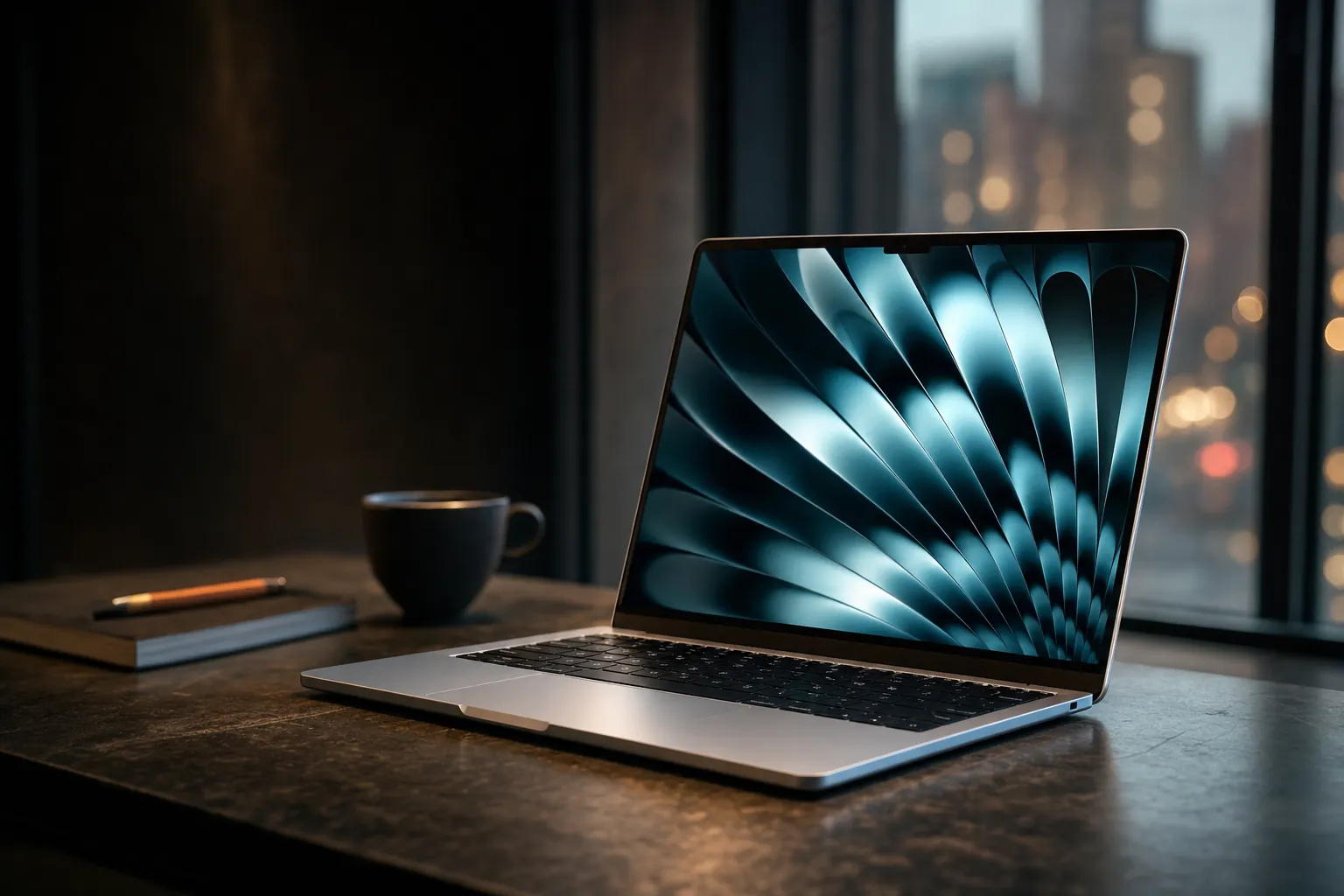
The MacBook Air M5 retains the slim, fanless shape that made recent Air generations such easy everyday recommendations.
The MacBook Air has spent years being the boringly sensible answer to "which laptop should I buy?" That is meant as a compliment. It has been thin, quiet, properly portable and fast enough that most people never found its limits. The M5 Air keeps that formula intact, but it arrives at a moment when the easy recommendation needs a little more thought. Apple has improved plenty of things. It has not improved everything. And configuration costs still have a habit of turning a sensible purchase into a deep breath at the checkout.

See MacBook Air M5 13-inch on Amazon UK
Check today's price & availability on Amazon UK
I tested the 13-inch MacBook Air M5 most closely, with the 15-inch model considered alongside it. Both use Apple's M5 chip, share the same core platform and start with 16GB of unified memory and 512GB of storage. That last point matters enormously: the old entry-level storage squeeze is less severe than it once was. Still, the moment you want more memory or more storage, the familiar Apple upgrade tax reappears with its coat already off and its feet under the table.
The headline is a roughly 12% uplift in Geekbench 6 single-core performance and around 15% in multi-core work over the M4 Air. The M5 also brings significantly higher memory bandwidth, much faster tested SSD performance, Wi-Fi 7 and Bluetooth 6. None of that makes an M4 Air suddenly slow. Far from it. But it does make the M5 feel like a more rounded refinement than a simple chip-number refresh.
What's in the Box & First Impressions: Sky Blue and the Same Beautiful Shell
The first thing to establish is that Apple did not attempt to reinvent the Air's chassis. Sensible. It did not need to. The 13-inch model measures 11.97 by 8.46 inches, is 0.44 inches thick and weighs 2.7lb. The 15-inch measures 13.4 by 9.35 inches, is 0.45 inches thick and weighs 3.3lb. Those numbers translate neatly into daily life: the 13-inch disappears into a backpack, whilst the 15-inch remains unusually manageable for a laptop with a genuinely roomy screen.
This is still one of the nicest machines to pick up. It is rigid, cleanly finished and free of the creaks or flex that can make some thin laptops feel like an elaborate packet of crisps. The taperless shape has become familiar now, but it remains attractive because it is practical rather than fussy. There is very little visual noise here. Open it, get on with your work, admire it briefly when the light catches the finish, then get on with your work again.
There are four colours: Silver, Midnight, Starlight and Sky Blue. Sky Blue is the fresh addition, although do not expect a bright, cartoonish blue slab. Under typical UK office lighting it reads as a gentle, cool metallic tone; at some angles it is closer to pale silver with a blue cast than an obvious statement colour. That is probably the right side of restrained. It has enough personality to distinguish the new model, without looking like it was designed to be photographed beside an iced latte.
13-inch portability
At 2.7lb and 0.44 inches thick, the smaller Air remains the version to choose if trains, lecture theatres and café tables are part of your normal week.
15-inch breathing room
The larger model weighs 3.3lb and is only fractionally thicker, giving you more screen space without wandering into desktop-replacement bulk.
Touch ID remains useful
The power button doubles as a Touch ID sensor, which remains a quick, low-fuss way to sign in and approve everyday authentication requests.
Better video-call framing
The 12MP Centre Stage ultrawide camera is built for the era of back-to-back calls and does a more credible job of keeping you in frame.
In the box, Apple includes a 40W Dynamic Power Adapter with 60W maximum output. That will charge the laptop perfectly well. The catch is that proper MacBook Air fast charging requires a 70W USB-C adapter, which is not included. It is not a catastrophic omission, but it is one of those little decisions that feels needlessly penny-pinching on a premium laptop. If you regularly top up between meetings or before a train, it is worth knowing before you assume the supplied brick gives you the complete experience.
The 13-inch versus 15-inch decision is not really about speed
Both sizes share the M5 platform. Choose the 13-inch if carrying it everywhere is the priority; choose the 15-inch if your work benefits more from canvas space than from shaving a little weight. The larger model also starts with the 10-core GPU rather than the 8-core GPU used in the 13-inch base configuration.
Sky Blue is a subtle finish in ordinary indoor light: more calm metallic blue than bright statement colour.
Screen Real Talk: Gorgeous Colours, Same 60Hz Ceiling
The 13-inch model uses a 13.6-inch Liquid Retina display at 2,560 by 1,664 pixels, or 224 pixels per inch. The 15-inch uses a 15.3-inch panel at 2,880 by 1,864 pixels, also 224ppi. That matching density is excellent news because neither size looks like the compromised version. Text is crisp, photo detail looks clean and interface elements have the polished, high-density appearance people reasonably expect from a MacBook.
Apple's P3 wide-colour support and True Tone are both here. P3 is useful if you edit photographs, produce graphics or simply notice when colours look a bit flat. True Tone adjusts the display to the surrounding light, and it tends to make the panel easier on the eyes during a long day. For colour-critical work, you may prefer to turn it off. For writing, browsing and general life, I find it a welcome bit of background intelligence. It does its job without demanding applause.
At 500 nits, the Air is bright enough for a well-lit office, a kitchen table beside a large window and the usual British summer scenario of trying to work outdoors for precisely twelve minutes before the weather changes its mind. It is a very good panel for ordinary productivity. The problem is not that it looks bad. It doesn't. The problem is that it has not moved on.
The refresh rate remains 60Hz. Scrolling, moving windows and general navigation therefore lack the extra fluidity that higher-refresh displays can provide. If you have spent time using a smoother panel elsewhere, you will notice. If you have not, this will not suddenly ruin your spreadsheets. But laptop screens are now one of the areas where the Air's otherwise premium feel is beginning to bump into a clear ceiling.
There is no display breakthrough to tempt M4 Air owners. The panel is essentially the same proposition: sharp, colour-rich and genuinely pleasant, but unchanged. That makes the M5 Air a more compelling performance upgrade than a visual one. Anyone hoping this generation would bring a radically different screen needs to keep expectations firmly tethered to the desk.
The 15-inch Air does not sacrifice sharpness for size. Both models retain the same 224ppi density, so the larger display gives you more room rather than bigger-looking pixels.
M5 Silicon Under the Microscope: Real-World Speed vs M4 and M2
The M5 has a 10-core CPU made up of four performance cores running at 4.6GHz and six efficiency cores at 3.0GHz. On paper, that is the same overall CPU-core layout as the M4. The gains come from higher clocks and wider platform improvements rather than a dramatic change in core count. Apple also uses a next-generation GPU architecture with a Neural Accelerator in each core, alongside the familiar 16-core Neural Engine.
The base 13-inch configuration has an 8-core GPU. For an extra £100, it can be specified with a 10-core GPU. The 15-inch base model has the 10-core GPU as standard. That distinction is one to take seriously if your idea of "normal use" includes 3D work, GPU-heavy image editing, games or repeated video effects. For documents, dozens of browser tabs, streaming, email and normal photo tweaks, the 8-core version is not some wounded bird. It is still a very fast laptop.
The less glamorous but more interesting figure is memory bandwidth. M5 reaches 153GB/s, up from 120GB/s on the M4. That is a 27.5% increase. You will not feel it while typing a shopping list. You may feel it when the system is shifting data between unified memory and the GPU, working with larger media files or pushing machine-learning tasks that make heavier use of the chip's integrated resources.
Those results amount to roughly 12% more single-core performance and 15% more multi-core performance than the M4 Air. Everyday responsiveness was already a strength of Apple silicon, so the M5 is not a revelation in basic work. Apps open quickly on both machines. Browsers remain responsive on both machines. The M5's advantage is that it has more headroom when several of those jobs collide: a call running in the background, a large export in progress, a pile of Safari or Chrome tabs, cloud syncing and a photo library that has decided this is its moment.
Compared with an M2 Air, the argument is broader. The M5 brings not only later-generation CPU and graphics capability, but also the 16GB/512GB starting point, substantially faster storage, Wi-Fi 7 and Bluetooth 6. If you own an M2 with a configuration that is still comfortable, it has not stopped being useful. Please do not let a benchmark graph gaslight you into believing an otherwise good laptop has become decorative. But an M2 owner working with larger projects, limited memory or limited storage will find the M5 feels materially more capable rather than merely newer.
The M5's real advantage is headroom
The M4 Air remained excellent for everyday work. M5 is most persuasive for people who repeatedly push their laptop beyond everyday work: larger compiles, frequent media exports, GPU-accelerated creative tasks and local AI workloads. For everybody else, the experience is better, but not 15% more delightful.
The M5's gains are most meaningful when CPU, GPU, storage and unified memory are all being asked to work at once.
Benchmark Numbers vs Everyday Reality: What the Scores Actually Mean for You
Benchmarks are useful. They are also exceptionally good at making people worry about tasks they never perform. The sensible way to read the M5's numbers is not "this laptop is 15% better at life". It is "this laptop finishes demanding jobs faster, recovers more gracefully when multitasking and has a little more runway before it becomes the limiting factor." That is still valuable. It is just less dramatic than a graph makes it look.
In Handbrake, the M5 Air completed a 4K video transcode in 4 minutes 41 seconds, compared with 4 minutes 52 seconds for the M4 Air. Eleven seconds is an improvement, not a new religion. If you export the odd family video, you will not buy an M5 solely for that. If you run repeated transcodes as part of a creative workflow, those small margins become real time saved over weeks and months.
A large Xcode compile took 165 seconds on the M5 Air. For perspective, the fanned MacBook Pro M5 completed that task in 145 seconds. The Air is quick, but it is still deliberately designed as a silent, fanless portable machine. That difference matters because performance is not only about peak speed; it is about how long the chassis can keep delivering it. Developers who compile all day should see the Air as capable, not automatically optimal.
Graphics show the more substantial leap. Metal scores sit around 76,000 on M5 against around 55,000 on M4, and Apple rated the GPU at up to 45% faster than the M4. In 3DMark Steel Nomad, the M5 Air managed 1,005 points, while the MacBook Pro M5 reached 1,122. Again, the Air's score is strong. Again, the fanless design explains why the Pro can sustain more.
| Measured figure | MacBook Air M5 | MacBook Air M4 | MacBook Air M2 |
|---|---|---|---|
| Geekbench 6 single-core | ~4,150 | ~3,700 | 2,366 |
| Geekbench 6 multi-core | ~17,000 | ~14,800 | 9,997 |
| Metal score | ~76,000 | ~55,000 | 41,203 |
| Memory bandwidth | 153GB/s | 120GB/s | — |
| 4K Handbrake transcode | 4 min 41 sec | 4 min 52 sec | — |
| Web/mixed battery test at 150 nits | 15 hr 28 min | 16 hr 13 min | Up to 17 hours |
| Buy | Check price | Check price | Check price |
For gaming, the M5 Air managed 40–55fps in InZoi at low settings with ray tracing enabled. That is better described as encouraging than definitive. The Air can play games, and the graphics silicon is clearly more capable than before, but it remains a laptop with no fan and a 60Hz display. A few relaxed sessions? Fine. A sustained gaming habit in a warm room? That is where the limits start tapping politely on the glass.
AI is the M5's most interesting and most complicated story. Apple rated it as up to four times faster than M4 on AI tasks, with reported gains of up to 1.9x in Topaz Video Enhance and up to 1.5x in Blender 3D ray tracing and Affinity image work. However, sustained AI activity eventually runs into physics. The M5 can sustain its more aggressive AI performance for roughly 35 minutes before throttling to M4-like levels, while power draw rises by 12%.
That does not invalidate the M5's AI ability. It simply means that "fast" and "fast forever" are different promises. A short local image-generation job, an assisted creative task or an occasional model run suits the Air well. Long, repetitive AI processing is exactly the sort of work a fanned machine handles more comfortably. The Air remains the quiet all-rounder. It has not secretly become a workstation in a very nice jumper.
Silent, Cool and Not Immune to Physics
The MacBook Air M5 is fanless. This is one of its greatest strengths. There is no fan ramp during a meeting, no faint whirr when you are writing at midnight and no need to wonder whether the laptop has decided a spreadsheet requires take-off clearance. For students, writers, office workers and anyone tired of noisy laptops, that silence is a quality-of-life feature rather than a specification footnote.
It also brings a predictable compromise. Under sustained heavy work, the chip throttles. In a Cinebench 2026 stress test, the M5 began with a score of 3,415, gradually dropped over the first few runs and settled in the low 2,300s. That is exactly the behaviour you should expect from high performance contained in a very thin chassis without active cooling. Peak output is strong; sustained output becomes more measured.
The pleasing part is that the M5 Air reportedly runs noticeably cooler than the M4 Air during similar tasks. Apple's efficiency improvements appear to be doing useful work here. It means the laptop is less likely to feel unpleasantly warm during the sort of bursty workload that defines most normal usage: exporting something, compiling something, editing a batch of images, then returning to email and documents.
For sustained AI activity, throttling began at around 35 minutes and performance then fell towards M4 levels. If your workload is measured in hours of continuous processing rather than short bursts, a fanless Air is not the obvious fit.
This is also why I would avoid buying the M5 Air on the assumption that its impressive peak benchmarks mean it replaces every MacBook Pro use case. It does not. The MacBook Pro M5's 145-second Xcode compile and 1,122 Steel Nomad score demonstrate what active cooling can do with the same generation of silicon. The Air's job is to balance speed, portability, silence and battery life. It does that exceptionally well. Asking it to behave like a permanently loaded production machine is where the bargain becomes less tidy.
The fanless Air remains blissfully quiet in ordinary use, but lengthy intensive workloads eventually expose the limits of a slim chassis without active cooling.
All-Day Battery: Does Apple's 18-Hour Claim Survive Contact With Real Work?
Apple rated both MacBook Air M5 sizes for up to 18 hours of battery life. As usual, take that as an upper boundary rather than an appointment in your diary. In a 13-inch test combining web browsing, streaming video and light OpenGL benchmarks at 150 nits, the M5 Air lasted 15 hours 28 minutes. That is a very strong result. It comfortably supports a full day away from a plug for the sort of mixed work most people actually do.
The 13-inch uses a 53.8Wh battery, while the 15-inch has a 66.5Wh battery. The fact that the smaller model achieved more than 15 hours in a mixed test is not merely impressive in isolation; it is also the useful kind of impressive. You can work through a day of documents, browser tabs, video calls and streaming without turning battery percentage into a personality trait.
Measured mixed-use endurance
The 13-inch achieved 15 hours 28 minutes at 150 nits in a blend of web activity, video streaming and light graphical work.
Brightness matters
At maximum brightness, runtime fell to 6 hours 39 minutes. Screen brightness remains one of the simplest ways to preserve battery when you need it.
AI has an energy cost
Mixed usage with Apple Intelligence active produced around 12.3 to 14.5 hours, depending on how heavily those features were used.
Heavy local AI is different
Sustained LLM inference or image generation brought battery life down to around 7.2 hours. That is a demanding workload, not the normal office-day scenario.
There is a small wrinkle when you compare it with the M4. Under the same 150-nit test conditions, the M4 lasted 16 hours 13 minutes. M5 is around 4% more efficient at idle, but it uses 18% more power in AI tasks. If Apple Intelligence is a routine part of your day, the outcome can be roughly 1.2 hours less battery life than M4. That is not disastrous; it is simply worth saying plainly, because newer silicon does not automatically mean longer runtime in every workload.
For ordinary productivity, the M5 Air's endurance remains among its strongest arguments. For AI-heavy work, brightness cranked up and sustained local workloads, the margin becomes more ordinary. That is sensible, honest battery behaviour. It is also a reminder that advertised "up to" numbers are about a very specific version of your day, usually one in which you are behaving rather better than the rest of us.
Battery verdict in one sentence
The M5 Air is an excellent all-day laptop for mainstream work, but it is not a battery-life upgrade over M4 in every scenario—particularly if you regularly lean on Apple Intelligence or sustained local AI processing.
The UK Value Problem: Upgrade Tax, Memory and Storage
Here is the good news first: 16GB of memory and 512GB of storage are standard on the base MacBook Air M5 configuration. That is the specification floor Apple should be offering in 2026, and it makes the entry model far more credible than older base configurations with less storage. 512GB is enough breathing room for normal documents, applications, a decent photo library and a sensible amount of local media without immediate housekeeping.
The less good news is that configuration upgrades remain expensive. Moving from the 8-core GPU to the 10-core GPU on the 13-inch costs £100. Memory and storage upgrades start at £200 each, and the range can be configured up to 4TB of storage. The issue is not that upgrades exist. It is that the price steps are large enough that you should decide what you need before you buy, because memory is not upgradeable afterwards.
I would be careful about calling 16GB inadequate. For a great many people it is not. It is enough for office work, studying, browsing, streaming, general coding, modest photo editing and normal multitasking. The M5 is fast enough that 16GB will feel lively for a long time in these jobs. But "enough today" and "comfortable for several years" are not always the same thing, especially if you work with demanding creative applications, large browser workloads, virtual machines or local AI tools.
If you are already the sort of user who knows why they need more than 16GB, the answer is straightforward: configure more memory at purchase. If you are not sure, do not automatically spend for the sake of spending. Buy the 16GB/512GB configuration and keep the money for a proper external SSD, a dock or, frankly, some groceries. Apple's storage upgrades are convenient, but not always the only sensible way to expand your digital life.
| Configuration decision | What changes | My take |
|---|---|---|
| 13-inch base configuration | 10-core CPU, 8-core GPU, 16GB memory, 512GB storage | The sensible starting point for mainstream users. |
| 13-inch GPU upgrade | 10-core GPU for £100 more | Worth considering for creative GPU work and gaming; less compelling for documents and browsing. |
| Memory upgrade | Upgrade tiers start at £200 | Buy more only if your workflow genuinely demands it, but remember it cannot be added later. |
| Storage upgrade | Upgrade tiers start at £200; configurable up to 4TB | Useful for large local libraries and media projects, though external storage remains an alternative. |
| 15-inch base configuration | 10-core CPU, 10-core GPU, 16GB memory, 512GB storage | A better fit if screen space and the full GPU are more important than minimum carry weight. |
The smarter comparison for many buyers is not "M5 Air versus a random Windows laptop". It is "M5 Air versus last year's M4 Air, or an M2 Air at a substantial discount." An M4 Air remains close enough in everyday performance that a good discount changes the calculation quickly. Its 16 hours 13 minutes in the same 150-nit battery test was actually longer than M5's 15 hours 28 minutes. You give up the M5's faster SSD, extra memory bandwidth, newer wireless chip and higher peak performance, but you do not give up a good laptop.
An M2 Air is the budget-minded wildcard if you find one with enough memory and storage for your needs. It lacks the newer platform advantages of M5, but it remains a perfectly usable Apple-silicon laptop. The key is to avoid buying an older model solely because its sticker looks friendlier, then discovering its memory or storage specification forces compromises every day. Cheap is only cheap if it does not make your work annoying.
The 16GB and 512GB starting specification is welcome, but buyers should choose memory carefully because it cannot be upgraded after purchase.
Pros, Cons & the Stuff Apple Won't Put in the Press Release
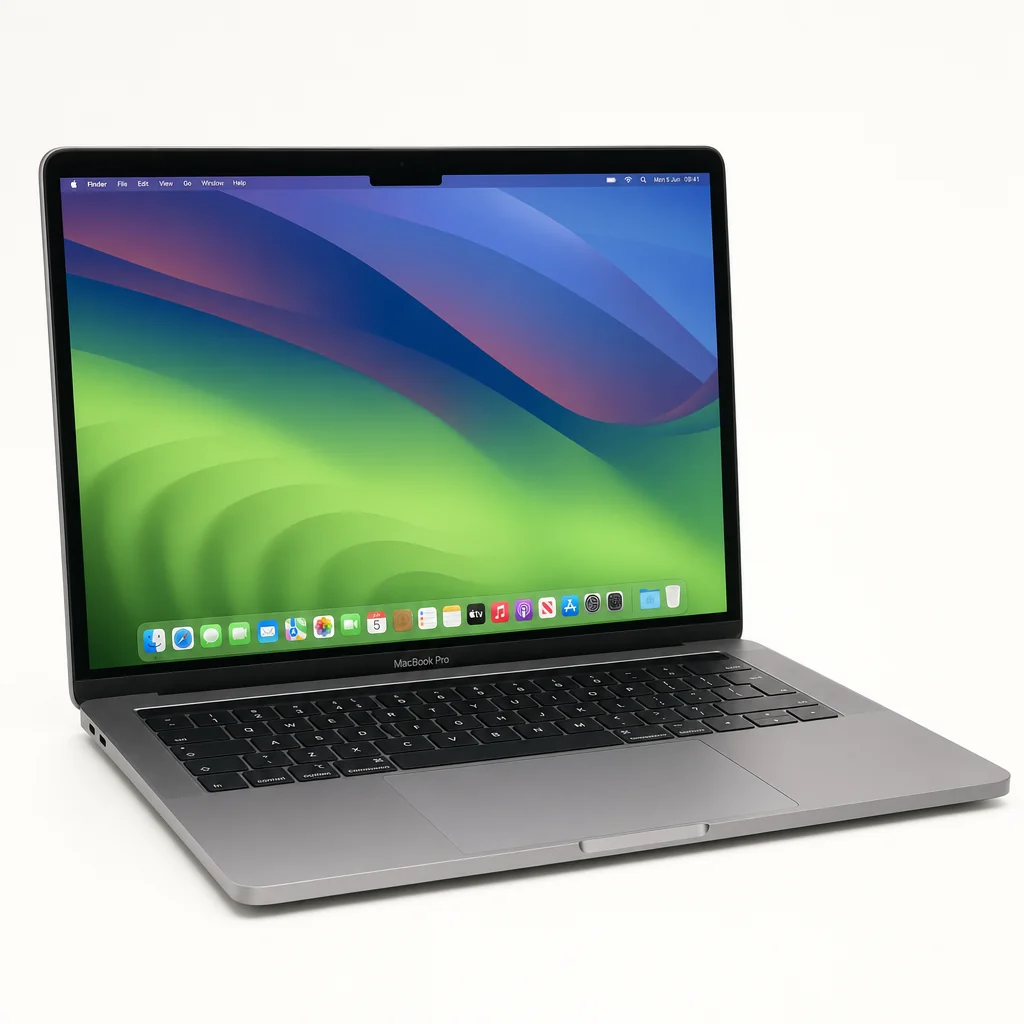
The M5 Air is very easy to admire because its strengths are tangible. It feels premium, remains wonderfully portable, makes no fan noise and has more than enough performance for demanding everyday work. It also has a few compromises that are becoming increasingly conspicuous precisely because the rest of the package is so polished.
Pros
- Roughly 15% faster multi-core CPU performance than M4 Air.
- Tested SSD speeds around 7GB/s, more than double M4's tested result.
- 153GB/s memory bandwidth, up from 120GB/s on M4.
- 16GB memory and 512GB storage are standard at the base configuration.
- 15 hours 28 minutes of mixed-use battery runtime at 150 nits.
- Wi-Fi 7 and Bluetooth 6 through Apple's N1 wireless chip.
- Fanless operation, excellent build quality and very low carry weight.
- 12MP Centre Stage camera and six-speaker Spatial Audio system.
Cons
- The display remains a 60Hz, 500-nit Liquid Retina panel.
- There is no major screen upgrade over the M4 Air.
- Fanless cooling means performance falls during sustained heavy work.
- Only two Thunderbolt 4 ports, plus MagSafe and a headphone jack.
- The 70W adapter needed for full fast charging is not included.
- Memory cannot be upgraded after purchase.
- Memory and storage upgrade tiers start at £200.
- The 13-inch base model's 8-core GPU may be limiting for some creators.
There are a few grey areas worth treating as grey. The £100 10-core GPU upgrade is one. It is an easy yes if you regularly use GPU-accelerated software, play games or want the strongest 13-inch configuration. It is a far less important spend for the person whose most strenuous graphics task is moving a PowerPoint window to the other side of the screen.
Apple Intelligence is another. M5's AI performance can be much higher in certain tasks, but that does not automatically mean the feature set itself transforms how everyone works. The practical question is not "is AI faster?" It is "will I use these tools often enough for faster local AI work to matter?" If the answer is no, do not make it the centre of your buying decision.
Finally, the two-port layout remains manageable rather than generous. MagSafe keeps charging from consuming one of the Thunderbolt ports, which helps a lot. But photographers, video editors and desk-based workers with several accessories will probably end up using a hub or dock. That is not a fatal flaw. It is simply part of the ownership budget in a way Apple tends not to put in the glamorous product photos.
Connectivity & the Two-Port Problem
Physical connectivity is straightforward: two Thunderbolt 4 ports and MagSafe sit on one side, while the 3.5mm headphone jack sits on the other. The Thunderbolt ports offer up to 40Gbps and can handle charging, data and external displays. With the lid closed, the MacBook Air can support up to two external displays through the two Thunderbolt ports.
For a laptop designed around mobility, this arrangement is workable. MagSafe deserves credit because it means you are not sacrificing a data port every time you plug in. If your accessories are limited to a charger, perhaps an occasional external drive and a monitor at home, you may barely think about it. The Air feels beautifully uncluttered when used this way.
Things change if your desk involves an SD card reader, wired Ethernet, a display, an external SSD, a keyboard receiver and a backup drive. You can make all of that work, but you will want a hub. The lack of built-in HDMI and an SD card slot is more frustrating for media creators than for ordinary users, especially because the M5's faster storage and improved graphics make the Air more capable of creative work than its physical connections suggest.
Two Thunderbolt 4 ports
Both support up to 40Gbps for high-speed accessories, display output, charging and data transfer.
MagSafe is a proper convenience
Charging does not occupy a Thunderbolt port, leaving both available for accessories when you are working at a desk.
Wi-Fi 7 and Bluetooth 6
Apple's N1 wireless chip brings newer wireless standards, offering the greatest benefit when connected to compatible networking gear.
Headphone jack retained
A small but welcome inclusion for wired headphones and other analogue audio gear, especially when the Thunderbolt ports are busy.
Wi-Fi 7 is forward-looking, although it is only as transformative as the router and network around it. Many UK homes still use older Wi-Fi equipment, so do not expect the Air to magically alter your broadband package. On a compatible network, the newer standard can offer higher throughput and lower latency. More importantly, it helps the M5 Air stay current over a longer ownership period. Bluetooth 6 is similarly welcome future-proofing, even if it is not the sort of feature that makes anyone dance around their kitchen.
Budget for the way you actually work
If your laptop lives on a desk with several devices attached, put a good USB-C or Thunderbolt dock on your shopping list from the start. The Air's ports are fast; there are simply not many of them.
Who Should Buy the MacBook Air M5?
There is no single answer because the M5 Air's value depends heavily on what you already own and how you work. The good news is that its audience is broad. The less good news is that Apple's configuration choices mean it pays to be unusually honest with yourself before buying. Not aspirationally honest. Actually honest. The version of you who opens 40 tabs and edits video at midnight deserves a vote too.
Best all-rounder: MacBook Air M5 13-inch
See MacBook Air M5 13-inch on Amazon UK
Check today's price & availability on Amazon UK
Choose it if portability matters most and you want a genuinely fast, silent laptop for work, study, browsing, creative hobbies and everyday use.
Best for screen space: MacBook Air M5 15-inch
See MacBook Air M5 15-inch on Amazon UK
Check today's price & availability on Amazon UK
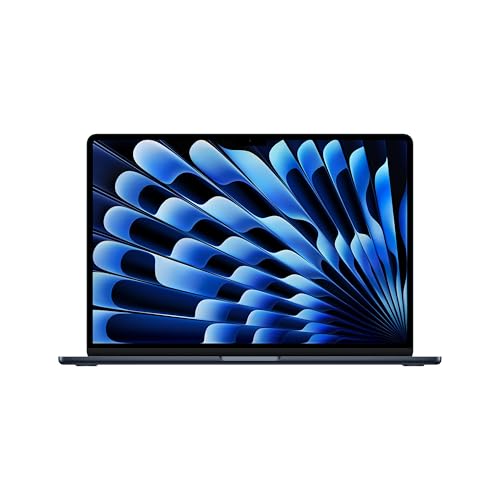
Choose it if you work with side-by-side windows, large documents, timelines or spreadsheets and want the 10-core GPU as standard.
Best value if discounted: MacBook Air M4
See MacBook Air M4 on Amazon UK
A discounted M4 Air remains the smarter buy for many mainstream users, especially if M5's faster storage, bandwidth and wireless are not essential.
Best budget-minded option: MacBook Air M2
See MacBook Air M2 on Amazon UK
An M2 Air can still make sense when found with sufficient memory and storage, but it lacks the M5's newer platform advantages and headroom.
Students should find the 13-inch M5 Air especially compelling. It is light enough to carry daily, quiet enough for libraries and long-lasting enough to make charger anxiety a rare event rather than a timetable feature. The base 16GB/512GB specification is also unusually sensible for keeping study files, apps and media together without instantly reaching for external storage.
Writers, consultants, researchers and conventional office users are similarly well served. The M5 is arguably overqualified for basic productivity, but that is not necessarily a bad thing. What you get is a machine that stays responsive when your workday becomes a pile-up of calls, browser apps, documents and spreadsheets. You are buying smoothness and longevity more than raw benchmark bragging rights.
Creative users need to be more selective. The M5 Air has strong graphics gains, quick storage and a capable display, and it can comfortably tackle photography, light-to-moderate video work and design work. But people who regularly run long exports, sustained renders, demanding 3D work, heavy local AI or repeated large Xcode builds should think seriously about whether a fanned MacBook Pro better matches their workload.
The 15-inch MacBook Air M5 is the better fit for users who value a broad workspace, while the 13-inch remains the easiest model to carry every day.
MacBook Air M5 FAQ
For most people, the M5 Air's appeal is simple: a quiet, exceptionally portable laptop with enough performance and battery life to make daily computing feel effortless.
Final Verdict: Better Than Ever, but Not an Automatic Upgrade
The MacBook Air M5 is still one of the best thin-and-light laptops you can buy. It combines a beautiful, durable chassis with excellent battery life, silent operation, a sharp display, much quicker storage, higher memory bandwidth and strong performance for almost any everyday task. Starting at 16GB of memory and 512GB of storage also makes its base configuration far easier to recommend than older Air entry points.
But it is not a revolution. The display remains 60Hz and unchanged in its essentials, sustained heavy work still exposes the fanless thermal limits, the port selection remains sparse, and upgrades continue to demand careful budgeting. For an M4 Air owner, the M5 is a luxury rather than a necessity. For an M2 owner with constrained memory or storage, it is a far more persuasive move. And for a buyer choosing between a new M5 and a discounted M4, the M4 can still be the smarter value pick.
Buy the MacBook Air M5 if you want the most complete Air yet and will benefit from its extra headroom. Choose a discounted M4 Air if your work is mostly everyday productivity. Choose the 15-inch if screen space matters more than shaving weight. Just configure memory with care, because Apple will happily let you regret being optimistic later.
- MacBook Air M5 13-inchView on Amazon
- MacBook Air M5 15-inchView on Amazon