
The Data We Couldn't Get Back Because the Phone Screen Was Smashed
A cracked screen isn't just a cosmetic problem — sometimes it's the reason everything on your phone is gone for good.
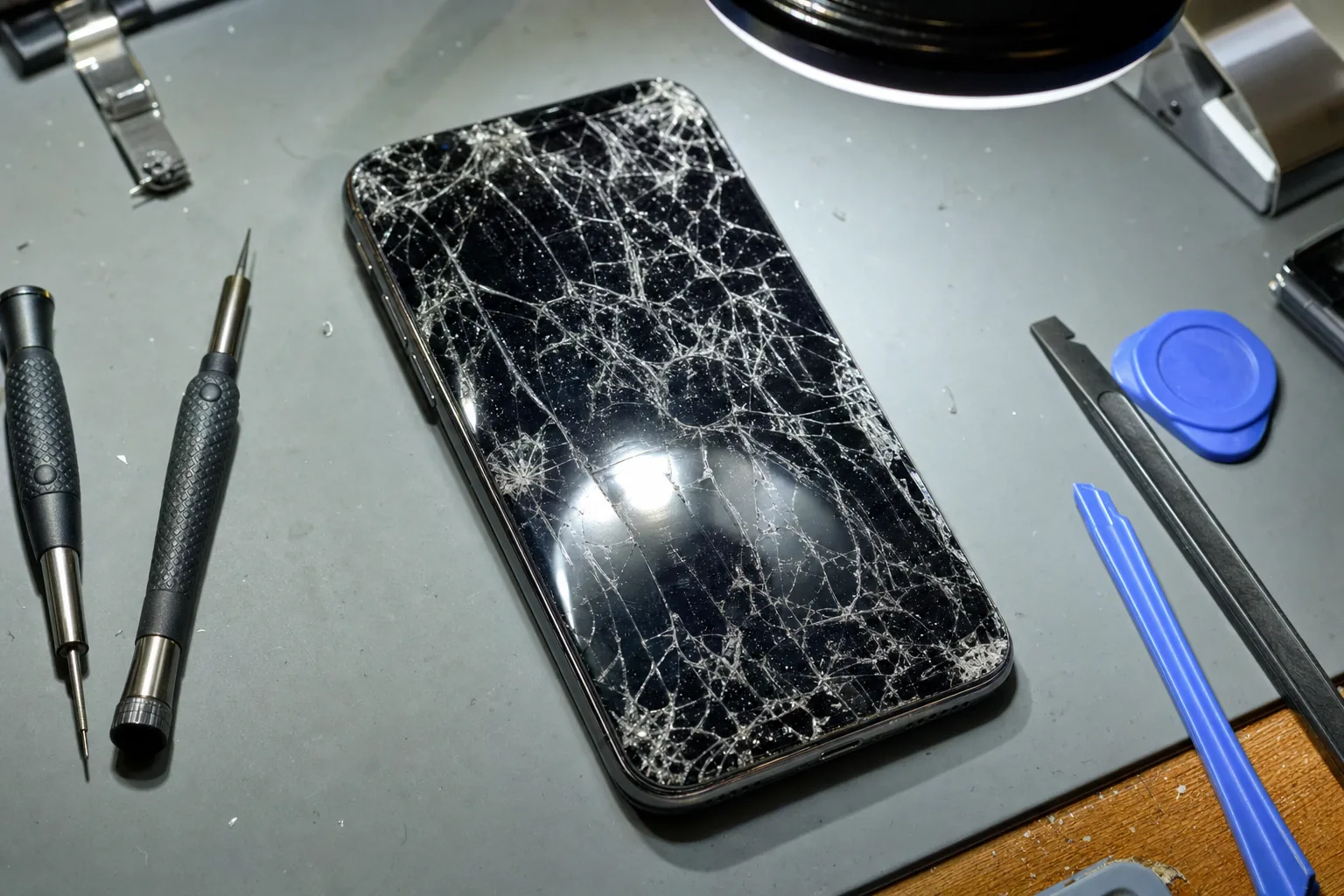

A woman came in a few months ago with a Samsung Galaxy in a carrier bag. She'd dropped it down the stairs, the screen had shattered completely, and the digitiser — the layer that reads your finger — had died along with it. The phone was on. I could hear it buzzing with notifications. But it was blind and deaf to any touch input. She hadn't backed it up. On it were two years of photos, including almost everything from her daughter's first twelve months.
I had to tell her that in all likelihood, that data was gone. That's not a conversation I enjoy having, but after more than twenty years on the bench I've had it more times than I care to count.
Why a smashed screen can make your data completely unreachable
People assume a broken screen is just cosmetic — that the data inside is still sitting there safely, waiting to be rescued. Sometimes that's true. But there are two components in a modern phone screen: the display itself, and the digitiser layer on top that translates your touch into input. If the digitiser is dead, the phone can't register a single tap or swipe. That means:
- You can't unlock it. Most phones require a PIN, pattern or passcode entered by touch. No touch, no entry.
- You can't authorise USB access. When you plug an Android phone into a computer, a prompt appears on screen asking you to allow file transfer. If you can't tap "Allow", your computer sees a locked device and can't read a single file.
- OTG mice and keyboards don't bypass security. Connecting a USB mouse via an OTG adaptor sometimes lets you navigate, but it still can't get past a locked lock screen on modern Android — and iPhones don't support it at all.
Screen replacement would solve it in many cases — fit a new display and digitiser, the phone wakes up, you can back everything up. But that only works if the motherboard itself survived the drop. If the logic board took damage, or if the phone uses a paired display (as many newer iPhones do), it becomes significantly more complicated and expensive.
What I check for and what the realistic options are
When something like this arrives on my bench, I first confirm whether the phone powers on, whether it's making sounds or vibrating, and whether the screen is displaying anything at all — even a cracked image. A phone showing a broken picture is in a far better position than one showing nothing. I then check whether the customer ever enabled USB debugging, because on Android that can occasionally allow data tools to connect without a screen prompt. Almost nobody has it switched on. I also ask whether the phone was set up with Google or iCloud backup. Usually it wasn't, or it ran out of storage and stopped quietly months earlier.
Professional data recovery labs can sometimes help, but it's expensive — often several hundred pounds — and success is never guaranteed. For a smashed screen alone, screen replacement is almost always the sensible first step.
The one thing that would have changed everything
Automatic cloud backup. That's it. Google Photos on Android and iCloud Photos on iPhone will quietly back up every image over Wi-Fi in the background. It costs nothing up to a point, and it means a smashed screen becomes an inconvenience rather than a catastrophe. Check your backup settings tonight — not next week. I've seen too many people wish they had.
The Repair Bench verdict
If your screen is smashed: don't assume your data is safe just because the phone still powers on — a dead digitiser can make everything unreachable, so get it assessed quickly before attempting anything yourself.
The most important step you can take right now: turn on automatic cloud backup on your phone; Google Photos or iCloud Photos costs nothing for a basic account and takes about two minutes to set up.
Watch out for: backup apps that appear to be running but stopped silently because your cloud storage was full — check that recent photos are actually appearing in your cloud account.