
The ‘Slow, Ready for the Bin’ Laptop That Usually Just Needs One Cheap Part
Customers come in ready to spend hundreds on a new machine. Nine times out of ten, the fix costs about forty quid.
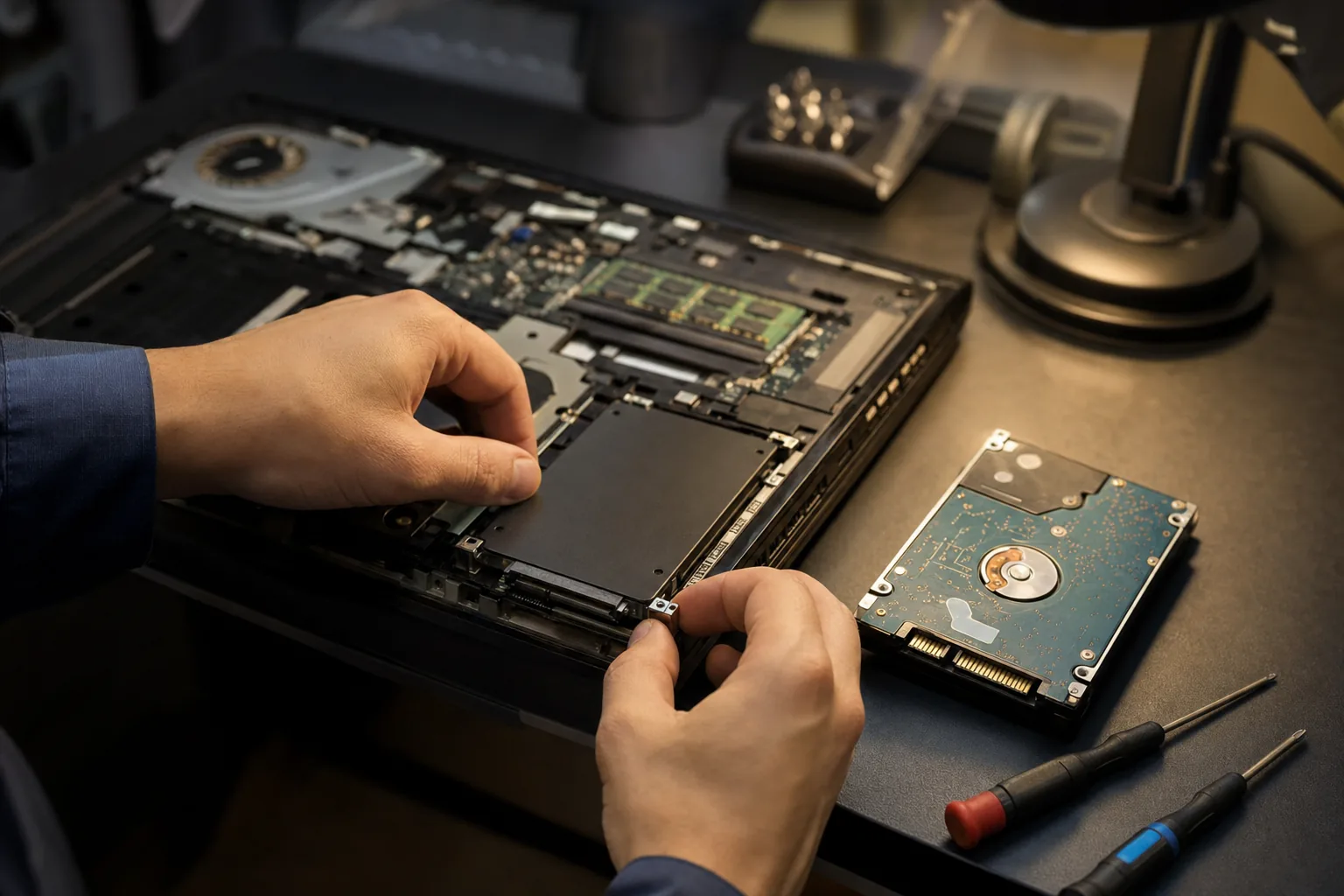

A laptop lands on my bench most weeks with the same complaint: "It's so slow it's unusable — I think I need a new one." The owner has usually half-decided to spend £400+ on a replacement. And most of the time I have to talk them out of it, because the real problem is one ageing part that costs about £40 to swap.
That part is the storage drive. Loads of older laptops still run a traditional spinning hard drive (an HDD), and as Windows has got heavier over the years, those drives simply can't keep up. The machine isn't worn out — it's being throttled by a slow disk.
How to tell if this is your laptop
Two quick checks before you write yours off:
- Open Task Manager (Ctrl+Shift+Esc) and watch the Disk column when it's being slow. If it's pinned at 100% while everything crawls, that's the classic dying-HDD signature.
- Check what's fitted. If the laptop is more than about five years old and has never been upgraded, it very likely has a mechanical hard drive rather than an SSD.
An SSD has no moving parts, so it reads data many times faster. Swapping a tired HDD for an SSD is the single most dramatic upgrade I can do — boot times drop from two minutes to about fifteen seconds, and a machine that felt ready for the skip feels brand new.
What I actually fit
For a standard laptop with a 2.5-inch bay, a reliable SATA SSD like the Crucial MX500 is the one I keep reaching for: dependable, well-priced, and more than fast enough to transform an older machine. A 1TB drive is the sweet spot for most people. (Newer, thinner laptops use a smaller M.2 drive instead — check which yours takes, or ask a shop.)
The one honest caveat: if your laptop already has an SSD and it's still slow, the fix is different — usually too little RAM, a drive that's nearly full, or software bloat. But for the classic "old and slow" laptop, the SSD swap is the answer nine times out of ten.
The Repair Bench verdict
Before you replace a slow laptop: check if it's on a spinning hard drive. If it is, an SSD upgrade revives it for a fraction of the cost of a new machine.
Best for most: a 1TB SATA SSD like the Crucial MX500 for any laptop with a 2.5-inch bay.
Watch out for: newer laptops need an M.2 SSD instead — and if yours is already an SSD, look at RAM, free space and bloatware instead.
As an Amazon Associate we may earn from qualifying purchases, at no extra cost to you. We only recommend kit we would actually use.