
That Faint Clicking From Your Laptop? Stop What You’re Doing — Here’s Why
It's the one sound on the bench that makes my heart sink. If you hear it, every extra minute you keep using the machine makes things worse.
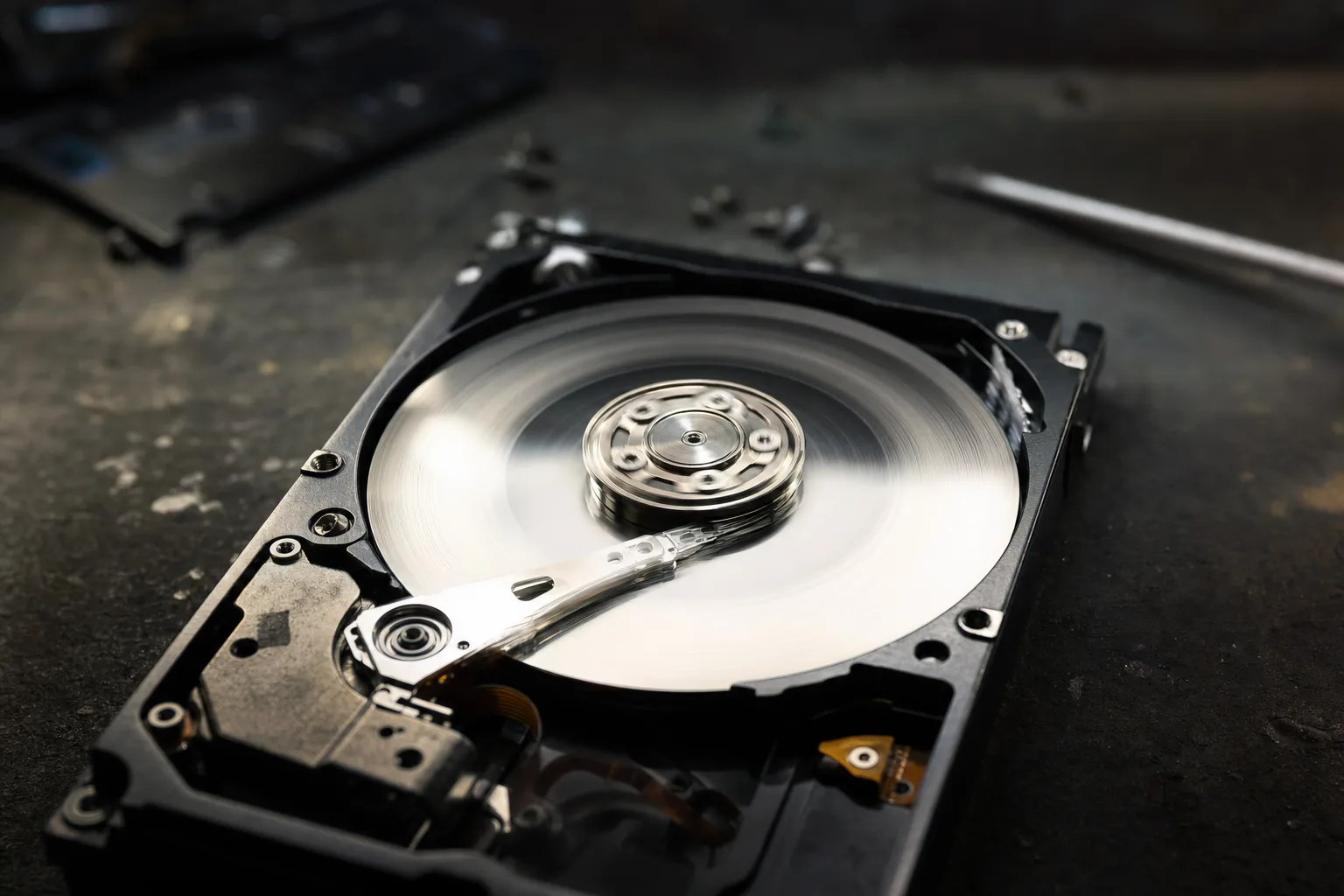

There's one sound I dread hearing when a laptop is set down on my bench: a faint, rhythmic click… click… click. People often describe it as a tapping or a soft knocking. To me it usually means the same thing — the hard drive is failing mechanically, right now, and the data on it is on borrowed time.
Here's the bit most people don't realise, and why I'm writing this: continuing to use the machine makes it dramatically worse. Every minute it stays powered on, the failing read head can be scraping the platters where your files live, turning a recoverable situation into an unrecoverable one.
What the clicking actually is
A spinning hard drive has a tiny arm (the read/write head) that floats a hair's breadth above fast-spinning platters. When the head or its mechanism starts to fail, it can't position properly — so it resets and retries, over and over. That retry is the click. It's the mechanical equivalent of a death rattle, and no amount of restarting fixes it.
What to do the moment you hear it
- Stop using it and power it off properly. Don't keep "trying to get one more thing off it" — that's exactly what finishes drives off.
- Don't run repair tools or reboot repeatedly. Each spin-up is another roll of the dice.
- Don't open the drive or try the freezer/DIY tricks you'll read online — they almost always make professional recovery harder or impossible.
- If the data matters, get it to a professional while the drive is still occasionally readable. The earlier it's imaged, the better the odds.
And the lesson that turns this from a disaster into an inconvenience: it only hurts this much if the clicking drive held the only copy. A failing drive is a non-event if everything important is already backed up — which is exactly why I keep banging on about it.
The Repair Bench verdict
If you hear clicking: power the machine off now and leave it off. Using it is actively destroying your chances.
Best move: if the data is irreplaceable, take it straight to a pro for imaging — don't DIY.
The real fix is prevention: a clicking drive is only a crisis when it holds your only copy. Back up before it happens.