
XREAL One Pro vs VITURE Luma Pro: Which display glasses should you buy?
XREAL puts spatial processing in the frame. VITURE concentrates on a brighter, sharper wearable cinema. The right choice depends on what you want the floating screen to do.
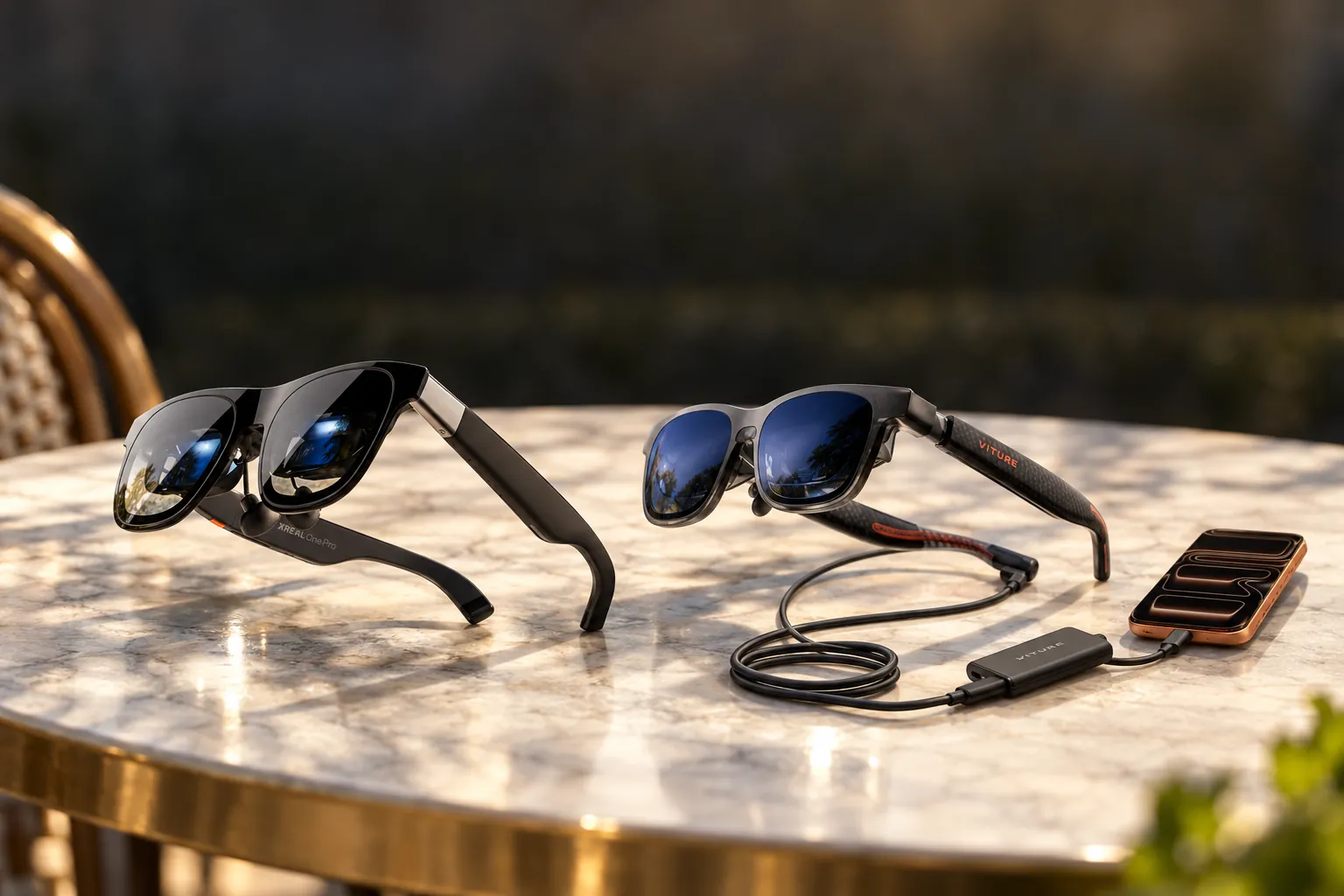

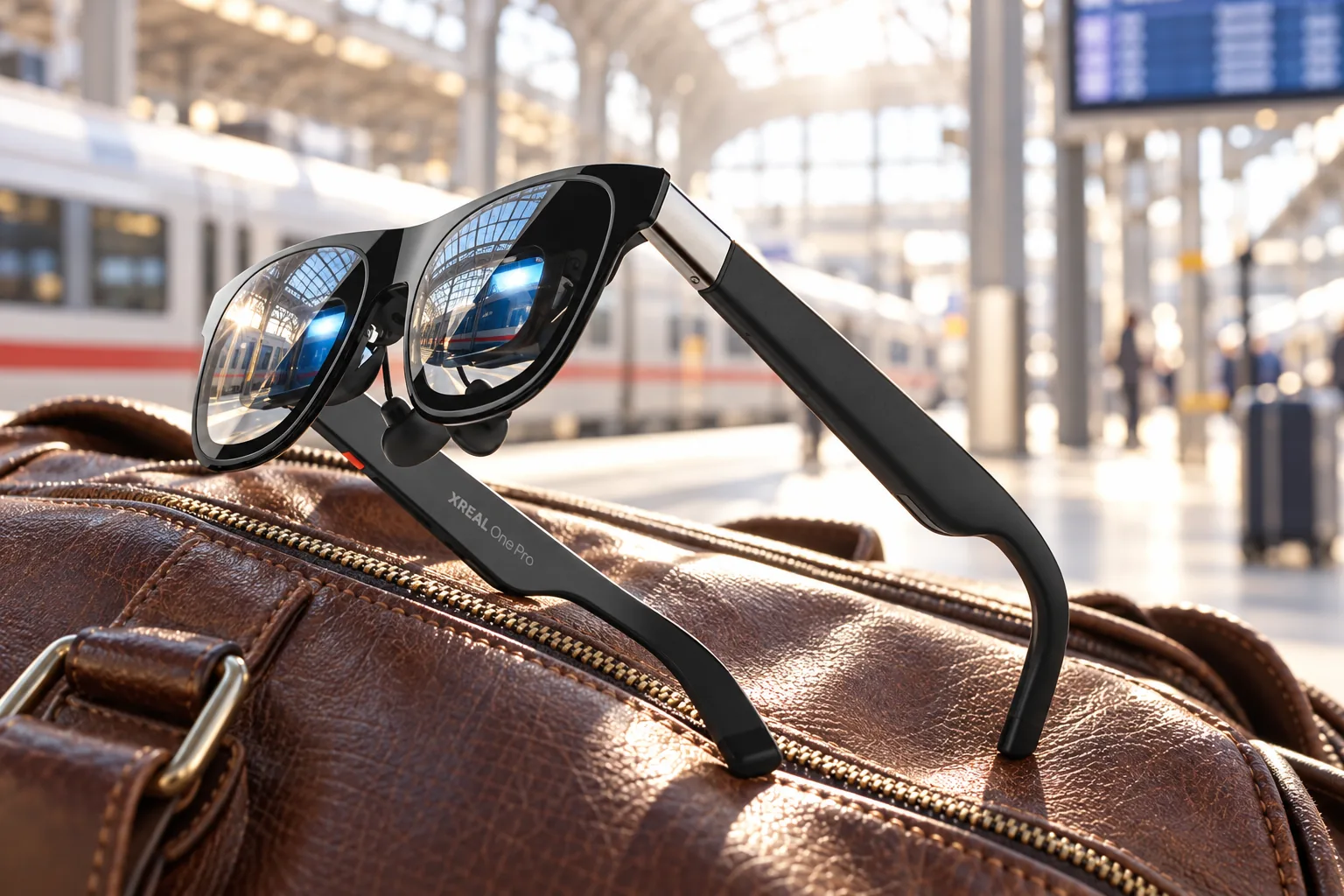
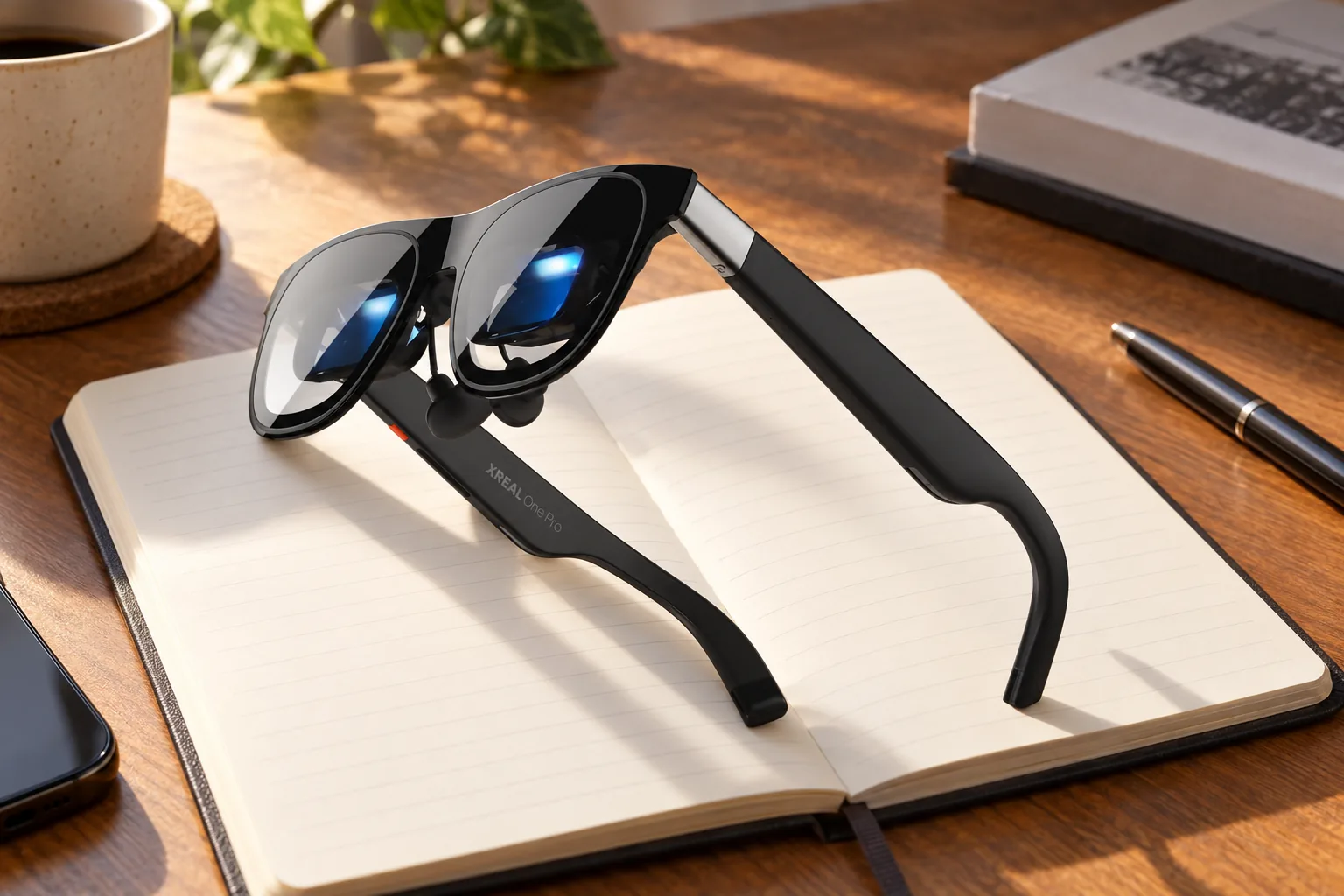
Native 3DoF, 57° viewing and onboard X1 processing make it the stronger choice for anchored travel and gaming screens.
Check price on Amazon
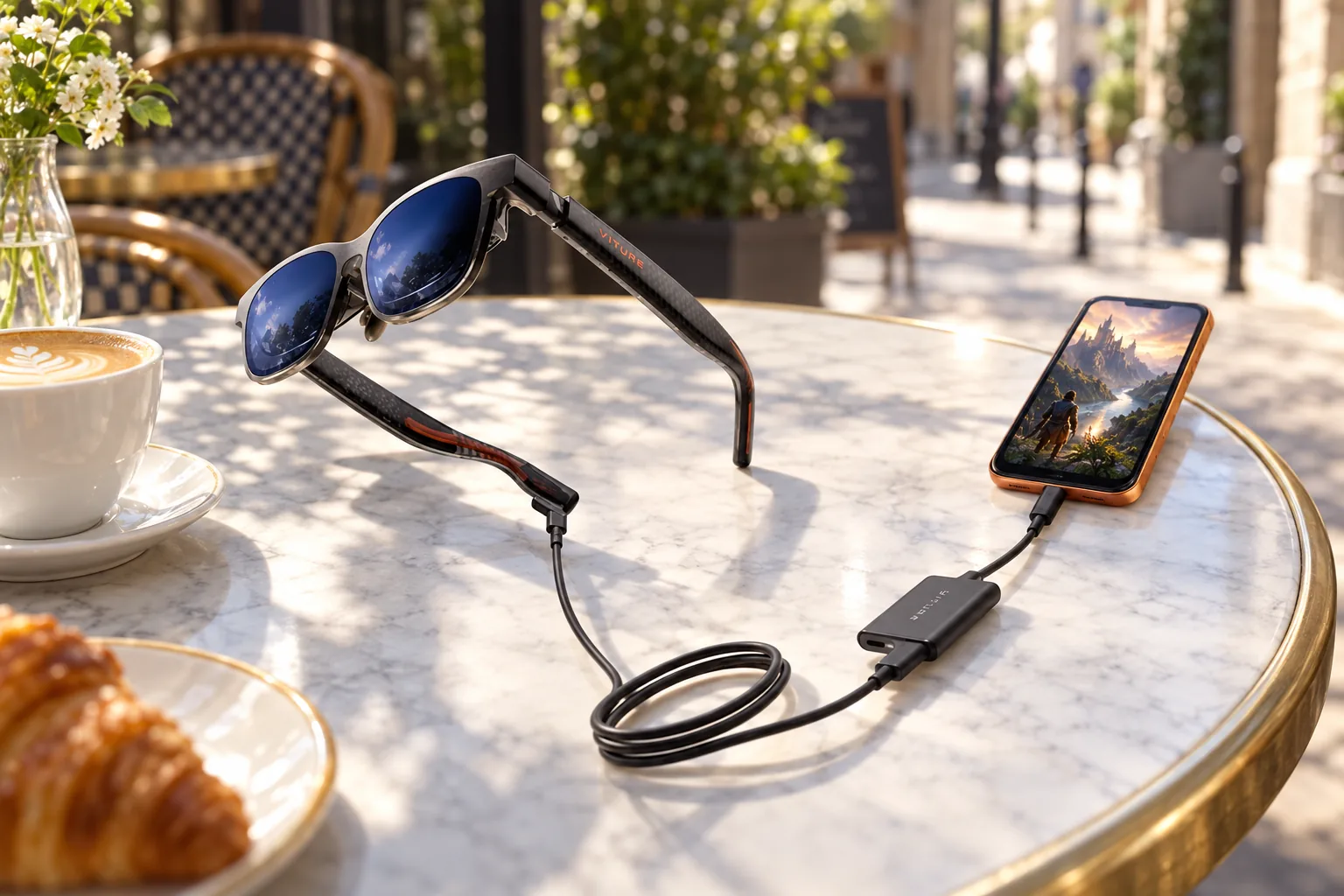
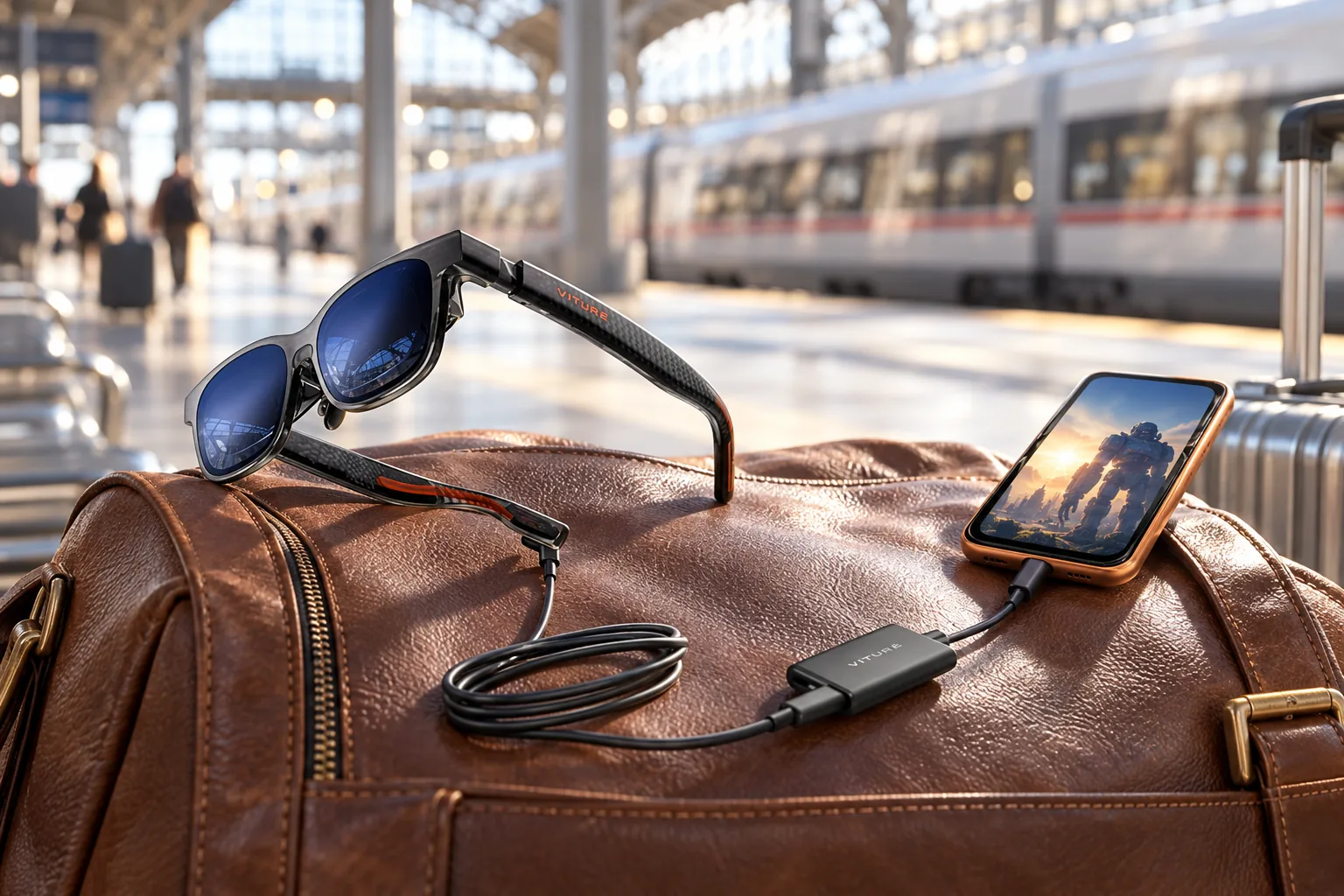
Its 1200p display, 1,000-nit brightness claim and included iPhone charging adapter favour cinematic private viewing.
Check price on AmazonWe link to the exact model on Amazon UK. Prices change often, so check the live price before you buy. As an Amazon Associate we earn from qualifying purchases.
You are on a train, in a hotel room or squeezed into an economy seat, and your phone screen suddenly feels tiny. Both pairs here can turn a compatible USB-C device into a private screen measured in virtual-TV inches. The short answer: choose XREAL One Pro for native screen anchoring, wider viewing and a more self-contained spatial experience; choose VITURE Luma Pro if picture sharpness, brightness, lower weight and the included USB-C iPhone charging adapter matter more.
Neither is a standalone headset. Both are wired display glasses powered by the device at the other end of the cable. That sounds mundane, but it is central to this decision: these are portable monitors you wear, not wireless AR computers that replace your phone or laptop.
XREAL One Pro vs VITURE Luma Pro: The Numbers Side By Side
| Specification | XREAL One Pro | VITURE Luma Pro |
|---|---|---|
| Display technology | Dual Sony Micro-OLED, 0.55-inch panels | Dual Sony Micro-OLED |
| Resolution | 1,920 × 1,080 per eye | 1200p per eye |
| Maximum refresh rate | 120Hz | 120Hz |
| Field of view | 57° | 52° |
| Advertised virtual screen | Up to 171 inches | 152 inches at a simulated 4m distance |
| Perceived brightness | Up to 700 nits | Up to 1,000 nits |
| Lens dimming | Three electrochromic modes | Electrochromic, 0.5% to 40% transmittance |
| Spatial positioning | Native 3DoF via X1 chip | SpaceWalker software features |
| Glasses weight | 87g specified; PC Watch reported about 92g | 79g Regular; 81g Large |
| Power | Connected USB-C host device | Connected USB-C host device |
| Frame fit options | M: 57–66mm IPD; L: 66–75mm IPD | Regular: about 58–70mm; Large: about 62–74mm |
| Buy | Check price | Check price |
Virtual-screen dimensions are viewing equivalents rather than physical panels. XREAL's own ultrawide mode can quote a larger figure, but screen size changes with mode, distance and aspect ratio.
52° VITURE
1,000 nits
on both
on XREAL
The Chip vs The Panel: Two Different Philosophies
This comparison is less about a one-number victory than two competing ideas of what display glasses should be. XREAL One Pro is a spatial display first: its X1 processor lives inside the glasses, so it can manage screen placement and head movement without making a phone app or external Beam device part of the basic setup.
VITURE Luma Pro takes a more display-led route. It offers SpaceWalker across iOS, Android, macOS and Windows for multi-screen layouts, software 3DoF, 3D and VR-video functions, but much of that experience depends on the host device and software ecosystem. Tom's Guide identified this as the material gap between the two approaches, particularly for repositioning a screen and using ultrawide modes.
That difference becomes clearer in ordinary use. Someone watching a film from a compatible phone may be satisfied with either pair as a direct display, while a traveller who regularly shifts posture in a seat is more likely to notice the value of XREAL's hardware-led anchoring. Conversely, a laptop user who is happy to work through SpaceWalker may place more value on VITURE's panel clarity than on having those controls handled inside the frame.
The practical distinction
XREAL's native 3DoF means a screen can stay anchored in a chosen place as you move your head, or follow smoothly when that is more useful. VITURE can create sophisticated virtual-workspace arrangements, but its spatial functions are more conditional on software, platform and accessories.
XREAL One Pro: hardware-led spatial viewing
XREAL specifies 3ms motion-to-photon latency for the X1 system. That figure came from the manufacturer rather than an independent latency measurement, but it explains the product's appeal for handheld gaming and moving about a cabin or room.
VITURE Luma Pro: monitor-first flexibility
Luma Pro works directly as a wired display with compatible phones, laptops and handheld PCs. Its SpaceWalker software adds the more ambitious workspace and immersive functions where the connected platform supports them.
Why the difference matters
If you want the glasses themselves to handle the sense of a screen sitting in space, XREAL has the cleaner proposition. If you mostly want an excellent large screen and like the idea of software-led extras, VITURE's priorities make more sense.
Picture Quality Head-to-Head: Sharpness, Brightness and Colour
XREAL has the wider viewing envelope. Its 57° field of view is five degrees broader than Luma Pro's 52°, and that difference is meaningful when you are looking at an ultrawide workspace or a game HUD spread across the image. The One Pro's standard virtual-screen claim is 171 inches, whilst Tom's Hardware described a 177-inch diagonal image at four feet in one configuration.
VITURE has the stronger display specification on paper: 1200p per eye rather than Full HD per eye, plus up to 1,000 nits of perceived brightness versus XREAL's 700 nits. Higher numbers alone do not settle wearable optics, but reviewers repeatedly singled out Luma Pro's edge clarity, vivid colour and low-glare presentation.
For streaming and films in a dim hotel room, both should be judged less by the quoted virtual diagonal than by whether the image looks comfortable at the chosen brightness and fit. In brighter surroundings, VITURE's additional stated brightness headroom is the more persuasive specification. XREAL's advantage is not necessarily a brighter picture, but a larger visual envelope and the ability to keep that screen feeling stable when you turn your head.
TechRadar awarded XREAL One Pro five out of five for design and performance, describing it as the strongest entertainment-focused AR-glasses experience the reviewer had encountered. Its praise centred on the wide field of view, 120Hz operation, reduced reflections and the more compact optical engine.
Tom's Guide described VITURE Luma Pro's Micro-OLED picture as "stunning", with sharp detail at the far edges and no fringing in its viewing impressions. Android Authority also praised the crisp, vivid and contrast-rich image, while warning that "4K-like" language should not be confused with actual 4K resolution.
XREAL display strengths
- 57° field of view creates a more expansive image.
- 120Hz is useful for compatible handheld and PC gaming.
- Electrochromic Clear, Shade and Theatre settings help control ambient light.
- Delta E below 3 calibration is specified by XREAL.
XREAL picture compromises
- Full HD per eye is less detailed than VITURE's 1200p specification.
- Small productivity text remains less convincing than on a high-resolution physical monitor.
- Theatre mode reduces external light rather than creating complete blackout.
VITURE display strengths
- 1200p Micro-OLED panels produce the sharper image in reviewer accounts.
- 1,000-nit perceived brightness gives more headroom in bright surroundings.
- Electrochromic lenses have 0.5% to 40% transmittance and under 1% haze.
- Reviewers praised edge-to-edge clarity and anti-reflective treatment.
VITURE picture compromises
- Its 52° view is narrower than XREAL's 57°.
- The 152-inch claim remains a virtual-screen equivalence, not a literal television in front of your face.
- Advanced presentation modes can depend on the connected device and software.
XREAL One Pro: Fit, Controls and the Case for Native Spatial Viewing
XREAL One Pro comes in two physical fit versions. M covers an IPD range of 57–66mm and L covers 66–75mm, with three nose pads in the box. That is more than a cosmetic choice: selecting the right optical fit matters for clarity at the edges, comfort and sustained reading.
The glasses have an included prescription frame, though prescription lenses are a separate purchase. XREAL also offers hardware controls: an X button, rocker and programmable Quick button. These are useful because the key screen controls live with the glasses rather than being buried in an app.
The X1 chip is the reason to buy this model. It provides native 3DoF, so anchored and smooth-follow modes are available without buying a Beam Pro for basic use. PC Watch specifically highlighted the convenience of direct device connection without a separate Beam adapter, and Tom's Guide praised the anchored-screen experience on a long-haul flight.
The catch is physical as much as financial. XREAL specifies 87g, whilst PC Watch measured approximately 92g. Notebookcheck also reported warmth after several minutes and found focus could become difficult near the lower end of the supported IPD range, particularly for text.
In practice, the sensible first setup is direct USB-C connection, then trying the included nose pads and selecting the display position that lets the entire image sit comfortably in view. Buyers using the glasses chiefly for gaming can prioritise 120Hz on a compatible host; people using them for documents should test their normal text size early. The product is not a substitute for a high-resolution desk monitor when dense text is the priority, and an uncomfortable fit will matter more over time than the headline screen size.
Choose your fit before buying. XREAL's M and L are performance-identical but not interchangeable in fit. Buyers near 66mm should take extra care with retailer returns and choose the version that positions the display most comfortably.
VITURE Luma Pro: Fit, Comfort and a More Cinematic Lean
VITURE Luma Pro is available in Regular and Large frames. Regular is specified around 64.0 ± 6.0mm IPD, effectively about 58–70mm, while Large is around 68.0 ± 6.0mm, or about 62–74mm. Both use the same display hardware, and three swappable nose pads provide further adjustment.
The Amazon UK configuration covered here is the Regular frame bundled with VITURE's USB-C XR Charging Adapter Pro. That makes the fit label important: shoppers near the top of Regular's range should consider whether the Large version is more appropriate before committing.
Luma Pro has a notable advantage for some short-sighted users. It includes myopia adjustment up to -4.0 dioptres, along with axis adjustment and SGS A+ eye-care certification. For people within that correction range, this can remove the need to buy prescription inserts simply to watch a film or use a laptop screen.
Tom's Guide praised its soft-touch materials, adjustable arms and magnetic nose pads, describing it as comfortable across flights and extended work. At 79g for Regular and 81g for Large, it is lighter than XREAL One Pro, though both remain substantially heavier than normal spectacles.
The important limitation is that the -4.0D adjustment is not a blanket prescription replacement. It is most useful for buyers whose short-sightedness sits within that stated range and whose visual needs suit the adjustment system. Anyone who depends on more complex correction should not assume the dial alone will produce the same result as a prescription solution. VITURE's own suggested continuous wearing time is 3–4 hours, which is a useful reminder to treat long workdays and long-haul viewing as comfort tests rather than just display tests.
Powering Them: Cables, Adapters and the iPhone Factor
Neither pair contains an internal battery. They draw video and power from a compatible USB-C source, so the practical runtime is dictated by your phone, laptop, handheld PC or attached power bank. This also means there is no battery ageing inside the glasses themselves, but the host device will drain faster.
XREAL One Pro uses a direct USB-C video-and-power connection. Tom's Hardware reported straightforward setup with an iPhone 16 Pro, MacBook Pro and Lenovo Legion Go S. A source needs USB-C DisplayPort output, and devices without it need an appropriate adapter route.
VITURE Luma Pro uses a magnetic pogo-pin connection at the glasses end, attached to a 1.2-metre USB-C cable. Its included USB-C XR Charging Adapter Pro is significant for USB-C iPhone owners: it allows pass-through power from a charger or power bank while the phone remains connected to the glasses.
The bundle changes VITURE's iPhone appeal
For compatible iPhone 15, iPhone 16 and iPhone 17 models, the included adapter supports VITURE's listed SpaceWalker functions including multi-screen mode, enhanced 3DoF, 1-click 3D, spatial-video playback and VR-video playback. It is an adapter rather than a battery pack, so it still needs external power for charging pass-through.
Before buying in the UK, confirm the exact host device rather than relying on the connector shape. Both need a compatible USB-C display-output path, while VITURE specifically excludes iPhone 16e and iPhone Air from the adapter's supported iPhone list. Console use is also more involved than connecting a phone or handheld: VITURE identifies docks or adapters for Switch and other HDMI-based sources, and XREAL likewise needs the appropriate route for devices without suitable USB-C video output. A buyer whose main device is already compatible will have a much simpler and more valuable experience than one building an adapter chain.
PC Watch supplied one useful, limited battery comparison for XREAL: in a Cyberpunk 2077 laptop run, the host lasted 52 minutes 19 seconds using its own display and 48 minutes 24 seconds while driving One Pro. That was a gaming workload on one laptop, not a universal prediction for video viewing or either product's battery impact.
Sound, Software and the Features That Do Not Show Up in Specs
XREAL uses dual open-air speakers tuned by Bose engineers. Tom's Hardware found them clear with more bass than expected from glasses, but still beneath a good pair of earbuds for impact and isolation. Sound leakage remains audible in quieter surroundings.
VITURE uses HARMAN AudioEFX speakers with nine volume levels. The company quotes a 250Hz ±50Hz fundamental-frequency specification, but that is not a full frequency-response measure. Tom's Guide's verdict was less flattering: the speakers were easy to overwhelm in noisy places and could sound thin in quiet ones. Android Authority similarly recommended earbuds for more immersive viewing.
Bring headphones for aircraft, trains and busy cafés. Neither pair isolates outside sound, and neither replaces proper earbuds when your surroundings are loud. The open-air approach is convenient for awareness, but it is not private in the same way as sealed headphones.
On software, VITURE has the broader named SpaceWalker feature list: multi-screen workspace layouts, 3DoF, browser functions, immersive 3D and VR-video support across several operating systems. The limitation is consistency. Android Authority found 3D mode would not work with its Pixel 8 Pro because of that phone's output constraints, illustrating why device-by-device compatibility matters.
XREAL's software ecosystem can add further functions, but One Pro's chief advantage is that its core spatial behaviour does not wait for an app. That is the distinction worth paying attention to, rather than RGB frame lighting or feature names that only work with certain accessories.
Price and Value: What Each Pound Actually Buys in the UK
XREAL launched One Pro with a UK RRP of £579. Its official UK store currently displays a sale price of £529 against that £579 reference price. Its package includes the glasses, prescription frame, USB-C cable, three nose pads, case, cloth and manual. The important value point is that the X1 chip and native 3DoF are already in the glasses.
VITURE launched Luma Pro at US$499. A manufacturer-confirmed UK MSRP was not published, and the Amazon UK bundle adds the USB-C XR Charging Adapter Pro. That makes a direct pound-for-pound comparison misleading: check the live Amazon UK price, included accessories and seller warranty before deciding which costs less on the day you buy.
For UK shoppers, the more useful calculation is total usable setup cost. XREAL is easier to evaluate when the direct glasses-and-cable package is enough for the intended compatible device. VITURE's listed bundle adds real value for a supported USB-C iPhone because its charging adapter is already included, but that benefit is narrower for laptop, Android and handheld owners who do not need iPhone pass-through power. Conversely, a lower headline price is less meaningful if the buyer later needs a dock or adapter to connect their console.
XREAL One Pro value case
It makes sense for buyers who will use screen anchoring, smooth-follow mode and ultrawide presentation frequently, without wanting their core experience tied to a companion app.
VITURE Luma Pro value case
It is compelling when superior panel specifications, built-in myopia adjustment and iPhone charging pass-through matter more than hardware-led spatial controls.
Do not make the decision on virtual screen size alone. One Pro's 171-inch standard figure and Luma Pro's 152-inch figure are calculated viewing equivalents. Image clarity, optical fit, host compatibility and where you intend to use the glasses will make a larger difference day to day.
Who Should Actually Buy Which
XREAL One Pro for travellers and spatial-screen users
Choose XREAL if you spend time on planes and trains, use a handheld PC regularly, or want a private display that remains anchored without building the experience around software. Its 57° field of view, native 3DoF and X1 processor are its decisive advantages.
VITURE Luma Pro for movie-first viewers
Choose VITURE if a cinematic image is the priority. The sharper 1200p specification, 1,000-nit brightness claim, lighter frame and highly praised optical clarity make it the more appealing wearable screen for films, video and detailed games.
XREAL One Pro for plug-in gaming
The 120Hz display, claimed 3ms motion-to-photon latency and onboard spatial controls suit players who want to connect a compatible handheld or laptop and get to a stable screen quickly.
VITURE Luma Pro for compatible USB-C iPhones
The included XR Charging Adapter Pro is purpose-built for keeping a compatible USB-C iPhone powered while running the glasses, with access to VITURE's listed SpaceWalker functions.
XREAL One Pro for larger IPD coverage
Its two frame options cover 57–75mm, a broader upper range than Luma Pro. Fit remains personal, but the L version is particularly relevant for users above VITURE Large's stated 74mm ceiling.
VITURE Luma Pro for mild-to-moderate myopia
Its built-in correction up to -4.0D may be more convenient than ordering prescription inserts, provided your eyesight and astigmatism needs fall within its adjustment system.
Verdict: buy the experience you will use
XREAL One Pro is the better pick for buyers who want display glasses to behave like a spatial screen rather than merely mirror a device. Native 3DoF, the X1 chip, a 57° view and stronger reviewer sentiment around audio make it the more complete travel-and-gaming tool.
VITURE Luma Pro is the better choice for buyers chasing the more cinematic image. Its 1200p display, 1,000-nit brightness specification, lower weight, built-in myopia adjustment and iPhone-oriented adapter bundle make a strong case for films, streaming and private-monitor duty.
For most frequent travellers using a Steam Deck, laptop or compatible phone, we recommend XREAL One Pro if anchored viewing is central to the purchase. For USB-C iPhone users and picture-quality-first buyers, VITURE Luma Pro is the more persuasive screen.
Common Questions Before You Choose
Sources
- XREAL UK: XREAL One Pro product page
- XREAL US: XREAL One Pro specifications
- Tom's Hardware: XREAL One Pro review
- Tom's Guide: XREAL One Pro review
- Notebookcheck: XREAL One Pro review
- PC Watch: XREAL One Pro report
- VITURE: Luma Pro product page
- VITURE: USB-C XR Charging Adapter Pro
- Tom's Guide: VITURE Luma Pro review
- Android Authority: VITURE Luma Pro review
- XREAL One ProBest for spatial viewingView on Amazon
- VITURE Luma ProBest for picture qualityView on Amazon
Sources and evidence (23)
- prnewswire.com (other)
- uk.shop.xreal.com (other)
- pc.watch.impress.co.jp (other)
- tomshardware.com (other)
- notebookcheck.net (other)
- tomsguide.com (other)
- techradar.com (other)
- us.shop.xreal.com (other)
- prnewswire.com (other)
- windowscentral.com (other)
- viture.com (other)
- viture.com (other)
- viture.com (other)
- device.report (other)
- tomsguide.com (other)
- androidauthority.com (other)
- viture.com (other)
- viture.com (other)
- forbes.com (other)
- d.otto.de (other)
- rentio.jp (other)
- tomshardware.com (other)
- uk.shop.xreal.com (other)