
Why Your Laptop Still Won't Charge After You Bought a Brand New Charger
A new charger should fix a dead battery — except when the charger was never the problem in the first place.
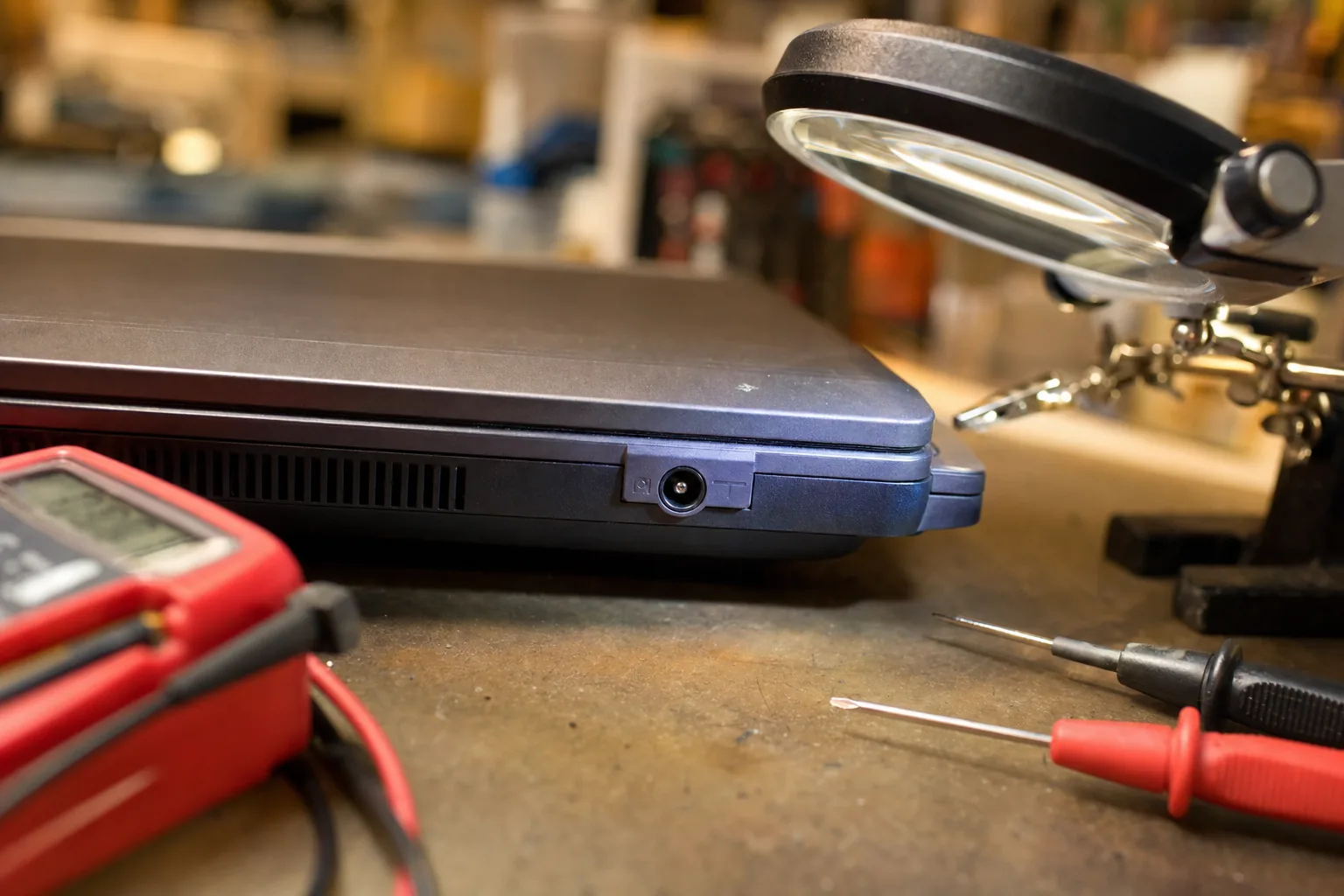

A woman came in last month clutching a brand new charger still in its packaging. She'd already bought one online after her laptop stopped charging, plugged it in, and nothing happened — battery icon still showing a plug with a cross through it. She assumed the second charger was faulty too. It wasn't. The charger was fine. The problem was inside the laptop, and it had been all along.
This is one of the most common misdiagnoses I see. The charger is the obvious suspect, so people replace it first. Sometimes that does fix it. But when the laptop still won't charge after a new one arrives, there are three other places worth looking — and most people don't know where to start.
The most likely culprits
- The DC jack (the charging port itself). This is the number-one cause I find on the bench. The socket is soldered to the motherboard, and after years of cables being yanked at angles, it works loose or the solder joints crack. The charger is delivering power just fine — it simply isn't making contact. Wiggle the plug gently whilst it's plugged in; if the charging light flickers, this is almost certainly your problem.
- The battery. Lithium batteries have a finite number of charge cycles, and old ones sometimes reach a state where the laptop's charging circuit refuses to top them up at all. Try this: remove the battery entirely if yours is removable, then run the laptop on mains power alone. If it powers up fine without the battery, the battery is the failed component, not the charger.
- The charging IC or power circuit on the motherboard. Less common, but it happens — particularly after a power surge or a liquid incident the owner has forgotten to mention. This one is harder to diagnose without proper equipment, but if the DC jack looks solid and a known-good battery makes no difference, this is where I look next.
What you can check yourself before paying anyone
- Look inside the port with a torch. Bent pins or debris lodged in the socket are surprisingly common and occasionally something you can fix with a toothpick and patience.
- Try a different wall socket and remove any extension lead. Sounds obvious, but a faulty extension with low voltage can confuse a laptop's charging circuit.
- Check Windows battery health. Open a Command Prompt as administrator and type powercfg /batteryreport — it saves an HTML report showing your battery's design capacity versus its current full-charge capacity. If the numbers are miles apart, the battery has worn out.
- Update or reinstall the battery driver. In Device Manager, look under Batteries and uninstall the Microsoft ACPI-Compliant Control Method Battery entry, then restart. It sounds too simple, but it clears a software glitch that occasionally mimics a hardware fault.
When to bring it in
A loose DC jack is the repair I do most often in this situation. On most laptops it's a straightforward solder job — an hour on the bench, cost is usually modest. A replacement battery is a similar story. Where things get more expensive is when the fault sits on the motherboard itself; at that point I'll give an honest assessment of whether repair makes financial sense against the age of the machine.
The important thing is to know which part has actually failed before spending money. Buying a second charger is a reasonable first step — but if that doesn't work, stop there and get someone to look properly at the port and the battery before you assume the worst.
The Repair Bench verdict
Most common cause: a loose or cracked DC charging jack — it looks fine from the outside but has failed at the solder joint inside. Wiggling the plug whilst plugged in will usually reveal it.
Check yourself first: run the powercfg battery report in Windows and try the laptop without its battery on mains alone — both tests cost nothing and point you in the right direction.
Watch out for: assuming the motherboard is dead before ruling out the jack and battery; both are cheap fixes compared to a board repair or a new machine.