
Best USB Microphones for Podcasting and Home Recording (2026)
Studio-grade voice without the audio-interface rabbit hole. We pick the best plug-and-play USB mics for UK podcasters, streamers, musicians and remote workers - across every budget - and explain how to actually sound good in a normal, untreated room.
See Shure MV7+ on Amazon UK
£259.00price at 23 Aug, may change
The quick answer: which USB mic should you buy?
If you want the short version before the detail, here is how the picks shake out for the four people who buy these mics most. Each is covered in full further down.
The headline takeaway, which we will repeat because it is the one that saves people the most money and disappointment: if you record in a normal, untreated room - a spare bedroom, a kitchen table, a home office with hard walls - buy a dynamic USB mic, not a condenser. The flashy, sensitive condenser mics you see on every streamer's desk are built for quiet, treated spaces; in a real room they faithfully record your keyboard, your chair, the fridge and the echo off the walls. A dynamic mic ignores most of that and only really hears what is close in front of it. That single decision matters more than brand, price or sample rate, so we will start there.
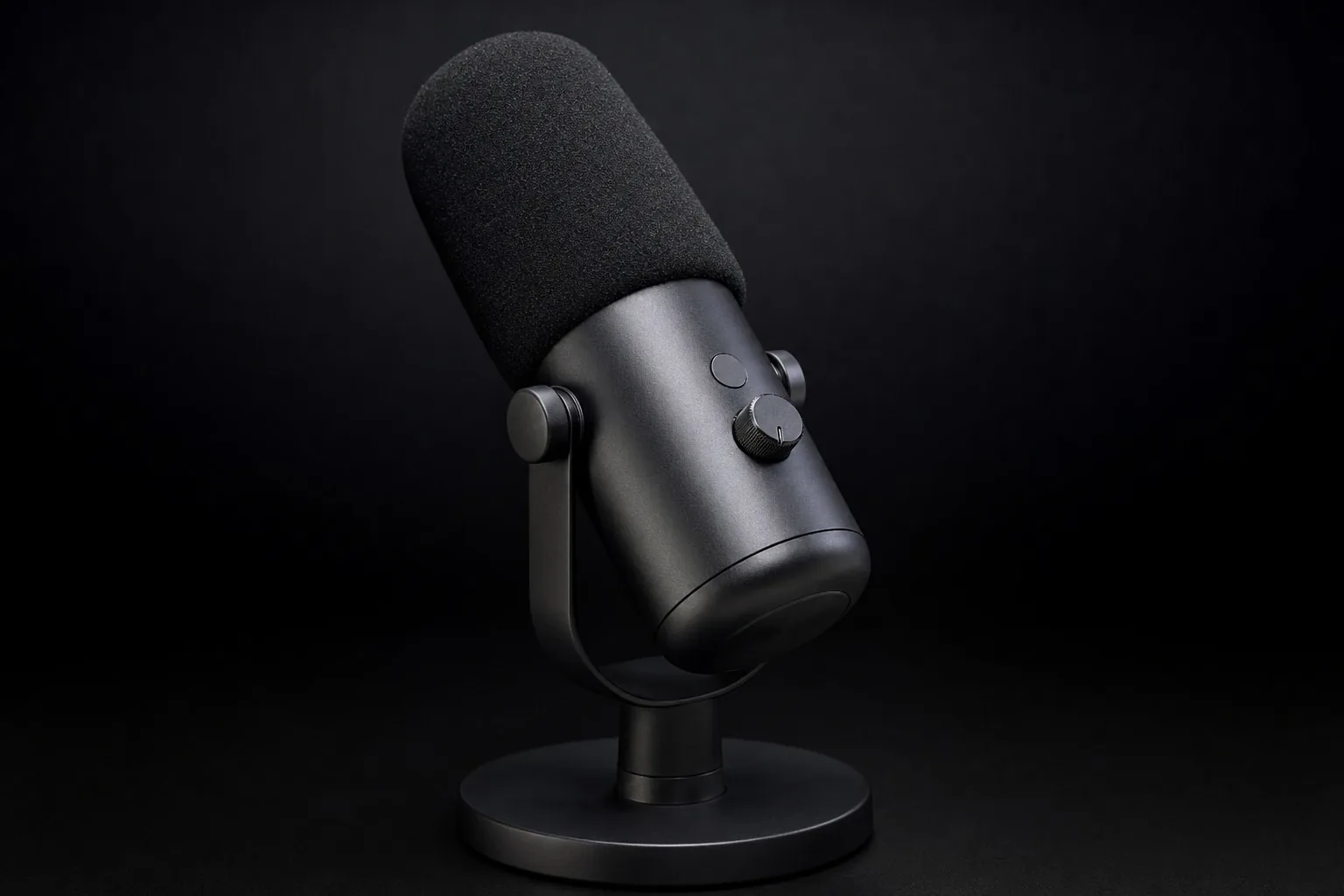
A dynamic broadcast-style USB mic on a desk arm - the setup that flatters most untreated UK rooms.
Dynamic vs condenser: the choice that matters most
Almost every USB mic falls into one of two camps, and getting this right matters more than any spec on the box. The difference is not about quality - both can sound superb - it is about how much of your room they hear.
Dynamic mics: the room-tamer
A dynamic mic uses a relatively heavy moving coil that needs a fair amount of sound energy to get going. In practice that makes it deliberately insensitive: it picks up the loud thing right in front of it (your mouth, a few centimetres away) and largely ignores the quieter things further off (the hum, the echo, the dog). This is exactly why radio and podcast studios have used dynamic mics for decades - the legendary Shure SM7B that you have seen on a thousand podcasts is a dynamic. For anyone recording at home in an ordinary room, a dynamic is the safe, forgiving choice that sounds 'professional' with almost no effort.
The one catch with dynamics
Because they are insensitive, you have to work them close - within a hand's width - and they need decent gain (clean amplification). Cheaper audio interfaces struggle to drive thirsty dynamics, but the good news is that purpose-built USB dynamics solve this internally, which is a big part of why they are so well suited to plug-and-play recording.
Condenser mics: the detail-catcher
A condenser uses a thin, electrically charged diaphragm that responds to the faintest changes in air pressure. That makes it far more sensitive and detailed - it captures the airy top end and subtle nuance that vocalists and voiceover artists love. The flip side is that it captures everything: the room's reverb, traffic outside, the buzz of a laptop fan, your neighbour's lawnmower. In a treated studio or a soft, quiet room (lots of soft furnishings, curtains, carpet, a wardrobe full of clothes nearby), a condenser sounds gorgeous. In a bright, hard, noisy room it can sound thin, distant and amateurish no matter how much you paid.
The honest rule of thumb
Clap your hands once in the room you will record in. If you hear an obvious echo or 'slap', that is a room a condenser will expose and a dynamic will forgive. Most British spare rooms and home offices fail the clap test - which is why our top all-round picks are dynamics.
What USB gets you - and what XLR is really for
The other big fork in the road is the connection. USB and XLR are not quality tiers - they are different workflows - and in 2026 the gap between them has narrowed to the point where most people never need to leave USB.
What USB actually does for you
A USB mic has the audio interface built in. The capsule, the preamp (the clean gain), the analogue-to-digital converter and often a headphone amp and onboard processing all live inside the mic. You plug a single cable into your computer, phone or tablet, and it appears as a recording device. There is nothing else to buy, set up or driver-wrangle. For podcasting solo, streaming, remote meetings, voiceover and most home recording, that is genuinely all you need - and the converters and preamps in a good USB mic today are excellent.
What the XLR path adds (and costs)
An XLR mic is 'dumb' - it outputs a pure analogue signal and relies on an external audio interface or mixer to power it, amplify it and convert it. That unlocks real flexibility: you can run several mics at once, swap mics without swapping your whole setup, use studio outboard gear, and upgrade the interface and mic independently. It is the right path if you are recording a band, running a multi-person panel through a mixer, or building toward a serious home studio. But it means buying, learning and powering an interface - the 'rabbit hole' many people fall into and never climb out of.
The clever middle ground: dual USB + XLR mics
Several of our picks (the Shure MV7+, Rode PodMic USB and Samson Q2U) output both USB and XLR from the same body. You start in pure USB plug-and-play mode today, and if you ever graduate to an XLR interface, the same mic comes with you. It is the most future-proof way to buy, and it is why we lean toward these hybrids for anyone who suspects they might get serious later.
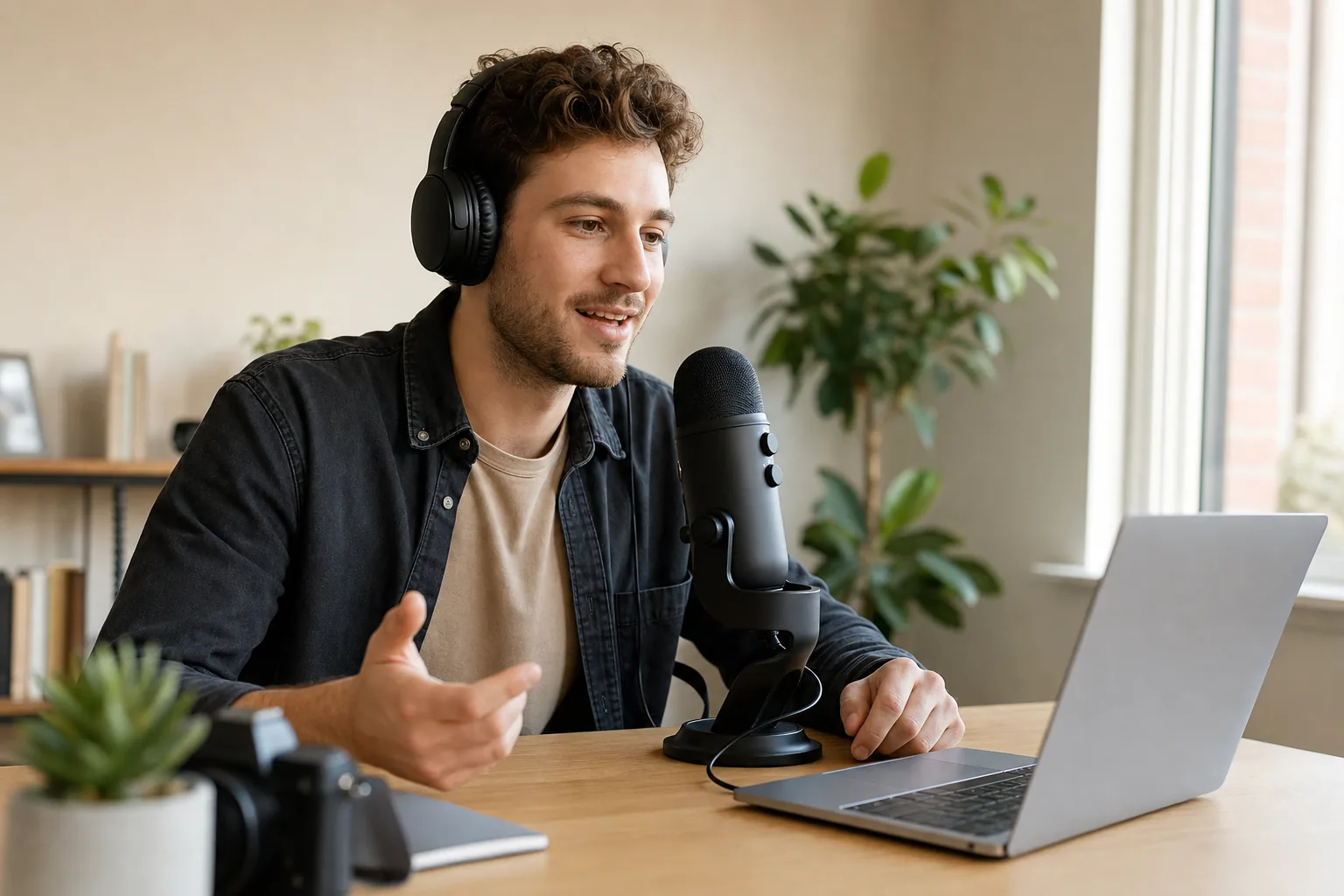
USB-C plus XLR on the same mic - plug-and-play now, room to grow into an interface later.
Best overall USB mic: Shure MV7+
See Shure MV7+ on Amazon UK
£259.00price at 23 Aug, may change
Shure MV7+
The MV7+ is the mic we would put in front of the most people, because it does the hardest job - sounding broadcast-professional in an ordinary, untreated room - better than anything else at the price. It is a cardioid dynamic descended from Shure's studio-standard SM7B, with the same warm, weighty, close-up broadcast tone, but with the audio interface, processing and a headphone output built in. You get both USB-C and XLR, so it is a true buy-once mic: plug-and-play today, ready for an interface later.
What sets it apart is the onboard DSP. Shure's real-time denoiser and Auto Level Mode are genuinely effective - in testing, voices stay crisp and present even with a PC fan spinning a couple of feet away, because the processing phases out steady background hum. There is a customisable LED touch panel that doubles as a level meter and a mute button, a digital pop filter, and tone and reverb controls, all configurable in Shure's free MOTIV software (settings can be stored on the mic so they travel with it). For podcasters and remote professionals who want to sound polished with zero fuss, it is the safest money in this guide.
Pros: best-in-class room rejection; SM7-style broadcast warmth; superb onboard noise reduction; dual USB-C/XLR future-proofing; touch-panel mute and metering.
Cons: the most expensive pick here; you must work it close and at decent gain; overkill if you already record in a treated, silent room.
Buy it if: you record voice at home, want it to sound properly professional with no learning curve, and you are happy to pay once for a mic you will not outgrow.
Best budget USB mic: Samson Q2U
See Samson Q2U on Amazon UK
£114.84 · 6% offprice at 23 Aug, may change
Samson Q2U
If the MV7+ is the sensible splurge, the Q2U is the legend that has launched more podcasts than any other mic - and for good reason. It is a cardioid dynamic with both USB and XLR outputs and a headphone jack for zero-latency monitoring, typically sold as a kit that already includes a desk tripod, a mic clip, a foam windscreen and both cables. For around £90 you get the same fundamental advantage as far pricier mics: a forgiving dynamic capsule that ignores most of a messy room and only hears your voice up close.
It will not match the MV7+ for onboard processing or low-level polish, and the foam windscreen is no substitute for a proper pop filter, but the raw sound is genuinely good and unmistakably 'radio'. Crucially, the dual USB/XLR output means it grows with you exactly like the Shure does - start in USB, move to an interface later, keep the mic. For a first podcast, a student project, a tight budget or simply finding out whether you enjoy this before spending more, nothing beats it.
Pros: superb value; dynamic room rejection in a sub-£100 mic; dual USB/XLR future-proofing; complete starter kit in the box; headphone monitoring.
Cons: no onboard noise reduction or smart features; bundled foam windscreen rather than a real pop filter; plainer build than premium rivals.
Buy it if: you want the cheapest honest route to a proper, professional-sounding podcast voice and you do not need the bells and whistles.
Best for streaming and gaming: Elgato Wave:3
See Elgato Wave:3 on Amazon UK
£99.99 · 38% offprice at 23 Aug, may change
Elgato Wave:3
Streamers are a special case. If you have a reasonably quiet, soft-furnished gaming room and you want a crisp, detailed voice with deep software control, the Wave:3 is the pick. It is a cardioid condenser recording at up to 24-bit / 96kHz - noticeably higher resolution than the old 16-bit / 48kHz Blue Yeti - with a clean, bright, present sound that cuts through a mix. Its standout trick is Clipguard, an anti-distortion system that catches sudden volume spikes (a laugh, a shout, a clutch-moment celebration) before they clip and ruin the take.
The real reason streamers love it is the Wave Link software, which turns the mic into a mini broadcast mixer: you can balance your voice, game audio, chat, music and alerts into separate channels and route them independently, all from the desktop. It slots neatly into the wider Elgato ecosystem (Stream Deck and the rest) too. The trade-off is the trade-off of all condensers - it is sensitive, so it wants a treated-ish, quiet room, and the Wave Link software has historically had the odd driver wrinkle on Windows. But for desk-based content with a controlled environment, it is excellent.
Pros: crisp, high-resolution sound; Clipguard stops peak distortion; powerful Wave Link software mixing; tidy Elgato ecosystem integration.
Cons: condenser sensitivity means it needs a quiet, soft room; software can be fiddly on Windows; less forgiving than a dynamic for beginners.
Buy it if: you stream or make desk-based content in a controlled room and want fine-grained audio routing rather than just a plug-in mic.
Best for two-person podcasts: Shure MV7i
See Shure MV7i on Amazon UK
£318.00 · 11% offprice at 14 Aug, may change
See Shure MV7i on Amazon UK
£318.00 · 11% offprice at 14 Aug, may change
Shure MV7i
Recording two people is where most home setups fall apart - you suddenly need a second mic and an interface, and the simple USB workflow collapses. The MV7i is Shure's clever answer: it is an SM7B-inspired cardioid dynamic with a two-channel audio interface built into the mic itself. There is a combo XLR/quarter-inch input on the base, so you plug a second microphone or an instrument straight into the MV7i, and both channels arrive at your computer as separate tracks over a single USB-C cable. The second input supplies up to 60dB of clean gain and 48V phantom power, so it will happily drive a hungry dynamic or power a condenser.
You get the same warm broadcast tone and the same well-regarded onboard DSP suite (denoiser, auto level, digital pop filter, compressor and more) as the MV7 family, applied independently to each channel, plus a headphone output for zero-latency monitoring of both inputs. For a two-person podcast, an interview show, or a musician who wants voice plus a guitar take without an external interface, it removes the single biggest source of home-recording headaches.
Pros: records two sources with no separate interface; per-channel DSP; powers demanding mics; SM7-style tone; superb build.
Cons: pricey; the second guest still needs their own mic; single-host users do not need the extra channel.
Buy it if: you record interviews or co-hosted shows in the same room, or you are a musician wanting voice and instrument captured cleanly without building a studio.
Best classic all-rounder: Rode PodMic USB & NT-USB+
Rode has two USB mics worth knowing, and which suits you comes back to the dynamic-versus-condenser question from earlier.
Rode PodMic USB
The PodMic USB is a dynamic with both USB-C and XLR, a controlled low end and a mid-forward, warm broadcast voice that suits speech beautifully. It has onboard DSP - an Aphex-powered processing chain plus a high-pass filter and noise gate - and, helpfully, those settings are stored on the mic so they keep working even on a computer that does not have Rode's software installed. Out of the box over USB it can add a little extra gain to lift quieter voices, and the built-in pop filtering is among the best here. Two caveats: there is no monitor mix knob (you balance mic and computer audio in software), and you cannot run the USB and XLR outputs at the same time. For a desktop dynamic to cover podcasting, streaming and clean home voice capture, it is a strong, slightly cheaper alternative to the MV7+.
Rode NT-USB+
If your room is quiet and soft and you want condenser detail, the NT-USB+ is the more refined sibling. It is a cardioid condenser with onboard DSP (Rode's Aphex processing again), a high-quality headphone amp, and - the feature the PodMic USB lacks - a front-panel monitor mix knob to blend your own voice against computer playback in your headphones, with no latency. It comes with a pop filter in the box. It is a lovely studio-style USB condenser for voiceover and vocals in a controlled space, but it carries every condenser caveat: keep it away from noisy, echoey rooms.
Which Rode? Untreated or noisy room, or you mostly talk - the PodMic USB. Quiet, soft room and you want airy detail or to sing - the NT-USB+. When in doubt, the dynamic PodMic USB is the more forgiving buy.
The popular all-rounders: Yeti, AT2020USB-X and QuadCast 2
See Blue Yeti on Amazon UK
£84.99 · 15% offprice at 23 Aug, may change
Three condensers dominate the 'desk mic' shelf, and they are everywhere for a reason - but each carries the same warning. They are sensitive condensers, so they reward a quiet, soft room and punish a hard, noisy one. With that said:
Audio-Technica AT2020USB-X
See Audio-Technica AT2020USB-X on Amazon UK
£163.92 · 27% offprice at 23 Aug, may change
A reworking of the much-loved AT2020USB+, this cardioid condenser records at 24-bit / 96kHz and delivers warm, clean, near-studio detail for around £116. It has a headphone jack with a mix dial, a mute touch-sensor and a tidy, focused sound. If you have a controlled room and want the most studio-like USB condenser for the money, this is our condenser-of-choice for pure recording quality.
Logitech/Blue Yeti
See Logitech/Blue Yeti on Amazon UK
£84.99 · 15% offprice at 23 Aug, may change
The most famous USB mic ever made, with tens of thousands of reviews. Its party trick is four switchable pickup patterns - cardioid, omnidirectional, bidirectional and stereo - which makes it genuinely versatile for round-table chats, interviews across a desk, or instruments. The trade-offs are real: it records at 16-bit / 48kHz (lower resolution than the others here) and, because those extra patterns make it pick up widely, it is notably room-sensitive. A brilliant, flexible tool in a quiet space; a liability in an echoey one.
HyperX QuadCast 2
See HyperX QuadCast 2 on Amazon UK
£88.03 · 30% offprice at 23 Aug, may change
The gamer favourite: a condenser with eye-catching RGB lighting, a built-in shock mount, a tap-to-mute top and multiple polar patterns. It looks the part on a streaming desk and sounds clean and bright, but it is a sensitive condenser like the others - great in a soft room, exposing in a hard one. Buy it for the looks-plus-features package if your room is quiet; choose a dynamic if it is not.
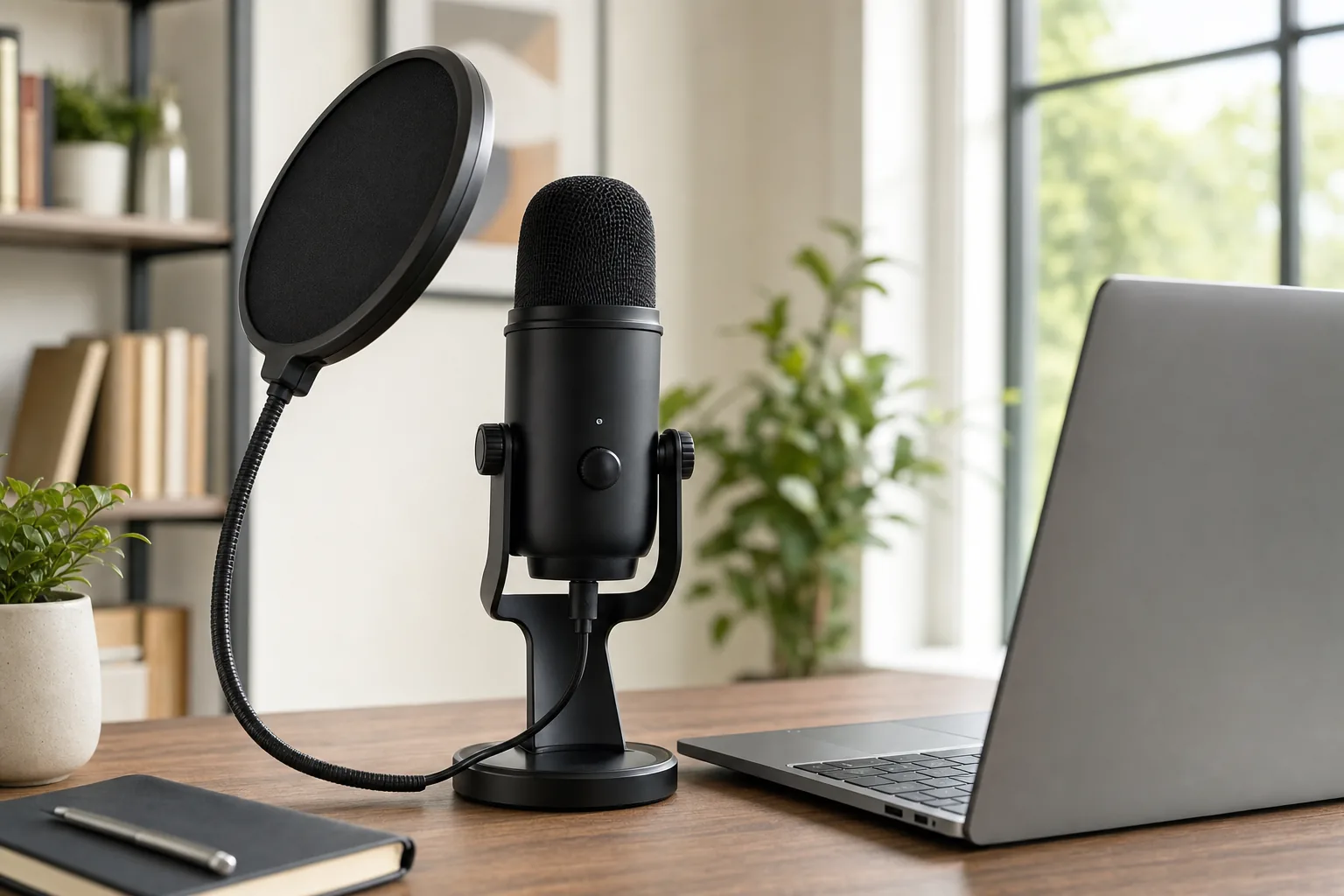
Multi-pattern condensers like the Yeti are versatile - but only in a quiet, soft room.
Best ultra-budget pick: FIFINE AmpliTank K688
See FIFINE AmpliTank K688 on Amazon UK
£67.97 · 20% offprice at 23 Aug, may change
FIFINE AmpliTank K688
FIFINE has spent the last few years gatecrashing the budget end, and the all-metal K688 (sometimes the AmpliTank line) is the one to know. It is a cardioid dynamic with both USB-C and XLR, a tough metal body, a headphone jack with monitoring, a physical mute button and a gain dial right on the mic - features that used to cost three times as much. Because it is a dynamic, it brings the same room-forgiving behaviour as our pricier picks, which is rare at this money.
It is around £100-£120 depending on whether you buy the bare mic or a kit with a boom arm. It does not match Shure or Rode for refinement or onboard processing, and you may need to buy an XLR cable separately for that mode - but as a do-everything dynamic for a tight budget it punches above its weight, and it is a genuine alternative to the Samson Q2U if you want on-mic gain and mute controls.
Pros: dynamic room rejection on a budget; metal build; on-mic gain and mute; dual USB-C/XLR.
Cons: less refined than premium rivals; basic accessories; XLR cable often not included.
Buy it if: you want a sturdy, feature-packed dynamic for the least money and like having physical controls on the mic.
The accessories that actually matter (and the ones that do not)
A mic is only part of the result. A few cheap extras make a far bigger difference than people expect - and a couple of pricey ones do almost nothing. Spend here, in this order.
1. A boom arm - the single best upgrade
Get the mic off the desk and onto a sprung boom arm. It does three things at once: it lets you position the mic close to your mouth (essential for dynamics), it stops your keyboard taps and desk knocks travelling up into the mic, and it clears your workspace. A quality damped arm like the Rode PSA1+ moves silently and holds heavy mics steady; budget arms work too but can creak. If you buy one accessory, buy this.
2. A pop filter or windscreen - stops the 'p' pops
Plosives - the blast of air on 'p' and 'b' sounds - are the most common thing that makes home recordings sound amateur. A simple pop filter (a mesh or foam screen between you and the mic) fixes it for very little money. Many mics include a foam windscreen, which helps, but a dedicated pop filter is better. Several of our picks (the MV7 family, PodMic USB, NT-USB+) also have effective digital or built-in pop filtering.
3. A shock mount - useful, not essential
A shock mount suspends the mic in elastic to isolate it from desk vibration and bumps. On a solid boom arm it is a nice-to-have rather than a must, and several mics build one in. Prioritise the arm and pop filter first.
What you can usually skip
You do not need an external audio interface for a USB mic - that is the whole point. You rarely need expensive 'studio' XLR cables for a USB setup. And foam 'acoustic' tiles stuck to one wall do far less than people hope - a dynamic mic, close miking and soft furnishings (a rug, curtains, a sofa, a full bookshelf) do more for the money than thin foam.
How to sound good: technique tips that cost nothing
The difference between a cheap mic that sounds professional and an expensive one that sounds amateur is almost always technique, not gear. These cost nothing and matter more than another £100 of kit.
- Get close. With a dynamic, work within a hand's width - roughly 5-15cm. Close miking is the biggest single factor in sounding 'radio'; it boosts your voice relative to the room and adds warmth (the 'proximity effect'). Back off a condenser slightly more, but still keep it close.
- Talk across the mic, not into it. Aim slightly off-axis - speak past the front of the mic rather than straight into it - so plosives blow past the capsule instead of hitting it. Combined with a pop filter, this kills most pops.
- Set your gain properly. Aim for peaks around -12dB to -6dB, never touching the top. Too low and you amplify hiss later; too high and you clip and distort. Watch your software's meter while you speak at your real volume, not a polite test voice.
- Tame the room before you reach for software. Record facing into the soft side of the room, throw a duvet or a rug nearby, close the window, turn off the fan. Five minutes of this beats hours of noise reduction.
- Monitor with headphones. Plug headphones into the mic's own jack for zero-latency monitoring. Hearing yourself as you record is how you catch pops, distance drift and background noise before it is baked in.
- Use a tiny bit of processing, not a lot. A gentle high-pass filter to remove rumble, light compression to even out your level, and a touch of noise reduction is plenty. Over-processed voices sound worse, not better. The onboard DSP on mics like the MV7+ and PodMic USB does this well by default.
Master these and a £90 Samson Q2U will embarrass a careless £300 setup. For a reliable connection behind your calls and streams, see our guide to the best Wi-Fi 7 routers and mesh systems, and if you record while gaming, our pick of the best gaming laptops.
At a glance: every pick compared
The whole guide in one place. 'Room' is how forgiving each mic is in a typical untreated UK room - the higher, the more it ignores echo and noise.
| Mic | Type | Connection | Room-friendly | Best for |
|---|---|---|---|---|
| Shure MV7+ | Dynamic | USB-C + XLR | Excellent | Best overall voice |
| Samson Q2U | Dynamic | USB + XLR | Excellent | Best value |
| Shure MV7i | Dynamic + interface | USB-C (2-ch) | Excellent | Two-person shows |
| Rode PodMic USB | Dynamic | USB-C + XLR | Excellent | Warm broadcast voice |
| FIFINE K688 | Dynamic | USB-C + XLR | Very good | Ultra-budget dynamic |
| Elgato Wave:3 | Condenser | USB-C | Needs quiet room | Streaming |
| Rode NT-USB+ | Condenser | USB-C | Needs quiet room | Detailed voiceover |
| AT2020USB-X | Condenser | USB-C | Needs quiet room | Studio-like quality |
| Logitech/Blue Yeti | Condenser | USB | Needs quiet room | Multi-pattern flexibility |
| HyperX QuadCast 2 | Condenser | USB-C | Needs quiet room | RGB gaming desk |
The pattern is hard to miss: every mic we rate for an ordinary room is a dynamic, and every condenser comes with a 'quiet room' asterisk. Buy accordingly and you will not be disappointed.
Frequently asked questions
Is a USB microphone good enough for a professional podcast?
Yes. In 2026 the converters and preamps in a good USB mic are excellent, and plenty of monetised podcasts are recorded on USB dynamics like the Shure MV7+ or even the budget Samson Q2U. The XLR-plus-interface path adds flexibility for multi-mic and studio setups, but it does not automatically sound better. For one or two voices at home, a quality USB dynamic is genuinely professional.
Should I get a dynamic or a condenser USB mic?
For most people recording at home in an untreated room, get a dynamic. It only really hears what is close in front of it, so it ignores echo, hum and background noise that would ruin a condenser recording. Choose a condenser only if you have a quiet, soft, treated space and specifically want its extra detail and air - for example for music vocals or polished voiceover.
Do I need an audio interface with a USB mic?
No - that is the whole point of USB. The interface, preamp and converter are built into the mic, so you plug a single cable into your computer, phone or tablet and record. You only need a separate interface if you move to XLR mics or want to run several mics through a mixer. Some of our picks, like the Shure MV7+ and Rode PodMic USB, offer XLR as well so you can switch later without buying a new mic.
What is the best cheap USB microphone in the UK?
The Samson Q2U at around £90 is the best-value pick: it is a dynamic (so it forgives a messy room), has both USB and XLR, includes a stand and cables, and offers headphone monitoring. The FIFINE K688 is a strong alternative around £100-£120 if you want on-mic gain and mute controls and an all-metal build. Both punch far above their price.
Why does my USB mic pick up so much background noise?
Usually one of three things: it is a condenser in an untreated room (switch to a dynamic), you are sitting too far from it (get closer - a hand's width for a dynamic), or your gain is set too high so it amplifies room noise. Lower the gain so your speaking peaks sit around -12dB to -6dB, move closer, and add soft furnishings. A dynamic mic plus close miking solves this for most people.
What accessories do I really need for a USB mic?
In priority order: a sprung boom arm (the single biggest upgrade - it gets the mic close and kills desk noise), then a pop filter to stop plosive 'p' and 'b' pops, and optionally a shock mount. You do not need an audio interface, expensive cables, or thin foam acoustic tiles - close miking with a dynamic and ordinary soft furnishings do far more for the money.
Can I plug a USB microphone into my phone or tablet?
Usually yes. Most modern USB-C phones and tablets, and all recent iPads, recognise a USB-C mic directly, sometimes with a simple adapter and occasionally needing the mic's own power for higher-current models. Mics like the Shure MV7 family and Rode's USB range are explicitly designed for mobile recording, which makes them handy for recording on the move as well as at the desk.
The bottom line: which USB mic to buy
Strip away the marketing and the choice is refreshingly simple. For the vast majority of UK podcasters, streamers, remote workers and home recordists working in a normal, untreated room, a dynamic USB mic is the right answer - it sounds professional with almost no effort because it ignores the room you are actually in. The Shure MV7+ is our overall pick for its broadcast tone and class-leading onboard noise reduction; the Samson Q2U is the value champion that has launched countless podcasts for around £90; and the Shure MV7i solves the two-person headache by building a second input into the mic.
Only reach for a condenser - the Elgato Wave:3 for streaming, the AT2020USB-X for studio-like detail, the multi-pattern Yeti for flexibility - if you genuinely have a quiet, soft room to record in. Then spend a little on a boom arm and a pop filter, get close to the mic, set your gain sensibly, and you will sound better than people who spent three times as much. Buy the right type for your room and everything else follows.