
What Is Matter and Thread? A Plain-English Smart Home Guide
Two words keep appearing on smart-home boxes - Matter and Thread - and the packaging never explains them. Here is what they actually are, what works with what, and whether you should buy now or wait, written for a UK home rather than an engineer.
Matter and Thread in one sentence each
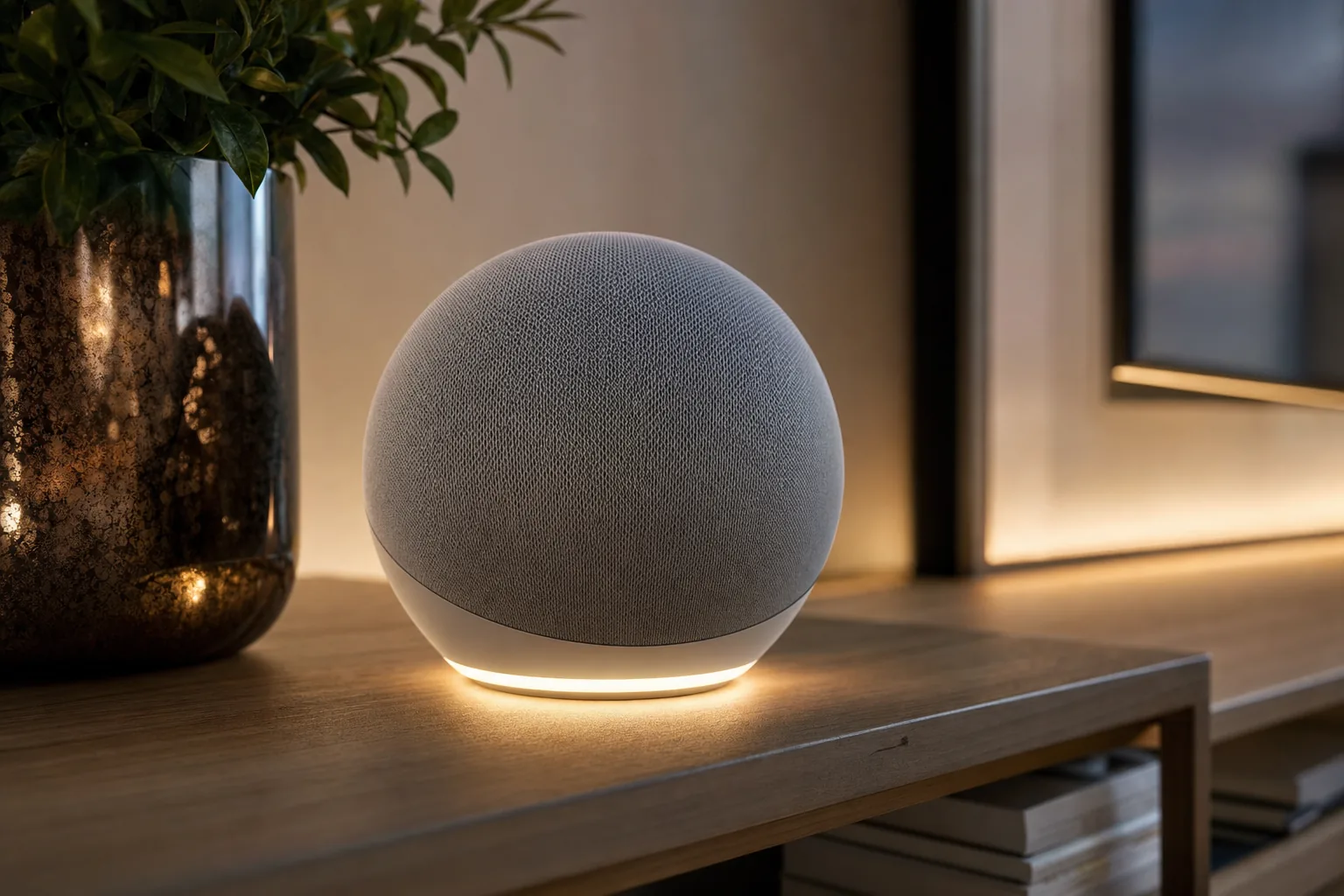
Matter is the shared language; Thread is one of the roads the words travel on.
Before the detail, here is the whole thing boiled down to two sentences you can carry around.
Matter
Matter is a common language for smart-home gadgets. It is a software standard that says, in effect, "a light is a light, a lock is a lock, a plug is a plug" so that any app from any brand can understand and control any certified device. It is not a wireless signal - it rides on top of one.
Thread
Thread is a low-power wireless network for small smart-home devices. It is one of the actual radio signals that carries the conversation, designed to sip battery, form a self-healing mesh, and let dozens of little devices coexist without flooding your Wi-Fi.
So they answer two different questions. Matter answers "what is being said and can everyone understand it?" Thread answers "how does the message physically get from the sensor to the hub?" You will often see them together as the phrase "Matter over Thread", which simply means a device that speaks the Matter language and sends it over the Thread network. You will also see "Matter over Wi-Fi", which is the same language sent over your ordinary home Wi-Fi instead. Hold those two sentences and the rest of this guide is just filling in the why and the how.
The single most common confusion - repeated even in shop staff patter - is treating Matter and Thread as rivals you must choose between. They are not. They are partners that do different jobs, much like a language and a telephone line. You can speak English down a phone line or over the radio; the language and the medium are separate things. Keep that distinction and you already understand more than most of the packaging assumes you do.
What Matter actually is: an agreement, not a gadget
Matter is best thought of as a peace treaty. For more than a decade the smart home was a turf war: buy a Philips Hue bulb and you needed the Hue app and Hue's hub; buy a Hive thermostat and you lived in Hive's app; an Apple household could not easily talk to a Google household, and a device that worked with Alexa often ignored Apple Home entirely. Every big technology company - Apple, Google, Amazon, Samsung - plus hundreds of device makers agreed to back a single standard so that a certified product would work across all of their platforms. That standard is Matter, run by an industry body called the Connectivity Standards Alliance (CSA).
It is an application-layer standard
The technical phrase you will see is that Matter is an application-layer standard. In plain terms, "application layer" is the top of the stack - the level concerned with meaning rather than radio waves. Matter defines what a device is and what it can do: this thing is a dimmable light, here is how you set its brightness; this thing is a contact sensor, here is how it reports open or closed. Because the meaning is standardised, any controller that speaks Matter can build a sensible button or tile for it without the manufacturer writing special code for each platform.
Crucially, Matter does not care which wireless technology carries those instructions. It is deliberately built to run over three transports: your home Wi-Fi, the low-power Thread network, and - for the initial setup handshake only - Bluetooth. That is why Matter and Thread keep appearing side by side but are not the same thing: Matter is the message, Thread (or Wi-Fi) is the delivery.
The practical payoff
A genuinely Matter-certified plug bought today should pair with Apple Home, Google Home and Amazon Alexa, with no brand lock-in deciding which voice assistant or app you are allowed to use. That promise is real - with the caveats we will be honest about later.
One more thing Matter is not: it is not a cloud account or a subscription. The standard is designed so basic local control of your devices keeps working on your own network, which is part of why it tends to feel snappier and more private than the old cloud-dependent apps. Manufacturers can still bolt their own cloud features on top, but the core "turn the light on" no longer needs to take a round trip to a server in another country.
What Thread actually is: a clever little mesh network
If Matter is the language, Thread is one of the better roads it can travel on. Thread is a wireless networking technology designed specifically for the kind of small, often battery-powered devices that fill a smart home - sensors, buttons, locks, bulbs, blinds. It launched back in 2014 and has matured into the low-power transport that Matter leans on most for these little gadgets.
Three features make Thread genuinely useful rather than just another acronym.
It is a self-healing mesh
In a mesh network, the mains-powered devices (a Thread bulb, a smart plug) quietly relay messages for the battery-powered ones (a door sensor across the house). If you unplug one relay, the network automatically reroutes through another - it "heals" itself without you noticing. The more Thread devices you add, the stronger and more reliable the mesh tends to get, which is the opposite of how cramming more gadgets onto Wi-Fi usually feels.
It speaks the internet's own language (IPv6)
Unlike older smart-home meshes, every Thread device gets its own internet address (an IPv6 address). That sounds like deep plumbing, but the consequence is practical: Thread devices can be addressed directly, like proper members of your network, rather than hiding behind a single translator box. It is a big part of why Matter chose Thread as a first-class transport.
It barely sips power
Thread is built around the same ultra-low-power radio family used by Zigbee (the IEEE 802.15.4 standard, if you want the term), so a battery sensor can run for months or years rather than days. It also keeps its chatter off your congested 2.4GHz Wi-Fi for the most part, so your phone and laptop are not fighting two dozen sensors for airtime. For a busy UK home where the router is already juggling phones, a TV, a games console and the neighbours' overlapping networks, that offloading is a quietly significant reliability win rather than a mere technicality.
The one part Thread needs that Wi-Fi does not is a border router - a bridge between the little Thread mesh and the rest of your home network. That single requirement causes most of the early confusion, so it gets its own section next.
The Thread border router: the bridge you may already own
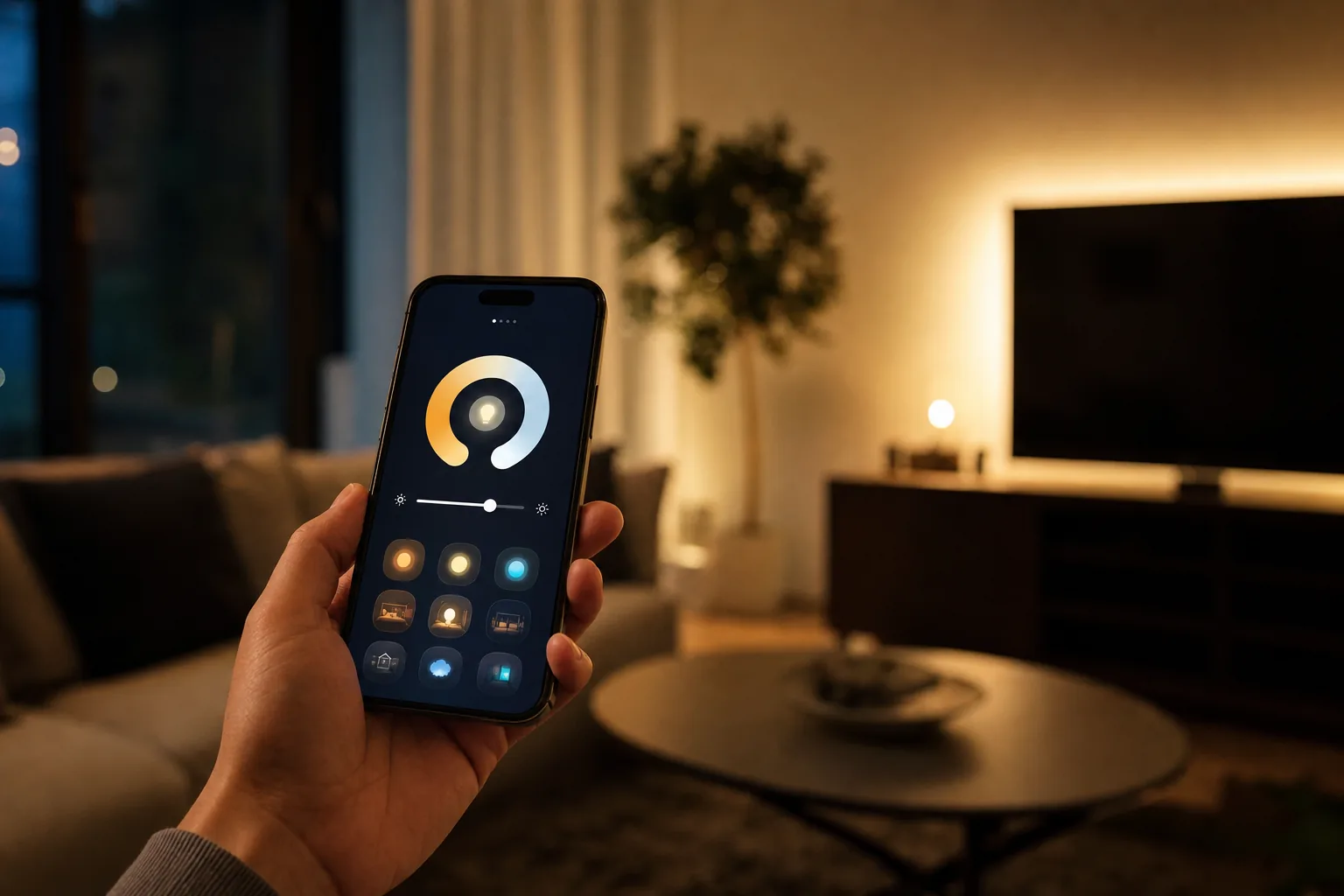
Several popular speakers and hubs quietly double as Thread border routers.
A Thread mesh is a private little island of low-power devices. For your phone, your Apple Home or Google Home app, or the wider internet to reach that island, something has to bridge it to your main Wi-Fi network. That bridge is a Thread border router. It is not a thing you usually buy on purpose - it tends to be built into a device you already wanted for another reason.
Here is the genuinely good news for most UK homes: if you own a recent smart speaker or hub, you very likely already have a border router sitting on a shelf. As of 2026 the common ones include:
- Apple: the HomePod mini, the second-generation full-size HomePod, and the Apple TV 4K all act as Thread border routers. One catch worth knowing - only the pricier Apple TV 4K model with Ethernet (rather than the Wi-Fi-only version) includes Thread, so if you are buying specifically for this, get the Ethernet one.
- Google: the second-generation Nest Hub and the Nest Hub Max are border routers. Note that the small Nest speakers (Nest Mini, Nest Audio) support Matter but do not provide Thread, which trips people up.
- Amazon: the fourth-generation Echo, the Echo Studio, the Echo Dot Max and the newer Echo Plus can serve as Thread border routers.
- Standalone and routers: some Wi-Fi routers and dedicated hubs now include Thread too. Matter 1.4 introduced a tidy idea called HRAP - a single box that is both your Wi-Fi access point and a Thread border router - which is starting to appear in mainstream routers and will make this plumbing invisible over time.
A useful habit: more than one
If you can have two or three border routers spread around the house (say a HomePod mini upstairs and an Echo downstairs), do. Thread is designed to treat multiple border routers as one more resilient network, so a big house stays solid even if one device is unplugged. One caveat the marketing skips: that merging depends on the border routers sharing Thread credentials, which happens automatically within a single ecosystem but is still patchy across brands. Two Apple devices will co-operate; an Apple one and an Amazon one may quietly run separate Thread networks.
The practical upshot: before you buy any extra hardware to "get Thread", check the speaker or streaming box you already own. There is a fair chance the bridge is already there, and a Thread sensor will simply find it during setup.
Matter vs Thread vs Zigbee vs Wi-Fi vs Bluetooth: the comparison
This is the table everyone actually wants. The trick is remembering you are comparing two different kinds of thing at once - one of these (Matter) is a language, the rest are mostly wireless signals - so the "best for" column matters more than a simple winner.
| Technology | What it is | Needs a hub? | Power use | Best for |
|---|---|---|---|---|
| Matter | A common language (standard), not a radio | A Matter controller (often a speaker you own) | N/A - depends on transport | Cross-brand compatibility across Apple, Google, Alexa |
| Thread | Low-power mesh wireless (IPv6) | A border router (built into many speakers) | Very low | Battery sensors, locks, buttons, bulbs |
| Zigbee | Older low-power mesh wireless | Yes - a brand hub (Hue Bridge, etc.) | Very low | Mature, cheap sensors and bulbs (huge range) |
| Wi-Fi | Your normal home network | No (uses your router) | Higher | Cameras, doorbells, anything mains-powered and data-heavy |
| Bluetooth | Short-range direct wireless | No | Low | Initial setup of Matter devices; nearby control |
Read it this way. Matter is the only row that is a language; it relies on one of the others to actually move data. Thread and Zigbee are close cousins - both are low-power meshes using the same radio family - but Thread is the modern, internet-native one that Matter embraced, while Zigbee is the established workhorse with an enormous existing catalogue of cheap devices. Wi-Fi is the heavy-lifter for anything that streams video or moves real data. Bluetooth mostly plays a quiet supporting role: it is how your phone first introduces itself to a new Matter device during setup, after which the device switches to Thread or Wi-Fi for day-to-day life.
Z-Wave deserves a footnote: it is another older low-power mesh, popular for security gear, that runs on a different sub-1GHz frequency to dodge Wi-Fi interference. That lower frequency tends to travel further through walls, which is why it earned a reputation for reliability in larger or older homes. It is solid but sits outside the Matter-and-Thread story for now, reaching newer ecosystems mostly through bridges, so it is rarely the right starting point for a brand-new setup unless you have a specific reason to choose it.
How Matter works across Apple, Google, Alexa and SmartThings
The headline reason to care about Matter is that it is meant to end the "which ecosystem am I locked into?" anxiety. In practice, a Matter device is commissioned (the official word for "set up") onto a Matter controller. Each major platform provides one: Apple's controller lives in the Home app on an iPhone, iPad, HomePod or Apple TV; Google's is Google Home; Amazon's is Alexa; and Samsung's is SmartThings. You scan the device's Matter QR code with whichever app you prefer, and it joins that ecosystem.
Multi-admin: one device, many bosses
The genuinely clever bit is called multi-admin. A single Matter device can be shared with more than one ecosystem at the same time. So a plug can be controlled from Apple Home and Alexa and Google Home simultaneously - handy in a mixed household where one person lives on iPhone and another on Android. You set it up in your main app, then use a sharing code to add it to a second platform. Matter 1.4 made this smoother with "Enhanced Multi-Admin", so a device can join several ecosystems with a single approval rather than a fiddly repeat dance for each one.
Where the dream gets a dent
Multi-admin works, but it is still the part most likely to feel clunky in 2026. The setup flows differ between apps, sharing codes occasionally misbehave, and a device removed from one ecosystem can sometimes drop awkwardly from another. It is miles better than the old walled gardens, but it is not yet the seamless one-tap experience the marketing implies.
There is also an uncomfortable truth about pace. The four platforms do not adopt new Matter features at the same speed. Samsung SmartThings has consistently been first to support the newest device types, while Apple, Google and Amazon tend to be slower and more cautious. So "Matter supports cameras now" can be true of the standard yet not yet true of your app - which is exactly the kind of gap we will keep flagging, because it is the difference between the spec sheet and your actual living room.
What setting up a Matter device actually looks like
All this theory is easier to trust once you have seen how little you actually do. The everyday reality of adding a Matter device is deliberately boring, and that is the point. Here is the typical flow, start to finish, for a brand-new Matter plug or sensor.
- Find the code. Every Matter device ships with an 11-digit setup code and a matching QR code, printed on the device itself, on a sticker, or in the leaflet. This is the key that lets your phone vouch for the device, so it is worth photographing before anything gets thrown away.
- Open your main app and tap "add device". Whether that is Apple Home, Google Home, Alexa or SmartThings, each has an "add" or "+" button that offers a Matter option. You point your phone's camera at the QR code.
- Bluetooth does the introductions. For a few seconds your phone talks to the new device over Bluetooth - this is the only job Bluetooth does here. It securely hands over your network details and confirms the device is genuine and certified.
- The device joins the network. A Wi-Fi device connects to your router; a Thread device finds your nearest border router and slots into the mesh. You will usually see a tick and a chance to name the device and put it in a room. Bluetooth then bows out, and day-to-day control runs over Wi-Fi or Thread.
- Optional: share to other apps. If you want the device in a second ecosystem, your main app can generate a sharing code that you paste into the other one. That is multi-admin in action.
Two minutes, one QR scan, no separate manufacturer app required for basic control. Compare that to the old routine - download a brand app, make an account, update firmware, hope it supports your assistant - and you can see why Matter, for all its rough edges, is a genuine quality-of-life improvement. When something does go wrong, it is nearly always one of three culprits: there is no Thread border router on the network, the Wi-Fi or IPv6 settings on the router are misbehaving, or the device is still half-registered to a previous owner or app and needs a factory reset before it will pair cleanly.
What Matter does well in 2026
Let us give the standard its due, because for the bread-and-butter of a smart home it has genuinely arrived. If you are mostly buying the everyday devices, the experience in 2026 is good and getting better.
- Lighting and plugs: the home turf. Matter bulbs, light strips, switches and smart plugs are mature, cheap and reliable across all the major ecosystems. If you want the simplest, safest entry point, this is it - our guide to the best smart plugs is a sensible place to start.
- Sensors and buttons: contact sensors, motion sensors, temperature and humidity sensors and wireless buttons all work well, and over Thread they are wonderfully low-maintenance on battery.
- Thermostats and heating: heating controls are well supported and a natural Matter fit; if you are weighing up options, our smart thermostat guide covers the UK landscape.
- Blinds, shades and basic appliances: window coverings work nicely, and The appliance and energy support arrived in stages: Matter 1.2 back in October 2023 added the bigger appliances - dishwashers, washing machines, fridges and robot vacuums - and Matter 1.4 added the energy hardware, covering solar, home batteries, heat pumps and water heaters. Matter 1.5 (late 2025) then added cameras, closures and soil sensors, along with further energy features, which matter for UK households watching electricity bills.
The deeper wins are the ones you stop noticing: faster, local control that does not depend on a manufacturer's cloud being up; setup by scanning one QR code rather than installing yet another app; and the freedom to switch voice assistant later without rebuying your gadgets. For a first smart home built around lights, plugs, sensors and heating, Matter in 2026 is a confident yes. If you are starting from scratch, our UK smart home starter kit guide shows how to assemble a sensible first set without overspending.
What Matter still does not do well: cameras and locks
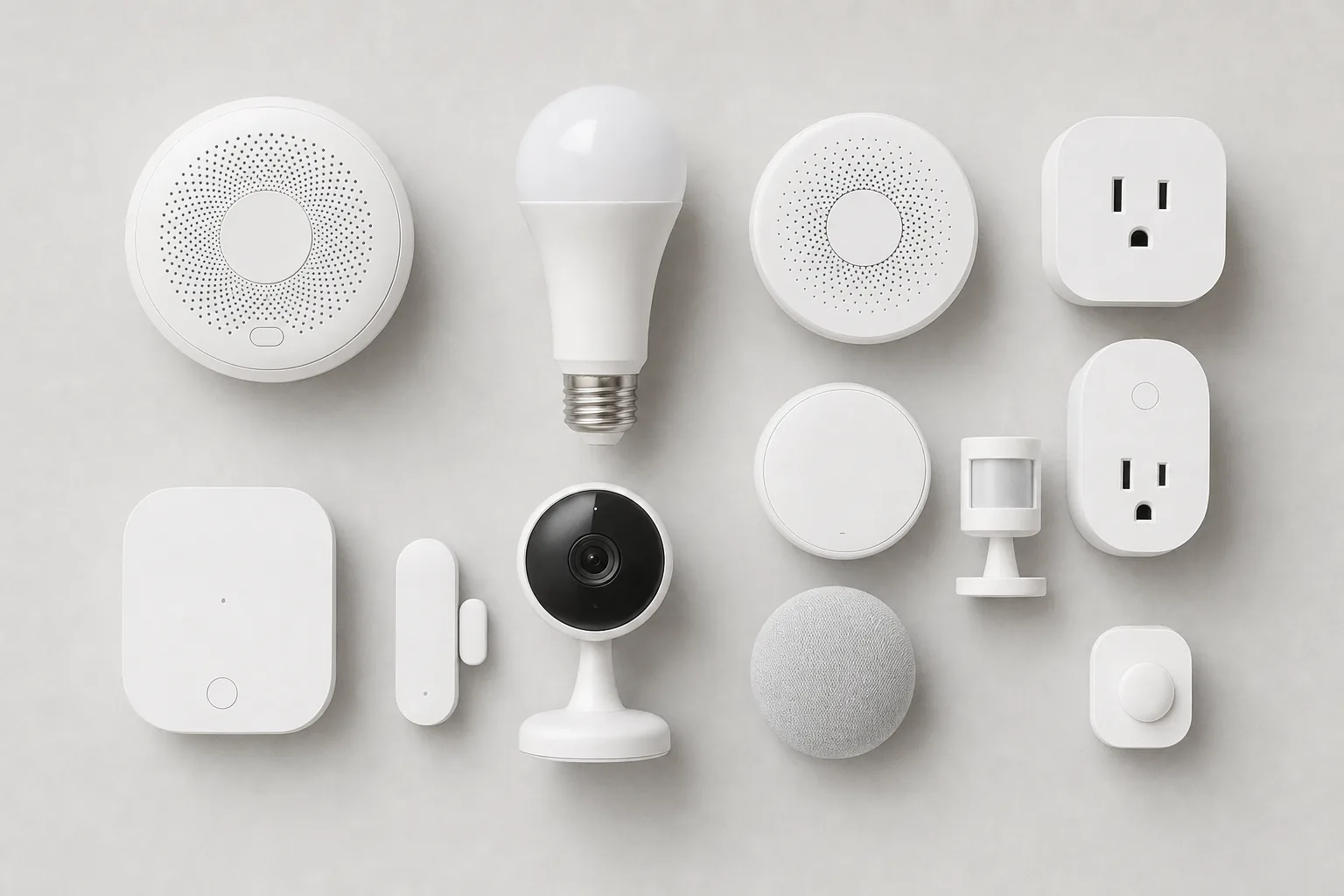
Cameras and locks are where the Matter promise still meets real-world caveats.
Honesty matters more than hype, so here are the two big areas where "it is all Matter now" overpromises in 2026.
Cameras and video doorbells: brand new, barely shipping
Cameras were one of the most-requested missing pieces, and Matter 1.5 (released in late 2025) finally added them - covering indoor and outdoor cameras, video doorbells and intercoms, with live view, motion alerts, two-way talk and even pan-tilt-zoom in the spec. The snag is the gap between standard and reality: as of mid-2026, Samsung SmartThings is essentially the only major controller that has actually shipped Matter camera support. Apple Home, Google Home and Alexa are expected to follow but have not yet. Worse, the standard deliberately does not dictate the back end - where footage is stored, where the clever AI detection runs, and what hides behind a subscription - so even once everyone supports it, your camera's smartest features may still live in the maker's own app. For now, treat Matter cameras as promising rather than ready.
Smart locks: they work, with strings attached
Locks are in a better place - Matter-over-Thread locks from brands like Aqara genuinely do work across Apple Home, Google Home, Alexa and SmartThings, which was a real headache before. But there are caveats. You need a Thread-enabled controller for each ecosystem you want the lock in, the most advanced features (things like auto-unlock, geofencing, guest codes or Apple's ultra-wideband "walk up and it opens" trick) often still depend on the manufacturer's own app rather than Matter, and some older, popular locks - August's Wi-Fi models being a notable example - do not support Matter at all. So a Matter lock will reliably lock and unlock from any ecosystem, but the flashy extras may not travel with it.
The rule of thumb
For locks and cameras specifically, check the exact model against the exact app you intend to use, today, before you buy. The Matter logo on the box tells you the basics will work; it does not guarantee every advanced feature will appear in your chosen ecosystem yet.
Zigbee, Z-Wave and what happens to your existing kit
A reasonable worry: "I already have a houseful of Hue bulbs and Zigbee sensors - does Matter make all of it obsolete?" The short answer is no, and you do not need to throw anything away.
Two things keep your older kit relevant. First, many established brands have turned their existing hubs into Matter bridges. The Philips Hue Bridge, for example, can expose your Zigbee Hue bulbs to Matter, so they appear in Apple Home, Google Home or Alexa as if they were Matter devices - no rebuying needed. SmartThings and several others do the same trick for their Zigbee and Z-Wave gear. Second, the device makers behind older standards are gradually shipping new Matter-native products, so as bulbs and sensors eventually fail you can replace them with Matter ones and slowly modernise.
Should you buy Zigbee or Thread for new purchases?
For brand-new buys, lean Matter-over-Thread where the choice and price are comparable - it is the direction of travel and it avoids brand lock-in. But do not be snobbish about Zigbee: its catalogue is vast, mature and often cheaper, and a Zigbee device behind a bridge that exposes Matter gives you most of the benefit anyway. The pragmatic UK approach is to build new around Matter while happily keeping the working Zigbee and Z-Wave you already own, bridged in where possible.
This same logic applies to the bigger appliances people forget are "smart". A modern robot vacuum, for instance, may use Wi-Fi and its own app today and gain Matter support later via a firmware update or a bridge - so it is rarely worth waiting on Matter alone before buying something you want now.
Buy now or wait? An honest 2026 verdict by category
The question underneath all of this is simple: is it safe to buy into Matter and Thread today, or should you hold off? The honest answer depends entirely on what you are buying, so here it is broken down by category rather than as one glib yes or no.
Buy now, with confidence
Lights, smart plugs, switches, sensors, buttons, blinds and heating controls. These are mature, cross-platform and reliable. There is no meaningful upside to waiting, and Matter-over-Thread versions are widely available at sensible prices. If anything, buying now and building a few border routers into your home (via a speaker or two) sets you up nicely for everything that comes later.
Buy carefully, checking the exact model
Smart locks. The category works, but advanced features and per-ecosystem support vary, so match the specific lock to the specific app you will use before committing. Buying a well-reviewed Matter-over-Thread lock from a brand with a good app is the safe play.
Wait, or buy on the device's own merits
Cameras and video doorbells. Matter camera support is real on paper but barely shipping in 2026, and the best features still live in manufacturer apps. If you need a camera now, buy the best camera for your chosen ecosystem on its own strengths - do not pay a premium chasing a Matter logo that your app may not honour for a while yet.
The one-line strategy
Build the boring backbone - lights, plugs, sensors, heating - on Matter-over-Thread today, make sure you own at least one Thread border router, and treat cameras and the fancier lock features as "buy on merit now, enjoy the Matter benefits later". That gets you the future-proofing without betting on features that have not landed.
Practical UK buying advice and the gotchas to avoid
To finish, the practical bits that save UK shoppers from the most common frustrations. None of these are dealbreakers - they are the small print that the boxes leave out.
- "Works with Matter" can mean two different things. A device might be a Matter device, or it might just be bridgeable to Matter through the brand's hub. Both are fine, but check which you are buying if you specifically want to ditch extra hubs.
- Check for the word "Thread" if you want the low-power benefits. Plenty of Matter devices are Matter-over-Wi-Fi, which is perfectly good for mains-powered kit but less ideal for battery sensors. For sensors and locks, look for Matter over Thread specifically.
- Make sure you actually own a border router before buying Thread sensors. A Thread device with no border router on the network simply will not connect. Check your speaker or streaming box first - you may already be covered.
- Your router and Wi-Fi still matter (lower-case). Matter and Thread lean on solid networking, including good IPv6 handling. A flaky old router can cause mystery dropouts. If your Wi-Fi already struggles, fix that first.
- Keep the Matter QR codes. The little code on the device or in the manual is what you scan to set it up and to re-add it later. Photograph it before the sticker peels off or the box goes in the recycling.
- Mind the "setup ecosystem". Decide which app will be your main controller before you start, then share to others via multi-admin. Chopping and changing the primary controller later is the single most reliable way to confuse a Matter device.
- UK pricing reality: Matter has not made smart gear pricier - if anything competition has nudged plugs and bulbs down. Expect Matter-over-Thread sensors and plugs to cost around the same as their non-Matter equivalents, with the usual dips around big UK sale events worth waiting for if you are not in a hurry.
Get those right and the technology mostly disappears, which is the whole point. The goal was never to make you learn about application layers and IPv6 meshes - it was to let you buy a plug, scan a code, and have it just work in whatever app you already use. In 2026, for most of the home, that is finally close to true.
Frequently asked questions
Is Matter the same thing as Thread?
No. Matter is a common software language that lets smart-home devices from different brands understand each other; Thread is a low-power wireless network that can carry that language. You will often see them together as 'Matter over Thread', but Matter can also run over your normal Wi-Fi. Think of Matter as the language and Thread as one of the roads it travels on.
Do I need a hub for Matter?
You need a Matter controller, which is usually something you already own - an Apple HomePod or Apple TV, a Google Nest device, an Amazon Echo, or a Samsung SmartThings hub. For Matter-over-Thread devices specifically, that controller also usually needs to act as a Thread border router. Many popular speakers and streaming boxes do both jobs at once, so most people do not need to buy a separate hub.
Which devices are Thread border routers?
In 2026 the common ones include the Apple HomePod mini, the second-generation HomePod, and the Ethernet model of the Apple TV 4K; Google's second-generation Nest Hub and Nest Hub Max; and Amazon's fourth-generation Echo, Echo Studio, Echo Dot Max and Echo Plus. Some Wi-Fi routers now include one too. If you own one of these, you already have a border router.
Will Matter work with my old Zigbee or Hue devices?
Often yes, without rebuying anything. Many brand hubs - the Philips Hue Bridge, SmartThings and others - can bridge your existing Zigbee or Z-Wave devices into Matter, so they appear in Apple Home, Google Home or Alexa as if they were Matter devices. Your older kit stays useful; you simply buy Matter-native gear as things eventually need replacing.
Can one Matter device work with Apple, Google and Alexa at the same time?
Yes - this is called multi-admin. A single Matter device can be shared across several ecosystems simultaneously, so a plug can be controlled from Apple Home, Alexa and Google Home at once. It works well for everyday devices, though the sharing process between apps can still feel a little clunky in 2026.
Does Matter support cameras and smart locks yet?
Partly. Matter 1.5 (late 2025) added cameras, video doorbells and intercoms to the standard, but as of mid-2026 only Samsung SmartThings has really shipped support; Apple, Google and Alexa are still catching up, and many camera features stay in the maker's own app. Locks are further along - Matter-over-Thread locks work across the major ecosystems - but advanced features like auto-unlock or guest codes often still rely on the brand's app.
Should I wait for Matter to mature before building a smart home?
For lights, plugs, sensors, blinds and heating, there is no reason to wait - those work well across ecosystems today. For cameras, buy the best camera for your chosen platform on its own merits rather than chasing the Matter logo. For locks, check the specific model against the specific app you will use. Building the everyday backbone on Matter-over-Thread now is a safe, future-proof choice.
The bottom line on Matter and Thread
Strip away the acronyms and it is refreshingly simple. Matter is a shared language that finally lets smart-home gadgets from rival brands understand one another, and Thread is a clever low-power network that carries that language efficiently to your sensors, locks and bulbs. They are partners, not rivals, and the border router that links Thread to the rest of your home is probably already inside a speaker you own.
For the everyday smart home - lighting, plugs, sensors, blinds and heating - Matter in 2026 delivers on its promise: buy a device, scan a code, and use it in whatever app you like, without brand lock-in deciding your voice assistant. The honest caveats are cameras (the standard is here, but the apps are barely shipping it) and the fancier lock features (which often still live in the maker's own app). So build the boring backbone on Matter-over-Thread today, make sure you have a Thread border router, and buy cameras and advanced lock features on their own merits for now. Do that and you get the future-proofing without gambling on features that have not quite landed. If you are just getting started, our UK smart home starter kit guide is the natural next step.