
I've Repaired Computers for 20 Years, and This Is the Backup Mistake I See Most
Cracked screens and dead batteries I can fix. The problem I genuinely dread is the one almost everyone makes — and it's completely avoidable.

We link to the exact model on Amazon UK. Prices change often, so check the live price before you buy. As an Amazon Associate we earn from qualifying purchases.
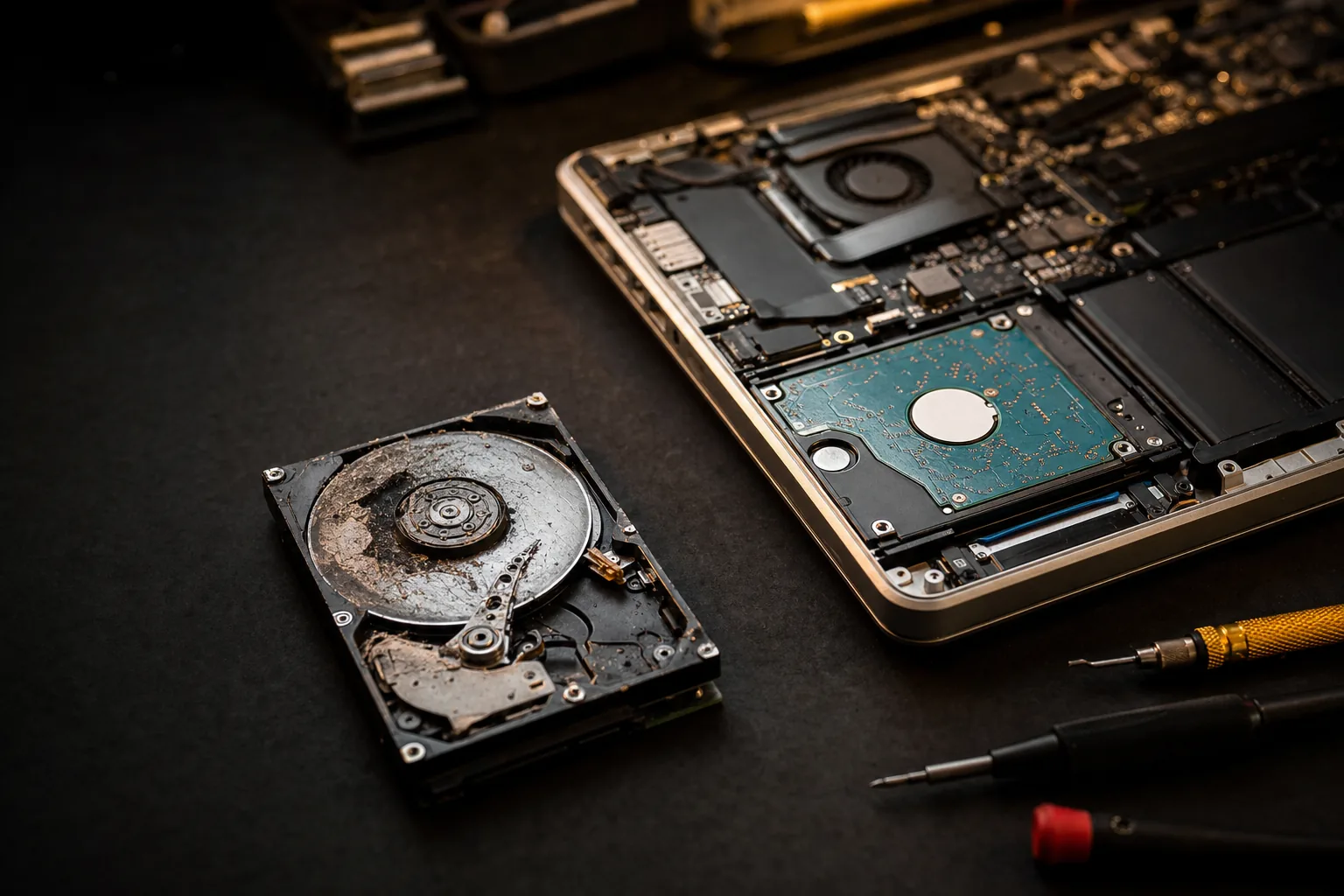
In twenty-odd years of fixing computers, I've handed back a lot of laptops. The conversations I dread aren't about smashed screens or swollen batteries — those I can sort. They're the ones that begin with: "So… is my stuff still on there?" Because by the time a drive lands on my bench making that faint clicking noise, the honest answer is often no, and there's nothing anyone can reasonably do about it.

See the Samsung T7 Shield on Amazon UK
Check today's price & availability on Amazon UK
The single most common, most painful and most avoidable problem I see isn't a virus or a broken hinge. It's that almost nobody backs up until the drive has already failed. By then it's too late. So let me tell you what I see, why it happens, and the ten-minute fix I wish every customer had set up before they walked in.
What actually happens when a drive dies
Every storage drive has a shelf life. Old-style mechanical hard drives have spinning platters and moving heads that wear out, get knocked, or simply seize — that clicking sound is usually the head failing. Modern SSDs have no moving parts, so people assume they're immortal. They're not: the memory cells wear, and worse, when an SSD fails it tends to go all at once, with little warning, rather than degrading gracefully.
When a drive dies properly, your options are grim. Specialist data-recovery labs can sometimes pull data from a failed drive in a clean room — but it routinely costs £300 to well over £1,000, with no guarantee, and for a physically dead drive even that often comes back empty. Customers are genuinely shocked that "the computer person" can't just retrieve it. I can't. Nobody on a normal budget can.
The thing people lose is never what they expect
Here's the part that stays with me. People assume they'll miss documents or work files. They don't, much. What breaks hearts is the photos. Years of kids growing up, weddings, a parent who's no longer here — all sitting in one folder, on one drive, with no copy anywhere. That's the call I hate making. And it's almost always avoidable.
The reason it keeps happening isn't laziness. It's that backing up feels like a "someday" job with no deadline — right up until the deadline arrives without warning. "I'll sort it later" is the most expensive sentence in tech.
The fix: the 3-2-1 rule, made simple
You don't need to be technical. The professional standard is the 3-2-1 rule, and in plain English it's just this:
- 3 copies of anything you'd be gutted to lose.
- 2 different places (not two folders on the same drive — that's one place).
- 1 copy off-site, so a fire, flood, burst pipe or burglary can't take everything at once.
In practice, for a normal household, that means two things working together:
- An automatic cloud backup — something like Backblaze, iDrive, or even OneDrive/Google/iCloud for your photos. The word that matters is automatic: if it needs you to remember, it won't happen.
- A local copy on an external SSD — for fast, offline access and the times your internet is down or you've too much data to trust to upload alone.
What I'd actually set up — and what to avoid
From the bench, here's where people go wrong even when they try:
- Don't rely on a single external drive. An external drive is still a drive — it dies too. It's a second copy, not a safety net on its own.
- Don't leave the backup permanently plugged in. Ransomware and theft take whatever's connected. Back up, then unplug it.
- Don't trust "I'll do it manually on Sundays." You won't. Automate it once and forget it.
- Do use a rugged SSD over a cheap spinning drive for the local copy — no moving parts to knock, far faster, and it'll survive being chucked in a bag.
For that local copy I keep coming back to the Samsung T7 Shield: it's quick, properly rugged (IP65 dust- and water-resistant, survives drops), and small enough to live in a drawer and come out once a week. Pair it with an automatic cloud backup and you've quietly solved the problem that brings most of my heartbreak repairs through the door.
The Repair Bench verdict
Do it today, not "someday": set up one automatic cloud backup and keep a local copy on an external SSD. Together that's the 3-2-1 rule, sorted.
Best for most people: automatic cloud (Backblaze/iDrive/OneDrive) + a rugged external SSD like the Samsung T7 Shield for the offline copy.
What to avoid: one external drive as your only backup, leaving it always plugged in, or any "I'll remember to do it" plan.
The honest truth: a dead drive is usually gone for good. Five minutes now beats a £1,000 recovery quote and a "sorry, there's nothing I can do" later.
As an Amazon Associate we may earn from qualifying purchases — at no extra cost to you. We only recommend kit we'd actually use.
- Samsung T7 ShieldView on Amazon