
External SSD vs Cloud Storage: Which Should You Actually Pay For?
I've lived with both for years — and the honest answer about cost, speed, privacy and reliability isn't the one most people expect.
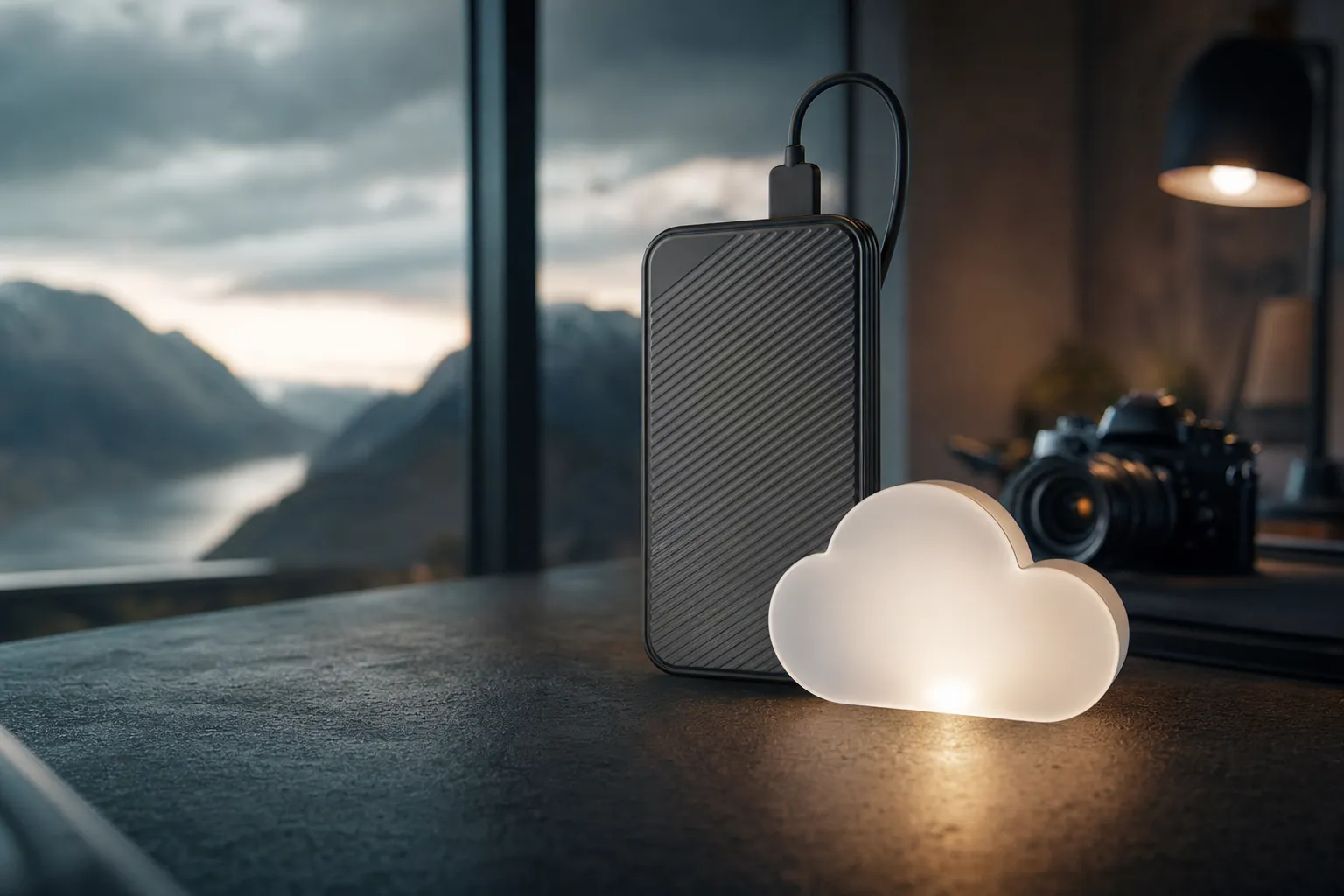
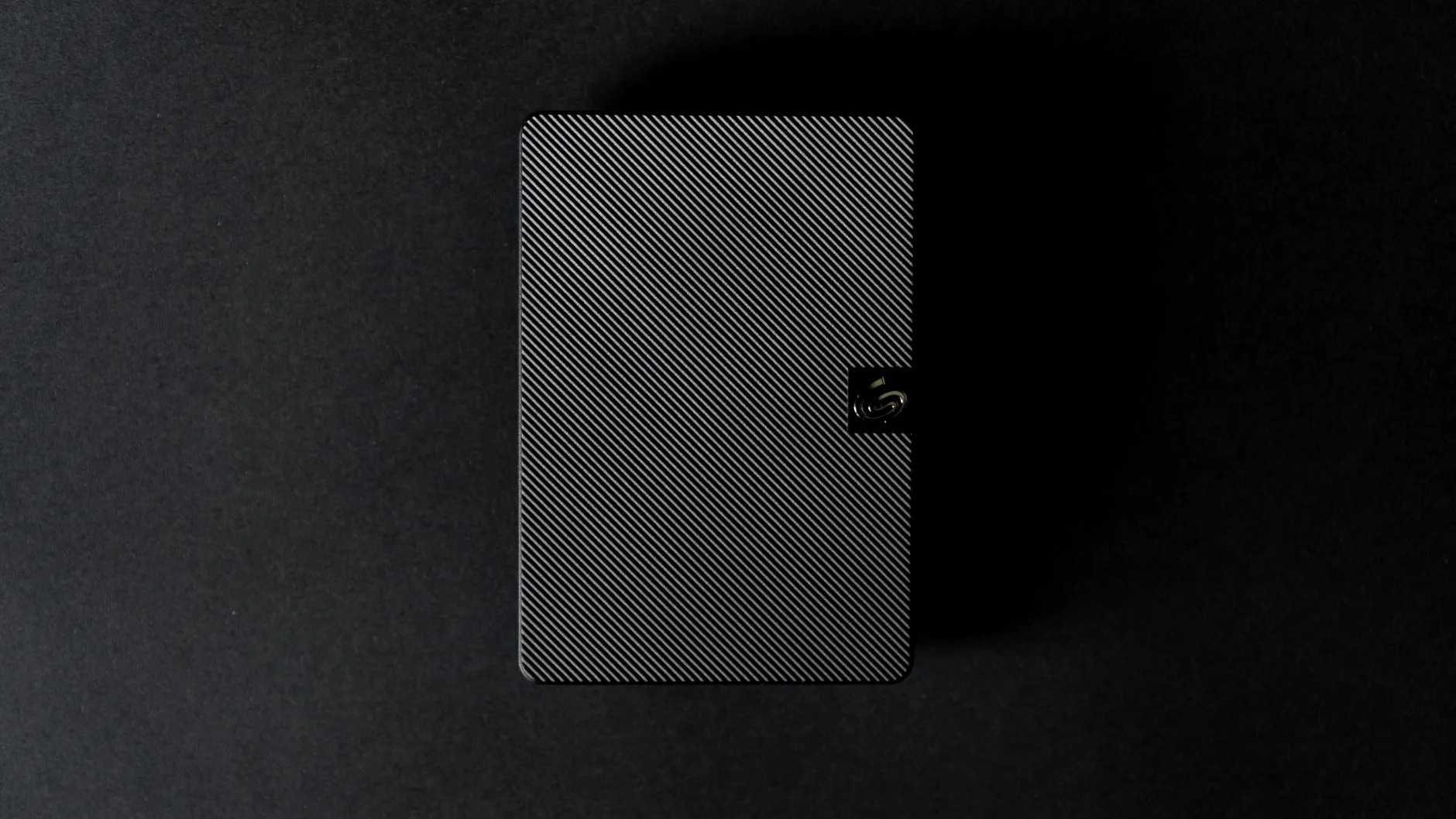
It comes down to a simple question: do you want your files in your hand, or in someone else's data centre?
Every few months someone asks me the same thing: "Should I buy an external SSD or just pay for cloud storage?" It feels like a small decision, but it quietly shapes how safe your files are, how fast you can work, and how much you'll spend over the next decade. The trouble is that the two options aren't really competing — they're good at completely different jobs. In this guide I'll walk you through the cost over time, the raw speeds, the privacy trade-offs and the reliability picture, using real prices and real benchmark numbers, so you can spend your money where it actually counts.
The Short Version (For The Impatient)
If you only read one paragraph, read this one. An external SSD wins on raw speed, one-time cost and physical control of your data. Cloud storage wins on anywhere-access, automatic off-site backup, and protection if your house floods or your bag gets nicked. The smartest setup for most people isn't choosing one — it's using an SSD for your fast, active working files and the cloud as a safety net. But if you're forced to pick, the deciding factor is whether your biggest fear is losing data or leaking data.
Two very different tools — and once you see how they differ, the choice gets a lot clearer.
Speed: Where SSDs Simply Embarrass The Cloud
Let's start with the area where there's barely a contest. When it comes to moving files on and off the drive, modern external SSDs are extraordinarily quick — and crucially, they don't need an internet connection to do it. An SSD is faster and works without a connection, which matters enormously for active working files like video projects, photo libraries or game installs.
The numbers from the latest crop of drives are genuinely impressive. The Corsair EX400U over USB4 is capable of read speeds above 4,000 MBps and write speeds over 3,700 MBps. The LaCie Rugged SSD4 manages sequential speeds around 4,000 MB/s reads and 3,700 MB/s writes in Windows, and a still-rapid 3,440 MB/s reads with 3,093 MB/s writes on a current-generation Mac Mini. The Adata SE920 EX pushes nearly 4GBps transfers. And at the very top, USB4 enclosures like the OWC Express 1M2 are rated up to 3,151MB/s.
It's worth understanding the difference between peak and sustained speeds, because marketing tends to quote the headline figure. The Corsair EX400U, for instance, holds a sustained Iometer write speed of typically 1,600 to 1,700 MBps over a full 15-minute run — slower than its peak, but still streets ahead of anything you'll get over a home broadband upload. The OWC Express 1M2 posted 2,736 MBps writes and 2,980 MBps reads in Aja System Test Lite, and around 100 MBps higher in Blackmagic, comfortably cracking the 3,000 MBps read mark in real testing.
Now compare that to the cloud. No matter how fast a provider's data centre is, your transfers are throttled by your home connection — and specifically your upload speed, which on most UK broadband packages is a fraction of the download figure. No Wi-Fi means no access to your files at all, and a slow connection means slow performance, full stop. If you've ever tried to upload a 50GB video project to the cloud before a deadline, you'll know the particular flavour of dread involved.
Cloud storage shines for documents, photos and modest files that sync quietly in the background. It is genuinely painful for large, time-sensitive transfers — which is exactly where an SSD feels like a superpower.
Cost Over Time: The Maths That Changes Everything
This is the section people most often get wrong, because the monthly cloud fee looks small. The catch is that small recurring numbers compound into large ones, whilst an SSD is a single payment you never make again.
Let's anchor it with a real comparison. A 2TB external drive costs roughly the same as a one-year subscription to the equivalent amount of cloud storage. The cloud has the smaller monthly fee — but it costs more in the long run because that fee never stops. Pay it for five years and you've spent five times the price of the drive; pay it for ten and the gap is enormous.
The monthly cloud fee feels harmless — until you total it up over a decade of ownership.
Here's where the SSD market sits in 2026. Drive prices below are US list figures with approximate sterling equivalents at about £1 = $1.27; UK retail includes VAT and varies by seller, so treat them as a guide rather than a quote. The 4TB models are the sweet spot, landing around $250 (about £199) with over 1,000 MBps sustained speeds and 600TBW of endurance. The Corsair EX400U comes in at roughly $189 (about £149) for 2TB and $349 (about £279) for 4TB. The Adata SE920 EX is $280 (about £219) for 1TB. At the premium end, the LaCie Rugged SSD Pro5 with Thunderbolt 5 is $329 (about £259) for 2TB and $529 (about £419) for 4TB. And density keeps improving — 8TB external drives have dropped below $0.10/GB (about £0.08/GB) in 2026.
On the cloud side, the recurring numbers stack up quickly. Microsoft OneDrive offers 1TB as part of Microsoft 365 Personal for around £5.99/month, or $9.99/month standalone in the US. Google One is about £7.99/month for 2TB. Icedrive does 1TB for $5.99/month (about £4.70) or $59 (about £46) annually, and Backblaze offers an unlimited personal backup plan for $9/month (about £7) or $99 (about £78) a year.
| Storage Choice | Up-front Cost | Ongoing Cost | 5-Year Outlook |
|---|---|---|---|
| Corsair EX400U 2TB SSD | ~£149 once | None | ~£149 total |
| 4TB external SSD (sweet spot) | ~£199 once | None | ~£199 total |
| Google One 2TB cloud | None | ~£7.99/month | ~£479 |
| OneDrive 1TB (M365 Personal) | None | ~£5.99/month | ~£359 |
| Backblaze unlimited backup | None | ~£78/year | ~£389 |
pCloud lifetime-plan pricing changes with promotions and region. Check the dated price on pCloud's official plan page rather than relying on the stale figures previously shown here.
Pro Tip
Don't compare a one-off SSD price against a single month of cloud. Multiply the monthly cloud fee by however many years you realistically expect to keep your files — which, let's be honest, is "forever." That's the number that matters.
Check the latest price and any current bundles on Amazon.
Reliability & Lifespan: How Long Will Your Files Really Last?
Reliability is where the conversation gets nuanced, because "will it break?" and "will I lose my files?" are two different questions.
SSD retention and service life depend on write workload, media condition, temperature and unpowered storage time. Treat warranty and endurance ratings as useful specifications, not a guarantee, and verify and refresh every important copy.
No moving parts
SSDs survive bumps and drops that would kill a traditional hard drive — ideal for chucking in a bag.
Ten-year life expectancy
Roughly double the lifespan of a mechanical drive, with high-endurance models rated for 600TBW.
Five-year warranties
The premium drives are confident enough to back themselves with long warranties and 2.5M+ hour MTBF.
But here's the catch that almost nobody mentions: SSDs are not ideal for long-term cold storage. NAND cells slowly lose their charge when the drive sits unpowered. JEDEC standards estimate that consumer SSDs retain data for about one year at 30°C without power. So an SSD shoved in a drawer as a "backup" and never plugged in for years is exactly the wrong way to use one. Plug it in occasionally and you're fine; treat it like a time capsule and you may be disappointed.
An SSD left disconnected for over a year risks data loss as the NAND cells lose charge. If you want a true set-and-forget archive, the cloud — or at least a powered, regularly-used drive — is the safer choice.
Cloud storage flips this entirely. There's no hardware in your possession to fail, and reputable providers store multiple redundant copies across data centres. If a server dies, you never even notice. The flip side is that your data now lives in someone else's hands, and data breaches are a known, real risk. You're trading hardware reliability for organisational trust — and that's a genuinely different kind of risk to weigh up.
Privacy & Security: The Part Most People Ignore
If reliability is about losing files, privacy is about leaking them — and the two technologies behave almost in mirror image here.
Let's be blunt about the external SSD's weakness. A standard SSD has no built-in encryption, which means anyone with physical access to the drive can read its contents. If your drive is lost, stolen, or quietly accessed without your knowledge, your files are wide open. Most consumer external drives offer little to no built-in protection. The flip side of holding your data in your hand is that if that hand drops the drive on a train, whoever finds it has everything.
An unencrypted SSD is a house with the door left open — convenient until the wrong person walks in.
There are honourable exceptions worth seeking out. The Samsung T9 includes AES 256-bit hardware encryption, so even if it's stolen, the contents are scrambled without your password. If you go the SSD route and care about privacy, a drive with proper hardware encryption is non-negotiable — and for the genuinely privacy-focused, an external drive does mean your files stay under your physical control all the time, which has its own appeal.
Cloud storage, perhaps surprisingly, often comes out ahead on encryption. Providers typically offer strong encryption both in transit — while your files are uploading or syncing — and at rest in their data centres. The gold standard is zero-knowledge encryption, where files are encrypted on your device before they ever leave it, so the provider literally cannot read them. Services like Internxt encrypt files on your device before upload, and cloud storage with zero-knowledge encryption is genuinely more secure against theft and physical threats than a bare SSD.
Cloud Privacy Strengths
- Strong encryption in transit and at rest as standard
- Zero-knowledge options (e.g. Internxt) keep providers locked out
- A lost laptop doesn't mean lost files — they're elsewhere
- Better protection against physical theft of your devices
Cloud Privacy Weaknesses
- Your data lives in someone else's hands
- Data breaches are a known, ongoing risk
- You're trusting a company's security practices
- Ongoing cost continues every month indefinitely
Head-to-Head: The Full Comparison
Here's how the two stack up across the factors that actually influence the decision. Notice how rarely the same column wins twice in a row — that's the whole story of this comparison in one table.
| Factor | External SSD | Cloud Storage |
|---|---|---|
| Transfer speed | Up to ~7GBps on Thunderbolt 5 | Capped by your broadband upload |
| Works offline | Yes, always | No — needs a connection |
| Up-front cost | Higher (one-time) | Low or none to start |
| Long-term cost | Cheaper overall | Adds up every month |
| Off-site backup | No (it's in your bag) | Yes, redundant copies |
| Default encryption | Usually none | Standard, often zero-knowledge |
| Physical control | Total — it's yours | Held by the provider |
| Hardware durability | ~10-year life, drop-rated models | No hardware to worry about |
| Cold storage | Risky if left unpowered ~1 year | Safe indefinitely |
| Anywhere access | Only where the drive is | Any device, anywhere |
Notable External SSDs Worth Knowing
If you've decided an SSD is your path, here's a quick scout of the drives currently doing the rounds, because they suit very different needs.
SanDisk Pro-G40
An all-rounder with both Thunderbolt 3 and USB modes, so it plays nicely whether you're plugged into a Mac, a PC or a USB-only laptop.
Corsair EX400U
A USB4 speed demon — read speeds above 4,000 MBps and writes over 3,700 MBps — at around $189 (about £149) for 2TB and $349 (about £279) for 4TB.
LaCie Rugged SSD4 / Pro5
Built for the field with around 4,000 MB/s reads in Windows. The Thunderbolt 5 Pro5 runs $329 (about £259) for 2TB and $529 (about £419) for 4TB, and LaCie bundles a month of Adobe apps worth about £61.
Adata SE920 EX
Nearly 4GBps transfers at $280 (about £219) for 1TB — pitched directly against the $300 (about £239) 1TB OWC Express 1M2.
Samsung T9
The privacy pick, with AES 256-bit hardware encryption and a 2-metre drop rating for peace of mind in a bag.
Lexar SL660 & SK hynix Beetle X31
The SL660 hits 1,800 MBps and is PS5-ready; the Beetle X31 offers 1,050 MBps over both USB-A and USB-C. Both are excellent value middleweights, as is the budget-friendly Crucial X6 at 540 MBps.
From rugged field drives to pocket-sized value champions, there's an SSD shaped for almost every workflow.
How I'd Rate Each Approach
No single score can capture a comparison this lopsided across categories, so here are two ratings — one for each approach — judged on the things that matter day to day.
External SSD
Cloud Storage
Who Should Buy Which?
The Creative Pro
Editing 4K video or huge photo libraries? Buy a fast SSD — ideally USB4 or Thunderbolt. You need the 4,000 MBps-plus speeds for active work, and no cloud line can match it.
The Remote Worker
Hopping between laptop, tablet and the office? Cloud wins. Anywhere-access and automatic sync are exactly what you're paying for, and your files are safe if a device walks off.
The Privacy Hawk
Want files no company can read? Either a hardware-encrypted SSD like the Samsung T9, or a zero-knowledge cloud service like Internxt. Avoid a bare, unencrypted drive.
The Budget Planner
Hate recurring bills? A 4TB SSD at about £199 pays for itself versus the cloud within a year or two — or grab a pCloud lifetime plan to keep cloud convenience without the subscription.
The Long-term Archivist
Storing memories for decades? Don't trust an unpowered SSD alone — NAND loses charge in about a year. Lean on the cloud, or keep your drive plugged in regularly.
The Gamer
Expanding console or PC storage? A drive like the PS5-ready Lexar SL660 at 1,800 MBps gives you fast, local, offline capacity the cloud can't replicate.
Frequently Asked Questions
The pros use both — fast local storage for work, the cloud as the safety net behind it.
The Verdict
After years of living with both, my honest conclusion is that this was never really a fair fight, because they're solving different problems. The external SSD is unbeatable on raw speed — up to around 7GBps on the fastest Thunderbolt 5 drives — works completely offline, and costs you once rather than forever. A 4TB drive at roughly £199 will outlast and out-value years of subscriptions. Its weaknesses are real, though: usually no encryption out of the box, no off-site protection if it's lost, and a worrying tendency to forget your data if left unpowered for a year.
Cloud storage answers exactly those weaknesses. Strong encryption (zero-knowledge if you choose well), redundant off-site copies that survive any household disaster, and access from any device anywhere. The price is the price — a monthly fee that quietly compounds, plus the need to trust a company with your files and a connection to reach them.
If I had to hand you one rule: buy an SSD for the files you work with, and pay for cloud storage for the files you can't bear to lose. If forced to pick just one, choose the SSD if speed and long-term cost matter most, and the cloud if your nightmare is losing everything in a flood, fire or theft. For nearly everyone, the genuinely smart money is spent on a fast local drive and a modest cloud plan working together.