
What Is an NPU? Making Sense of AI PCs and Copilot+ Laptops
TOPS, Copilot+ certification and the silicon doing the heavy lifting — decoded in plain English so you can decide whether the AI badge is actually worth paying for.
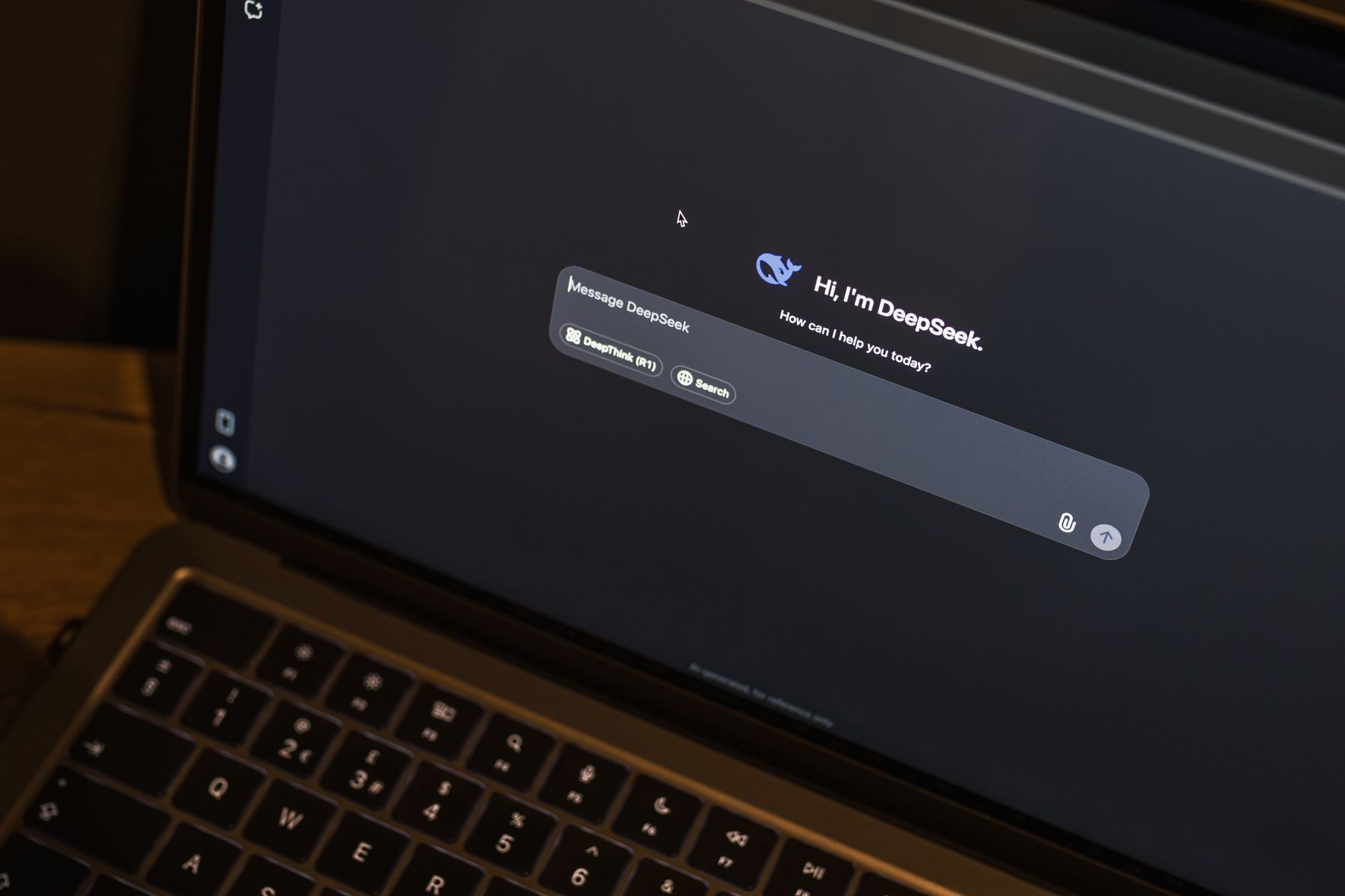
The NPU is now a headline feature on laptop spec sheets — but what does it actually do for you?
Walk into any electronics shop in 2026 and you'll be bombarded with stickers shouting about "AI PCs", "Copilot+" and big numbers measured in "TOPS". It's genuinely confusing, and a lot of it is marketing froth designed to make you feel like you're missing out. So let's strip away the noise. In this guide I'll explain exactly what an NPU is, what TOPS really means, what Microsoft's Copilot+ badge requires, and — crucially — whether any of it justifies spending more of your hard-earned money.
See Snapdragon X2 Elite on Amazon UK
£1499.97 · 3% offprice at 23 Aug, may change
What we'll cover
- What an NPU actually is
- Understanding TOPS (and the marketing trick)
- Copilot+ PC requirements explained
- AI PC vs Copilot+ PC
- The three main chip platforms
- Battery life and efficiency
- The laptops that qualify
- The next generation: Snapdragon X2
- Who actually benefits
- Verdict and FAQ
What Exactly Is an NPU?
An NPU — a Neural Processing Unit — is a dedicated processor built into a larger system on chip (SoC) whose entire reason for existing is to accelerate neural network operations and AI tasks. That's the whole job. It's a specialist, not a generalist.
To understand why that matters, it helps to compare it with the two chips you already know. A CPU is the brain of your laptop and is brilliant at general-purpose work: running Windows, juggling browser tabs, opening spreadsheets. A GPU is exceptional at parallel work like rendering graphics, which also makes it handy for AI — but it's power-hungry and runs hot. An NPU sits in between, optimised specifically for the kind of maths that AI models lean on: matrix maths, tensor operations, and quantised integer workloads that are common in vision and language models.
The headline benefit is that the NPU runs these AI workloads locally — on your machine, without sending data to the cloud — and does it whilst sipping power. We'll get into the figures shortly, but the short version is: cooler, quieter, longer-lasting laptops that can do clever AI tricks without melting the battery.
Purpose-built for neural networks
Where a CPU treats AI as just another task, the NPU's architecture is shaped around the matrix and tensor maths that machine-learning models depend on.
Quantised integer efficiency
NPUs are tuned for the quantised integer workloads found in modern vision and language models, which is why they get so much done per watt.
On-device processing
Tasks like real-time translation, image generation and intelligent search can run locally rather than relying on a constant cloud connection.
Decoding TOPS (And the Marketing Trick to Watch For)
You'll see TOPS plastered everywhere. It stands for Tera Operations Per Second — trillions of operations per second — and it's a measurement of the potential peak AI inferencing performance, based on the architecture and frequency of the NPU. Higher numbers suggest more AI grunt. Simple enough, in theory.
Here's where you need to keep your wits about you. There are systems now being marketed with eye-catching figures of "90+ TOPS" — but those numbers often add the CPU and GPU into the calculation, whilst the NPU itself might only be doing something like 13 TOPS. That's a meaningful gap. When a feature is designed to run on the NPU specifically, the combined-platform TOPS figure tells you very little about how well it'll actually perform.
Read the small print. When a laptop advertises a huge TOPS number, check whether it refers to the NPU alone or the whole platform (CPU + GPU + NPU combined). For Copilot+ features, only the NPU figure counts.
This is the single most important takeaway for buyers. Don't be dazzled by the biggest number on the box. The figure that matters for AI features is the NPU's own TOPS rating — and that's also exactly the figure Microsoft uses for its certification, which brings us neatly to the next section.
Copilot+ PC: The Official Requirements
"Copilot+ PC" isn't a vague marketing term — it's a certification with hard requirements set by Microsoft. To wear the badge, a machine must offer all of the following.
Every Copilot+ PC must clear the same bar: a 40+ TOPS NPU, 16GB of RAM and a 256GB SSD.
The headline figure is that 40 TOPS NPU threshold. That's the line Microsoft drew, and it's specifically about the NPU's capability — not a combined-platform number. The reasoning is that this level of dedicated AI performance is what's needed to run features like real-time translation, image generation and intelligent search locally on the device, rather than offloading them to the cloud.
The 16GB RAM and 256GB storage minimums are sensible too. AI models and the features built around them want headroom, and 16GB has quietly become the floor for a comfortable Windows 11 experience anyway. Many of the earliest Copilot+ PCs were powered by Snapdragon X Elite-class processors, but support has since broadened to Intel Core Ultra and AMD Ryzen AI chips.
"AI PC" vs "Copilot+ PC" — Know the Difference
These two terms get used interchangeably, but they're not the same thing, and the distinction can save you money.
An "AI PC" is a loose, general label that broadly refers to any computer with an NPU on board. That's a very wide net — a machine could have a modest NPU well below the Copilot+ threshold and still get called an AI PC. It's a description, not a guarantee.
A "Copilot+ PC", by contrast, is Microsoft's specific certification: a 40+ TOPS NPU, at least 16GB of RAM, at least a 256GB SSD, and Windows 11. If a laptop carries the Copilot+ branding, you know it clears every one of those bars. If it merely says "AI PC", you don't.
Pro Tip
If the local, on-device Copilot+ features are what you're after, look for the explicit Copilot+ badge — not just "AI PC". The latter can include machines whose NPUs fall short of the 40 TOPS requirement and therefore won't run the full Copilot+ feature set on-device.
The Three Main Chip Platforms
As things stand, three platforms are doing the heavy lifting in the Copilot+ space, and each clears the 40 TOPS bar comfortably. Here's how their dedicated NPUs stack up.
Qualcomm Snapdragon X Series
The chip that kicked off the Copilot+ era. The Snapdragon X Elite features an NPU capable of 45 trillion operations per second — comfortably over the 40 TOPS line. It's ARM-based, which is a notable departure for Windows laptops, and that architecture is a big part of why these machines achieve such striking battery life and, on some models, fanless silence.
Intel Core Ultra 200V (Lunar Lake)
Intel's answer arrives with the Core Ultra 200V series, codenamed Lunar Lake, whose integrated NPU hits 48 TOPS. It's an x86 chip, so compatibility with existing Windows software is rock solid, and it handles AI workloads efficiently whilst keeping you on familiar architecture.
AMD Ryzen AI 300 (Strix Point)
AMD's Ryzen AI 300 series delivers 50 TOPS of NPU performance — the highest of this first-generation trio — paired with Radeon integrated graphics. It's also x86, and notably runs cooler under mid-level loads than older Ryzen generations, which helps preserve battery during longer working sessions.
Three platforms, three architectures — but all three clear Microsoft's 40 TOPS Copilot+ requirement.
| Feature | Snapdragon X Elite | Intel Core Ultra 200V | AMD Ryzen AI 300 |
|---|---|---|---|
| NPU performance | 45 TOPS | 48 TOPS | 50 TOPS |
| Architecture | ARM | x86 | x86 |
| Minimum RAM | 16GB | 16GB | 16GB |
| Minimum storage | 256GB SSD | 256GB SSD | 256GB SSD |
| Typical battery life | 20–34 hours | 12–16 hours | 12–16 hours |
| Notable trait | Fanless on some models | Strong x86 compatibility | Runs cool under load |
Why Efficiency Is the Real Headline
If you take one practical benefit away from all this, make it efficiency. For AI tasks, the NPU uses far less power than the alternatives — roughly 5 to 10 watts, compared with 15 to 35 watts for a CPU or GPU doing the same work. That difference cascades into everything you actually feel day to day: batteries last longer, the chassis runs cooler, and the fans (if there are any) stay quiet.
The battery figures back this up. Snapdragon X Elite machines have delivered something in the region of 20 to 34 hours of real-world mixed use — word processing, web browsing, video playback and light AI tasks. The Intel and AMD x86 platforms land in a more modest but still very respectable 12 to 16 hour range for comparable workloads. Either way, these are figures that comfortably get you through a full working day and then some.
There's a subtler advantage here too. Because AI features run on the NPU rather than spinning up the power-hungry CPU or GPU, your laptop can keep being responsive for the things you're actually doing — your spreadsheet doesn't grind to a halt because background AI just kicked in. It's the kind of benefit you don't consciously notice, which is rather the point.
The Laptops That Carry the Badge
The Copilot+ range has expanded quickly, and most of the big names are now represented. Acer, ASUS, Dell, HP, Lenovo, Samsung and Microsoft's own Surface line have all unveiled machines built on Qualcomm's Snapdragon X chips, with Intel and AMD models joining the party too. Here are some of the standouts.
| Model | Platform | Notes |
|---|---|---|
| Microsoft Surface Laptop 7 | Snapdragon X Elite | Officially the Surface Laptop 7th Edition; a showcase for what Copilot+ PCs can be |
| Microsoft Surface Pro 11 (13-inch) | Snapdragon X Elite | Smaller, more affordable Copilot+ design aimed at casual use and travel |
| Dell XPS 13 (9345) | Snapdragon X Elite | Premium design, fanless silence and all-day battery life |
| ASUS Zenbook A14 (2025) | Snapdragon X1-26-100 | Entry-level Snapdragon SoC; more than 12 hours of battery on a charge |
| ASUS Zenbook S 16 (UM5606) | AMD Ryzen AI 9 HX 370 | Ryzen AI 300 silicon with an NPU up to 50 TOPS |
| HP OmniBook X | Snapdragon X Elite | An accessible entry point into Copilot+ computing |
| Lenovo ThinkPad X1 Carbon Gen 13 | Intel Core Ultra 7 258V | Business-focused Lunar Lake machine |
| Lenovo ThinkPad T14s Gen 6 | Snapdragon X | ARM-based ThinkPad for the AI era |
From the Surface Laptop 7 to the ThinkPad X1 Carbon Gen 13, the Copilot+ range now spans most major brands.
The Microsoft Surface Laptop 7 and Surface Pro 11 are the flagship demonstrators — the machines Microsoft points to when it wants to show what the platform can do. The Surface Pro 11's 12-inch variant in particular is pitched at people who want Copilot+ smarts in a smaller, travel-friendly package. At the more accessible end, the HP OmniBook X and ASUS Zenbook A14 prove that getting onto the Copilot+ ladder doesn't necessarily require a flagship budget.
Worth noting: the Zenbook A14 uses Qualcomm's entry-level Snapdragon X1-26-100 SoC. It's the most modest chip on this list, so if running the heaviest local AI workloads matters to you, the higher-tier Snapdragon X Elite, Intel Core Ultra 200V or AMD Ryzen AI 300 machines will give you more dedicated NPU headroom.
Check the latest price and any current bundles on Amazon.
The Next Generation: Snapdragon X2 Elite
See Snapdragon X2 Elite on Amazon UK
£1499.97 · 3% offprice at 23 Aug, may change
If you're the patient type, there's a compelling reason to keep an eye on the horizon. Qualcomm's second-generation Snapdragon X2 Elite raises the bar considerably, with an 18-core ARM processor clocking up to 5.0 GHz and an 80 TOPS NPU — nearly double the dedicated AI performance of the first-generation Snapdragon X Elite, and well clear of the 40 TOPS Copilot+ threshold.
There's another intriguing claim worth flagging: where AMD and Intel laptops tend to drop roughly 50% of their performance when running on battery rather than plugged in, Snapdragon X2-class machines are positioned to hold up far better unplugged. If accurate, that's a genuinely meaningful real-world advantage for anyone who works away from a socket — sustained performance on battery is something a lot of laptops quietly fail at.
The Snapdragon X2 Elite is the emerging second-generation flagship. If your purchase isn't urgent and you want maximum NPU headroom, it's worth factoring into your timing.
So — Who Actually Benefits?
Let's be honest about this, because the marketing won't be. A Copilot+ PC is not a transformative upgrade for everyone, and plenty of people will buy one purely for the battery life and never knowingly touch an AI feature. That's fine. But here's who genuinely gets the most from the NPU.
The Road Warrior
If you live out of a bag and away from plug sockets, the 20–34 hour battery life on Snapdragon machines, and the cooler, quieter running, are worth the price of entry on their own.
The Multitasker
If you'll genuinely use real-time translation, intelligent search and local image generation, the NPU runs these without hammering your battery or your CPU.
The Efficiency Seeker
Even ignoring AI entirely, these platforms deliver excellent performance-per-watt. A quiet, cool, long-lasting laptop is a lovely thing to own day to day.
The Case For
- Outstanding battery life — up to 34 hours on Snapdragon X Elite machines
- AI tasks run on just 5–10W, keeping the laptop cool and quiet
- Local, on-device features like translation and intelligent search
- Clear, enforced standards thanks to the Copilot+ certification
- Strong choice across ARM and x86, so you can pick your priorities
The Case Against
- Misleading combined TOPS figures can overstate true NPU capability
- Many AI features are still maturing — useful, not yet essential
- ARM-based models can still hit occasional app-compatibility quirks
- x86 platforms can shed roughly half their performance on battery
- Entry-level NPUs may not run the heaviest local AI workloads comfortably
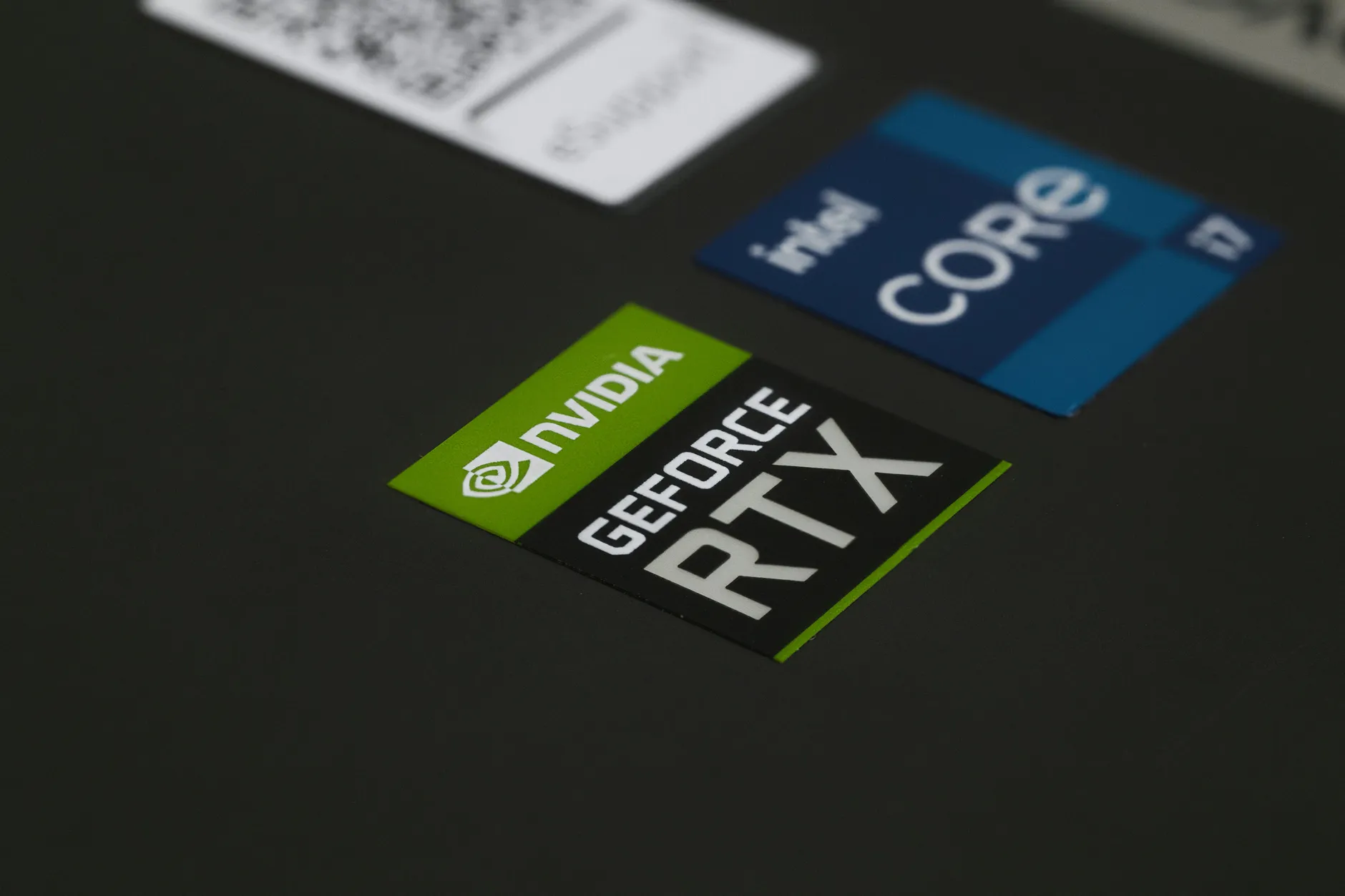
For travellers and efficiency-minded buyers, the NPU's low power draw is arguably more compelling than the AI features themselves.
The Verdict
Final Word
The NPU is a real, meaningful piece of technology — not just a sticker. By handling AI workloads on 5 to 10 watts instead of the 15 to 35 watts a CPU or GPU would demand, it delivers the genuinely lovely combination of long battery life, cool running and quiet operation that defines this generation of laptops. The Copilot+ certification, with its 40 TOPS NPU, 16GB RAM and 256GB storage floor, gives buyers a dependable standard to look for.
My honest advice? Buy a Copilot+ PC for the efficiency and battery life first, and treat the AI features as a welcome bonus that will only get more useful over time. Don't be hypnotised by the biggest TOPS number on the box — check it's the NPU's own figure. And if you can wait, the 80 TOPS Snapdragon X2 Elite is shaping up to make an already strong platform considerably stronger.