
The Fake ‘Microsoft’ Warning We Remove Every Week — and the One Thing It’s Really After
A scary full-screen pop-up, a phone number, a calm 'Microsoft engineer.' Here's exactly how the scam works, and how to shut it down.
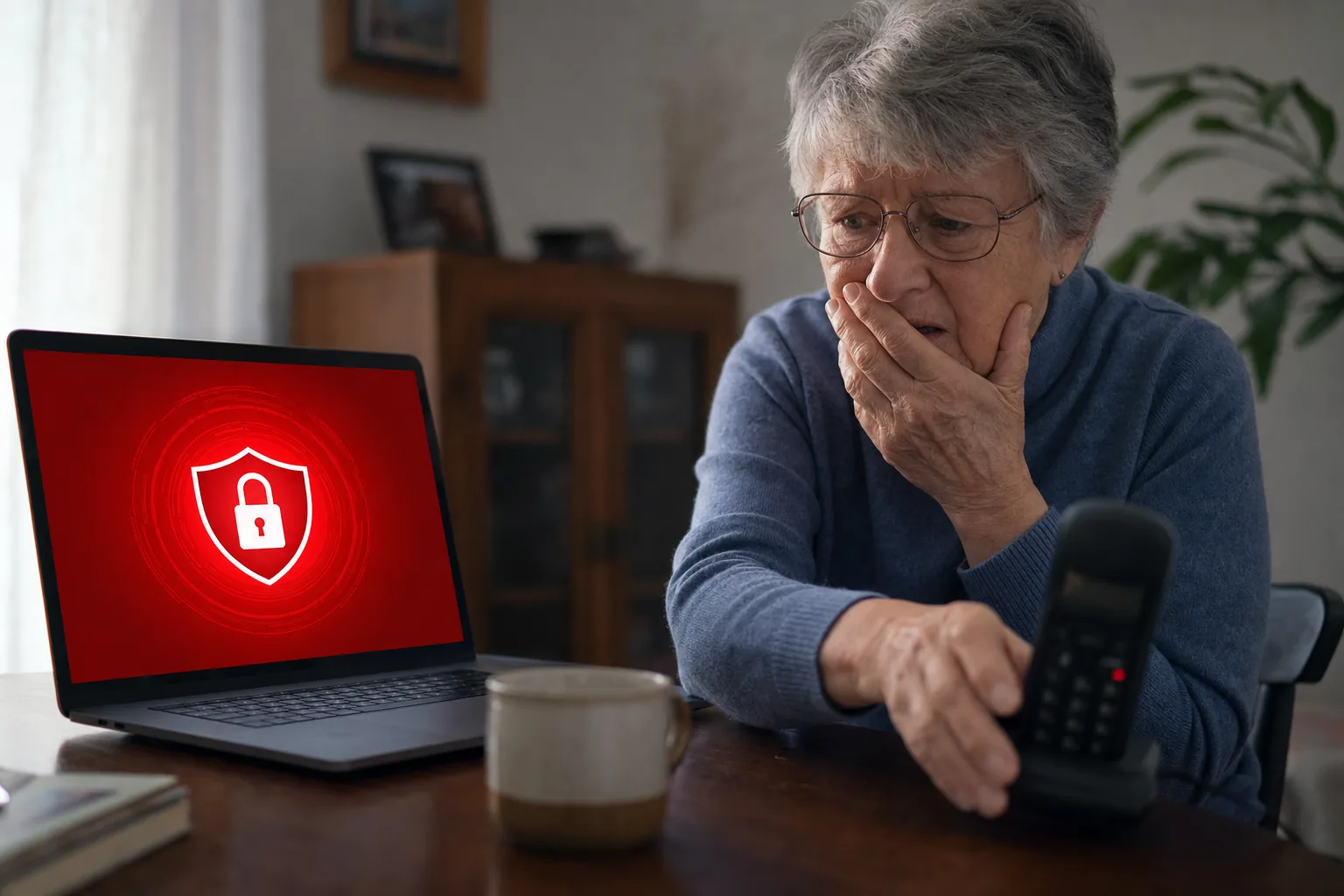

Barely a week goes by without someone bringing me a laptop convinced it's "riddled with viruses." On screen: a full-screen red warning, alarm sounds, a Windows or Microsoft logo, and a phone number to call "immediately" before your files are lost. It's frightening by design. It's also completely fake — and what it's really after isn't your computer, it's your access and your money.
How the scam actually works
The pop-up is just a web page (often triggered by a dodgy ad or mistyped address) designed to look like a system alert. There's no virus. When you ring the number, a calm "engineer" asks to connect remotely to "fix" it — and once they're in, they'll either install something nasty, "show" you fake problems to charge for, or talk you into logging into your bank so they can drain it. The pop-up is theatre; remote access is the goal.
How to tell it's fake
- Real Microsoft and Windows never put a phone number in a pop-up. Genuine security alerts don't beg you to call anyone.
- Urgency and fear are the tell. Countdown timers, alarms and "do not turn off your computer" are pressure tactics, not technology.
- A web page can't actually scan your PC for viruses. If it's in a browser window, it's a website, not your computer talking to you.
What to do
- Do not call the number and do not let anyone connect remotely.
- Close it: try closing the browser tab; if it won't let you, open Task Manager (Ctrl+Shift+Esc), end the browser, then reopen it and don't restore the previous session. A restart clears it too.
- If you already called or gave access: disconnect from the internet, and from another device change your important passwords (email first), then call your bank if you logged in or paid. Get the machine properly checked.
The people who get caught by this are rarely "bad with computers" — they're just being pressured by something built to panic them. Knowing it's a fixed script makes it powerless.
The Repair Bench verdict
If you see it: don't call, don't grant remote access. Close the browser / use Task Manager / restart. There is no virus.
If you engaged with it: disconnect, change passwords from another device (email first), and contact your bank if money or logins were involved.
Remember: a phone number in a security pop-up is, by itself, proof it's a scam.